Einführung
The MAUL Eco 850 is an environmentally friendly desktop calculator designed for office, desk, and school use. This solar-powered device features a 12-digit LCD display and is constructed from 80% recycled plastic, earning it the "Blue Angel" eco-label. This manual provides instructions for setup, operation, maintenance, and troubleshooting to ensure optimal performance and longevity of your calculator.
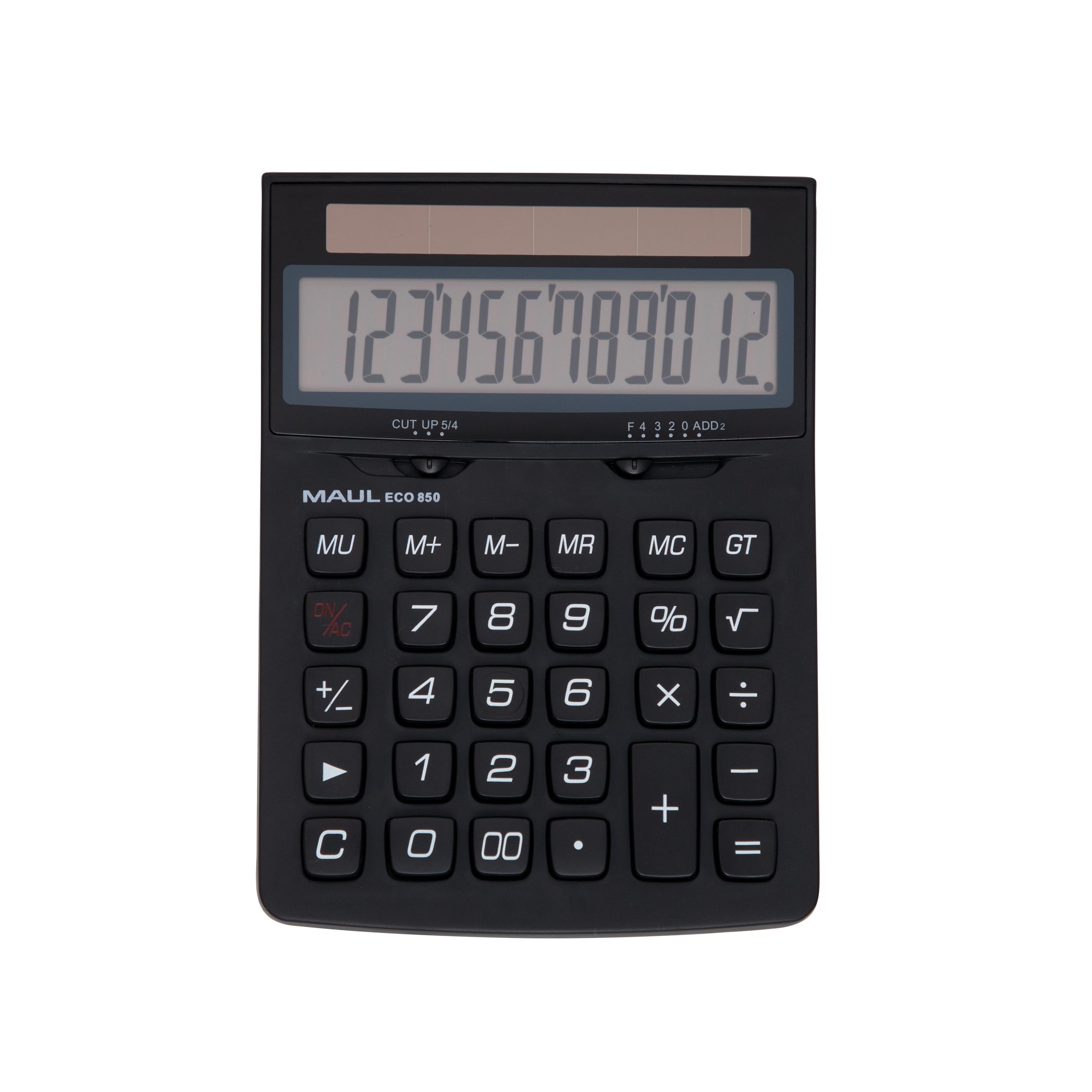
Image: The MAUL Eco 850 Desktop Calculator, demonstrating its compact size and clear display.
Aufstellen
The MAUL Eco 850 calculator is solar-powered and does not require batteries. It is ready for use when exposed to sufficient light.
- Auspacken: Carefully remove the calculator from its environmentally friendly, plastic-free packaging.
- Einschalten: Place the calculator in an area with adequate ambient light (at least 50 lux). The display should activate automatically. If the display does not turn on, ensure it is exposed to brighter light.
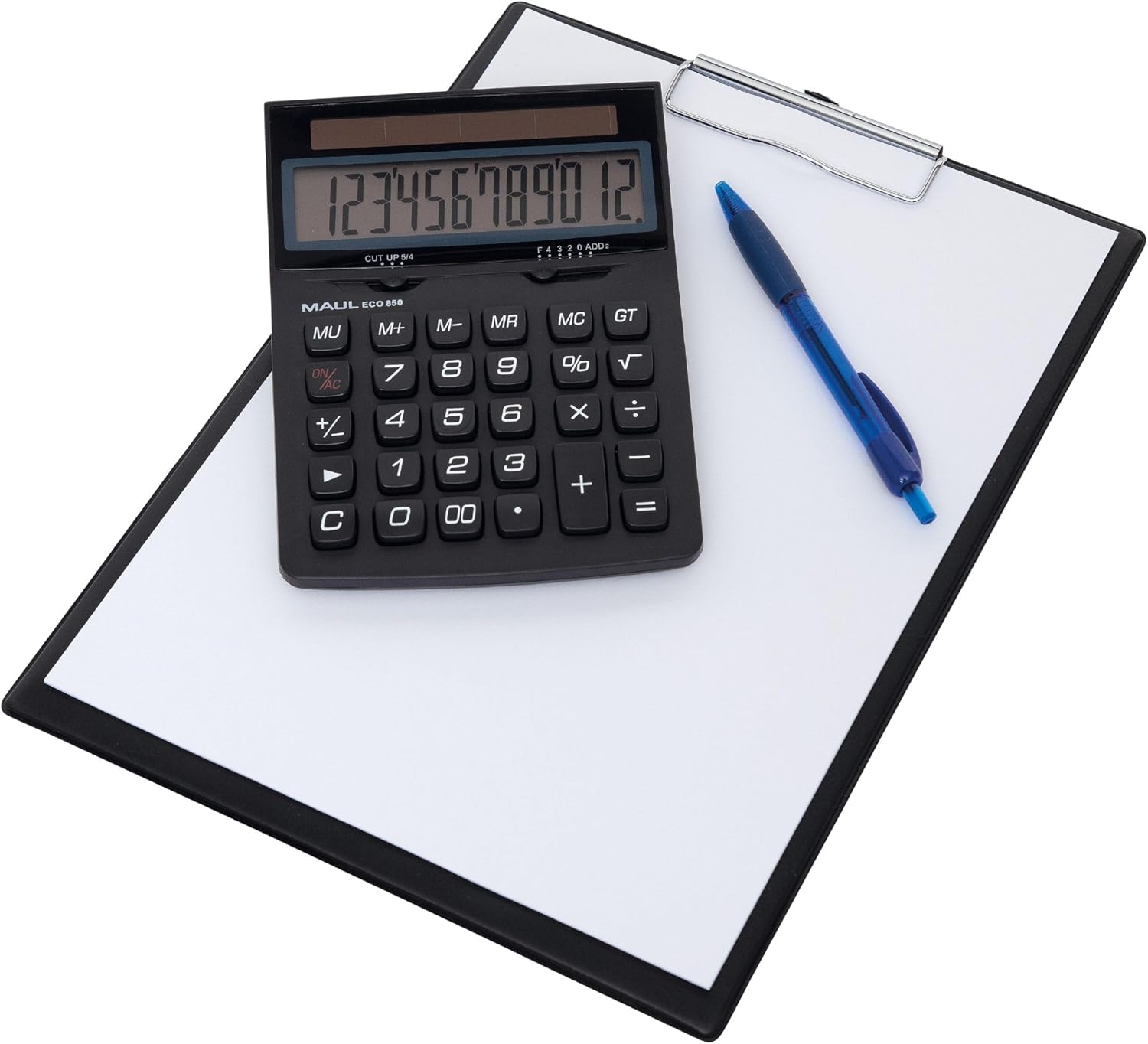
Image: The MAUL Eco 850 calculator ready for use on a desk.
Bedienungsanleitung
The MAUL Eco 850 features a 12-digit LCD display and a range of functions for various calculations.
Grundfunktionen
- Addition (+), Subtraktion (-), Multiplikation (×), Division (÷): Enter the first number, press the desired operation key, enter the second number, then press the equals (=) key for the result.
- Prozenttage (%): Um einen Prozentsatz zu berechnentage, enter the base number, press the multiplication (×) key, enter the percentage value, then press the % key. For exampUm beispielsweise 10 % von 200 zu berechnen, geben Sie 200 × 10 % ein.
- Quadratwurzel (√): Enter the number, then press the √ key to calculate its square root.
- Vorzeichenwechsel (+/-): Press this key to change the sign of the displayed number from positive to negative or vice versa.
- Doppelnull (00): Quickly enter two zeros.
Speicherfunktionen
- M+ (Speicher Plus): Fügt den angezeigten Wert dem Speicher hinzu.
- M- (Speicher Minus): Subtrahiert den angezeigten Wert vom Speicher.
- MR (Speicherabruf): Recalls the value stored in memory to the display.
- MC (Speicher löschen): Löscht den Speicher.
Funktionen löschen
- ON/AC (All Clear): Löscht alle Eingaben und den Speicher und setzt den Taschenrechner zurück.
- C (Freie Einfahrt): Clears the last entered number or the current calculation without affecting memory or previous operations.
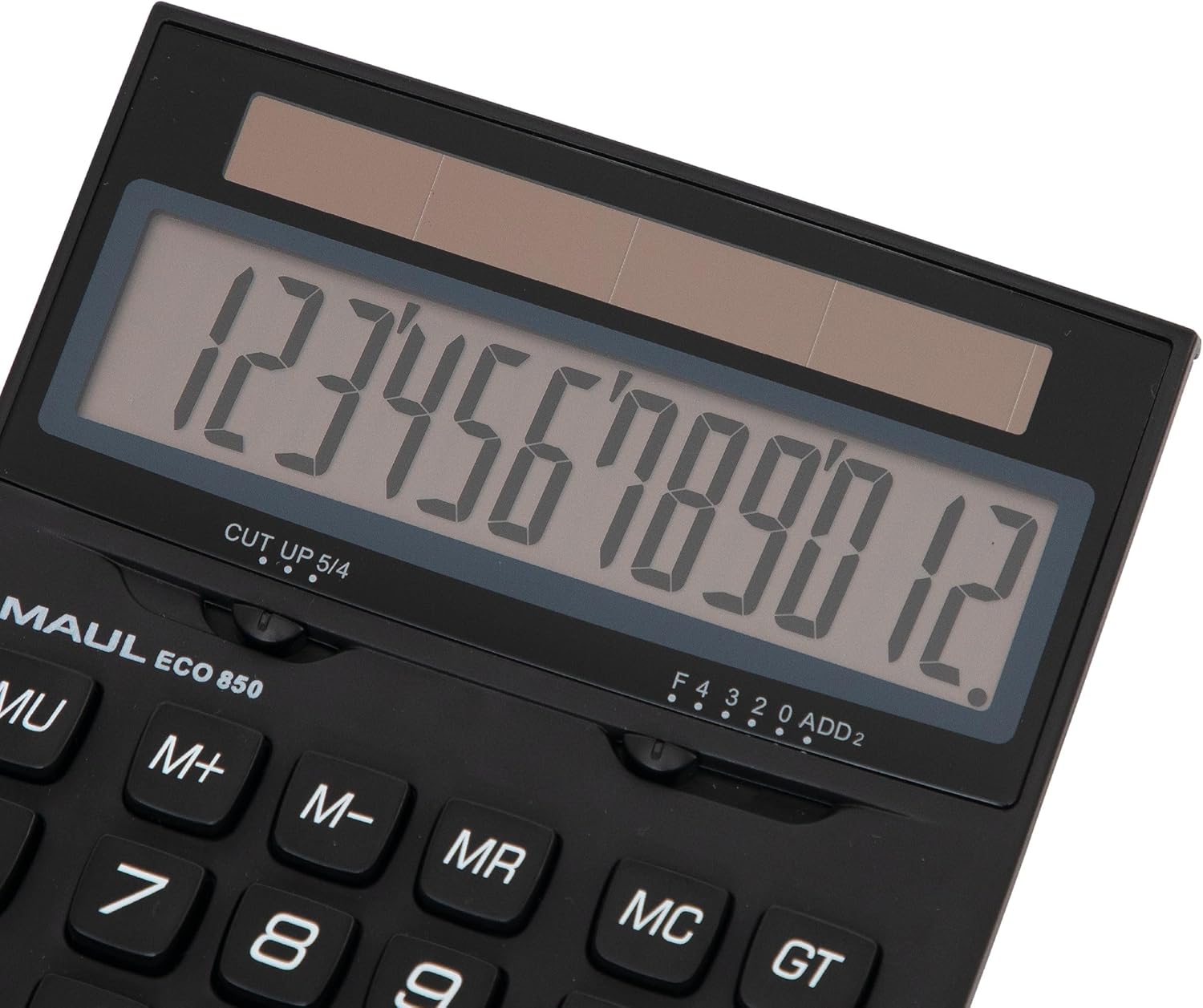
Bild: Detailliert view of the calculator's display and key layout.
Wartung
To ensure the longevity and proper functioning of your MAUL Eco 850 calculator, follow these maintenance guidelines:
- Reinigung: Use a soft, dry cloth to clean the calculator's surface and display. Avoid using liquid cleaners, abrasive materials, or solvents, as these can damage the plastic and electronic components.
- Energiequelle: As the calculator is solar-powered, ensure it is regularly exposed to light to maintain its charge. Avoid storing it in dark places for extended periods.
- Lagerung: Store the calculator in a cool, dry place away from direct sunlight, extreme temperatures, and high humidity.
- Handhabung: The calculator features sturdy plastic buttons. Avoid dropping the device or subjecting it to strong impacts.

Abbildung: Seite view highlighting the calculator's ergonomic design.
Fehlerbehebung
If you encounter issues with your MAUL Eco 850 calculator, refer to the following common problems and solutions:
| Problem | Mögliche Ursache | Lösung |
|---|---|---|
| Das Display ist leer oder dunkel. | Insufficient light for solar cells. | Move the calculator to a brighter area. Ensure the solar panel is not obstructed. |
| Falsche Berechnungsergebnisse. | Input error or previous calculation residue. | Drücken EIN/AC to clear all entries and memory, then re-enter the calculation. Double-check your input. |
| Die Tasten reagieren nicht. | Vorübergehender Softwarefehler oder geringer Stromverbrauch. | Ensure adequate light. If the problem persists, try pressing EIN/AC. |
Technische Daten
- Marke: MAUL
- Modell: Eco 850 (Model Number: 7268890)
- Anzeige: 12-stellige LCD-Anzeige, 1-zeilig
- Energiequelle: Solar Powered (operates from 50 lux)
- Material: Housing made from 80% recycled plastic
- Funktionen: Basic arithmetic (+, -, ×, ÷), Percentage (%), Square Root (√), Memory (M+, M-, MR, MC), Sign Change (+/-), Double Zero (00), Clear Entry (C), All Clear (ON/AC).
- Abmessungen: 17.5 x 12.6 x 0.1 cm (ca. 6.9 x 5.0 x 0.04 Zoll)
- Gewicht: 211 g (ca. 7.4 oz)
- Umweltzertifizierung: Blue Angel / UZ116

Image: The calculator proudly displaying the Blue Angel eco-label.
Garantie und Support
The MAUL Eco 850 Desktop Calculator comes with a 5 Jahr Garantie, reflecting MAUL's commitment to precision and reliability. For support or warranty claims, please refer to the contact information provided with your purchase or visit the official MAUL website. MAUL, a German family business with over 110 years of experience, ensures high-quality products and customer service.


