1. Einleitung
Thank you for choosing the LanLuk 25800mAh Portable Power Bank. This manual provides essential information for the safe and efficient use of your device. Please read it thoroughly before operation and retain it for future reference.
2. Produktüberschreitungview
The LanLuk 25800mAh Portable Power Bank is a high-capacity external battery pack designed to charge various electronic devices on the go. It features multiple output ports for versatile charging and an LED status indicator for convenience.
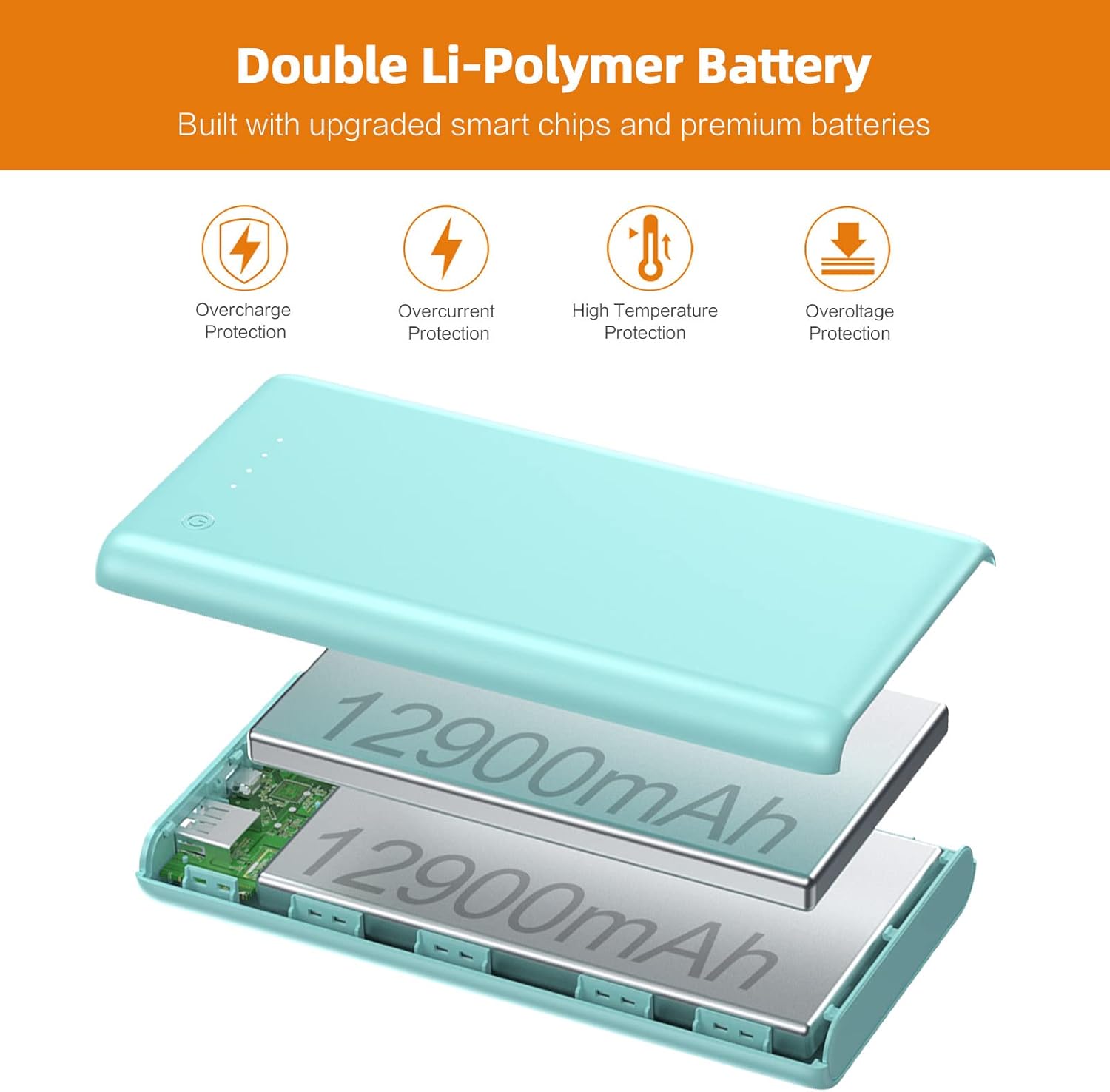
Figure 1: Internal structure highlighting the double Li-Polymer battery and multiple protection features.

Figure 2: High-speed charging demonstration with a smartphone connected to the power bank.

Figure 3: Illustrates the dual USB output capability, charging a phone and a tablet concurrently.
3. Einrichtung
3.1 Erstes Aufladen der Powerbank
- Before first use, fully charge your LanLuk Power Bank.
- Connect the provided Micro USB cable to the Micro Input port on the power bank, or use a Type-C cable with the Type-C Input (PD) port.
- Verbinden Sie das andere Ende des Kabels mit einem kompatiblen USB-Netzteil (nicht im Lieferumfang enthalten).
- The LED indicators will illuminate to show charging progress. A full charge typically takes 8-14 hours with a standard 2.1A charger.
3.2 Batteriestand prüfen
Press the power button once to activate the LED status indicators, which display the remaining power level:
- 1 LED: 1-25 %
- 2 LEDs: 26-50 %
- 3 LEDs: 51-75 %
- 4 LEDs: 76-100 %
4. Bedienungsanleitung
4.1 Laden externer Geräte
- Connect your device's charging cable to one of the power bank's output ports: QC3.0 output, PD output, or 2.1A USB output.
- Verbinden Sie das andere Ende des Kabels mit Ihrem elektronischen Gerät.
- Die Powerbank beginnt automatisch mit dem Laden Ihres Geräts. Falls dies nicht der Fall ist, drücken Sie einmal den Ein-/Ausschalter.
- The power bank can charge up to 3 devices simultaneously.
4.2 Fast Charging Features
The power bank supports Power Delivery 3.0 (PD) and Quick Charge 3.0 (QC) technologies, providing optimized high-speed charging up to 20W for compatible USB-C and USB devices. This significantly reduces charging time compared to standard power banks.
5. Wartung
- Die Powerbank sollte vor extremen Temperaturen, direkter Sonneneinstrahlung und Flüssigkeiten geschützt werden.
- Lassen Sie das Gerät nicht fallen und setzen Sie es keinen starken Stößen aus.
- Reinigen Sie die Powerbank mit einem weichen, trockenen Tuch. Verwenden Sie keine scharfen Chemikalien oder Scheuermittel.
- Bewahren Sie die Powerbank an einem kühlen, trockenen Ort auf, wenn Sie sie nicht verwenden.
- For optimal battery life, fully charge the power bank at least once every three months.

Figure 4: The power bank's compact design makes it suitable for travel, adhering to aviation safety standards.
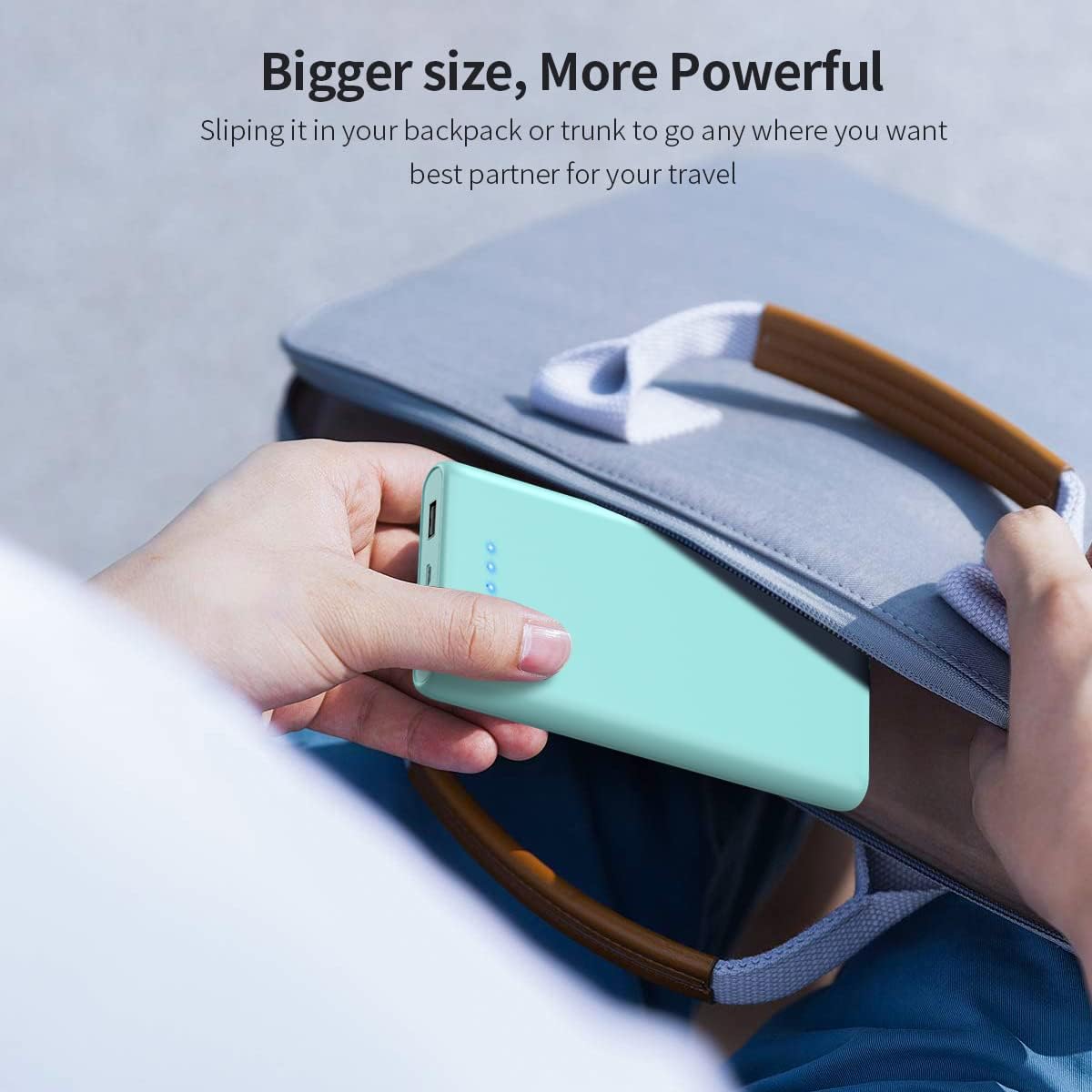
Figure 5: The power bank fits easily into bags and backpacks, making it a convenient travel companion.
6. Fehlerbehebung
6.1 Powerbank lädt nicht
- Stellen Sie sicher, dass das Ladekabel sowohl mit dem Eingangsanschluss der Powerbank als auch mit der Stromquelle fest verbunden ist.
- Prüfen Sie, ob das Netzteil oder der USB-Anschluss funktionsfähig ist.
- Versuchen Sie es mit einem anderen Ladekabel oder Adapter.
6.2 Gerät lädt nicht über Powerbank
- Drücken Sie den Ein-/Ausschalter an der Powerbank, um den Ladevorgang zu aktivieren.
- Stellen Sie sicher, dass das Ladekabel Ihres Geräts sowohl mit dem Ausgangsanschluss der Powerbank als auch mit Ihrem Gerät fest verbunden ist.
- Vergewissern Sie sich, dass Ihr Gerät mit den Ausgangsspezifikationen der Powerbank kompatibel ist.
- Check if the power bank has sufficient charge remaining (refer to LED indicators).
6.3 Langsames Laden
- Ensure you are using a fast-charging compatible cable and adapter for optimal input/output speeds.
- Some devices may limit charging speed to protect their battery.
- Das gleichzeitige Laden mehrerer Geräte kann die Ladegeschwindigkeit der einzelnen Geräte verringern.
7. Spezifikationen
| Besonderheit | Detail |
|---|---|
| Kapazität | 25800 mAh |
| Modellnummer | HX160Y1 |
| Maße | 5.95 x 2.5 x 1 Zoll |
| Gewicht | 13.1 Unzen |
| Akku-Typ | Lithium-Polymer-Akku |
| Mikro-Eingang | 5 V/2.1 A |
| Type-C Input (PD) | 5 V/2.1 A, 9 V/2 A, 12 V/1.5 A (Max.) |
| Type-C Output (PD) | 5 V/3 A, 9 V/2 A, 12 V/1.5 A (Max.) |
| USB Output (QC) | 5 V/3 A, 9 V/2 A, 12 V/1.5 A (Max.) |
| USB 2.1A Output | 5 V/2.1 A |
| Zertifizierungen | CE-zertifiziert |
| Kompatibilität | Universal with USB port devices |
8. Garantie und Support
The LanLuk 25800mAh Portable Power Bank comes with a full 24-month warranty. For any product-related inquiries or support, please contact our customer service. We are committed to providing 24-hour friendly customer service to ensure your satisfaction.

