Einführung
Thank you for choosing the Edifier MP85 Mini Bluetooth Speaker. This compact and portable speaker is designed to deliver clear audio for various activities, from home use to outdoor adventures. This manual provides detailed instructions on setting up, operating, maintaining, and troubleshooting your speaker to ensure optimal performance.
Lieferumfang
Bitte überprüfen Sie den Inhalt Ihres Pakets:
- Edifier mini Bluetooth speaker MP85 x 1
- Silicone lanyard x 1
- Ladekabel Typ C x 1
- Benutzerhandbuch x 1

Image: The Edifier MP85 speaker, silicone lanyard, and Type-C charging cable, along with the user manual, as packaged in the box.
Produkt überview und Funktionen
The Edifier MP85 is a mini portable Bluetooth speaker designed for convenience and quality sound on the go. Key features include:
- Kompakt und leicht: Measuring 2.05 x 1.12 x 2.48 inches and weighing only 70g, it's ideal for travel and outdoor activities.
- Bluetooth 5.3: Ensures a fast and stable connection to your devices.
- Lange Spielzeit: Built-in 500mAh Lithium Battery provides up to 8 hours of playtime on a single charge.
- Customizable EQ via App: Use the Edifier Connect App to customize EQ settings and choose from music, game, or vocal sound effects. The app also offers 100+ white noise tracks.
- Einfache Steuerung: Easy-to-use buttons for power, volume, and playback, with an LED indicator for status.

Image: The Edifier MP85 speaker, showcasing its compact design and attached silicone lanyard.

Image: An internal diagram of the speaker highlighting its 40mm audio driver.

Image: The speaker attached to a backpack, illustrating its lightweight and portable design for outdoor use.

Image: The speaker paired with a smartphone, emphasizing its Bluetooth 5.3 connectivity for stable audio streaming.
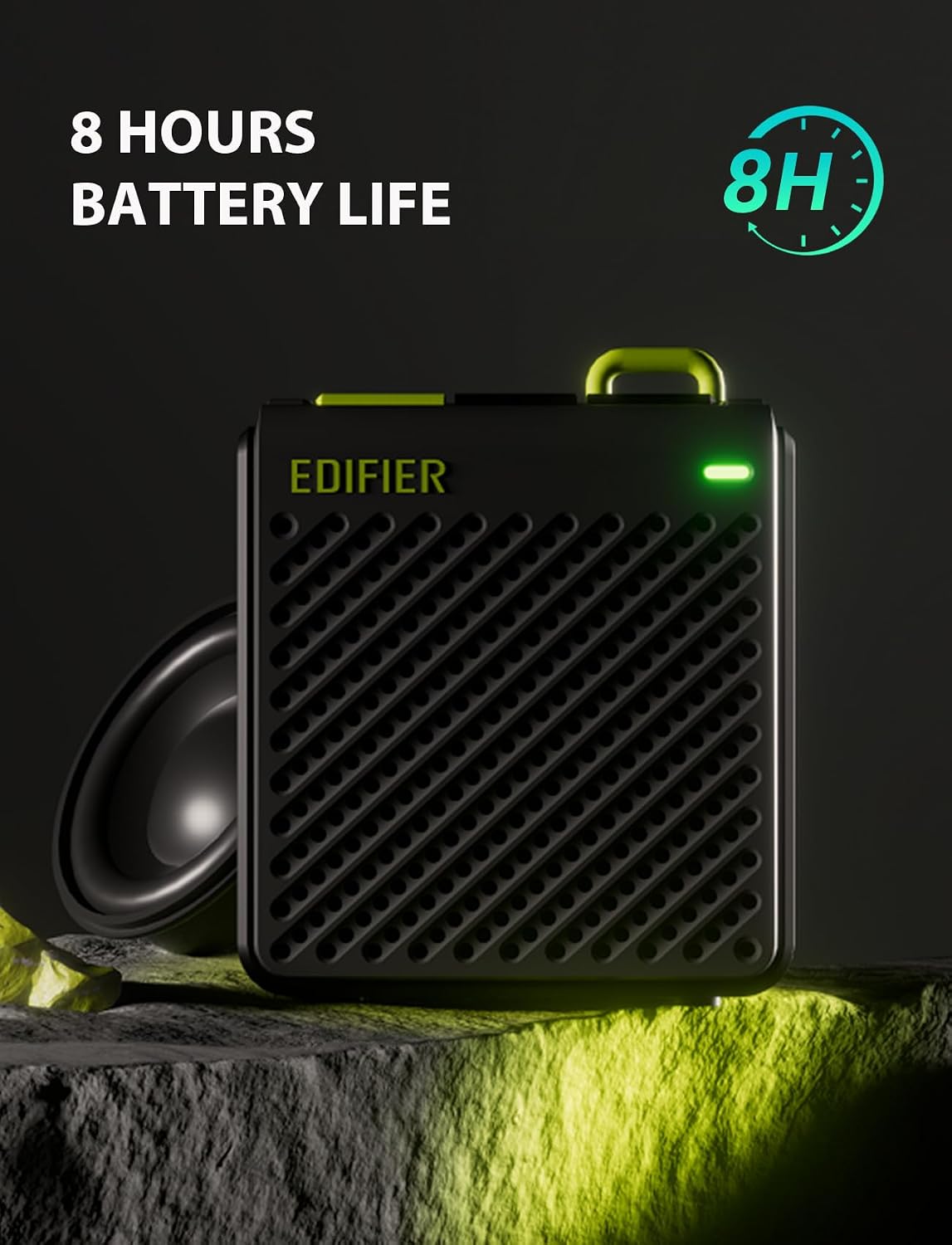
Image: The speaker with an indicator for its 8-hour battery life, highlighting its endurance.

Image: Two speakers illustrating the simple button controls for power, volume, and playback, along with LED indicators.

Image: Screenshots of the Edifier Connect App, demonstrating its interface for EQ customization and sound effect selection.
Offizielles Produktvideo
Video: Ein offizielles Produktvideo präsentiertasing the features and design of the Edifier MP85 Mini Bluetooth Speaker.
Aufstellen
1. Laden Sie den Lautsprecher auf
Before first use, fully charge the speaker using the provided Type-C charging cable. Connect the cable to the speaker's charging port and the other end to a USB power adapter (not included) or a computer's USB port. The LED indicator will show charging status.
2. Ein-/Ausschalten
Press and hold the power button (usually marked with a power symbol) for a few seconds to turn the speaker on or off. The LED indicator will light up when the speaker is on.
3. Bluetooth-Kopplung
- Ensure the speaker is powered on and in pairing mode. The LED indicator will typically flash rapidly when ready to pair.
- Gehen Sie auf Ihrem Gerät (Smartphone, Tablet, Laptop) zu den Bluetooth-Einstellungen.
- Suchen nach available devices and select "EDIFIER MP85" from the list.
- Once connected, the LED indicator will usually turn solid blue or flash slowly.
- The speaker supports TWS (True Wireless Stereo) pairing for two MP85 speakers. Refer to the full user guide for detailed TWS pairing instructions.
Bedienungsanleitung
Tastenfunktionen
| Taste | Funktion (kurzer Druck) | Funktion (langes Drücken) |
|---|---|---|
| Netzschalter | Abspielen/Pause | Ein-/Ausschalten |
| Volume + | Lautstärke erhöhen | Nächster Titel |
| Lautstärke - | Lautstärke verringern | Vorheriger Titel |
Edifier Connect App
For enhanced control and customization, download the Edifier Connect App from your device's app store. The app allows you to:
- Customize EQ settings.
- Select from preset sound effects (Music, Game, Vocal).
- Access a library of white noise tracks.
- Batteriestatus prüfen.
- Firmware aktualisieren (falls verfügbar).
Wartung
- Reinigung: Reinigen Sie den Lautsprecher mit einem weichen, trockenen Tuch. Verwenden Sie keine Scheuermittel, Alkohol oder andere chemische Lösungsmittel, da diese die Oberfläche beschädigen können.
- Lagerung: Bewahren Sie den Lautsprecher an einem kühlen, trockenen Ort fern von direkter Sonneneinstrahlung und extremen Temperaturen auf.
- Batteriepflege: Um die Akkulaufzeit zu verlängern, vermeiden Sie es, den Lautsprecher häufig vollständig zu entladen. Laden Sie ihn regelmäßig auf, auch wenn er längere Zeit nicht benutzt wird.
- Wasserbeständigkeit: Dieser Sprecher ist nicht wasserdicht. Avoid exposing it to water or high humidity.
Fehlerbehebung
| Problem | Mögliche Ursache/Lösung |
|---|---|
| Der Lautsprecher lässt sich nicht einschalten. | Battery might be depleted. Charge the speaker for at least 30 minutes. |
| Kopplung mit Bluetooth-Gerät nicht möglich. |
|
| Kein Ton oder geringe Lautstärke. |
|
| Klangverzerrung. |
|
Technische Daten
| Besonderheit | Detail |
|---|---|
| Modellname | MP85BLACK |
| Bluetooth-Version | 5.3 |
| Bluetooth-Reichweite | 10-Meter (33-Füße) |
| Lautsprechergröße | 40 Millimeter |
| Maximale Lautsprecherausgangsleistung | 4.4 Watt |
| Frequenzgang | 17 KHz |
| Signal-Rausch-Verhältnis | 85 dB |
| Akkulaufzeit | 8 Stunden |
| Batteriekapazität | 500 Milliamp Std |
| Ladeanschluss | Typ C |
| Produktabmessungen (T x B x H) | 2" x 1" x 2" (ca. 5.08 cm x 2.54 cm x 5.08 cm) |
| Artikelgewicht | 70 Gramm (2.47 Unzen) |
| Material | Plastik |
| Wasserbeständigkeit | Nicht wasserfest |
Garantie und Support
Edifier products are designed and manufactured to the highest quality standards. For warranty information and technical support, please refer to the warranty card included in your package or visit the official Edifier webBewahren Sie Ihren Kaufbeleg als Kaufnachweis für Garantieansprüche auf.
For further assistance, you may contact Edifier customer service through their official channels.


