
Einführung
This manual provides comprehensive instructions for the Creative Outlier Free Pro+ Wireless Waterproof Bone Conduction Headphones. Please read this manual thoroughly before using your device to ensure proper operation and to maximize its features. Keep this manual for future reference.
Produkt überview
The Creative Outlier Free Pro+ headphones utilize bone conduction technology to deliver audio through vibrations, allowing for open-ear listening and situational awareness. They feature an IPX8 waterproof rating, a built-in 8GB MP3 player, Bluetooth 5.3 connectivity with multipoint support, and up to 10 hours of battery life. The design incorporates lightweight silicone and titanium memory alloy for comfort and a secure fit, along with adjustable transducers for optimized sound.

Image: Creative Outlier Free Pro+ Bone Conduction Headphones, showcasing ihr ergonomisches Design.
Packungsinhalt
- Creative Outlier Free Pro+ Headphones
- Magnetisches Ladekabel
- Earplugs (for swimming)
- Bedienungsanleitung
Aufstellen
1. Erstes Aufladen
Before first use, fully charge the headphones. Connect the magnetic charging cable to the charging port on the headphones and plug the USB end into a power source. The LED indicator will show charging status. A full charge typically takes approximately 2 hours.

Image: Close-up of the magnetic charging port on the Creative Outlier Free Pro+ headphones.
2. Ein-/Ausschalten
- Einschalten: Press and hold the Power/Multi-function button until the LED indicator flashes blue.
- Ausschalten: Press and hold the Power/Multi-function button until the LED indicator flashes red and then turns off.
3. Bluetooth-Kopplung
- Stellen Sie sicher, dass die Kopfhörer ausgeschaltet sind.
- Press and hold the Power/Multi-function button for approximately 5 seconds until the LED indicator flashes red and blue alternately, indicating pairing mode.
- Aktivieren Sie auf Ihrem Gerät (Smartphone, Tablet usw.) Bluetooth und suchen Sie nach verfügbaren Geräten.
- Select "Outlier Free Pro+" from the list.
- Sobald die Verbindung hergestellt ist, blinkt die LED-Anzeige langsam blau.
4. Mehrpunkt-Konnektivität
The headphones support connecting to two Bluetooth devices simultaneously. After pairing with the first device, disable Bluetooth on that device. Then, put the headphones back into pairing mode and connect to the second device. Re-enable Bluetooth on the first device, and the headphones should automatically connect to both.
5. MP3 wird geladen Files
To use the built-in 8GB MP3 player, connect the headphones to a computer using the magnetic charging cable. The headphones will appear as a removable storage device. Drag and drop your MP3, FLAC, WAV, or APE audio files into the designated music folder. WMA formats are not supported.
6. Adjusting Transducers
The transducers are designed to be adjustable for optimal sound conduction and comfort. Gently adjust the position of the transducers on your cheekbones until you find the most comfortable fit and clearest audio experience.

Image: Diagram illustrating bone conduction technology and the adjustable transducers for optimal fit and sound.
Betrieb
1. Grundlegende Steuerelemente
- Ein-/Ausschalter/Multifunktionstaste: Press and hold to power on/off. Single press to play/pause music or answer/end calls. Double press to activate voice assistant.
- Lauter (+): Increase volume. Press and hold for next track (in MP3 mode).
- Lautstärke runter (-): Decrease volume. Press and hold for previous track (in MP3 mode).
2. Umschalten zwischen Bluetooth- und MP3-Modus
To switch between Bluetooth and MP3 playback, press the Mode button (if available, or refer to specific button functions in your quick start guide). The headphones will indicate the current mode via voice prompt.
3. Wasserdichter Einsatz (IPX8)
The Creative Outlier Free Pro+ headphones are IPX8 waterproof, suitable for submersion in freshwater up to 1.5 meters for up to 40 minutes. For swimming, it is recommended to use the built-in MP3 player mode as Bluetooth connectivity may be interrupted underwater. Insert the provided earplugs for an enhanced audio experience while swimming.

Image: A person swimming while wearing the Creative Outlier Free Pro+ headphones, highlighting their waterproof design and built-in MP3 player.
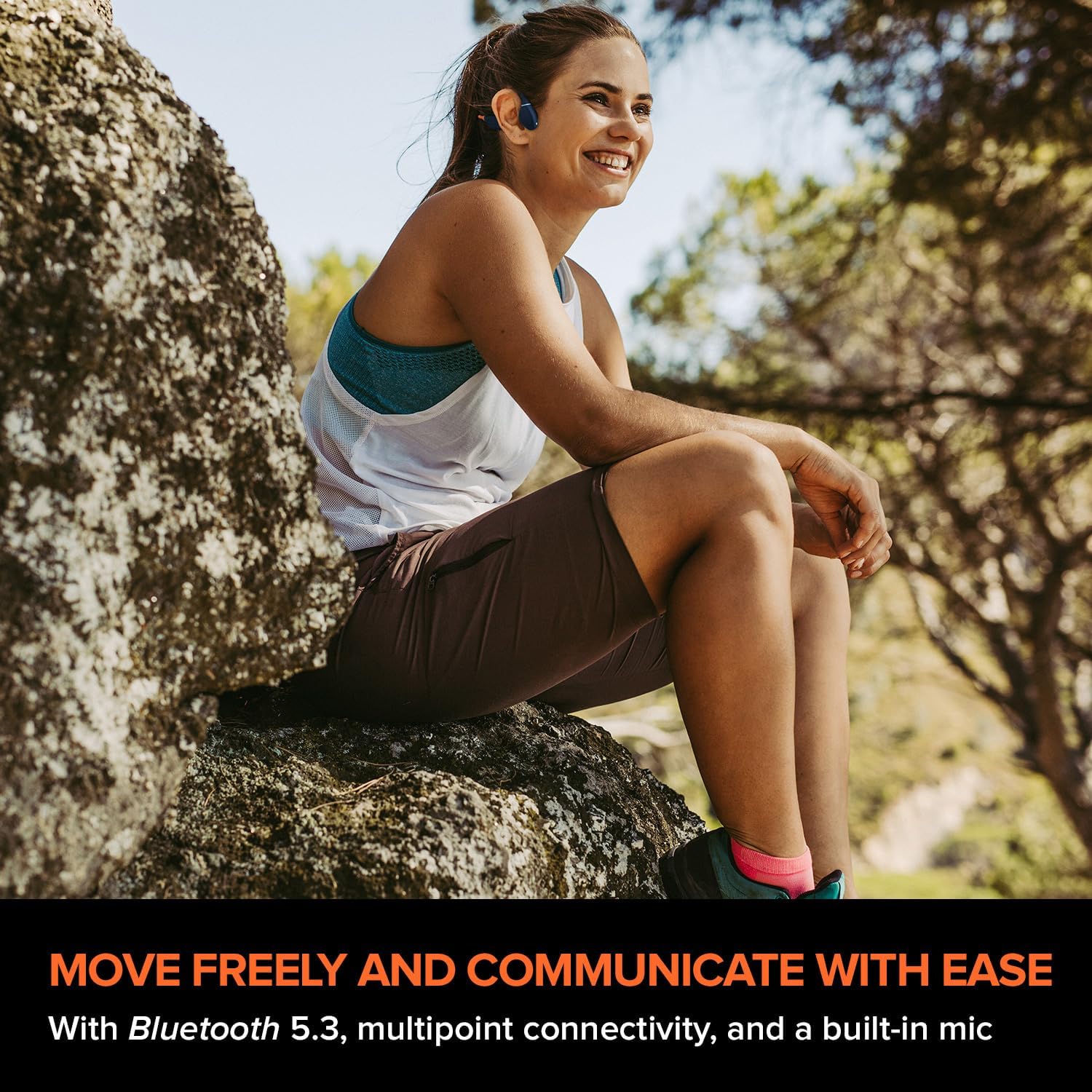
Image: A person relaxing in a pool while wearing the Creative Outlier Free Pro+ headphones, demonstrating their suitability for water activities.
4. Anrufbearbeitung
- Anruf annehmen/beenden: Einmaliges Drücken der Ein-/Aus-/Multifunktionstaste.
- Anruf ablehnen: Die Ein-/Aus-Taste/Multifunktionstaste 2 Sekunden lang gedrückt halten.
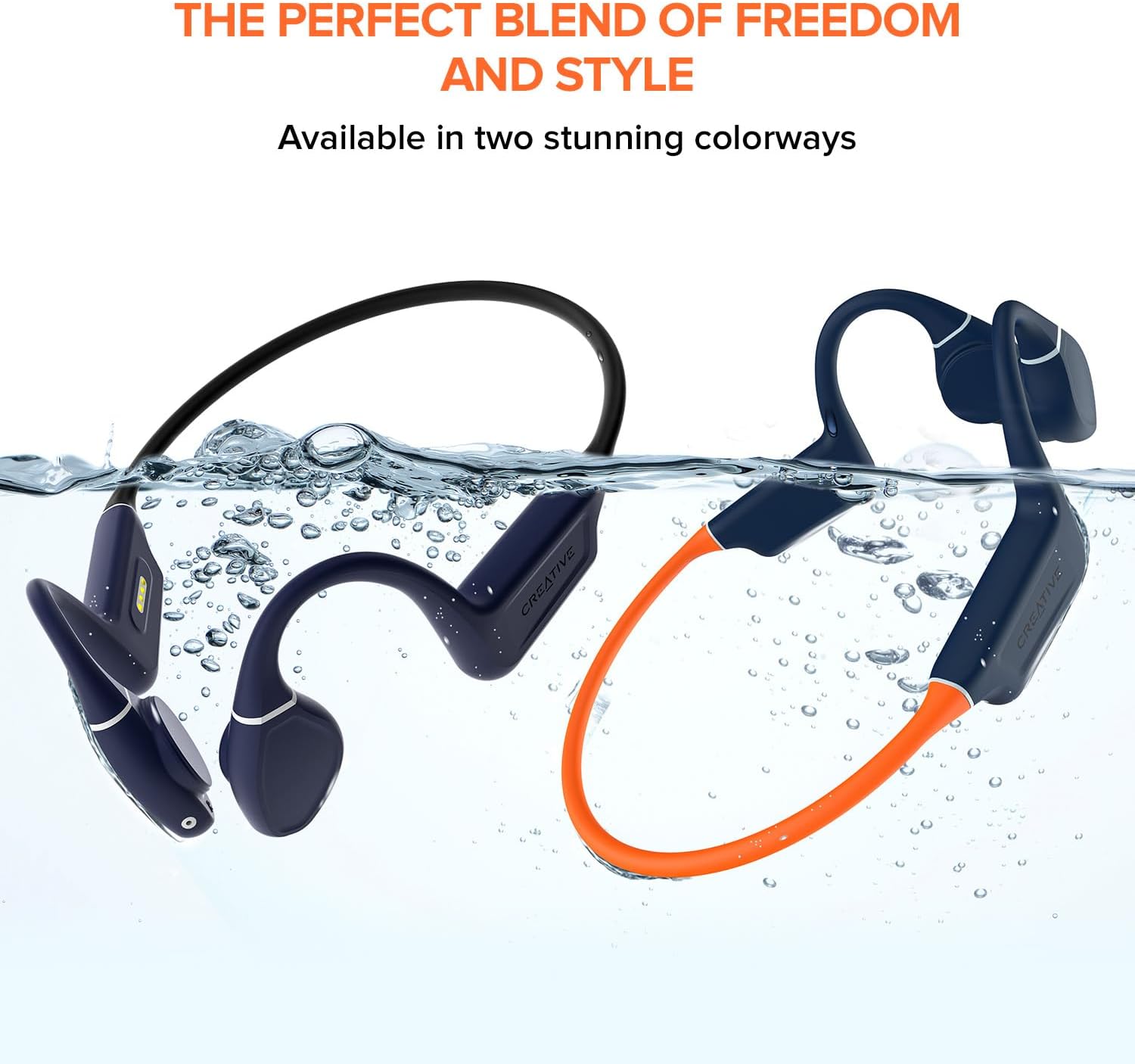
Image: A person wearing the Creative Outlier Free Pro+ headphones while sitting outdoors, illustrating their use for communication and music during activities.
Wartung
1. Reinigung
Wischen Sie den Kopfhörer mit einem weichen,amp Verwenden Sie kein Tuch. Vermeiden Sie aggressive Chemikalien oder Scheuermittel. Stellen Sie sicher, dass der Ladeanschluss vor dem Laden trocken ist.
2. Speicherung
Bewahren Sie die Kopfhörer an einem kühlen, trockenen Ort, geschützt vor direkter Sonneneinstrahlung und extremen Temperaturen, auf. Vermeiden Sie es, schwere Gegenstände darauf zu stellen.
3. Batteriepflege
Um die Akkulaufzeit zu verlängern, sollten Sie die Kopfhörer nicht häufig vollständig entladen. Laden Sie sie regelmäßig auf, auch wenn Sie sie längere Zeit nicht benutzen.

Image: Hands demonstrating the flexibility of the Creative Outlier Free Pro+ headphones, highlighting their durable and comfortable design.
Fehlerbehebung
- Kein Strom: Stellen Sie sicher, dass die Kopfhörer vollständig aufgeladen sind. Schließen Sie sie an das Ladegerät an und überprüfen Sie die LED-Anzeige.
- Kein Ton: Check the volume level on both the headphones and the connected device. Ensure the headphones are correctly paired via Bluetooth or in MP3 mode.
- Kopplungsprobleme: Ensure the headphones are in pairing mode (flashing red and blue). Turn off and on Bluetooth on your device. Try unpairing and re-pairing.
- MP3-Wiedergabeprobleme: Überprüfen Sie, ob die Audio- files are in a supported format (MP3, FLAC, WAV, APE) and correctly transferred to the headphones' internal storage.
- Schlechte Tonqualität: Adjust the transducers for optimal placement on your cheekbones. Ensure there is no obstruction.
- Geräte-Reset: If experiencing persistent issues, consult the Creative support website for instructions on how to perform a factory reset.
Technische Daten
| Besonderheit | Detail |
|---|---|
| Modellname | Outlier Free Pro+ |
| Konnektivitätstechnologie | Bluetooth 5.3, kabellos |
| Drahtlose Kommunikationstechnologie | Bluetooth |
| Material | Silikon |
| Artikelgewicht | 1.12 Unzen |
| Wasserbeständigkeit | Wasserdicht (IPX8) |
| Frequenzbereich | 20 Hz – 18,000 Hz |
| Akkulaufzeit | Bis zu 10 Stunden |
| Audiotreibertyp | Knochenleitungstreiber |
| Bluetooth-Reichweite | 10 Meter |
| Eingebauter Speicher | 8 GB MP3 Player |
| Steuerungstyp | Mediensteuerungs-App |
| Hersteller | Kreativlabore |
| Technische Daten | 4.17 x 5.39 x 1.73 Zoll |
| Artikelmodellnummer | EF1081 |
Garantie und Support
Creative products are covered by a limited hardware warranty. For detailed warranty information, product registration, technical support, and frequently asked questions, please visit the official Creative support website. You can find the most up-to-date information and contact options there.
Für weitere Unterstützung besuchen Sie bitte: Kreative Unterstützung


