Einführung
This manual provides essential information for the proper use, setup, and maintenance of your XREAL H-C Cable. This high-speed HDMI to USB-C cable is designed to connect various devices, including gaming consoles and PCs, to compatible AR glasses like the XREAL Beam and Air AR glasses, supporting 4K/60Hz video transmission.
Sicherheitshinweise
Please read and follow these safety guidelines to ensure safe operation and prolong the life of your cable:
- Do not expose the cable to extreme temperatures, direct sunlight, or high humidity.
- Vermeiden Sie es, das Kabel übermäßig zu biegen oder zu verdrehen, insbesondere in der Nähe der Anschlüsse, da dies die internen Drähte beschädigen kann.
- Keep the cable away from water and other liquids. If it gets wet, disconnect it immediately and allow it to dry completely before reuse.
- Do not attempt to disassemble or modify the cable. This will void the warranty and may cause damage.
- Außerhalb der Reichweite von Kindern und Haustieren aufbewahren.
- Nur mit kompatiblen Geräten verwenden, wie in diesem Handbuch angegeben.
Packungsinhalt
Das Paket enthält folgenden Artikel:
- 1 x XREAL H-C Cable (HDMI to USB-C)
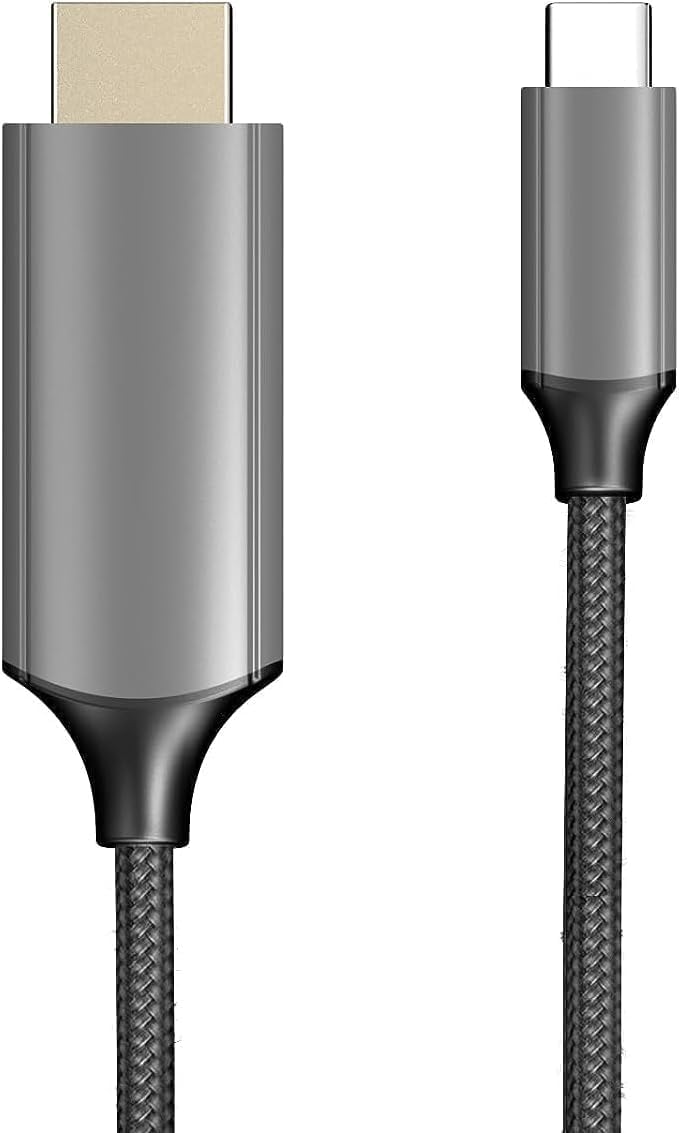
Image: The XREAL H-C Cable showing both the HDMI and USB-C connectors. The cable features a durable, woven design.
Produkt überview
The XREAL H-C Cable is engineered for high-fidelity video and audio transmission. It features a robust, woven design for enhanced durability and tangle-free use. The cable facilitates connection from an HDMI source to a USB-C display, supporting resolutions up to 4K at 60Hz.
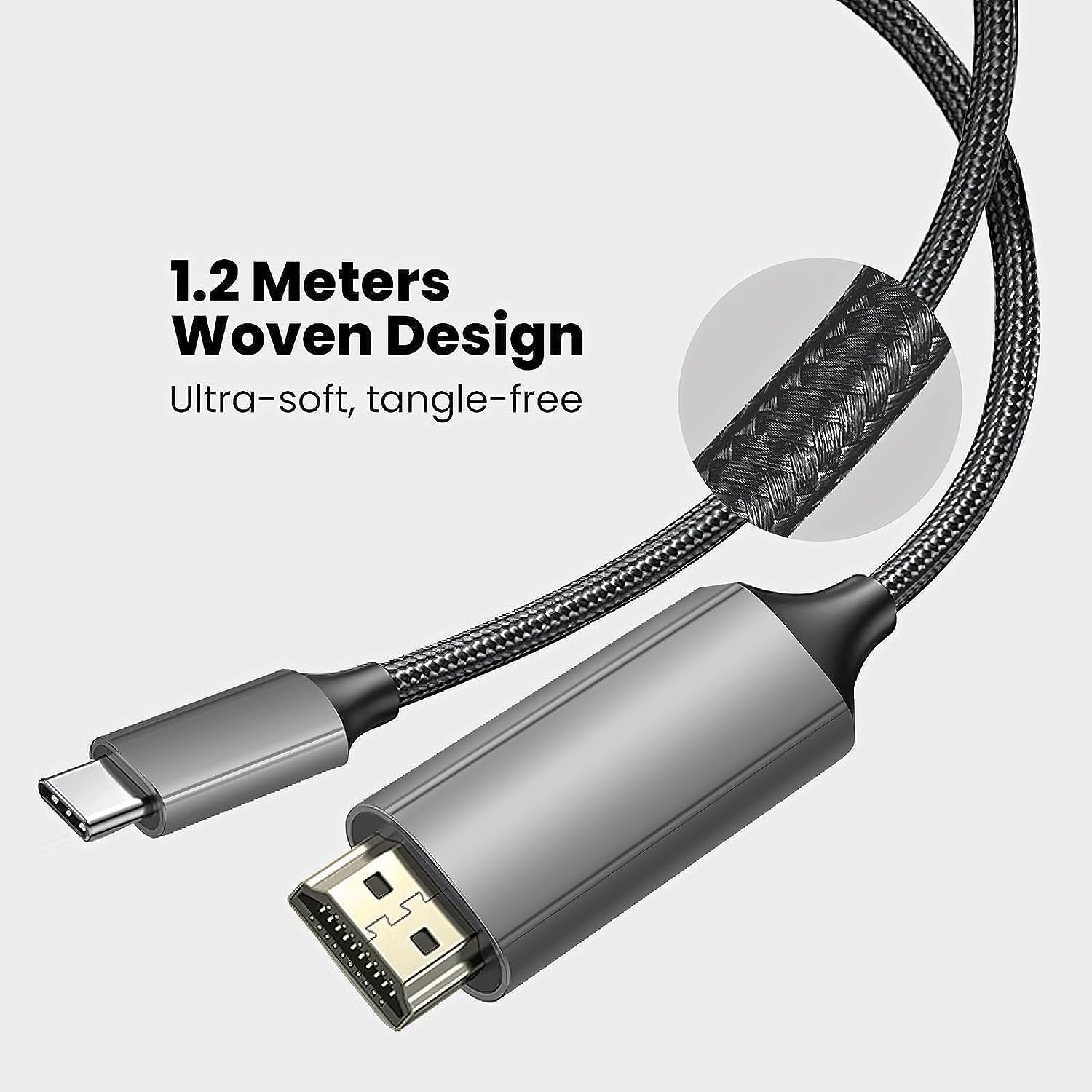
Image: Close-up of the XREAL H-C Cable highlighting its 1.2-meter length and ultra-soft, tangle-free woven design.
Aufstellen
Follow these steps to connect your XREAL H-C Cable:
- Konnektoren identifizieren: Locate the HDMI "In" connector and the USB-C "Out" connector on the cable.
- Verbindung zur Quelle herstellen: Stecken Sie den HDMI "In" end of the cable into the HDMI output port of your source device (e.g., PlayStation, Xbox, Nintendo Switch, PC graphics card).
- Anschluss an das Display: Stecken Sie den USB-C "Out" end of the cable into the USB-C input port of your compatible display device (e.g., XREAL Beam, XREAL Air AR glasses).
- Geräte einschalten: Stellen Sie sicher, dass sowohl Ihr Quellgerät als auch Ihr Anzeigegerät eingeschaltet sind.
- Verbindung überprüfen: The display should automatically detect the input signal. If not, you may need to manually select the input source on your display device.

Image: The XREAL H-C Cable clearly labeled with "HDMI In" and "USB-C Out" to indicate connection direction.
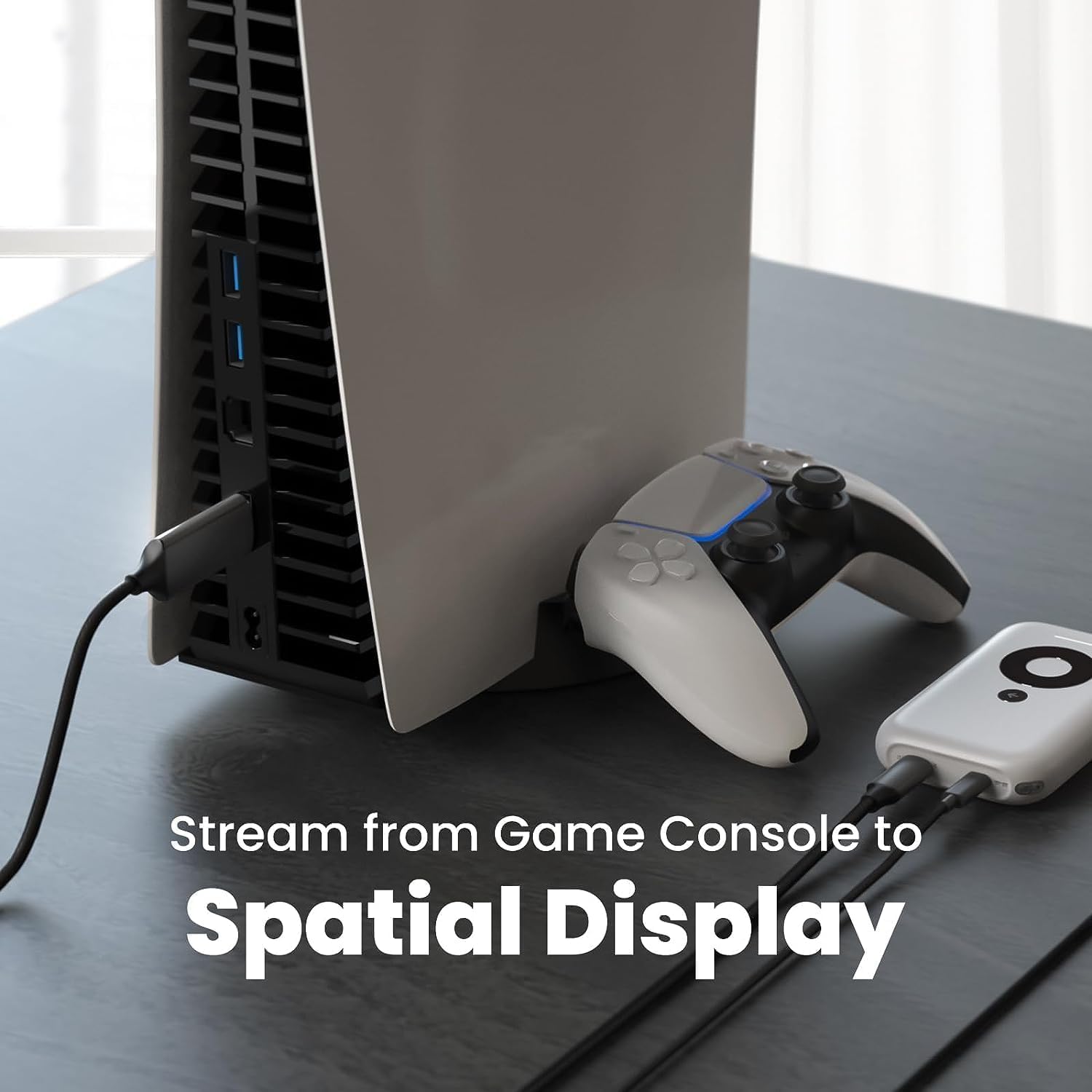
Bild: Ein Example setup showing the XREAL H-C Cable connecting a PlayStation 5 console to an XREAL Beam device, enabling streaming to a spatial display.
Betrieb
Once connected, the XREAL H-C Cable operates as a plug-and-play device. No additional drivers or software are typically required.
- Auflösung und Bildwiederholfrequenz: The cable supports up to 4K resolution at 60Hz. Ensure your source device and display device are configured to output and receive these resolutions and refresh rates for optimal performance.
- Audioübertragung: The cable transmits both video and audio signals. Verify audio settings on your source device if no sound is heard.
- Kompatibilität: This cable is designed for specific applications, primarily connecting HDMI output devices to USB-C input displays, such as XREAL AR glasses. It is not a bidirectional cable and will not function if connected in reverse.
Wartung
Proper care will extend the life of your XREAL H-C Cable:
- Reinigung: Use a soft, dry, lint-free cloth to gently wipe the cable and connectors. Do not use liquid cleaners or abrasive materials.
- Lagerung: When not in use, coil the cable loosely. Avoid tight coiling or sharp bends. Store in a cool, dry place away from direct sunlight.
- Handhabung: Fassen Sie beim Ein- und Ausstecken des Kabels immer das Steckergehäuse an. Ziehen Sie nicht am Kabel selbst.
Fehlerbehebung
If you encounter issues with your XREAL H-C Cable, try the following solutions:
| Problem | Mögliche Ursache | Lösung |
|---|---|---|
| Kein Signal auf dem Display |
|
|
| Flackerndes oder verzerrtes Bild |
|
|
| Kein Ton |
|
|
Technische Daten
| Marke | XREAL |
| Modellnummer | 6976143800071 |
| Steckertyp | HDMI (Input), USB Type-C (Output) |
| Datenübertragungsrate | 5 Gigabits per second (for compatible data streams) |
| Kompatible Geräte | Gaming Consoles (PlayStation, Xbox, Switch), Windows Desktop, XREAL Beam, XREAL Air AR Glasses |
| Maximale Auflösungsunterstützung | 4K bei 60 Hz |
| Kabellänge | 1.2 Meter (ca. 3.9 Fuß) |
Garantie und Support
XREAL products are manufactured to high quality standards. For information regarding warranty coverage and customer support, please refer to the official XREAL webBesuchen Sie die Website oder kontaktieren Sie direkt den Kundenservice. Bewahren Sie Ihren Kaufbeleg als Kaufnachweis für eventuelle Garantieansprüche auf.
Weitere Hilfe erhalten Sie unter: www.xreal.com/support