Einführung
The Brookstone Travel Passport Wallet is designed to keep your essential travel documents secure and organized. Featuring RFID-blocking technology, this wallet protects your personal information from unauthorized scanning. It offers dedicated compartments for your passport, vaccine card, credit cards, and other important items, making it an ideal companion for any journey.
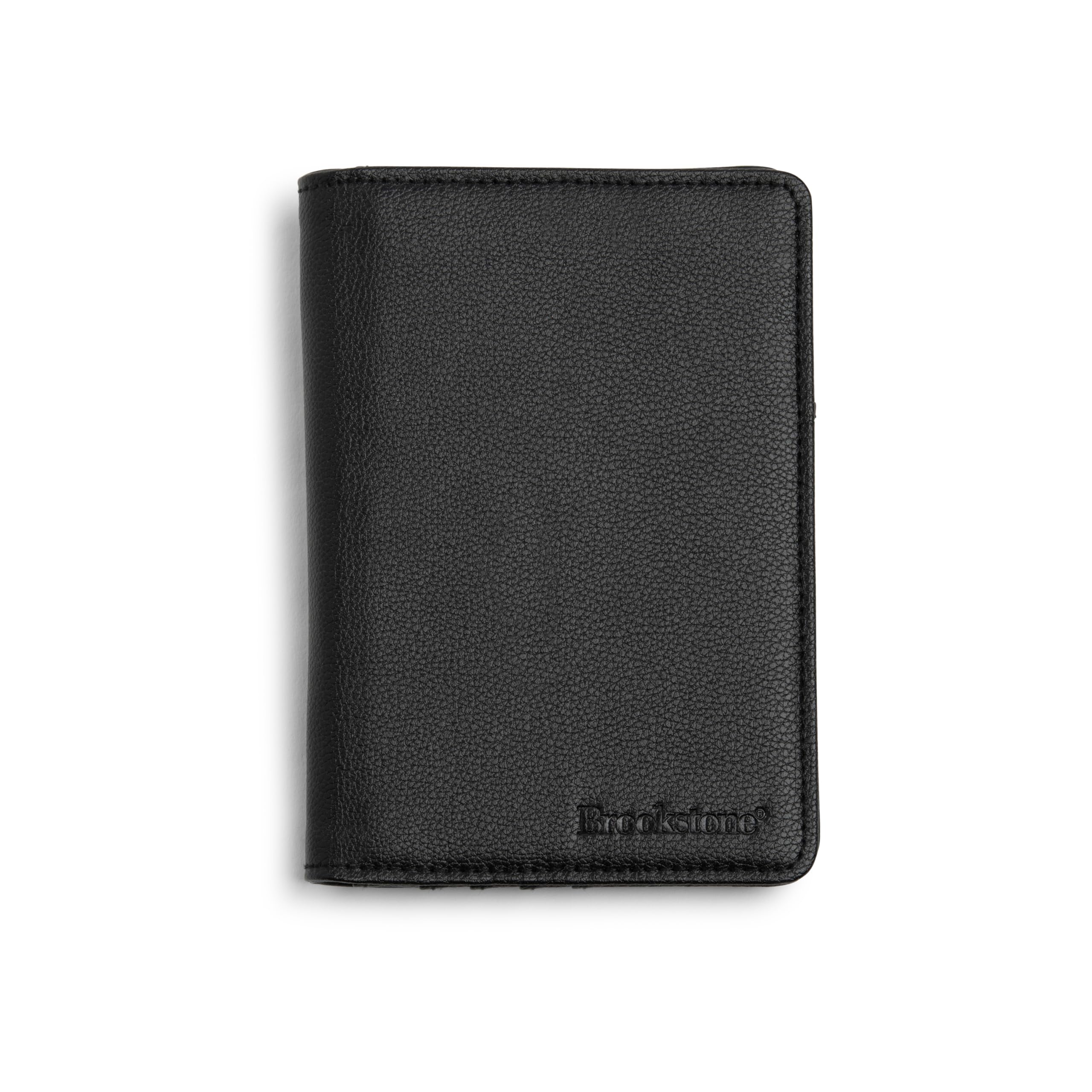
Image: The Brookstone Travel Passport Wallet in black, shown in its closed state.
Einrichtung und Organisation
To begin using your Brookstone Travel Passport Wallet, follow these steps for optimal organization:
- Passport Placement: Gently slide your passport into the designated large slip pocket. Ensure it is fully seated for secure retention.
- Kartenaufbewahrung: Utilize the four interior card slots for credit cards, debit cards, or identification cards. These slots are equipped with RFID-blocking material.
- Vaccine Card/Documents: The additional interior slip pocket can be used for a vaccine card, boarding passes, or other flat documents.
- Währung: Folded currency can be placed in the larger slip pocket alongside the passport or in the additional interior pocket.

Image: The wallet open, displaying a passport and multiple cards securely placed in their respective compartments.
Bedienungsanleitung
The Brookstone Travel Passport Wallet is designed for straightforward use during your travels:
- Auf Dokumente zugreifen: Open the wallet to easily access your passport for customs or identification. Cards can be retrieved from their individual slots as needed.
- RFID-Schutz: The integrated RFID-blocking lining automatically protects your cards and passport from electronic theft when they are fully enclosed within the wallet. No special activation is required.
- Portabilität: The slim design allows the wallet to be carried comfortably in a jacket pocket, bag, or even a back pocket, as demonstrated below.

Image: The Brookstone Travel Passport Wallet being placed into the back pocket of a pair of jeans, illustrating its compact size.
Wartung
To ensure the longevity and appearance of your Brookstone Travel Passport Wallet, follow these maintenance guidelines:
- Reinigung: Wischen Sie die Außenseite mit einem weichen,amp cloth. For stubborn spots, use a mild soap solution and then wipe clean with a dry cloth. Avoid harsh chemicals or abrasive cleaners.
- Lagerung: When not in use, store the wallet in a cool, dry place away from direct sunlight to prevent material degradation.
- Vermeiden Sie Überfüllung: Do not overfill the wallet, as this can stretch the material and compromise its structure and RFID-blocking effectiveness over time.
Fehlerbehebung
If you encounter any issues with your passport wallet, consider the following:
- Difficulty Inserting Documents: Ensure that documents are correctly aligned and not folded improperly. The material may be slightly stiff initially but will soften with use.
- RFID Protection Concerns: The RFID-blocking material is integrated into the wallet's lining. For effective protection, ensure all cards and passports are fully enclosed within the designated pockets. The technology is passive and does not require power.
Technische Daten
| Modellnummer | Boaw0003-010 |
| Technische Daten | 0.68 x 6 x 3.9 Zoll |
| Artikelgewicht | 3.34 Unzen |
| Material | Vegan Pebble Leather |
| Farbe | Schwarz |
| Stil | Minimalistisch |
| Muster | Solide |
Garantieinformationen
Specific warranty details for the Brookstone Travel Passport Wallet are not provided in this manual. Please refer to the original product packaging, your purchase receipt, or visit the official Brookstone webAuf dieser Website finden Sie die aktuellsten Informationen und Bedingungen zur Garantie.
Kundenservice
For further assistance, questions, or support regarding your Brookstone Travel Passport Wallet, please visit the official Brookstone weboder kontaktieren Sie deren Kundendienst über die auf deren Website angegebenen Kontaktinformationen. webStandort oder Produktverpackung.
You can visit the Brookstone Store online: Brookstone Offizieller Shop


