1. Einführung und Endeview
This manual provides comprehensive instructions for the setup, operation, and maintenance of your Maxview Alphatronics SL Line+ Smart TV. Designed for mobile use, this versatile television operates on both 12v and 240v power, making it ideal for motorhomes, caravans, trucks, and boats. It features a Full HD LED display, integrated DVD player, Wi-Fi, Bluetooth, and access to popular streaming services via WebBetriebssystem.

Bild: Vorderseite view of the Maxview Alphatronics SL Line+ Smart TV, highlighting its smart features and integrated DVD player.
Zu den Hauptmerkmalen gehören:
- Full HD LED Smart TV with Freeview.
- WebOS for access to Netflix, Amazon Prime, Disney+, iPlayer, ITVX, Sky Store, YouTube, and more.
- Dual power compatibility (12v or 240v).
- Built-in DVD Player, Bluetooth, Wi-Fi, and Ethernet.
- Multiple connectivity options: 2 HDMI ports, USB Port, and AV connections.
2. Lieferumfang
Bitte überprüfen Sie den Inhalt Ihres Pakets anhand der folgenden Liste:
- Alphatronics TV (TVSL/22)
- Fernbedienung
- 240v Mains Lead
- 12-V-Netzteil
- Benutzerhandbuch (dieses Dokument)

Image: The included remote control for the Maxview Alphatronics Smart TV.
3. Einrichtung
3.1. Platzierung und Montage
Choose a stable and flat surface for your TV. Ensure adequate ventilation around the unit. If mounting, refer to your specific wall mount instructions and ensure the mount is compatible with VESA standards for your TV size.

Bild: Example of the TV installed within a caravan interior.
3.2. Stromanschluss
The TV can be powered by either 12v DC or 240v AC.
- For 240v AC: Connect the supplied 240v Mains Lead to the TV's AC input and then to a standard wall socket.
- For 12v DC: Connect the supplied 12v Power Adapter to the TV's DC input and then to a 12v power source (e.g., vehicle's 12v socket).
Ensure the correct power source is used to prevent damage.
3.3. Anschließen externer Geräte
Der Fernseher verfügt über verschiedene Anschlüsse zum Verbinden externer Geräte:
- HDMI-Anschlüsse (x2): For high-definition audio and video devices like satellite receivers, game consoles, or laptops.
- USB-Anschluss: Zum Anschließen von USB-Speichergeräten zur Medienwiedergabe files.
- AV Connections: Für ältere Geräte mit Composite-Video und Stereo-Audio.
- Antennen-/Satelliteneingang: Connect your terrestrial antenna or satellite dish cable for Freeview or satellite TV reception.

Image: Rear panel of the TV displaying available connection ports.
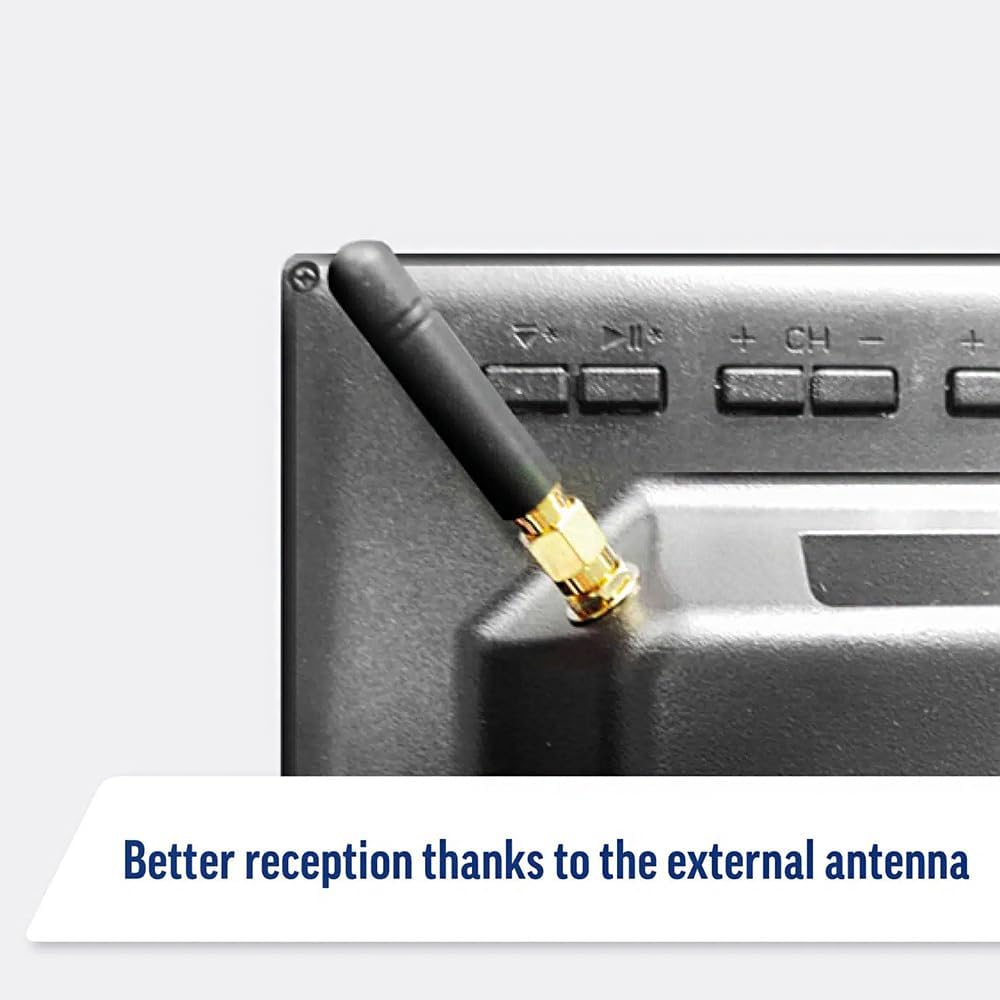
Image: Detail of the external antenna connection for improved signal reception.
3.4. Ersteinrichtungsassistent
Beim ersten Einschalten führt Sie der Fernseher durch einen Einrichtungsassistenten. Dieser umfasst Folgendes:
- Sprachauswahl: Wählen Sie Ihre bevorzugte Sprache.
- Netzwerkverbindung: Connect to your Wi-Fi network or via Ethernet for internet access. This is crucial for Smart TV features.
- Kanalsuchlauf: Scan for available Freeview or satellite channels.
- Zeit- und Datumseinstellungen: Stellen Sie die korrekte Zeitzone und das korrekte Datum ein.
4. Bedienung des Fernsehers
4.1. Grundlegende Steuerelemente
Use the supplied remote control to navigate the TV. Common functions include:
- Netzschalter: Schaltet den Fernseher ein/aus oder in den Standby-Modus.
- Lautstärke erhöhen/verringern: Passt den Audiopegel an.
- Kanal hoch/runter: Wechselt die Fernsehkanäle.
- Quelle/Eingabe: Selects the input source (HDMI, AV, TV, DVD).
- Navigationsschaltflächen (Pfeiltasten, OK): Navigieren Sie durch die Menüs und wählen Sie Optionen aus.
- Home "Button: Greift auf die zu WebOS Smart TV-Startbildschirm.
- Schnellzugriffstasten: Dedicated buttons for Netflix and Amazon Prime Video for direct access.
4.2. Smart-TV-Funktionen (WebBetriebssystem)
Your Maxview Alphatronics TV runs on WebOS, providing a user-friendly interface for accessing a wide range of applications and content.
- Start-Dashboard: Drücken Sie die Heim button to access the main dashboard, where you can find installed apps, input sources, and settings.
- App Store: Download and install additional applications from the integrated app store.
- Streaming-Dienste: Easily access popular services like Netflix, Amazon Prime Video, Disney+, BBC iPlayer, ITVX, and YouTube.
- Bildschirmfreigabe: Share content from your smartphone or tablet to the TV screen.
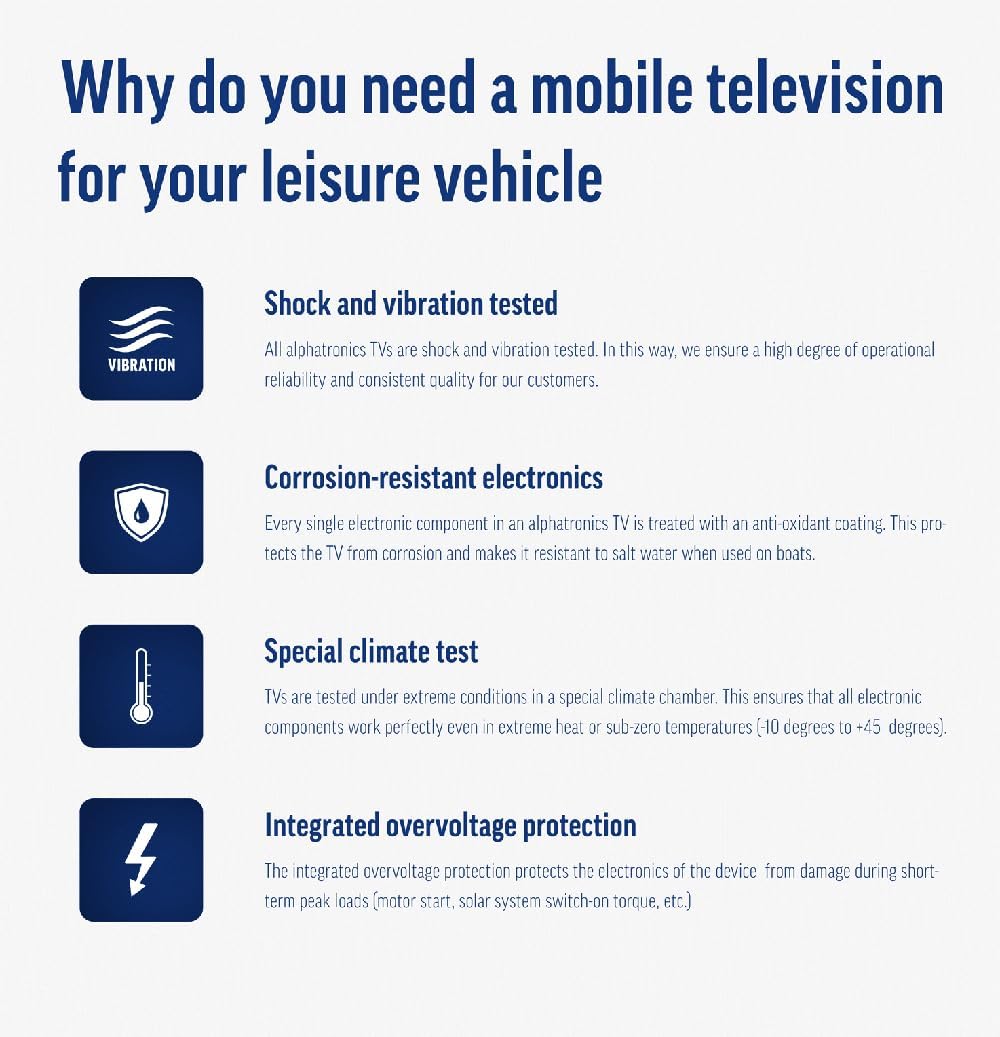
Image: Using a smartphone as a remote control for the TV.
4.3. Bedienung des DVD-Players
The integrated DVD player allows you to enjoy your movie collection on the go.
- Legen Sie eine DVD-Disc in den Schlitz an der Seite des Fernsehers ein.
- Der Fernseher sollte automatisch auf den DVD-Eingang umschalten. Falls nicht, drücken Sie die Taste Quelle/Eingang button on your remote and select "DVD".
- Use the remote control's playback buttons (Play, Pause, Stop, Fast Forward, Rewind) to control the DVD.
- To eject the disc, press the Eject button on the remote or the TV.
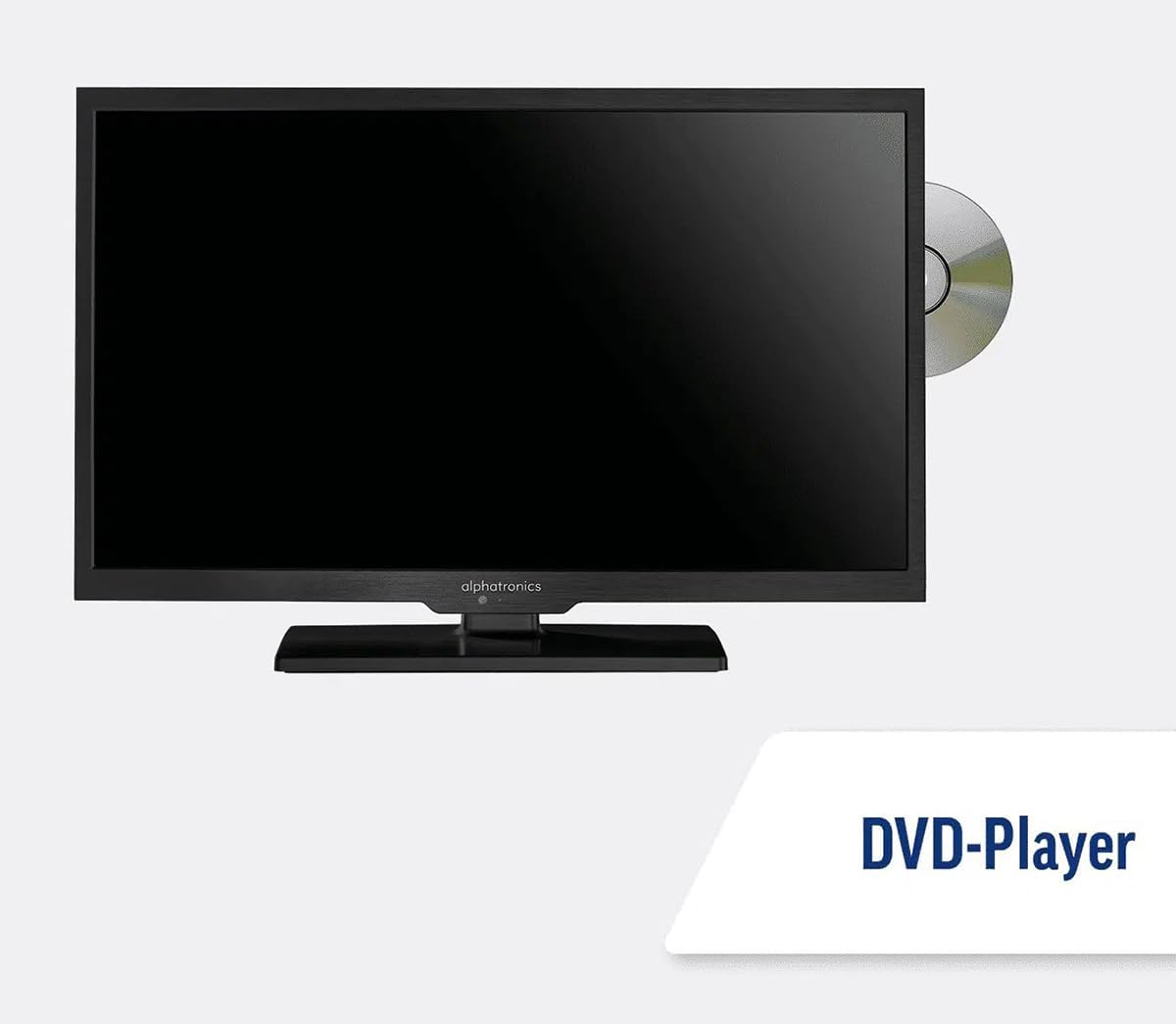
Image: The TV with a DVD disc being inserted into its built-in player.
5. Wartung
5.1. Reinigung
To clean the TV screen, gently wipe it with a soft, lint-free cloth. For stubborn marks, dampen the cloth slightly with water or a screen-cleaning solution. Do not spray liquid directly onto the screen. Clean the TV casinmit einem trockenen, weichen Tuch abwischen.
Vorsicht: Vor der Reinigung immer den Netzstecker des Fernsehers ziehen.
5.2. Software-Updates
Your Maxview Alphatronics Smart TV supports automatic software updates via the internet. Ensure your TV is connected to a stable Wi-Fi or Ethernet network to receive the latest firmware and feature enhancements.
- To check for updates manually, navigate to the Einstellungen menu on your TV, then look for Softwareaktualisierung or Systeminformationen.
- Follow the on-screen prompts to download and install any available updates. Do not power off the TV during an update process.

Image: The TV screen indicating a software update in progress.
6. Fehlerbehebung
Falls Sie Probleme mit Ihrem Fernseher haben, lesen Sie bitte die folgenden häufig auftretenden Probleme und Lösungen, bevor Sie sich an den Kundendienst wenden.
| Problem | Mögliche Ursache | Lösung |
|---|---|---|
| Kein Strom | Power cable disconnected; no power from outlet/source. | Check power connections. Ensure outlet/source is active. Try a different outlet. |
| Kein Signal | Incorrect input selected; antenna/cable disconnected or faulty. | Drücken Quelle/Eingang to select correct input. Check antenna/cable connections. Perform a channel scan. |
| Keine Internetverbindung | Wi-Fi password incorrect; router issue; TV too far from router. | Geben Sie Ihr WLAN-Passwort erneut ein. Starten Sie Ihren Router neu. Stellen Sie den Fernseher näher an den Router oder verwenden Sie eine Ethernet-Verbindung. |
| DVD wird nicht abgespielt | Disc dirty or scratched; incorrect input selected; region code mismatch. | Clean the disc. Ensure "DVD" input is selected. Check disc region compatibility. |
| Fernbedienung funktioniert nicht | Batteries low/dead; obstruction between remote and TV; remote not paired (if Bluetooth). | Batterien austauschen. Hindernisse beseitigen. Fernbedienung gegebenenfalls neu koppeln (siehe TV-Einstellungen). |
If the problem persists after trying these solutions, please contact Maxview Kundensupport.
7. Spezifikationen
| Besonderheit | Detail |
|---|---|
| Modellnummer | TVSL/22 |
| Bildschirmgröße | 22 Zoll (56 cm sichtbare Diagonale) |
| Display-Technologie | LED |
| Auflösung | 1080p (Full HD) |
| Produktabmessungen (T x B x H) | 12T x 58B x 38H Zentimeter |
| Leistungsaufnahme | 12v DC / 240v AC |
| Konnektivität | WLAN, Bluetooth, Ethernet |
| Häfen | 2x HDMI, 1x USB, AV connections, Antenna/Satellite input |
| Besondere Merkmale | Smart TV (WebOS), Built-in DVD Player |
| Seitenverhältnis | 16:9 |
| Hersteller | Alphatronics |
8. Garantie und Support
Your Maxview Alphatronics SL Line+ Smart TV comes with a 3 Jahr Garantie, providing peace of mind regarding your purchase. This warranty covers manufacturing defects and ensures reliable operation.
For warranty claims, technical support, or further assistance, please contact Maxview customer service. You can typically find contact information on the official Maxview webauf der Website oder auf den Verpackungsmaterialien.
Please have your model number (TVSL/22) and proof of purchase ready when contacting support.
Hinweis: In den bereitgestellten Daten wurden keine offiziellen Produktvideos des Verkäufers gefunden, die in dieses Handbuch eingebettet werden könnten.


