Einführung
This manual provides essential information for the safe and effective use of your GOOLOO 100W USB C Charger Block. Please read this manual thoroughly before operating the device and retain it for future reference. This charger is designed to provide high-speed charging for a wide range of electronic devices, including laptops, tablets, smartphones, and compatible GOOLOO jump starters.

Image: The Gooloo 100W USB C Charger Block, showcasing its compact design and four charging ports (two USB-C and two USB-A).
Produkt überview
Hauptmerkmale
- 4-in-1-Mehrfachladegerät: Features two USB-C ports and two USB-A ports, allowing simultaneous charging of up to four devices.
- Ultraschnelles Laden mit 100 W: Delivers a maximum of 100W charging speed when a single device is connected to a USB-C port, capable of charging most laptops to 55% in under 30 minutes.
- Breite Kompatibilität: Supports a broad range of devices including MacBook Pro/Air, Dell XPS, iPhone series, iPad Air/mini, and GOOLOO GT4000S/GT4000/GT3000 jump starters and GTX180/GTX280 power stations.
- Erweiterte Sicherheitsfunktionen: Equipped with temperature protection, short circuit protection, overvoltage protection, overcurrent protection, and automatic recovery for safe and reliable charging.
- Foldable and Compact Design: Features a foldable plug for enhanced portability and a smaller footprint.

Image: The Gooloo 100W USB C Charger Block demonstrating its foldable plug and compact size compared to a standard charger.
Lieferumfang
- 1 x GOOLOO 100W USB C Wall Charger
- 1 x USB-C to USB-C Charging Cord (7.2FT)
Aufstellen
The GOOLOO 100W USB C Charger Block is designed for immediate use with minimal setup.
- Den Stecker ausklappen: Klappen Sie die Netzsteckerstifte vorsichtig aus dem Ladegerätgehäuse heraus.
- An die Steckdose anschließen: Stecken Sie das Ladegerät in eine normale Wandsteckdose (100-240 V Wechselstrom).
- Geräte verbinden: Verwenden Sie geeignete USB-C- oder USB-A-Kabel, um Ihre Geräte an die verfügbaren Anschlüsse des Ladegeräts anzuschließen.
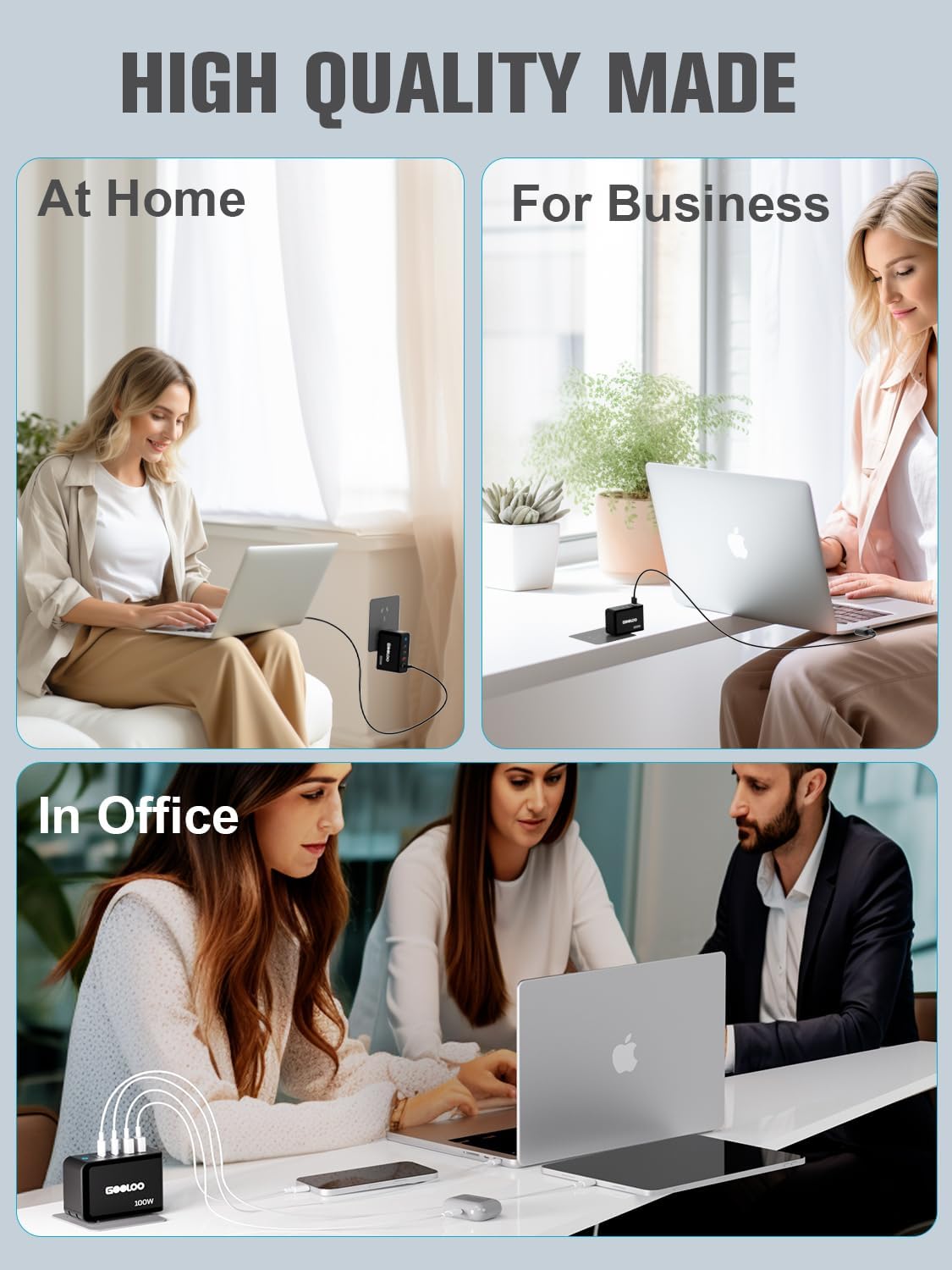
Image: The Gooloo 100W USB C Charger Block shown in different environments, illustrating its versatility for home, business, and office use.
Bedienungsanleitung
Aufladen Ihrer Geräte
The charger intelligently distributes power based on the connected devices. For optimal charging, refer to the following guidelines:
- Laden eines einzelnen Geräts: When only one device is connected to either USB-C port (Type-C1 or Type-C2), it can receive up to 100W of power.
- Aufladen mehrerer Geräte: Power output will be dynamically allocated across all connected ports. For example, connecting a laptop to a USB-C port and a phone to a USB-A port will adjust the power delivery to each device accordingly.

Image: A visual guide illustrating the power distribution (Wattage Max) across the GA01 charger's ports for various device combinations.

Bild: Weitere Beispieleamples of power output configurations for the GA01 charger, detailing wattage distribution when multiple ports are in use.

Image: Comprehensive diagrams showing various power output scenarios for the GA01 charger, helping users understand optimal charging setups.
Kompatibilität
The GOOLOO 100W USB C Charger Block is compatible with a wide array of devices:
- Laptops: MacBook Pro (16", 14", 13"), MacBook Air, Dell XPS, Google Pixelbook, Microsoft Surface Book 2, ThinkPad, and more.
- Telefone und Tablets: iPhone series (15/14/13/12/11/X/SE/XS/XR/8/7/6), iPad Pro (12.9"/11"), iPad mini, iPad Air 4, Samsung Galaxy S8/S9/Note9/S10, Oneplus, LG, Huawei Mate, Xiaomi, Google Pixel, and more.
- GOOLOO Jump Starters & Power Stations: GT3000, GT4000S, GT4000, GTX180, GTX280.
- Andere Geräte: Nintendo Switch, AirPods/AirPods Pro, MagSafe accessories, Apple Watch, Cameras, Drones, Game Consoles, Speakers, and more.

Image: A detailed compatibility chart illustrating the wide range of devices that can be charged by the Gooloo 100W USB C Charger Block, including specific Gooloo jump starter models, popular laptops, phones, tablets, and other gadgets.
Wartung
To ensure the longevity and optimal performance of your GOOLOO 100W USB C Charger Block, follow these maintenance guidelines:
- Reinigung: Trennen Sie das Ladegerät vor der Reinigung von der Steckdose und allen angeschlossenen Geräten. Wischen Sie die Oberfläche mit einem weichen, trockenen Tuch ab. Verwenden Sie keine flüssigen Reiniger oder Sprays.
- Lagerung: Store the charger in a cool, dry place away from direct sunlight and extreme temperatures. When storing, ensure the foldable plug is retracted to prevent damage.
- Handhabung: Vermeiden Sie es, das Ladegerät fallen zu lassen oder starken Stößen auszusetzen. Versuchen Sie nicht, das Ladegerät zu zerlegen oder zu verändern, da dies zum Erlöschen der Garantie führt und Schäden oder Verletzungen verursachen kann.
- Kabelpflege: Always grasp the plug when disconnecting cables, rather than pulling on the cable itself, to prevent damage to the cable or port.
Fehlerbehebung
If you encounter issues with your GOOLOO 100W USB C Charger Block, refer to the following common problems and solutions:
| Problem | Mögliche Ursache | Lösung |
|---|---|---|
| Gerät wird nicht geladen. | Loose connection, faulty cable, incompatible device, or power outlet issue. | Ensure all cables are securely connected. Try a different cable. Test the charger with another device. Try a different power outlet. |
| Langsamer Ladevorgang. | Cable not supporting fast charging, multiple devices connected, or device's charging input limit. | Use a high-quality cable rated for fast charging. Disconnect other devices to allow maximum power to a single device. Ensure your device supports the charger's output. |
| Das Ladegerät fühlt sich warm an. | Normaler Betrieb während des Schnellladens. | A slight warmth is normal. If it becomes excessively hot or emits smoke/odor, immediately unplug it and contact customer support. |
| Die Ladekontrollleuchte ist aus. | No power from the outlet or internal issue. | Check the power outlet. Ensure the charger is fully plugged in. If the issue persists, contact customer support. |
If the problem persists after attempting these solutions, please contact GOOLOO customer support for assistance.
Technische Daten
| Besonderheit | Spezifikation |
|---|---|
| Modellnummer | MSA05902 |
| Verpackungsabmessungen | 4.17 x 3.98 x 1.65 Zoll |
| Artikelgewicht | 12.6 Unzen |
| Anzahl USB-Anschlüsse | 4 (2 x USB-C, 2 x USB-A) |
| Wastage | 100 Watt (Max.) |
| Ausgangsvolumentage | 20 Volt (DC) |
| Stromquelle | Kabelgebundene Elektrik |
| Konnektivitätstechnologie | USB |
| Montagetyp | Wandhalterung |
| Hersteller | Jiangxi Miju Technology Co.,Ltd |
| Datum der ersten Verfügbarkeit | 14. März 2024 |
Garantie und Support
Garantieinformationen
The GOOLOO 100W USB C Charger Block comes with an 18-month warranty from the date of purchase. This warranty covers manufacturing defects and ensures reliable performance under normal use. Please retain your proof of purchase for warranty claims.
Kundenservice
For any questions, technical assistance, or warranty claims, please contact GOOLOO customer service. Our team is available to provide friendly and helpful support.
- Kundensupport rund um die Uhr: Für Ihren Komfort verfügbar.
- 30-Tage-Rückgabegarantie ohne Wenn und Aber: Für ein beruhigendes Gefühl.
- Lebenslanger Kunden- und technischer Support: Konsequente Unterstützung während der gesamten Produktlebensdauer.
For the most up-to-date contact information, please visit the official GOOLOO webBesuchen Sie die Website oder beachten Sie die Kontaktdaten, die Ihrer Produktverpackung beiliegen.


