Bedienungsanleitung
Multi Plug Wall Outlet Surge Protector with USB Ports
Model: CPATS00-040
Marke: CIAO TECH
Einführung
This manual provides essential information for the safe and efficient operation of your CIAO TECH Multi Plug Wall Outlet Surge Protector. This device is designed to expand a single wall outlet into multiple power points, offering both AC outlets and USB charging ports, while providing surge protection for connected electronics.
Bitte lesen Sie diese Bedienungsanleitung vor der Verwendung des Produkts sorgfältig durch und bewahren Sie sie zum späteren Nachschlagen auf.
Sicherheitshinweise
To reduce the risk of electric shock, fire, or injury, always follow basic safety precautions when using electrical products. This device is for indoor use only. Do not expose to liquids, moisture, or extreme temperatures.
- Die elektrischen Nennwerte des Überspannungsschutzes dürfen nicht überschritten werden.
- Zerlegen oder modifizieren Sie das Gerät nicht.
- Außerhalb der Reichweite von Kindern und Haustieren aufbewahren.
- Nicht in feuchter Umgebung oder in der Nähe von Wasser verwenden.
- Ensure the device is properly plugged into a grounded wall outlet.
- If the surge protector is damaged, discontinue use immediately.
WARNING: Risk of Electric Shock. Do not plug into another relocatable power tap.
Packungsinhalt
- 1 x CIAO TECH Multi Plug Wall Outlet Surge Protector (Model: CPATS00-040)
- 1 x Benutzerhandbuch
Produkt überview
The CIAO TECH Multi Plug Wall Outlet Surge Protector features a compact design that integrates multiple power options into a single unit.

Abbildung 1: Vorderseite view of the CIAO TECH Multi Plug Wall Outlet Surge Protector, showing two AC outlets, one USB-A port, and one USB-C port, with a blue indicator light.
- AC-Steckdosen (x2): Standard 3-prong grounded outlets for electrical appliances.
- USB-A-Anschluss (x1): 2.4A output for charging USB-compatible devices.
- USB-C-Anschluss (x1): 3.0A output for fast charging USB-C enabled devices.
- Überspannungsschutzanzeige: A blue LED light indicates that the surge protection is active and functioning.
Aufstellen
- Suchen Sie eine Wandsteckdose: Choose a standard, grounded 3-prong wall outlet that is easily accessible.
- Schließen Sie das Gerät an: Insert the surge protector directly into the wall outlet. Ensure it is firmly seated. The blue surge protection indicator light should illuminate, confirming that the surge protection is active.
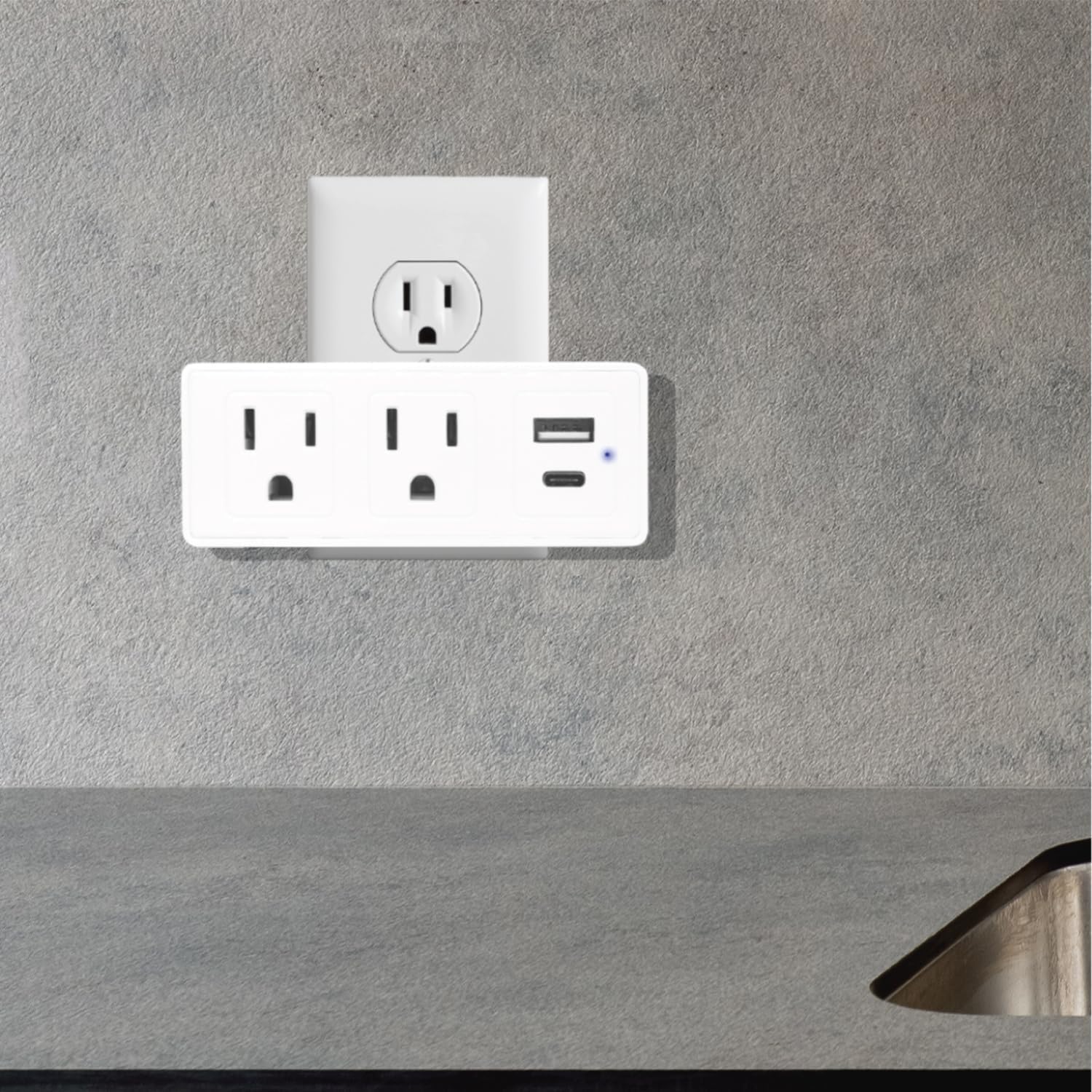
Figure 2: The surge protector securely plugged into a standard wall outlet, ready for use.
- Kontrollleuchte überprüfen: Confirm that the blue LED indicator light on the device is on. This light signifies that the surge protection feature is active. If the light is off, the surge protection may be compromised, and the device should be replaced.
Bedienungsanleitung
Once the surge protector is properly installed, you can begin connecting your devices.
- Anschluss von Wechselstromgeräten: Plug your electrical appliances directly into the two AC outlets on the surge protector. The adapter-spaced design allows for larger plugs without blocking adjacent outlets.
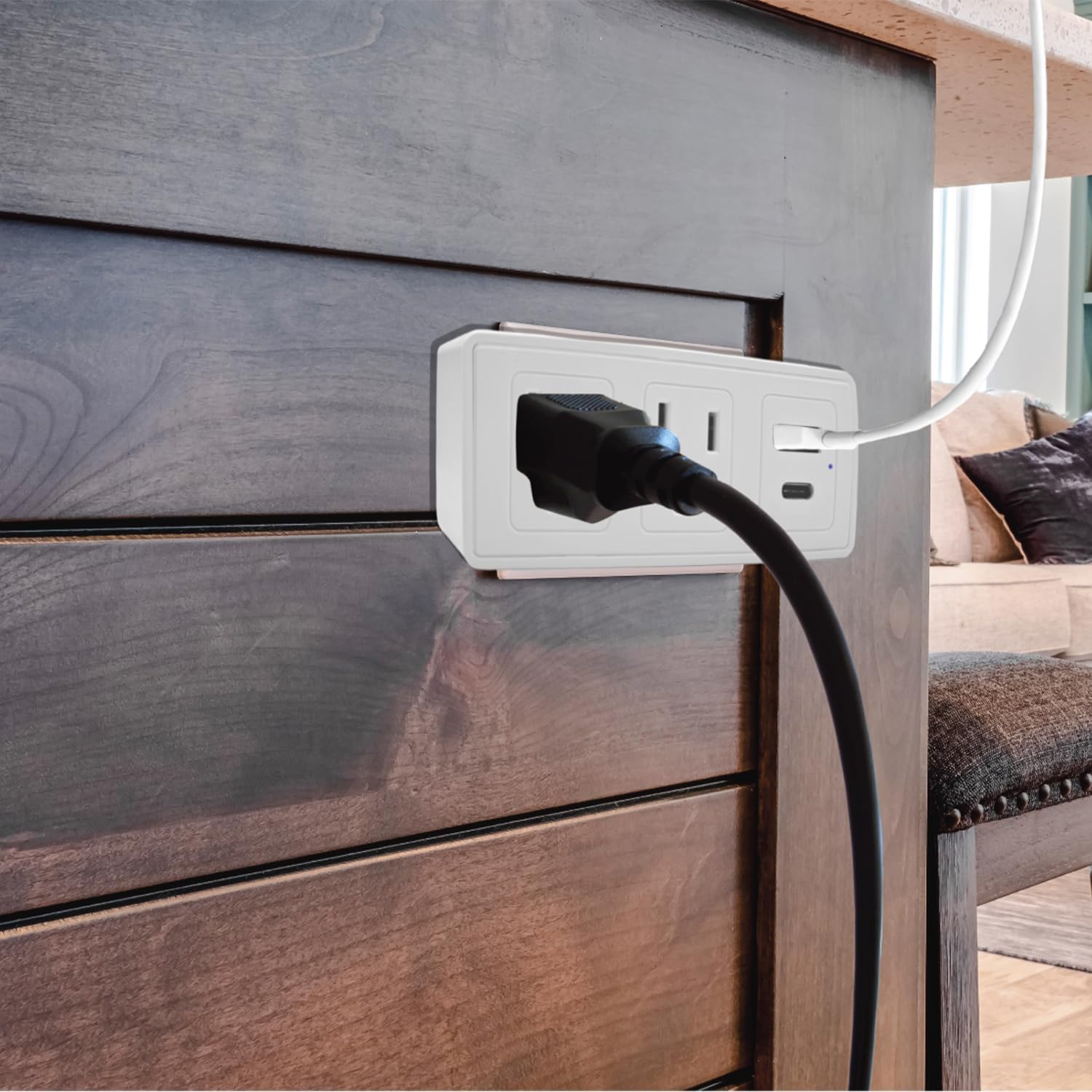
Abbildung 3: Ein Bspample of a power cord plugged into one of the AC outlets on the surge protector.
- Anschließen von USB-Geräten: Use a compatible USB cable to connect your USB-A or USB-C devices to the respective USB ports on the surge protector.
- For standard USB devices, use the USB-A port (2.4A).
- For fast-charging USB-C devices, use the USB-C port (3.0A).
- Überspannungsschutz: The built-in 300J surge protection safeguards your connected devices from power surges and voltage spikes. The blue indicator light confirms its active status.
Wartung
Proper maintenance ensures the longevity and safe operation of your surge protector.
- Reinigung: Trennen Sie den Überspannungsschutz vor der Reinigung von der Steckdose. Wischen Sie die Außenseite mit einem weichen, trockenen Tuch ab. Verwenden Sie keine flüssigen Reiniger oder Sprays.
- Inspektion: Periodically inspect the device for any signs of damage, such as cracks, frayed wires, or discoloration. If damage is observed, discontinue use and replace the unit.
- Überspannungsschutzstatus: Regularly check the blue surge protection indicator light. If it is off, the surge protection has been consumed or is no longer functional, and the unit should be replaced to ensure continued protection for your devices.
Fehlerbehebung
| Problem | Mögliche Ursache | Lösung |
|---|---|---|
| Keine Stromversorgung über Steckdosen oder USB-Anschlüsse. |
|
|
| Blue surge protection indicator light is off. |
|
|
| Das Laden über USB ist langsam oder funktioniert nicht. |
|
|
Technische Daten
| Modellnummer | CPATS00-040 |
| Marke | CIAO TECH |
| AC-Steckdosen | 2 (3-prong grounded) |
| USB-A-Ausgang | 5 V / 2.4 A |
| USB-C-Ausgang | 5 V / 3.0 A |
| Überspannungsschutz | 300 Joule |
| Technische Daten | 4 x 2 x 0.1 Zoll (L x B x H) |
| Artikelgewicht | 8.2 Unzen |
| Material | Plastik |
| Farbe | Weiß |
| Nur zur Verwendung im Innenbereich | Ja |
Garantie und Support
For warranty information or technical support, please contact CIAO TECH customer service. Details can typically be found on the product packaging or the official CIAO TECH webWebsite.
Please have your model number (CPATS00-040) and purchase information ready when contacting support.
Hersteller: Lifeware Group LLC


