1. Einleitung
Welcome to the artfone F20 Senior Flip Phone user manual. This guide provides detailed instructions on how to set up, operate, and maintain your new phone. The artfone F20 is designed for ease of use, featuring large buttons, a clear display, and essential functions for reliable communication.
Please read this manual carefully to ensure proper use and to get the most out of your device. Keep it for future reference.
2. Packungsinhalt
Upon opening your artfone F20 package, please verify that all items listed below are present and in good condition:
- artfone F20 Senior Flip Phone
- Wiederaufladbarer Lithium-Ionen-Akku
- USB-Ladekabel
- Netzteil
- Bedienungsanleitung
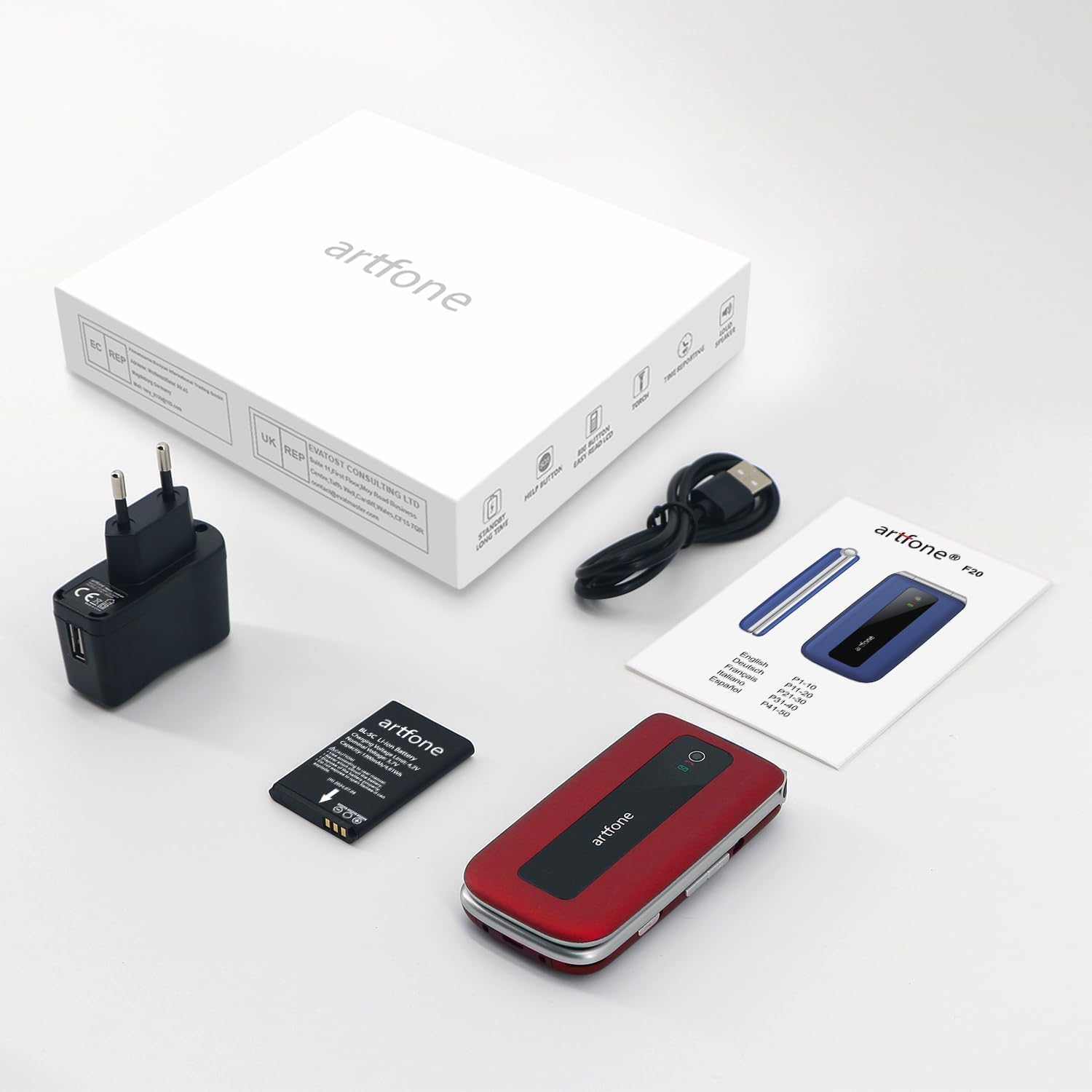
Image: The artfone F20 phone, charger, battery, and user manual laid out, representing the typical package contents.
3. Telefonierenview
Familiarize yourself with the various parts of your artfone F20 phone:

Bild: Mehrere views of the artfone F20 flip phone, illustrating its design from the front, back, sides, and in both open and closed positions.
- Bildschirm: 2.4-inch color display for menus, contacts, and messages.
- Tastenfeld: Large, easy-to-read buttons for dialing and navigation.
- Navigationstasten: Central button for selection, directional keys for menu navigation.
- Anruf-/Beenden-Tasten: Green button to make/answer calls, red button to end calls or power off.
- SOS-Taste: Dedicated button on the back for emergency calls.
- Taschenlampe: Integriertes Licht für mehr Komfort.
- Lautstärketasten: Located on the side for adjusting call and media volume.
- Ladeanschluss: USB Type C port at the bottom for charging.
- Speaker/Receiver: Zur Audioausgabe während Anrufen und Medienwiedergabe.

Bild: Eine detaillierte view of the artfone F20's keypad, highlighting the large, well-spaced buttons for easy dialing and text input.
4. Einrichtung
4.1 Einlegen der Batterie
- Entfernen Sie die Rückseite des Telefons, indem Sie sie vorsichtig an der Aussparung aufhebeln.
- Setzen Sie den Lithium-Ionen-Akku in das Batteriefach ein und achten Sie darauf, dass die goldenen Kontakte mit den Anschlüssen des Telefons übereinstimmen.
- Bringen Sie die Rückseite wieder an und drücken Sie sie fest, bis sie einrastet.
4.2 Installation der SIM-Karte und der Micro-SD-Karte
The artfone F20 supports dual SIM cards (2G) and a Micro SD card up to 32GB for expanded storage.
- With the battery removed, locate the SIM card slots and Micro SD card slot.
- Carefully insert your SIM card(s) into the designated slots, ensuring the cut corner aligns correctly.
- Bei Bedarf kann eine Micro-SD-Karte in den entsprechenden Steckplatz eingesetzt werden.
- Bauen Sie den Akku und die Rückabdeckung wieder ein.
4.3 Erstes Einschalten und Spracheinstellung
- Halten Sie die Anruf beenden/Stromversorgung Drücken Sie die rote Taste so lange, bis der Bildschirm aufleuchtet.
- The phone may prompt you to select a language. Use the navigation keys to select your preferred language (e.g., English) and press the central OK Drücken Sie zur Bestätigung die Taste .
- Enter your SIM PIN if prompted.
5. Bedienungsanleitung
5.1 Anrufe tätigen und entgegennehmen
- Anrufen: Wählen Sie die Nummer über das Tastenfeld und drücken Sie die Taste Anruf Knopf (grüner Knopf).
- So beantworten Sie einen Anruf: Wenn das Telefon klingelt, drücken Sie die Taste Anruf Knopf (grüner Knopf).
- So beenden Sie einen Anruf: Drücken Sie die Anruf beenden Knopf (roter Knopf).
5.2 Senden und Empfangen von SMS
- Vom Hauptmenü aus navigieren Sie zu Nachrichten.
- Wählen Nachricht schreiben eine neue SMS verfassen.
- Geben Sie die Nummer des Empfängers ein oder wählen Sie eine Nummer aus den Kontakten aus.
- Type your message and press Schicken.
5.3 Kurzwahl
You can assign frequently called numbers to speed dial keys (2-9).
- Gehe zu Einstellungen > Kurzwahl.
- Select a number key (e.g., '2') and assign a contact or enter a new number.
- To use speed dial, press and hold the assigned number key from the idle screen.
5.4 SOS-Notruffunktion
The SOS button allows you to quickly contact up to 5 pre-set family numbers in an emergency.

Image: A finger pressing the prominent SOS button located on the back of the artfone F20 flip phone, indicating its emergency call feature.
- SOS-Nummern einstellen: Gehe zu Einstellungen > SOS-Einstellungen. Add up to 5 emergency contact numbers.
- SOS verwenden: Im Notfall die Taste gedrückt halten SOS-Taste on the back of the phone for a few seconds. The phone will automatically call the pre-set numbers in sequence until one answers, and also send an emergency SMS.
5.5 UKW-Radio
UKW-Radio hören:
- Navigieren Sie zu UKW-Radio aus dem Hauptmenü.
- You may need to connect headphones (not included) to act as an antenna.
- Verwenden Sie die Navigationstasten, um nach Sendern zu suchen oder manuell eine Frequenz einzustellen.
5.6 Taschenlampe
The built-in flashlight can be activated for convenience.
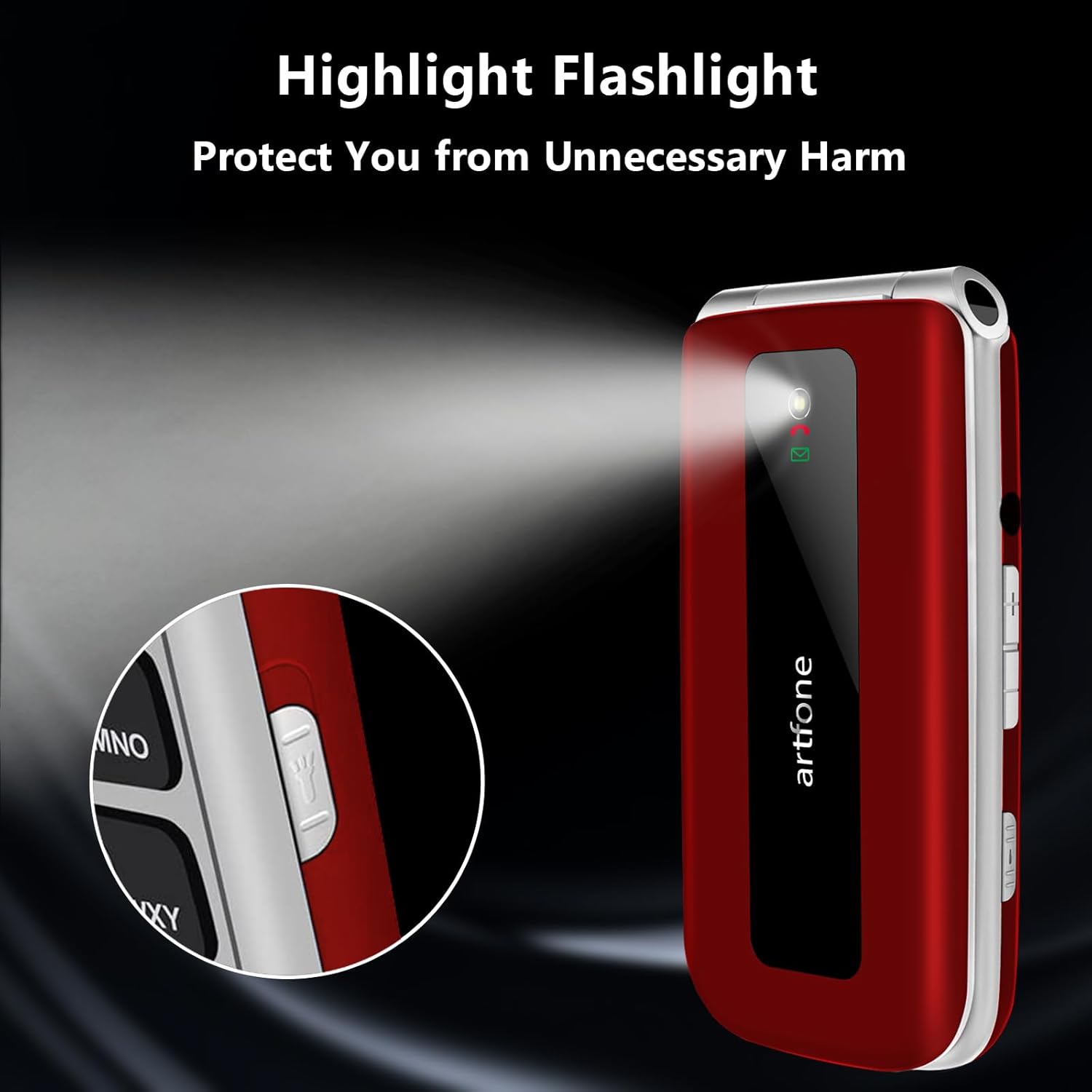
Image: The artfone F20 flip phone with its powerful flashlight activated, casting a bright beam of light.
To turn on/off the flashlight, locate the dedicated flashlight switch or button on the side of the phone, or access it through the phone's menu.
5.7 Weitere Funktionen
The artfone F20 includes several other useful functions:
- Bluetooth: Zum Anschluss an drahtlose Headsets oder andere Geräte.
- Kalender: To keep track of dates and appointments.
- Taschenrechner: Für einfache Rechenoperationen.
- Alarm: Stelle mehrere Alarme für Erinnerungen ein.
- Audio Player/Video Player/Image Viewäh: For multimedia playback and viewing files auf der Micro-SD-Karte gespeichert.
- Tonaufnahmegerät: To record voice notes.
- Flugmodus: Disables all wireless communication.

Image: A visual representation of the artfone F20's user-friendly interface, displaying clear icons for various functions like contacts, messages, SOS, and settings.
6. Wartung
6.1 Batteriepflege
- Laden Sie den Akku vor dem ersten Gebrauch vollständig auf.
- Setzen Sie den Akku keinen extremen Temperaturen aus.
- Use only the original charger and cable provided with the phone.
- Wenn das Telefon längere Zeit nicht benutzt wird, sollte es regelmäßig aufgeladen werden, um die Batterieleistung zu erhalten.
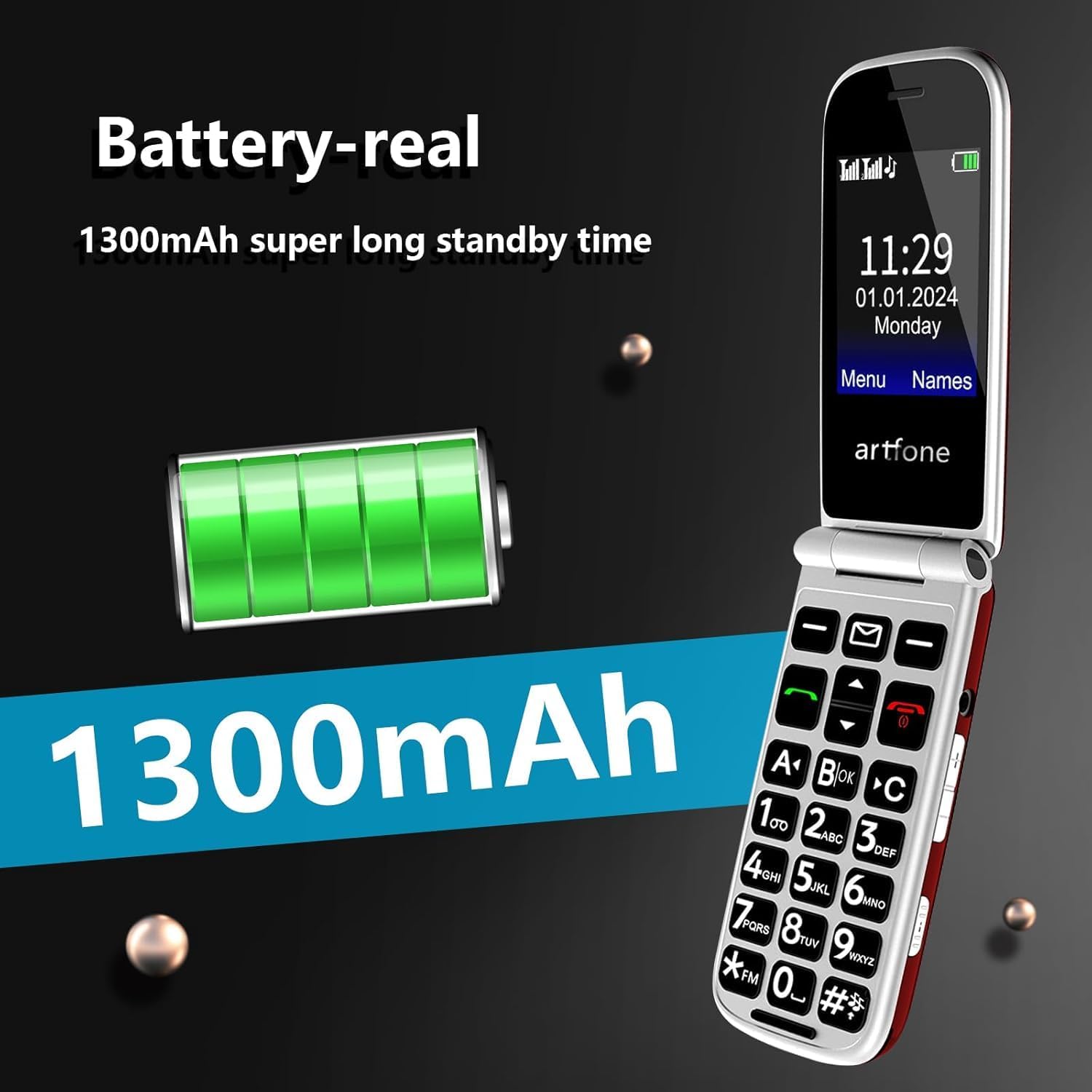
Image: An illustration highlighting the 1300mAh battery of the artfone F20, emphasizing its capacity for extended standby time.
6.2 Reinigung und Lagerung
- Wischen Sie das Telefon mit einem weichen, trockenen Tuch ab. Verwenden Sie keine flüssigen Reiniger oder Sprays.
- Keep the phone away from dust, moisture, and direct sunlight.
- Vermeiden Sie es, das Telefon fallen zu lassen oder starken Stößen auszusetzen.
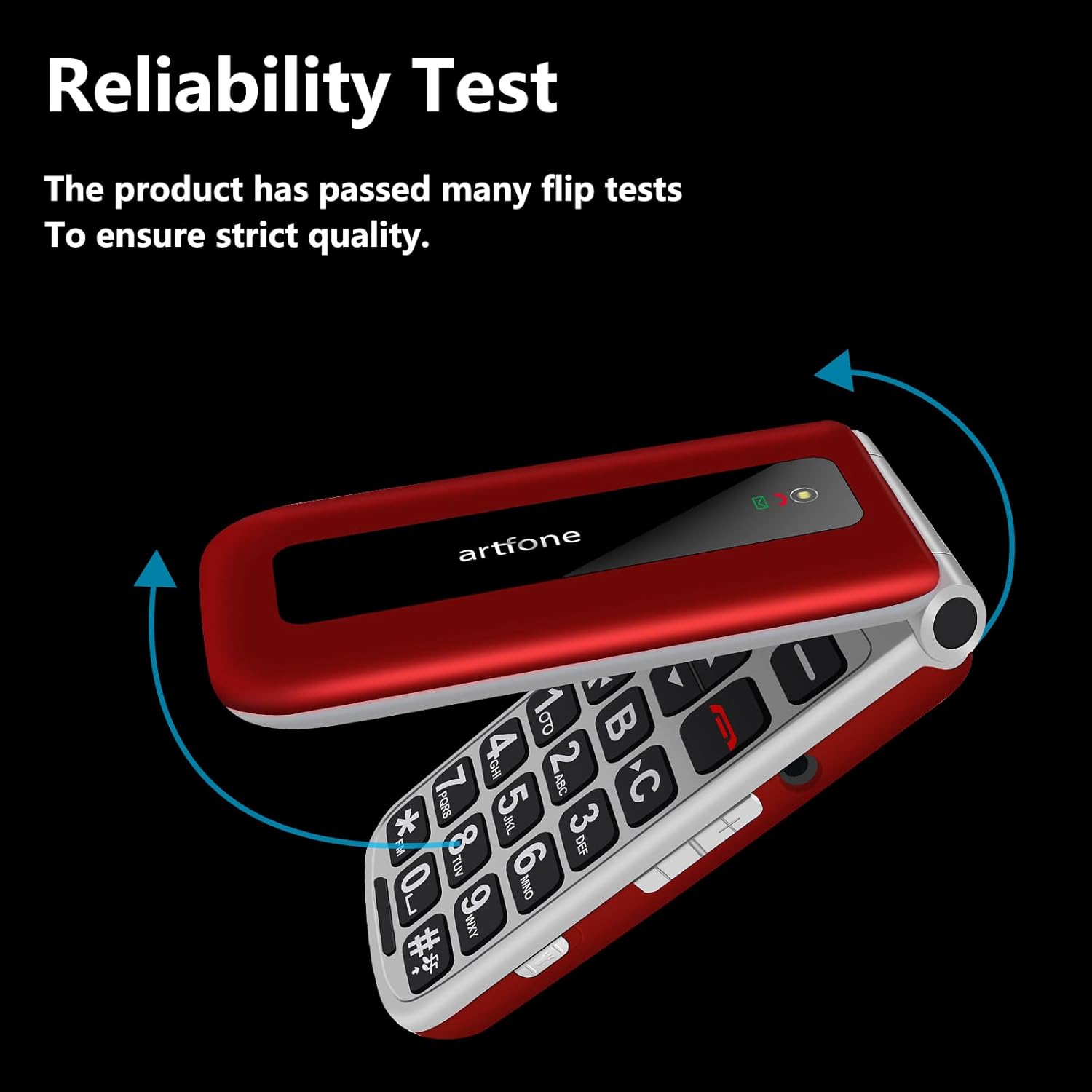
Image: The artfone F20 flip phone in motion, demonstrating its robust flip mechanism and indicating its reliability through testing.
7. Fehlerbehebung
If you encounter issues with your artfone F20, refer to the following common problems and solutions:
| Problem | Mögliche Lösung |
|---|---|
| Telefon lässt sich nicht einschalten | Vergewissern Sie sich, dass der Akku korrekt eingesetzt und geladen ist. Schließen Sie das Ladegerät an und versuchen Sie es erneut. |
| Anrufe können weder getätigt noch empfangen werden. | Check if the SIM card is properly inserted and activated. Ensure you have network coverage. |
| Schlechte Anrufqualität | Move to an area with better network reception. Ensure the speaker/receiver is not obstructed. |
| SOS-Taste funktioniert nicht | Verify that emergency contact numbers are correctly set in the SOS settings. |
| Der Akku entlädt sich schnell | Reduzieren Sie die Bildschirmhelligkeit, schließen Sie nicht benötigte Anwendungen oder überprüfen Sie Hintergrundprozesse. |
Sollte das Problem weiterhin bestehen, wenden Sie sich bitte an den Kundendienst.
8. Spezifikationen
Key technical specifications for the artfone F20:
| Besonderheit | Spezifikation |
|---|---|
| Modellname | F20 |
| Marke | artfone |
| Betriebssystem | artfone OS |
| Bildschirmgröße | 2.4 Zoll |
| Bildschirmauflösung | 320 x 240 |
| Zellulartechnologie | 2G |
| SIM-Karten-Unterstützung | Dual-SIM |
| Speicherkartenunterstützung | Micro SD bis 32GB |
| Batteriekapazität | 1300 mAh Lithium-Ionen- |
| CPU-Geschwindigkeit | 1000 MHz |
| RAM | 64 MB |
| Konnektivität | USB Typ C, Bluetooth |
| Besondere Merkmale | SOS Button, Large Buttons, FM Radio, Flashlight, Speed Dial |
9. Garantie und Support
9.1 Garantieinformationen
Your artfone F20 phone comes with a standard manufacturer's warranty. Please refer to the warranty card included in your package for specific terms, conditions, and duration. Keep your proof of purchase for warranty claims.
9.2 Kundendienst
If you have any questions, require technical assistance, or experience issues not covered in this manual, please contact artfone customer support. Contact details can typically be found on the manufacturer's webauf der Website oder auf der Verpackung.
For the latest information and support, visit the official artfone webWebsite oder die Supportseite des Händlers, bei dem Sie das Produkt gekauft haben.


