1. Einleitung
This manual provides detailed instructions for the installation, setup, operation, and maintenance of your ASD 2 Pack 2x4 Smart RGBW LED Flat Panel Lights. Please read this manual thoroughly before installation and retain it for future reference.
The ASD Smart RGBW LED Flat Panel Light offers versatile lighting solutions with selectable color temperatures (3500K, 4000K, 5000K), full RGB color control, and smart app integration for convenient management via Wi-Fi, Alexa, and Google Assistant.
2. Sicherheitshinweise
- Elektrische Sicherheit: Installation must be performed by a qualified electrician in accordance with national and local electrical codes. Ensure power is disconnected at the circuit breaker before installation or maintenance.
- Bandtage: This fixture operates on 120-277V. Verify your supply voltage entspricht den Anforderungen der Vorrichtung.
- Nur zur Verwendung im Innenbereich: Dieses Produkt ist für die Verwendung in Innenräumen in trockener und feuchter Umgebung konzipiert.amp Standorte. Nicht Wasser oder übermäßiger Feuchtigkeit aussetzen.
- Handhabung: Behandeln Sie das LED-Panel vorsichtig, um Beschädigungen der Lichtquelle oder des Gehäuses zu vermeiden.
- Hitze: Die Leuchte darf nicht mit Isoliermaterial abgedeckt werden. Sorgen Sie für ausreichende Belüftung um die Leuchte herum.
3. Packungsinhalt
Ihr Paket sollte die folgenden Artikel enthalten:
- 2 x ASD 2x4 Smart RGBW LED Flat Panel Lights
- 1 x Bedienungsanleitung (evtl. nicht in deutscher Sprache).
- Necessary mounting hardware for recessed installation
Note: Additional accessories for surface mount or suspended installation (e.g., ASD Surface Mounting Frame, suspension kits) are sold separately.
4. Spezifikationen
| Besonderheit | Spezifikation |
|---|---|
| Modellnummer | A-BLP-24D40SM-RGB |
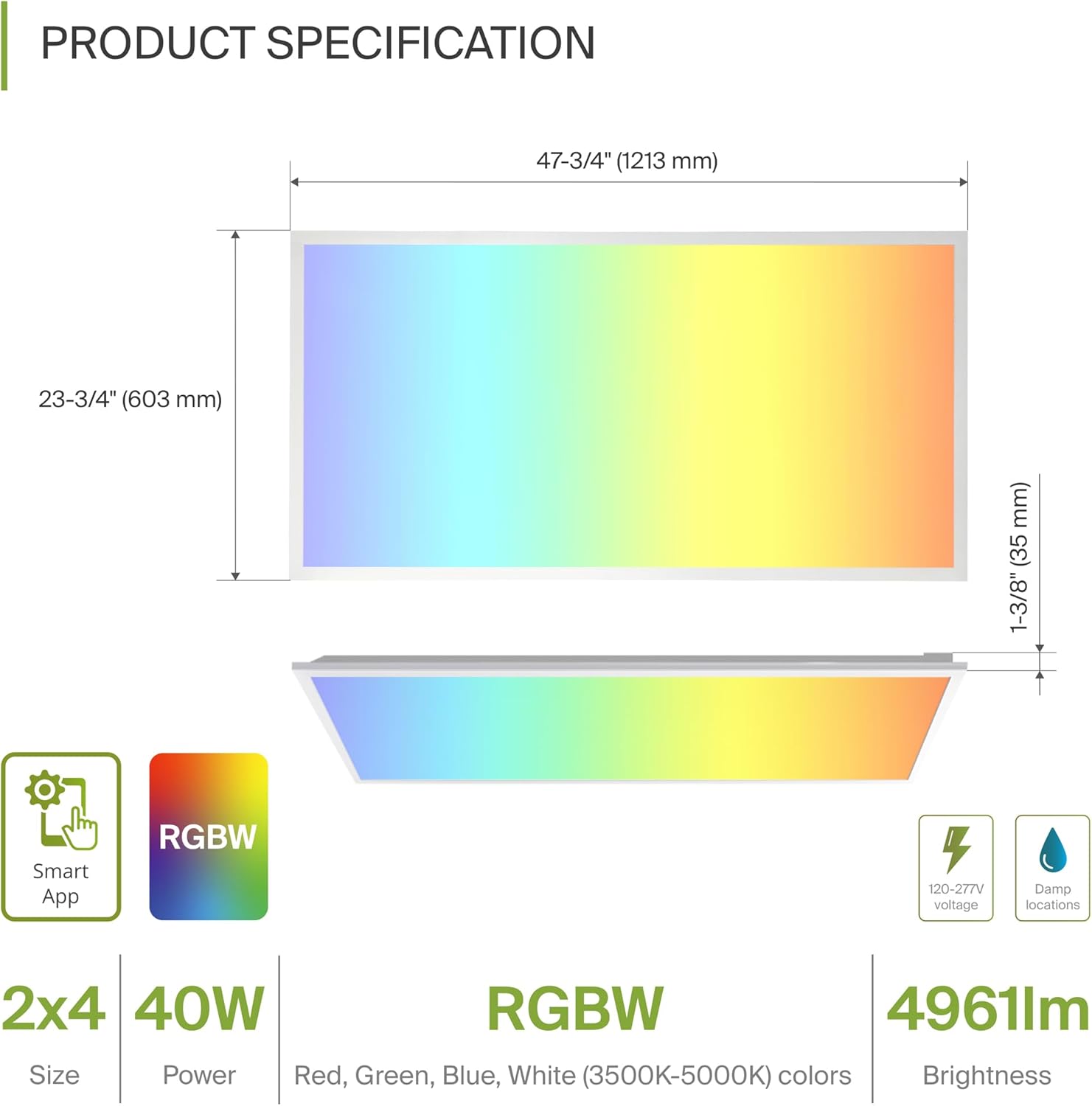
| Abmessungen (L x B x H) | 47.74" x 23.74" x 1.37" (1213 mm x 603 mm x 35 mm) |
| Wastage | 40 Watt |
| Helligkeit | 4961 Lumen |
| Farbtemperatur | 3500K, 4000K, 5000K Selectable (White Light) |
| Farboptionen | RGBW (16.7 million colors) |
| Bandtage | 120-277 Volt |
| Kontrollmethode | ASD Smart App (Wi-Fi), Alexa, Google Assistant |
| Material | Aluminum, Iron, Polycarbonate |
| Lebensdauer | 54,000 Stunden |
| Zertifizierungen | UL, DLC Premium |
5. Installation
The ASD Smart RGBW LED Flat Panel Light supports three primary mounting options: recessed, surface, and suspended. Ensure all electrical connections are made safely and securely.
5.1 Mounting Options Overview
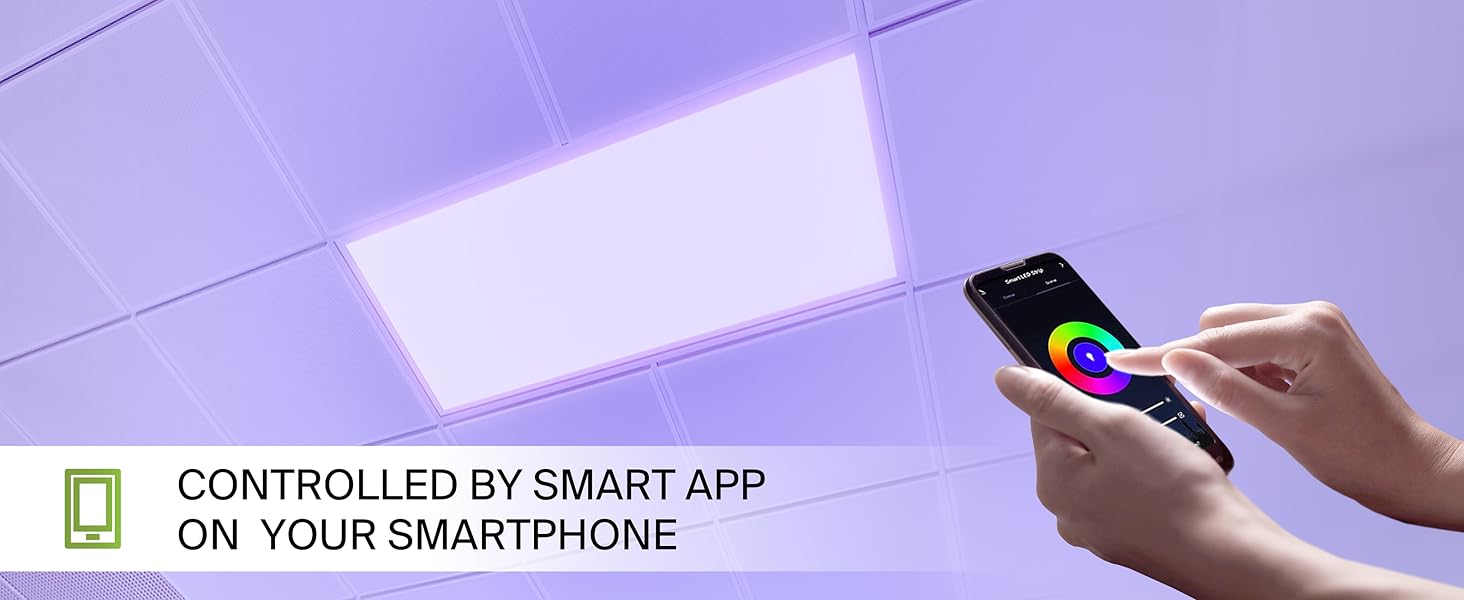
- Einbaumontage: For installation into standard T-bar grid ceilings.
- Oberflächenmontage: Requires an ASD Surface Mounting Frame (ASIN: B07GGMMJCV), sold separately.
- Suspended Mount: Requires a suspension kit (e.g., ASD-CHS4), sold separately.
5.2 Einbauschritte
Follow these steps for recessed installation in a T-bar grid ceiling:
- Bereiten Sie die Eröffnung vor: Ensure the ceiling grid opening is appropriate for a 2x4 panel.
- Lift Mounting Clips: Lift all mounting clips along the edges of the panel. Turn the mounting clip head outwards.
- Verkabelung anschließen: Connect the electrical wires (Neutral, Live, Ground) from your building's power supply into the junction box on the back of the panel. Ensure wire colors match (N, L, G) and use appropriate wire nuts for secure connections.
- Positionsfeld: Carefully place the panel into the ceiling grid opening.
- Sichere Clips: Adjust the panel into place, ensuring the mounting clips are securely fastened to the ceiling's T-bar grid.
6. Setup: Smart App Control
The ASD Smart RGBW LED Flat Panel Light is controlled via the ASD Smart App, compatible with Wi-Fi, Alexa, and Google Assistant.
6.1 Download the ASD Smart App
Scan the QR codes below or visit your app store to download the ASD Smart App:
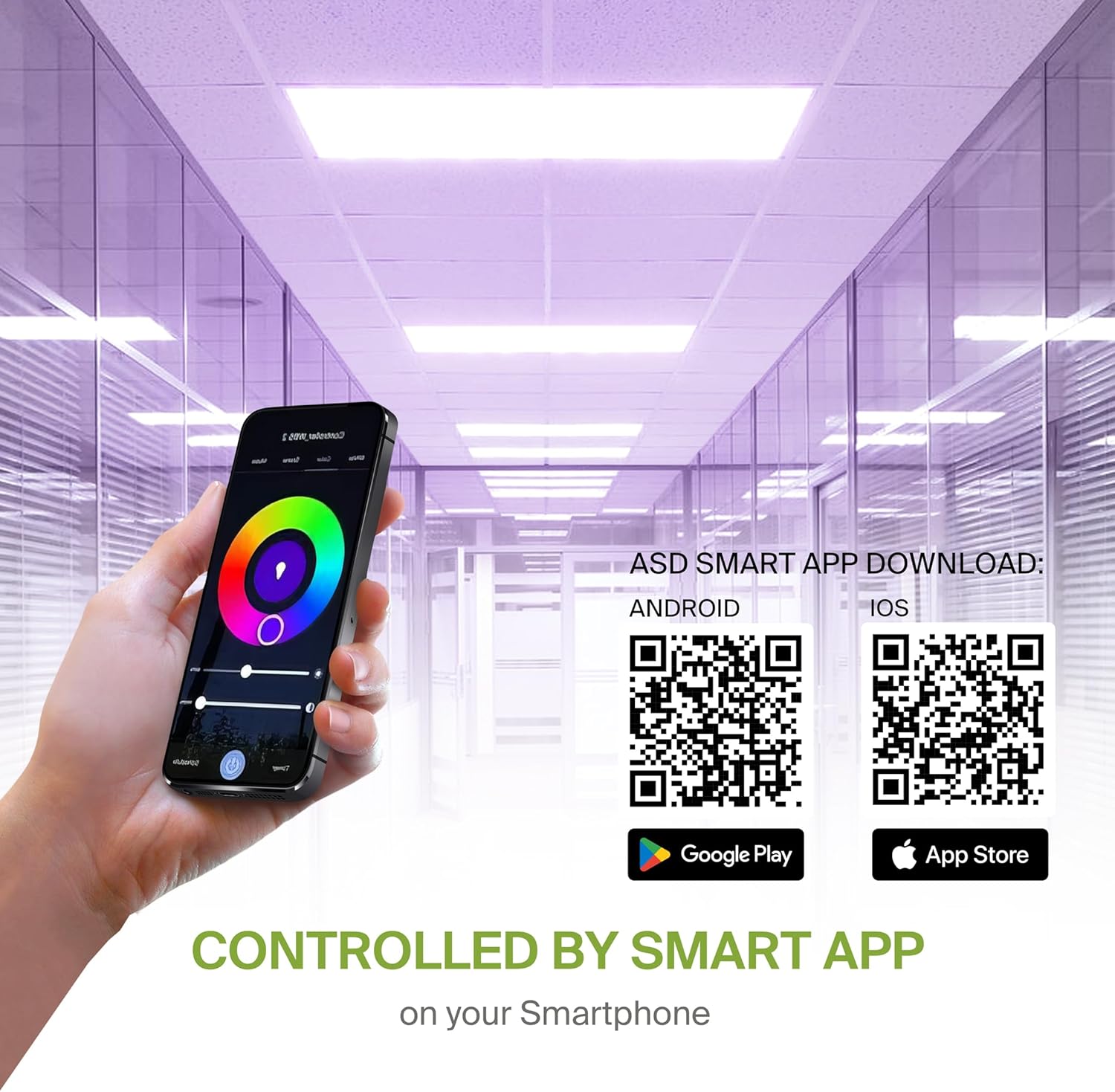
- Android: Google Play Store
- iOS: Apple App Store
6.2 WLAN-Verbindung und Kopplung
After downloading the app, follow the in-app instructions to create an account and connect your LED panel to your Wi-Fi network. A stable 2.4GHz Wi-Fi connection is required for smart functionality.
6.3 Integration von Sprachassistenten
The fixture is compatible with Alexa and Google Assistant. Refer to the ASD Smart App's integration guide to link your lighting system with your preferred voice assistant for voice control.
7. Bedienungsanleitung
Utilize the ASD Smart App to access the full range of features for your LED panel.
7.1 Color Changing and CCT Tuning
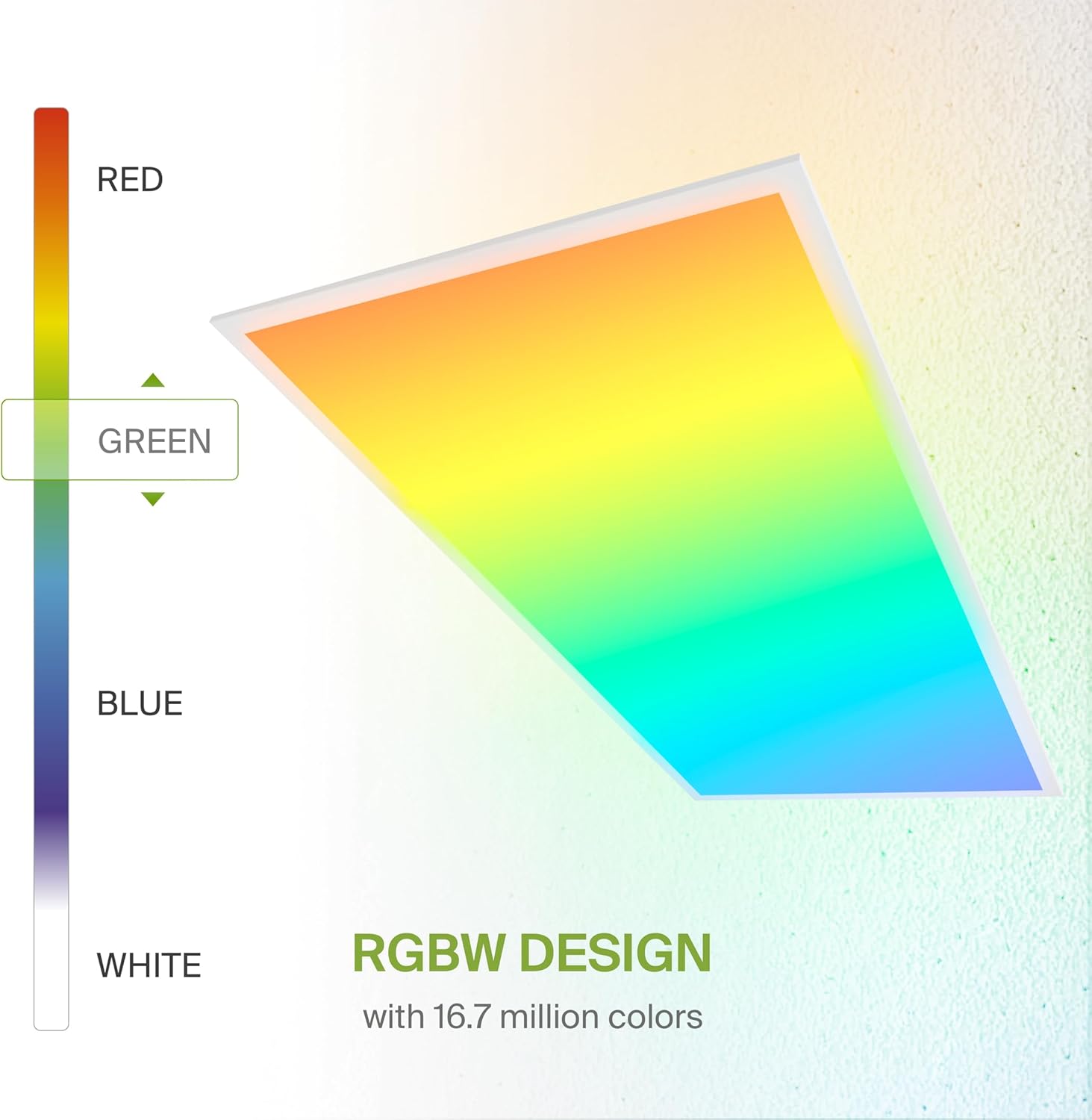
- RGB-Farben: Select from 16.7 million colors to create custom ambiances.
- White Light (CCT): Adjust the white light color temperature between 3500K (Warm White), 4000K (Cool White), and 5000K (Daylight).
7.2 Dimmen
Smoothly dim the light output from 0-100% using the app or voice commands to achieve desired brightness levels.
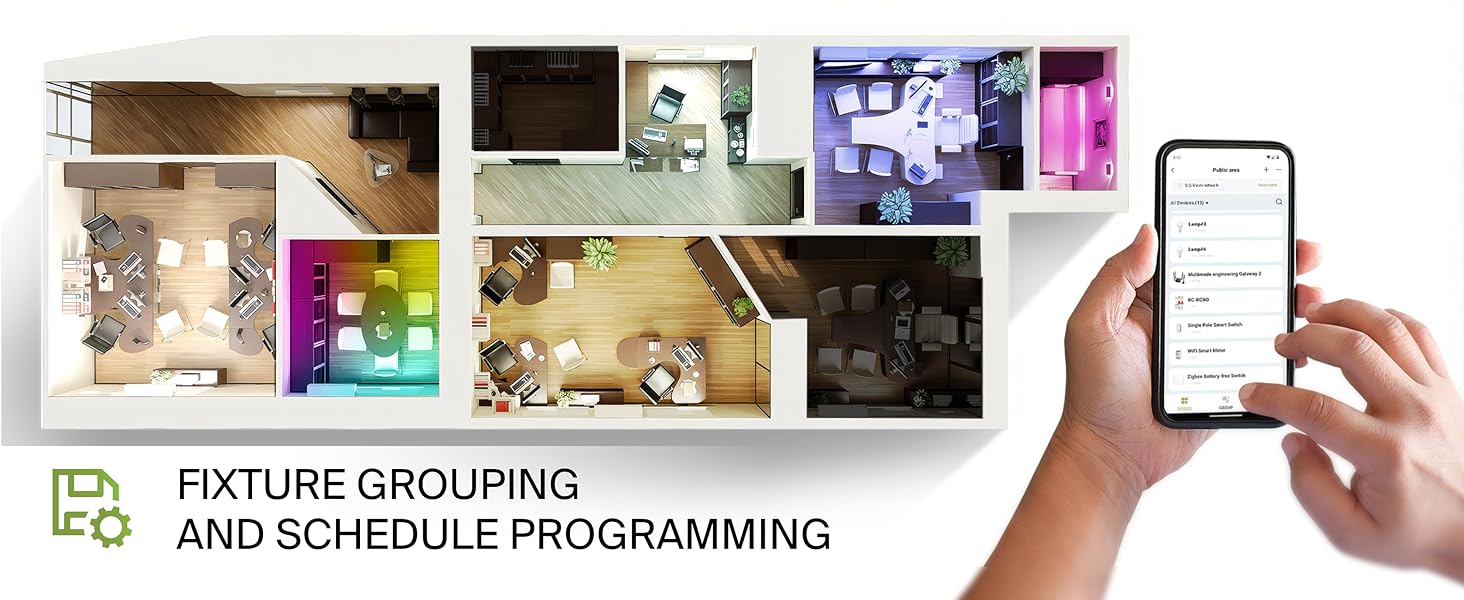
7.3 Fixture Grouping and Scheduling
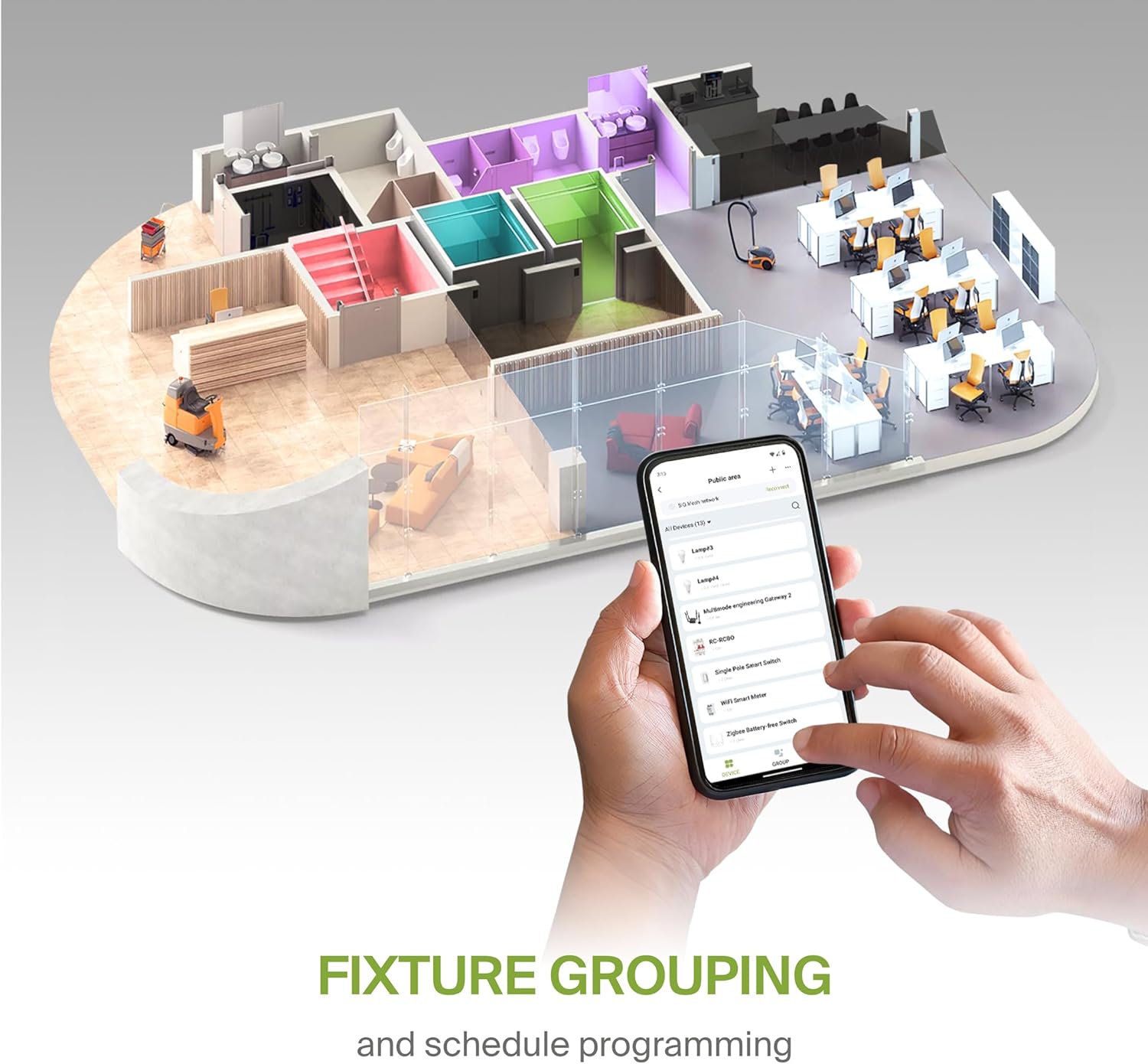
- Gruppierung: Combine multiple ASD Smart LED panels to control them simultaneously.
- Terminplanung: Set automated on/off times, color changes, and dimming levels based on your daily routine or specific events.
8. Wartung
To ensure optimal performance and longevity of your LED panel, follow these simple maintenance guidelines:
- Reinigung: Vor der Reinigung die Stromzufuhr unterbrechen. Verwenden Sie ein weiches, trockenes oder leicht angefeuchtetes Tuch.amp cloth to wipe the surface of the panel. Avoid abrasive cleaners or solvents that could damage the finish or lens.
- Inspektion: Periodically inspect the wiring and mounting for any signs of wear or damage. Address any issues promptly.
9. Fehlerbehebung
If you encounter issues with your ASD Smart RGBW LED Flat Panel Light, refer to the following common troubleshooting steps:
- Licht geht nicht an:
- Prüfen Sie den Leitungsschutzschalter, um sicherzustellen, dass die Leuchte mit Strom versorgt wird.
- Prüfen Sie, ob alle Kabelverbindungen sicher und korrekt sind.
- Ensure the light switch (if applicable) is in the ON position.
- Probleme mit der App-Konnektivität:
- Ensure your Wi-Fi network is active and stable (2.4GHz band).
- Restart your Wi-Fi router and the LED panel (by cycling power).
- Confirm your smartphone is connected to the same Wi-Fi network as the light.
- Try re-pairing the device through the ASD Smart App.
- Uneinheitliche Farbe/Helligkeit:
- Stellen Sie sicher, dass die App auf die neueste Version aktualisiert ist.
- Check for any interference with the Wi-Fi signal.
- If controlling multiple lights, verify they are correctly grouped in the app.
For further assistance, please contact ASD customer support.
10. Garantie und Support
ASD bietet eine 5 Jahr eingeschränkte Garantie Diese Garantie deckt Material- und Verarbeitungsfehler bei normalem Gebrauch ab. Bitte bewahren Sie Ihren Kaufbeleg für Garantieansprüche auf.
For technical support, warranty inquiries, or additional information, please visit the official ASD webWebsite oder wenden Sie sich an die Kundendienstabteilung.


