1. Einleitung
Vielen Dank, dass Sie sich für Black entschieden habenview AirBuds 10 Open Ear Headphones. These wireless earbuds are designed for comfort and situational awareness, making them ideal for sports and daily activities. This manual provides detailed instructions to help you get the most out of your device.
2. Produktüberschreitungview
2.1 Packungsinhalt
- Schwarzview AirBuds 10 Open-Ear-Kopfhörer (links und rechts)
- Kabelloses Ladecase
- USB-Ladekabel (Typ-C)
- Bedienungsanleitung
2.2 Hauptmerkmale
- Offenes Ohrdesign: Flexible ear hooks provide a secure and comfortable fit without entering the ear canal, allowing awareness of surroundings.
- Verbessertes Audio: Equipped with 16.2mm dynamic drivers for a rich listening experience.
- Anrufe löschen: Dual microphones with Environmental Noise Cancellation (ENC) reduce ambient noise for clear voice transmission.
- Bluetooth 5.3: Ensures stable connection, lower power consumption, longer transmission range, and reduced latency.
- Intuitive Touch-Steuerung: Musik, Anrufe und Lautstärke können direkt über die Ohrhörer gesteuert werden.
- Verlängerte Akkulaufzeit: Bis zu 45 Stunden Gesamtspielzeit mit dem Ladecase.
- IPX7 Wasserdicht: Resistant to water splashes and sweat, suitable for various activities.

Abbildung 1: Schwarzview AirBuds 10 Open Ear Headphones and Charging Case.

Figure 2: The open-ear design allows for comfort and environmental awareness.
3. Einrichtung
3.1 Aufladen der Ohrhörer und des Ladecase
Before first use, fully charge the earbuds and the charging case. Place the earbuds into the charging case. Connect the Type-C charging cable to the charging port on the case and a power source. The charging indicator lights will show the charging status. A full charge for the earbuds takes approximately 1.5 hours. The charging case provides multiple charges, offering up to 45 hours of total playtime.
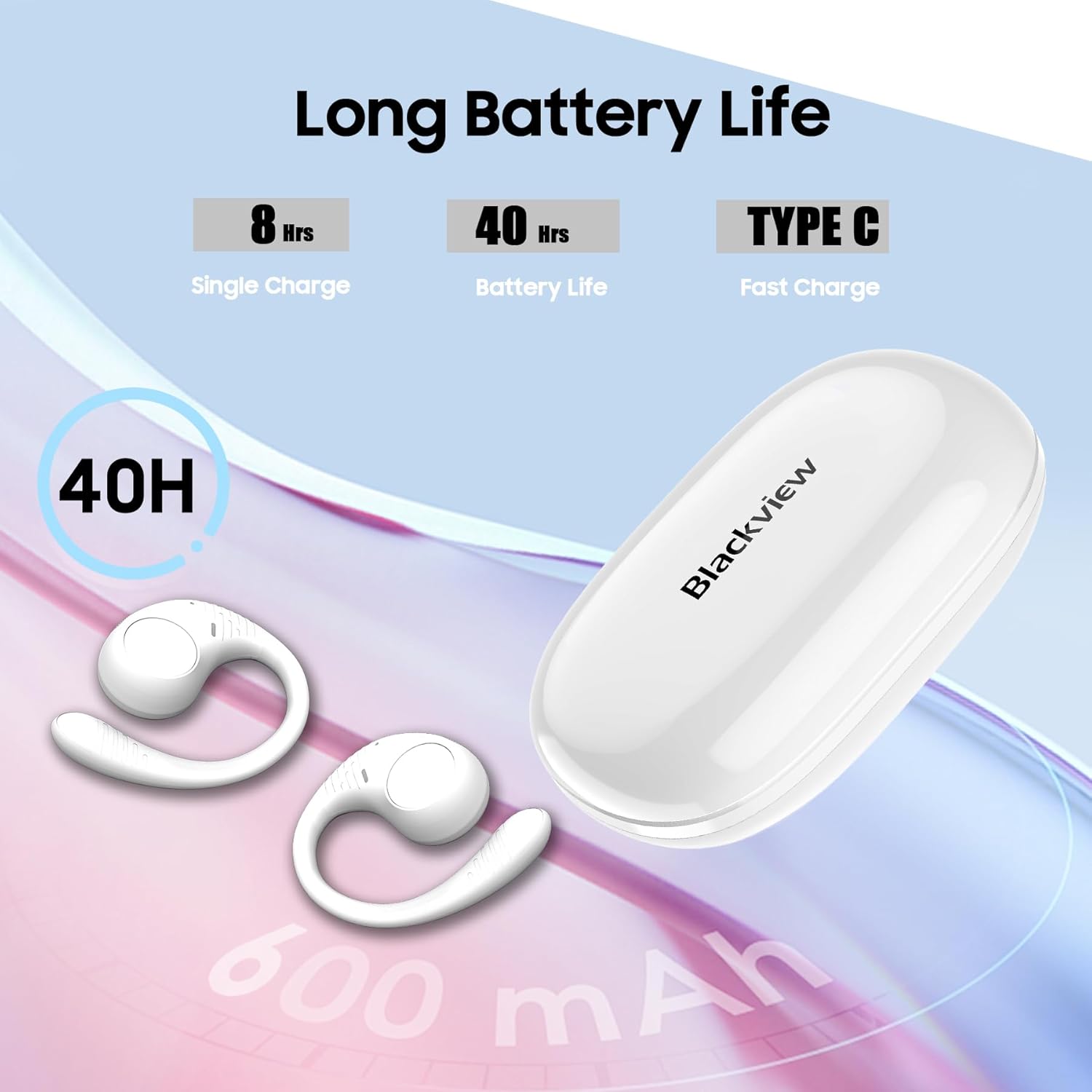
Abbildung 3: Batterielebensdauer und Ladeinformationen.
3.2 Bluetooth-Kopplung
- Stellen Sie sicher, dass die Ohrhörer aufgeladen sind.
- Öffnen Sie das Ladecase. Die Ohrhörer wechseln automatisch in den Kopplungsmodus, was durch eine blinkende LED-Leuchte an den Ohrhörern angezeigt wird.
- Aktivieren Sie auf Ihrem Gerät (Smartphone, Tablet, Computer) Bluetooth und suchen Sie nach verfügbaren Geräten.
- Wählen Sie „Schwarz“ aus.view AirBuds 10" from the list of devices.
- Once connected, the LED indicator on the earbuds will turn off or show a steady light, and you will hear an audible confirmation.
- After the initial successful pairing, the earbuds will automatically connect to the last paired device when removed from the case.
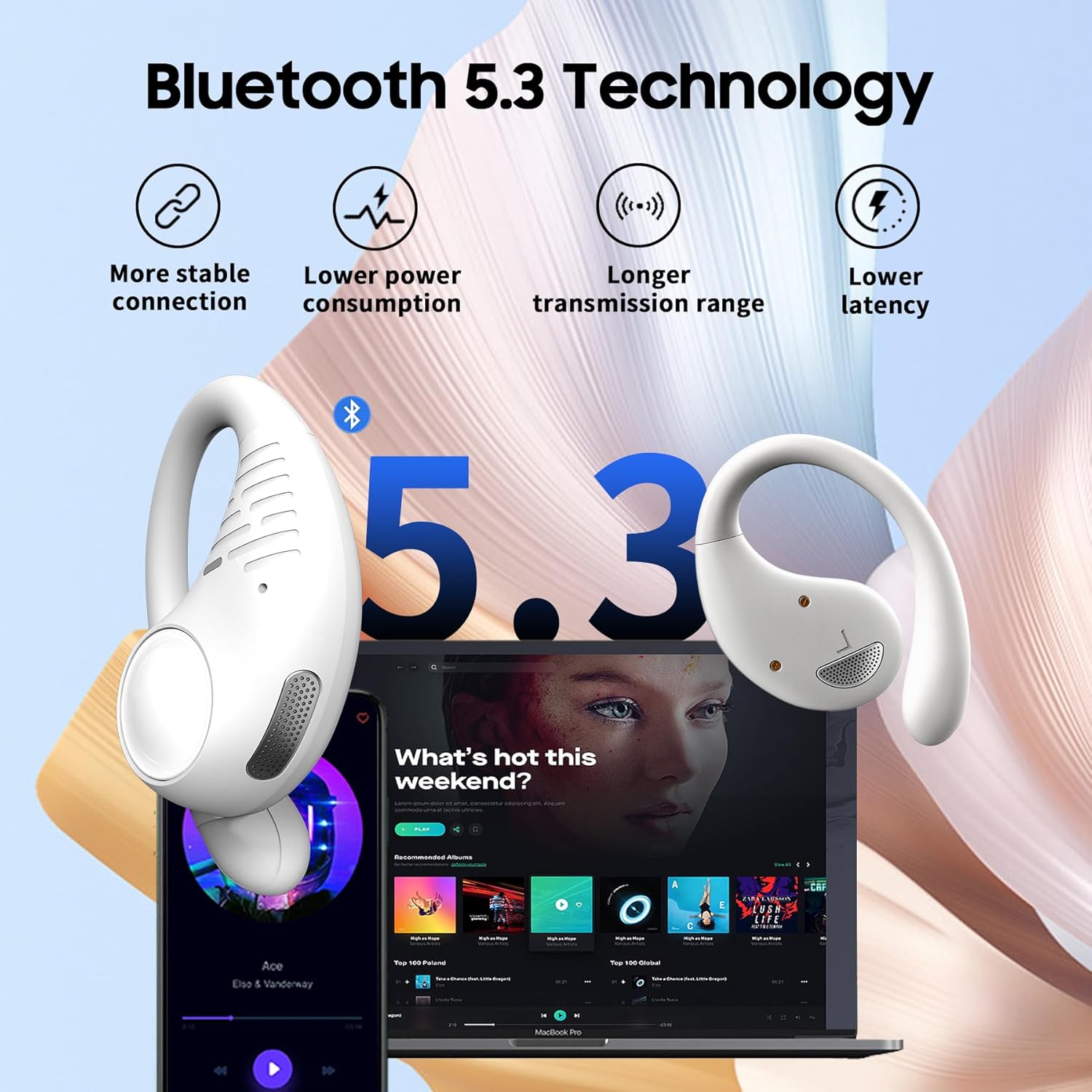
Figure 4: Bluetooth 5.3 connectivity for stable pairing.
4. Bedienungsanleitung
4.1 Tragen der Ohrhörer
Gently place the earbud over your ear, ensuring the ear hook wraps securely behind your ear. Adjust for a comfortable and stable fit. The open-ear design means the earbuds rest outside your ear canal.

Figure 5: The earhook design ensures a secure fit during activities.
4.2 Berührungssteuerung
The AirBuds 10 feature touch-sensitive areas on each earbud for easy control of various functions:
- Musik abspielen/pausieren: Double-tap the L/R earbud.
- Nächster Titel: Triple-tap the R earbud.
- Vorheriges Lied: Triple-tap the L earbud.
- Lautstärke erhöhen: Single-tap the R earbud.
- Lautstärke runter: Single-tap the L earbud.
- Anruf annehmen/beenden: Double-tap the L/R earbud.
- Anruf ablehnen: Press and hold the L/R earbud for 2 seconds.
- Sprachassistent aktivieren (Siri/Google Assistant): Press and hold the L/R earbud for 3 seconds.

Figure 6: Smart touch control functions.
4.3 Einzelohrhörer-Modus
You can use either the left or right earbud independently. Simply remove one earbud from the charging case, and it will automatically connect to your device. The other earbud can remain in the case or be charged.
5. Wartung
5.1 Reinigung
Regularly clean your earbuds and charging case with a soft, dry, lint-free cloth. Avoid using abrasive materials, solvents, or spray cleaners. Do not submerge the charging case in water.
5.2 Speicherung
Bewahren Sie die Ohrhörer bei Nichtgebrauch im Ladecase auf, um sie zu schützen und den Ladevorgang zu gewährleisten. Lagern Sie sie an einem kühlen, trockenen Ort und schützen Sie sie vor extremen Temperaturen.
5.3 Wasserdichtigkeit (IPX7)
Das Schwarzeview AirBuds 10 are IPX7 waterproof, meaning they can withstand splashes, rain, and sweat. They are not designed for swimming or prolonged submersion. Ensure the earbuds are dry before placing them back into the charging case to prevent damage.
6. Fehlerbehebung
| Ausgabe | Mögliche Lösung |
|---|---|
| Ohrhörer lassen sich nicht koppeln | Ensure earbuds are charged. Turn off and on Bluetooth on your device. Forget "Blackview AirBuds 10" from your device's Bluetooth list and re-pair. Place earbuds back in case, close, then reopen to re-enter pairing mode. |
| Kein Ton von einem Ohrhörer | Check battery level of both earbuds. Try placing both earbuds back in the case, closing it, and then taking them out again. Re-pair the earbuds with your device. |
| Ladeetui lädt nicht | Vergewissern Sie sich, dass das Ladekabel fest mit dem Ladecase und der Stromquelle verbunden ist. Versuchen Sie es mit einem anderen Ladekabel oder Netzteil. |
| Geringe Lautstärke | Adjust volume on both your connected device and using the earbud touch controls. Due to the open-ear design, a slightly higher volume may be needed. |
| Die Ohrhörer fallen leicht heraus | Ensure the ear hooks are properly positioned and adjusted for a snug fit around your ears. |
7. Spezifikationen
| Besonderheit | Detail |
|---|---|
| Modellname | Airbuds 10 |
| Konnektivitätstechnologie | Kabellos (Bluetooth) |
| Bluetooth-Version | 5.3 |
| Bluetooth-Reichweite | 10 Meter |
| Größe des Audiotreibers | 16.2 Millimeter |
| Akkulaufzeit (Ohrhörer) | Bis zu 8 Stunden (mit einer einzigen Ladung) |
| Gesamtspielzeit (mit Hülle) | Bis zu 45 Stunden |
| Ladezeit | 1.5 Stunden (Ohrhörer) |
| Wasserbeständigkeit | IPX7 |
| Steuerungstyp | Touch-Steuerung |
| Mikrofon | Dual Microphone with ENC |
| Kompatible Geräte | Cellphones, Tablets, Computers (Bluetooth enabled) |
| Akkukapazität des Ladegehäuses | 550 Milliamp Std |
| Artikelgewicht | 7.8 Unzen |
| UPC | 810175522166 |
8. Garantie und Support
Informationen zur Garantie und zum Kundendienst finden Sie auf der Garantiekarte, die Ihrer Produktverpackung beiliegt, oder auf der offiziellen Black-Website.view website. If you encounter any issues not covered in this manual, please contact Blackview Kundendienst um Hilfe.


