Einführung
Vielen Dank, dass Sie sich für Black entschieden habenview AirBuds 7 Wireless Earbuds. This manual provides essential information for setting up, operating, and maintaining your earbuds. Please read it carefully before use to ensure optimal performance and longevity of your device.
Packungsinhalt
Bitte überprüfen Sie, ob alle unten aufgeführten Artikel in Ihrem Paket enthalten sind:
- Schwarzview AirBuds 7 Ohrhörer (links und rechts)
- Ladeetui
- USB-Ladekabel
- Bedienungsanleitung
Video: Auspacken und überview des Schwarzenview AirBuds 7, showing the package contents including the earbuds, charging case, USB cable, and user manual.
Produkt überview
Das Schwarzeview AirBuds 7 feature a compact design with a charging case that includes an LED display for battery status. The earbuds are designed for comfortable in-ear fit and deliver clear audio.
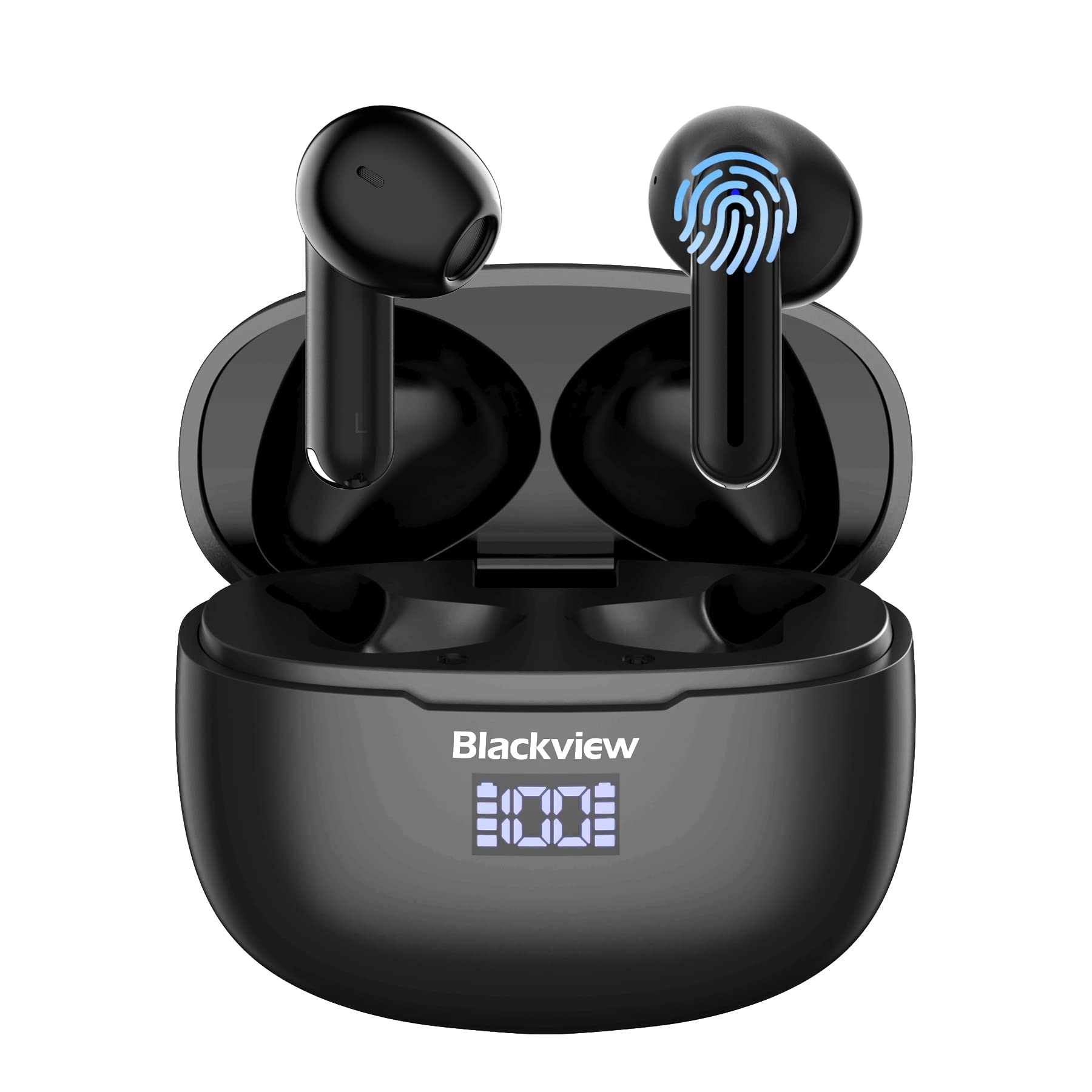
Bild: Schwarzview AirBuds 7 wireless earbuds and their charging case, showcasing the digital power display.

Bild: Nahaufnahme des Schwarzenview AirBuds 7 charging case, highlighting the digital LED power display for both the case and individual earbuds.
Einrichtung und Kopplung
Follow these steps to connect your AirBuds 7 to your device:
- Lade-Ohrhörer: Stellen Sie vor dem ersten Gebrauch sicher, dass die Ohrhörer und das Ladeetui vollständig aufgeladen sind.
- Pairing-Modus aktivieren: Öffnen Sie das Ladecase und entnehmen Sie beide Ohrhörer. Diese wechseln automatisch in den Kopplungsmodus.
- Bluetooth aktivieren: Öffnen Sie auf Ihrem Smartphone oder einem anderen Bluetooth-fähigen Gerät die Bluetooth-Einstellungen.
- Suchen und verbinden: Suchen nach available devices and select "AirBuds 7" from the list.
- Bestätigung: Sobald die Verbindung hergestellt ist, hören Sie eine akustische Benachrichtigung, und die Ohrhörer sind einsatzbereit.
Nach der ersten Kopplung verbinden sich die Ohrhörer automatisch mit Ihrem Gerät, sobald Sie sie aus dem Ladecase nehmen, vorausgesetzt, Bluetooth ist auf Ihrem Gerät aktiviert.

Bild: A smartphone displaying its Bluetooth settings, showing a successful connection to 'AirBuds 7', with the charging case and earbuds nearby.
Laden
The AirBuds 7 charging case features both USB-C and wireless charging capabilities. The LED display on the case indicates the battery level of both the case and the earbuds.
- Aufladen der Ohrhörer: Legen Sie die Ohrhörer zurück in das Ladecase. Der Ladevorgang startet automatisch.
- Case Charging (USB-C): Connect the provided USB charging cable to the USB-C port on the charging case and to a power source.
- Laden des Ladecase (kabellos): Legen Sie das Ladecase auf ein kompatibles kabelloses Ladepad.
A full charge for the earbuds provides up to 6 hours of music playback. The charging case provides an additional 4-5 charges, extending total playtime to approximately 30 hours. The charging time for the case is approximately 75 minutes.

Bild: Das Schwarzeview AirBuds 7 charging case being charged wirelessly on a pad, also showing the option for USB-C cable charging.
Bedienungsanleitung
Intelligente Touch-Bedienelemente
The AirBuds 7 feature intuitive touch controls on each earbud. Refer to the diagram below for specific functions:

Bild: A visual guide to the touch controls on the Blackview AirBuds 7, detailing actions for music playback, calls, and volume.
- Abspielen/Pause: Double tap Left (L) or Right (R) earbud.
- Anruf annehmen/auflegen: Double tap Left (L) or Right (R) earbud.
- Vorheriges Lied: Triple tap Left (L) earbud.
- Nächstes Lied: Triple tap Right (R) earbud.
- Lautstärke erhöhen: Single tap Right (R) earbud.
- Lautstärke verringern: Single tap Left (L) earbud.
Wasserbeständigkeit (IPX7)
Das Schwarzeview AirBuds 7 are rated IPX7 waterproof, meaning they can withstand immersion in water up to 1 meter for 30 minutes. This protection makes them suitable for use during workouts or in light rain. However, the charging case is not waterproof. Avoid exposing the charging case to water.
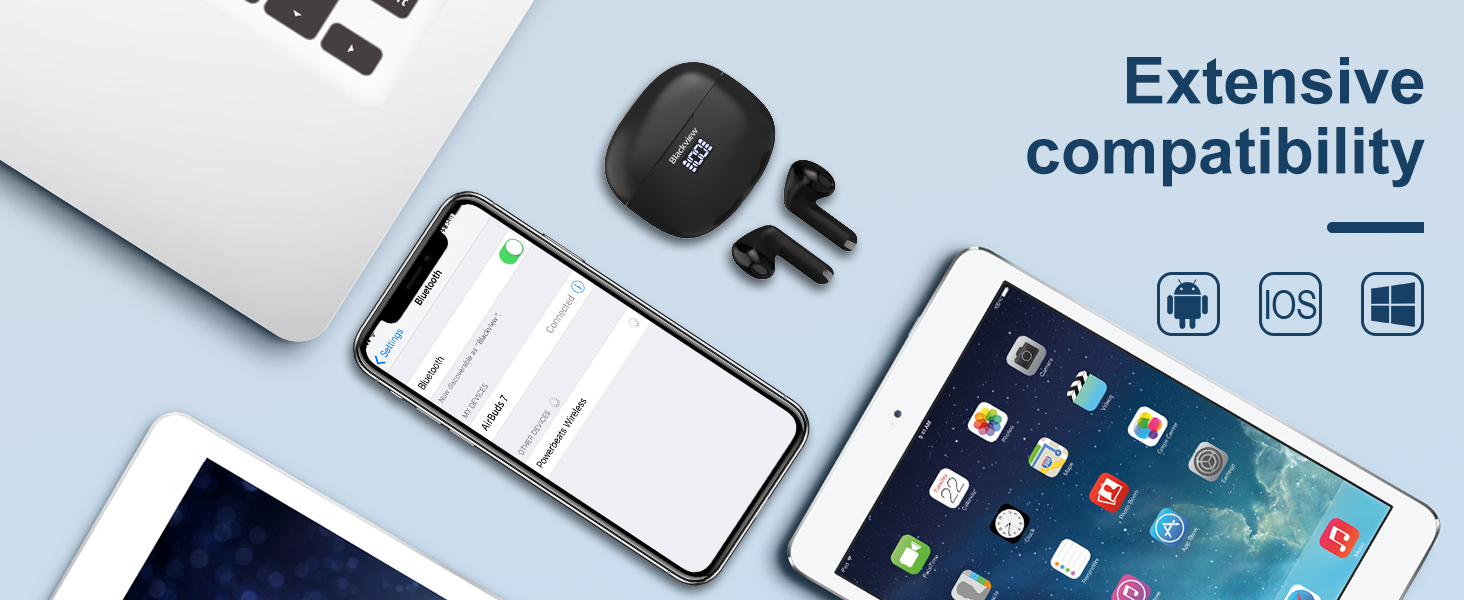
Bild: A person being splashed with water, demonstrating the IPX7 waterproof capability of the AirBuds 7 earbuds, protecting them from sweat and raindrops.
Umgebungsgeräuschunterdrückung (ENC)
The AirBuds 7 incorporate Dual-Mic Environmental Noise Cancellation (ENC) technology and a Dialogue Noise Cancellation (DNS) algorithm. This system automatically activates during calls to reduce background noise, ensuring clearer conversations even in noisy environments like public transport or busy streets.
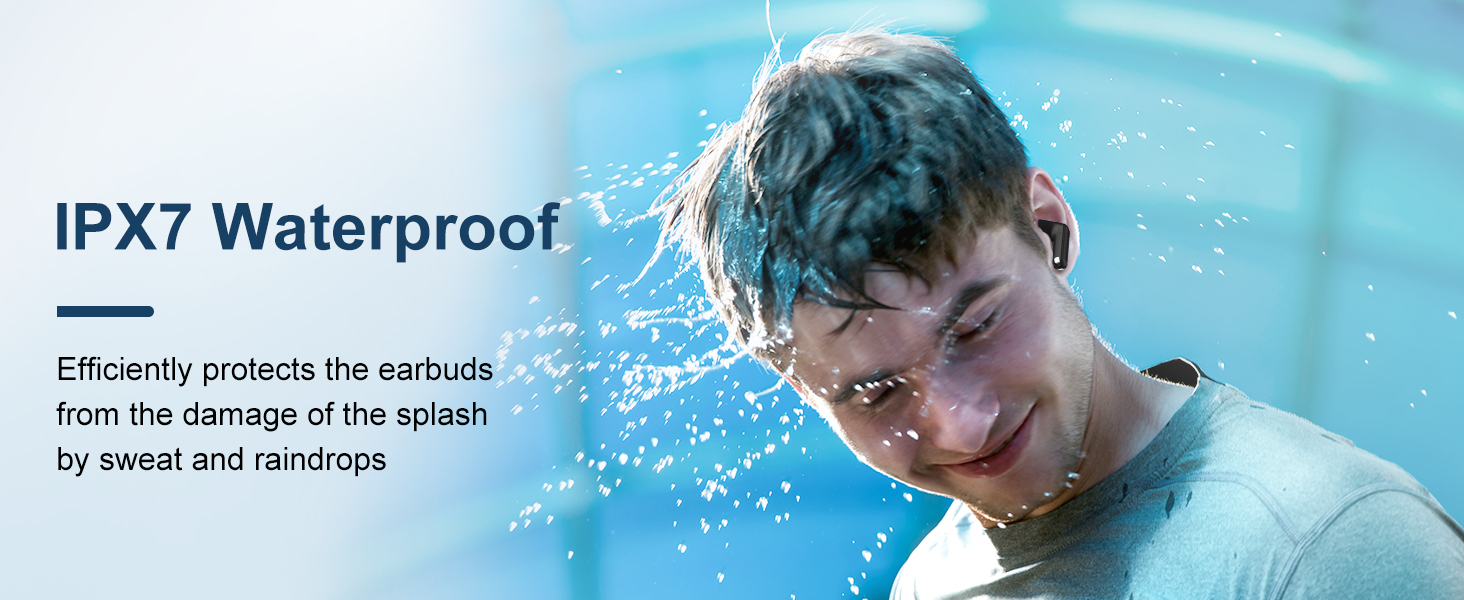
Bild: A graph illustrating the effectiveness of environmental noise cancellation, showing how noise is suppressed while vocal clarity is maintained.
Wartung
- Reinigung: Reinigen Sie die Ohrhörer und das Ladecase regelmäßig mit einem weichen, trockenen und fusselfreien Tuch. Verwenden Sie keine scharfen Chemikalien oder Scheuermittel.
- Ohrtipps: Ensure ear tips are clean and free of earwax buildup for optimal sound quality and hygiene.
- Lagerung: Bewahren Sie die Ohrhörer bei Nichtgebrauch in ihrem Ladeetui auf, um sie zu schützen und geladen zu halten.
- Vermeiden Sie extreme Bedingungen: Die Ohrhörer und das Ladecase dürfen nicht über längere Zeiträume extremen Temperaturen, hoher Luftfeuchtigkeit oder direkter Sonneneinstrahlung ausgesetzt werden.
Fehlerbehebung
| Problem | Lösung |
|---|---|
| Ohrhörer lassen sich nicht koppeln | Ensure earbuds are charged. Turn off and on Bluetooth on your device. Forget "AirBuds 7" in Bluetooth settings and re-pair. |
| Nur ein Ohrhörer funktioniert | Place both earbuds back in the case, close it, then open and remove them again. Check battery levels for both earbuds. |
| Geringe Lautstärke oder schlechte Klangqualität | Clean earbud tips and speaker mesh. Adjust volume on your device. Ensure earbuds are properly seated in your ears. |
| Ladeetui lädt nicht | Check USB cable connection and power source. Ensure wireless charging pad is active and case is correctly placed. |
Technische Daten
| Besonderheit | Detail |
|---|---|
| Modellname | Airbuds 7 |
| Marke | Schwarzview |
| Konnektivitätstechnologie | Kabellos (Bluetooth 5.3) |
| Audiotreibertyp | Dynamischer Treiber |
| Größe des Audiotreibers | 13 Millimeter |
| Akkulaufzeit (Ohrhörer) | Bis zu 6 Stunden |
| Gesamtspielzeit (mit Hülle) | Bis zu 30 Stunden |
| Ladezeit (Case) | 75 Мinuten |
| Wasserbeständigkeit | IPX7 (nur Ohrhörer) |
| Lärmschutz | Adaptive Noise Cancellation (ENC) |
| Mikrofon | Inklusive |
| Ladeschnittstelle | USB-C, kabelloses Laden |
| Material | Kunststoff, Polyurethan (PU) |
| Artikelgewicht | 5.3 Unzen |
| UPC | 810175522289 |
Sicherheitshinweise
- Die Ohrhörer und das Ladecase dürfen nicht auseinandergenommen oder verändert werden.
- Außerhalb der Reichweite von Kindern und Haustieren aufbewahren.
- Vermeiden Sie es, längere Zeit bei hoher Lautstärke zu hören, um Gehörschäden vorzubeugen.
- Do not use the earbuds in situations where you need to hear your surroundings, such as driving or cycling.
- Entsorgen Sie das Produkt verantwortungsvoll gemäß den örtlichen Vorschriften.
Garantie und Support
Schwarzview products come with a standard manufacturer's warranty. For detailed warranty information, technical support, or service inquiries, please refer to the warranty card included in your package or visit the official Blackview webBitte bewahren Sie Ihren Kaufbeleg für Garantieansprüche auf.
Offizielles Schwarzview WebWebsite: www.schwarzview.hk


