Einführung
This manual provides comprehensive instructions for the Nikon Coolpix B500 digital camera. It is designed to guide users through the camera's features, from initial setup to advanced photographic techniques, ensuring optimal use of its capabilities, including the 40x optical zoom lens.
Please read this manual thoroughly before using your camera to ensure safe and correct operation and to fully utilize its potential.
Auspacken und Einrichten
Upon opening the package, verify that all components are present. This section details the initial steps required to prepare your Nikon Coolpix B500 for first use, including battery installation and basic configuration.
1. Einlegen der Batterie
The Nikon Coolpix B500 uses AA batteries. Open the battery compartment cover, insert four fresh AA batteries according to the polarity indicators (+/-), and close the cover securely.
2. Einlegen der Speicherkarte
Insert a compatible SD, SDHC, or SDXC memory card into the designated slot until it clicks into place. Ensure the card is inserted in the correct orientation.
3. Grundeinstellungen
Turn on the camera. The first time you power it on, you will be prompted to set the language, date, and time. Follow the on-screen instructions to configure these basic settings.
Die Benutzeroberfläche verstehen
Familiarize yourself with the camera's physical controls, buttons, and menu system. This section provides an overview of the main components and how to navigate the settings.
Camera Body Layout
- Netzschalter: Schaltet die Kamera ein oder aus.
- Auslöser: Zum Fokussieren halb durchdrücken, zum Fotografieren ganz durchdrücken.
- Zoomhebel: Controls the optical and digital zoom.
- Modus-Wahlrad: Selects various shooting modes (e.g., Auto, Scene, Program, Manual).
- Monitor (LCD Screen): Zeigt Live-Anzeigen view, Menüs und Wiedergabe.
- Directional Pad (Multi Selector): Navigiert durch Menüs und wählt Optionen aus.
- Menü-Schaltfläche: Öffnet das Hauptmenü der Kamera.
- Wiedergabetaste: Views captured images and videos.
Menünavigation
Drücken Sie die Speisekarte button to access the camera's settings. Use the directional pad to navigate through tabs and options. Press the OK button (center of directional pad) to confirm selections.
Bedienung der Kamera
This section covers the primary functions of the Nikon Coolpix B500, including selecting shooting modes and effectively using the 40x optical zoom.
Shooting Modes Simplified
The mode dial allows you to select various shooting modes, each optimized for different scenarios:
- Automatikmodus: The camera automatically optimizes settings for most situations. Ideal for beginners.
- Szenenmodus: Choose from a variety of preset scenes (e.g., Portrait, Landscape, Sports) for specific shooting conditions.
- Programm Auto (P): Allows more control over settings like ISO and white balance, while the camera sets aperture and shutter speed.
- Manuell (M): Provides full control over aperture, shutter speed, ISO, and white balance for advanced users.
- Filmmodus: Nimmt Videos in hoher Auflösung auf.
Mastering the 40x Optical Zoom
The Nikon Coolpix B500 features a powerful 40x optical zoom lens, allowing you to capture distant subjects with clarity. Use the zoom lever located around the shutter button to adjust the focal length. For stable shots at maximum zoom, consider using a tripod or the camera's Vibration Reduction (VR) feature.
Tipp: When zooming in significantly, slight camera movements are amplified. Engage the VR function and use a steady grip or tripod for sharper images.
Wartung
Proper maintenance ensures the longevity and optimal performance of your Nikon Coolpix B500 camera.
- Reinigung der Linse: Use a soft, lint-free cloth or a lens brush to gently remove dust and smudges. Avoid touching the lens surface with your fingers.
- Reinigung des Kameragehäuses: Wischen Sie das Kameragehäuse mit einem weichen, trockenen Tuch ab. Bei hartnäckigem Schmutz kann ein leicht dämpfendes Tuch hilfreich sein.amp Man kann ein Tuch verwenden, anschließend ein trockenes.
- Batteriepflege: Entfernen Sie die Batterien, wenn die Kamera längere Zeit nicht benutzt wird. Bewahren Sie die Batterien an einem kühlen, trockenen Ort auf.
- Lagerung: Bewahren Sie die Kamera in einer trockenen, staubfreien Umgebung auf, fern von extremen Temperaturen und direkter Sonneneinstrahlung.
Fehlerbehebung
This section addresses common issues you might encounter with your Nikon Coolpix B500 and provides potential solutions.
| Problem | Mögliche Ursache | Lösung |
|---|---|---|
| Die Kamera schaltet sich nicht ein. | Tote oder falsch eingelegte Batterien. | Tauschen Sie die Batterien gegen neue aus und achten Sie dabei auf die richtige Polarität. |
| Ich darf keine Fotos machen. | Speicherkarte voll, gesperrt oder nicht eingelegt. | Delete unnecessary images, unlock the card, or insert a new card. |
| Bilder sind verschwommen. | Verwacklungen, falsche Fokussierung oder schlechte Lichtverhältnisse. | Use a faster shutter speed, enable VR, ensure proper focus, or use flash/increase ISO in low light. |
| Der Blitz löst nicht aus. | Flash mode set to off or red-eye reduction. | Change flash mode to auto or fill-flash. |
Technische Daten
This section outlines typical technical specifications for the Nikon Coolpix B500 camera. Please note that exact specifications may vary by region and model revision. For the most accurate and up-to-date information, refer to Nikon's official product documentation.
- Modellname: Nikon Coolpix B500
- Linse: NIKKOR lens with 40x optical zoom (approx. 22.5-900 mm equivalent in 35mm format)
- Bildsensor: 1/2.3-in. CMOS sensor (approx. 16.0 million effective pixels)
- Monitor: 3-inch (approx. 921k-dot) TFT LCD with wide viewing angle and anti-reflection coating, 5-level brightness adjustment, vari-angle.
- Speichermedien: SD-, SDHC- und SDXC-Speicherkarten
- ISO-Empfindlichkeit: ISO 125 to 1600 (can be extended to ISO 3200, 6400 in some modes)
- Energiequelle: Four AA alkaline batteries, AA lithium batteries, or EN-MH2 rechargeable Ni-MH batteries
- Konnektivität: Wi-Fi (IEEE 802.11b/g/n), Bluetooth Low Energy (BLE), HDMI micro connector (Type D), Hi-Speed USB
- Abmessungen (B x H x T): Approx. 113.5 x 78.3 x 94.9 mm (4.5 x 3.1 x 3.8 in.) excluding projections
- Gewicht: Approx. 542 g (1 lb 3.2 oz) including batteries and memory card
Notiz: The specifications listed above are general for the Nikon Coolpix B500. For precise details, please consult the official Nikon product page or the documentation included with your camera.
Garantie und Support
For warranty information and technical support regarding your Nikon Coolpix B500 camera, please refer to the official Nikon website or contact Nikon customer service directly. Warranty terms and conditions typically cover manufacturing defects for a specified period from the date of purchase.
Keep your proof of purchase for warranty claims. Online resources, including FAQs and firmware updates, are often available on the manufacturer's support pages.
Weitere Ressourcen
For further assistance and to explore more advanced features, consider visiting the official Nikon support website. You may find additional tutorials, software downloads, and community forums.
Produktbilder
The following images are of the instructional manual (book) itself, which provides guidance for the Nikon Coolpix B500 camera. No direct images of the camera were provided in the product data.
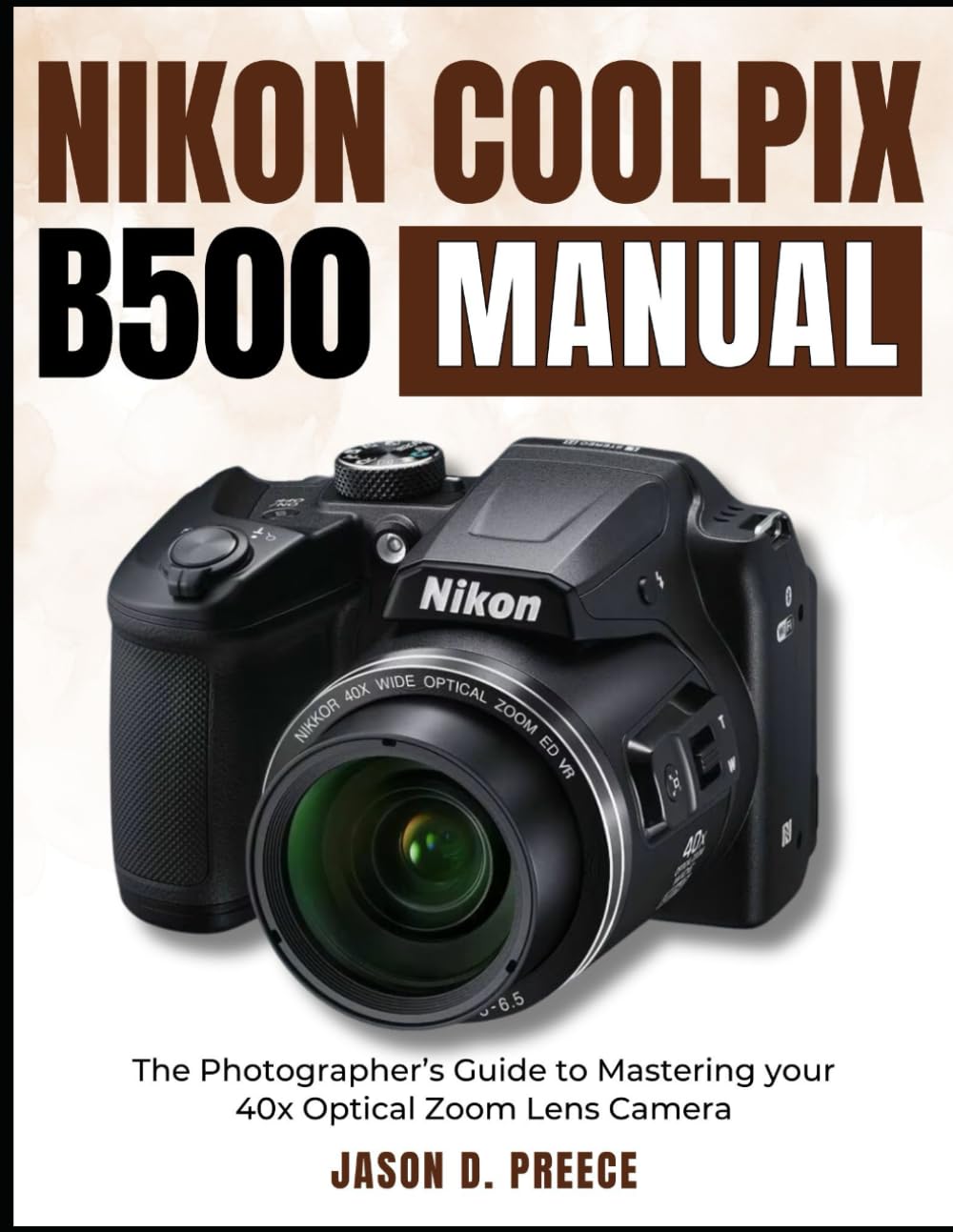
Image: Front cover of the Nikon Coolpix B500 instruction manual book. This image displays the title and design of the guide.

Image: Back cover of the Nikon Coolpix B500 instruction manual book. This image typically contains ISBN and barcode information.
Offizielle Produktvideos
No official product videos for the Nikon Coolpix B500 camera were provided in the available product data.


