1. Einleitung
Thank you for choosing the Edifier X1 Lite True Wireless Earbuds. This manual provides detailed instructions for setting up, operating, and maintaining your new earbuds to ensure optimal performance and longevity. Please read this manual thoroughly before use.

Image: Edifier X1 Lite True Wireless Earbuds in their open charging case.
2. Lieferumfang
The Edifier X1 Lite package includes the following components:
- Edifier X1 Lite True Wireless Earbuds (Left and Right)
- Ladeetui
- USB-Ladekabel
- Benutzerhandbuch (dieses Dokument)
3. Einrichtung
3.1 Erstaufladung
Vor dem ersten Gebrauch die Ohrhörer und das Ladecase vollständig aufladen.
- Legen Sie beide Ohrhörer in das Ladeetui.
- Verbinden Sie das USB-Ladekabel mit dem Ladeanschluss am Gehäuse und mit einer Stromquelle (z. B. USB-Netzteil, USB-Anschluss am Computer).
- Die Kontrollleuchte am Ladecase zeigt den Ladestatus an. Weitere Informationen finden Sie im Abschnitt „LED-Anzeige“.
- Eine vollständige Aufladung des Ladecase und der Ohrhörer dauert in der Regel etwa 1.5 Stunden.
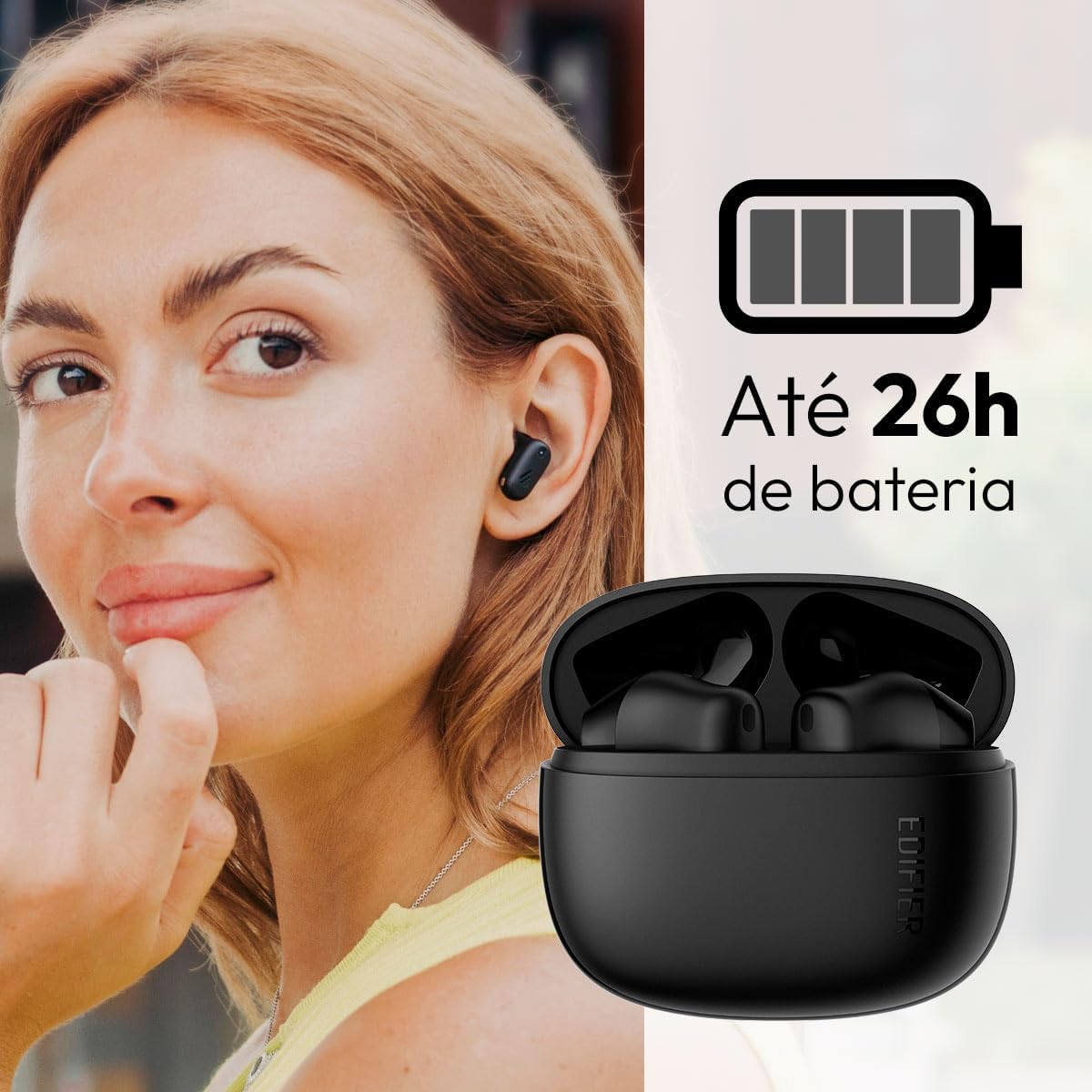
Image: Woman wearing an earbud, with the charging case and a battery icon indicating charging.
Schnellladefunktion:
A 15-minute quick charge can provide approximately 1.5 hours of playtime for the earbuds.

Image: Visual representation of battery life and fast charging capabilities.
3.2 Bluetooth-Kopplung
Follow these steps to pair your Edifier X1 Lite earbuds with your device:
- Erstmaliges Koppeln: Open the charging case. The earbuds will automatically power on and enter pairing mode. The indicator light on the earbuds will flash rapidly.
- Aktivieren Sie Bluetooth auf Ihrem Gerät (Smartphone, Tablet, Laptop).
- Suchen nach "EDIFIER X1 Lite" in der Liste der verfügbaren Bluetooth-Geräte.
- Select "EDIFIER X1 Lite" to connect. Once connected, the indicator lights on the earbuds will turn off, and you will hear a confirmation tone.
- Re-pairing/Connecting to a New Device: If the earbuds are already connected to another device, disconnect them first. Alternatively, with the earbuds in the case and the lid open, press and hold the button on the charging case for 3 seconds to enter pairing mode.

Image: Man using earbuds, highlighting Bluetooth 5.4 connectivity.
3.3 Edifier ConneX App Installation
For enhanced features and customization, download the EDIFIER ConneX app:
- Scan the QR code provided in the image below or visit the official Edifier app download page.
- Installieren Sie die App auf Ihrem Smartphone oder Tablet.
- Open the app and follow the on-screen instructions to connect your X1 Lite earbuds.
- The app allows for sound effect customization, game mode activation, and touch control settings.

Image: EDIFIER ConneX app interface with QR code. Download the Edifier ConneX App
4. Bedienungsanleitung
4.1 Tragen der Ohrhörer
Proper fit ensures optimal sound quality and comfort:
- Identifizieren Sie den linken (L) und den rechten (R) Ohrhörer.
- Führen Sie jeden Ohrhörer vorsichtig in den entsprechenden Gehörgang ein.
- Drehen Sie den Ohrhörer leicht, bis er sicher und bequem sitzt.

Image: Man demonstrating proper earbud placement.
4.2 Ein-/Ausschalten
- Einschalten: Die Ohrhörer schalten sich automatisch ein, sobald sie aus dem Ladecase genommen werden.
- Ausschalten: The earbuds automatically power off and begin charging when placed back into the charging case and the lid is closed.
4.3 Berührungssteuerung
The Edifier X1 Lite earbuds feature touch-sensitive controls on each earbud. These controls can be customized via the EDIFIER ConneX app.
| Aktion | Linker Ohrhörer (L) | Rechter Ohrhörer (R) |
|---|---|---|
| Anruf annehmen/beenden | Doppeltippen | Doppeltippen |
| Anruf ablehnen | Dreifach tippen | Dreifach tippen |
| Musik abspielen/pausieren | Doppeltippen | Doppeltippen |
| Nächster Titel | N/A (Customize via App) | Dreifach tippen |
| Vorheriger Titel | Dreifach tippen | N/A (Customize via App) |
| Spielmodus Ein/Aus | Vierfacher Tipp | Vierfacher Tipp |
Note: These are default settings. Functions can be reconfigured using the EDIFIER ConneX app.

Abbildung: Visuelle Anleitung zur Touch-Steuerung der Ohrhörer.
5. Wartung
5.1 Reinigung
- Reinigen Sie die Ohrhörer und das Ladecase regelmäßig mit einem weichen, trockenen, fusselfreien Tuch.
- Verwenden Sie keine Scheuermittel, Alkohol oder chemische Lösungsmittel.
- Um einen ordnungsgemäßen Ladevorgang zu gewährleisten, stellen Sie sicher, dass die Ladekontakte an beiden Ohrhörern und am Ladecase sauber und frei von Verunreinigungen sind.
5.2 Wasserdichtigkeit (IP54)
The Edifier X1 Lite earbuds are IP54 rated, meaning they are protected against dust ingress and splashing water from any direction. This makes them suitable for workouts and light rain.
- Die Ohrhörer dürfen nicht in Wasser eingetaucht werden.
- The charging case is not water-resistant. Keep it dry.
- If earbuds get wet, wipe them dry completely before placing them back in the charging case to prevent damage.

Image: Demonstrating IP54 sweat resistance during exercise.
5.3 Batteriepflege
- Vermeiden Sie es, die Ohrhörer und das Ladecase extremen Temperaturen (Hitze oder Kälte) auszusetzen.
- Bewahren Sie das Gerät bei Nichtgebrauch an einem kühlen, trockenen Ort auf.
- Laden Sie das Gerät regelmäßig auf, auch wenn Sie es nicht häufig benutzen, um die Batterieleistung zu erhalten.
6. Fehlerbehebung
If you encounter issues with your Edifier X1 Lite earbuds, refer to the following common problems and solutions:
6.1 Kein Ton oder zeitweise unterbrochene Verbindung
- Batterie prüfen: Stellen Sie sicher, dass sowohl die Ohrhörer als auch das Ladecase ausreichend geladen sind.
- Reparatur: Trennen Sie die Ohrhörer von den Bluetooth-Einstellungen Ihres Geräts und koppeln Sie sie anschließend erneut.
- Distanz: Ensure the earbuds are within the Bluetooth range (typically 10 meters) of your device.
- Interferenz: Move away from strong Wi-Fi signals or other Bluetooth devices that might cause interference.
- Zurücksetzen: Place both earbuds in the charging case, close the lid, wait a few seconds, then open the lid and try pairing again.
6.2 Ohrhörer laden nicht
- Kabel überprüfen: Stellen Sie sicher, dass das USB-Ladekabel sowohl mit dem Gehäuse als auch mit der Stromquelle fest verbunden ist.
- Energiequelle: Versuchen Sie es mit einem anderen USB-Anschluss oder Netzteil.
- Kontakte reinigen: Clean the charging contacts on the earbuds and inside the charging case with a dry cotton swab.
- Richtige Platzierung: Stellen Sie sicher, dass die Ohrhörer korrekt im Ladecase sitzen.
6.3 Schlechte Gesprächsqualität
- Mikrofonblockade: Ensure the microphone on the earbuds is not covered.
- Umfeld: Move to a quieter environment if possible. The AI algorithm helps, but extreme noise can still affect clarity.
- Verbindungsstabilität: Sorgen Sie für eine stabile Bluetooth-Verbindung.

Image: Man using earbuds for a clear call, highlighting AI voice pick-up technology.
6.4 Probleme mit der App-Verbindung
- Bluetooth an: Ensure Bluetooth is enabled on your device and the earbuds are connected.
- App-Berechtigungen: Check if the EDIFIER ConneX app has necessary Bluetooth and location permissions.
- App/Gerät neu starten: Schließen Sie die App und öffnen Sie sie erneut oder starten Sie Ihr Smartphone neu.
- App-Update: Stellen Sie sicher, dass die App auf die neueste Version aktualisiert ist.
7. Spezifikationen
| Besonderheit | Detail |
|---|---|
| Modellname | X1 Lite |
| Konnektivitätstechnologie | Kabellos (Bluetooth) |
| Bluetooth-Version | 5.4 |
| Audiotreibertyp | Dynamic Driver (Φ13mm) |
| Frequenzbereich | 20 Hz – 20 kHz |
| Akkulaufzeit | Bis zu 7 Stunden (Ohrhörer), bis zu 26 Stunden (mit Ladeetui) |
| Schnelles Laden | 15 Minuten Ladezeit für 1.5 Stunden Spielzeit |
| Geringe Latenz | 60 ms |
| Wasserbeständigkeit | IP54 (nur Ohrhörer) |
| Mikrofon | Single Mic AI algorithm voice pick-up |
| Kontrollmethode | Touch Control, App (EDIFIER ConneX) |
| Material | Plastik |
| Ohrhörergewicht | Ca. 4 g pro Ohrhörer |
| Farbe | Schwarz |
8. Garantie und Support
Edifier products are designed with quality and reliability in mind. For warranty information and customer support, please refer to the official Edifier webWebsite oder wenden Sie sich direkt an den Kundendienst.
- Offiziell WebWebsite: Besuchen www.edifier.com Für Produktregistrierung, FAQs und Support-Ressourcen.
- Kundendienst: Contact Edifier customer support for technical assistance or warranty claims. Contact details can typically be found on the official webWebsite oder in der Produktverpackung.
Bitte bewahren Sie Ihren Kaufbeleg für Garantiezwecke auf.


