Einführung
Thank you for choosing the T'nB Tonality Bluetooth Supra-aural Headphones. These headphones are designed to provide a versatile audio experience, offering both wireless Bluetooth connectivity and a traditional wired option. With comfortable ear pads, an adjustable headband, and integrated controls, they are suitable for various audio needs.
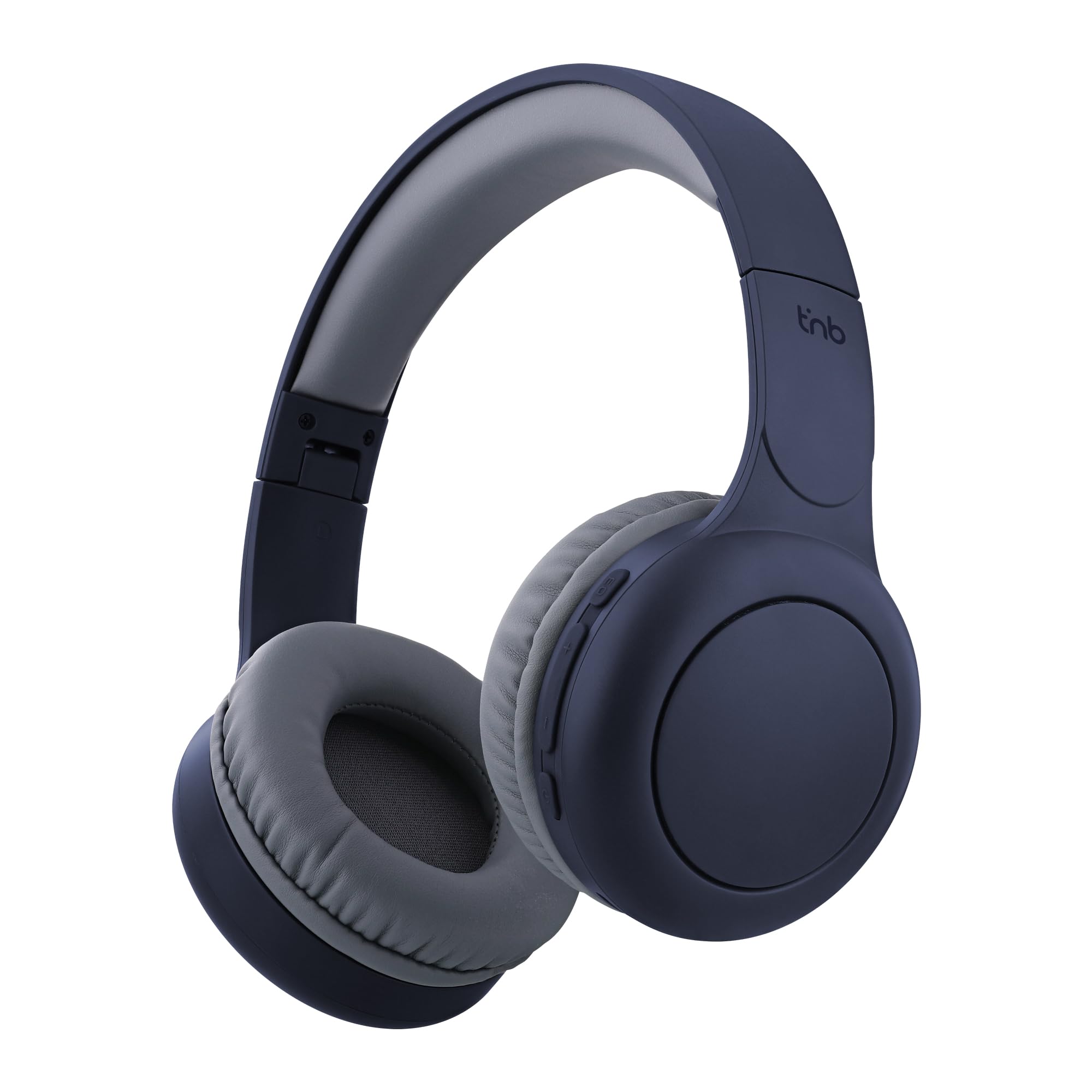
Image: T'nB Tonality Bluetooth Supra-aural Headphones, showcasing das Gesamtdesign.
Packungsinhalt
Stellen Sie sicher, dass alle Artikel im Paket vorhanden sind:
- 1 x T'nB Tonality Headphones
- 1 x USB-C Ladekabel
- 1 x 3.5mm Jack Audio Cable
- 1 x Benutzerhandbuch
Produkt überview
The T'nB Tonality headphones are equipped with several features for an enhanced listening experience:
- Komfortables Design: Foam ear pads and a padded headband provide optimal comfort for extended wear.
- Lange Akkulaufzeit: Bis zu 24 Stunden Wiedergabezeit mit einer einzigen Akkuladung.
- Equalizer-Modi: Switch between BASS BOOST, POP MODE, and VOICE FOCUS for tailored audio.
- Integrierte Kontrollen: Manage music playback, volume, and calls directly from the headphones.
- Eingebautes Mikrofon: Ermöglicht Freisprechanrufe.
- Foldable and Adjustable: The headphones feature a foldable design and an adjustable headband for portability and a secure fit.
- Kabelgebundene Option: Use the included 3.5mm jack cable for a wired connection when wireless is not preferred or battery is low.
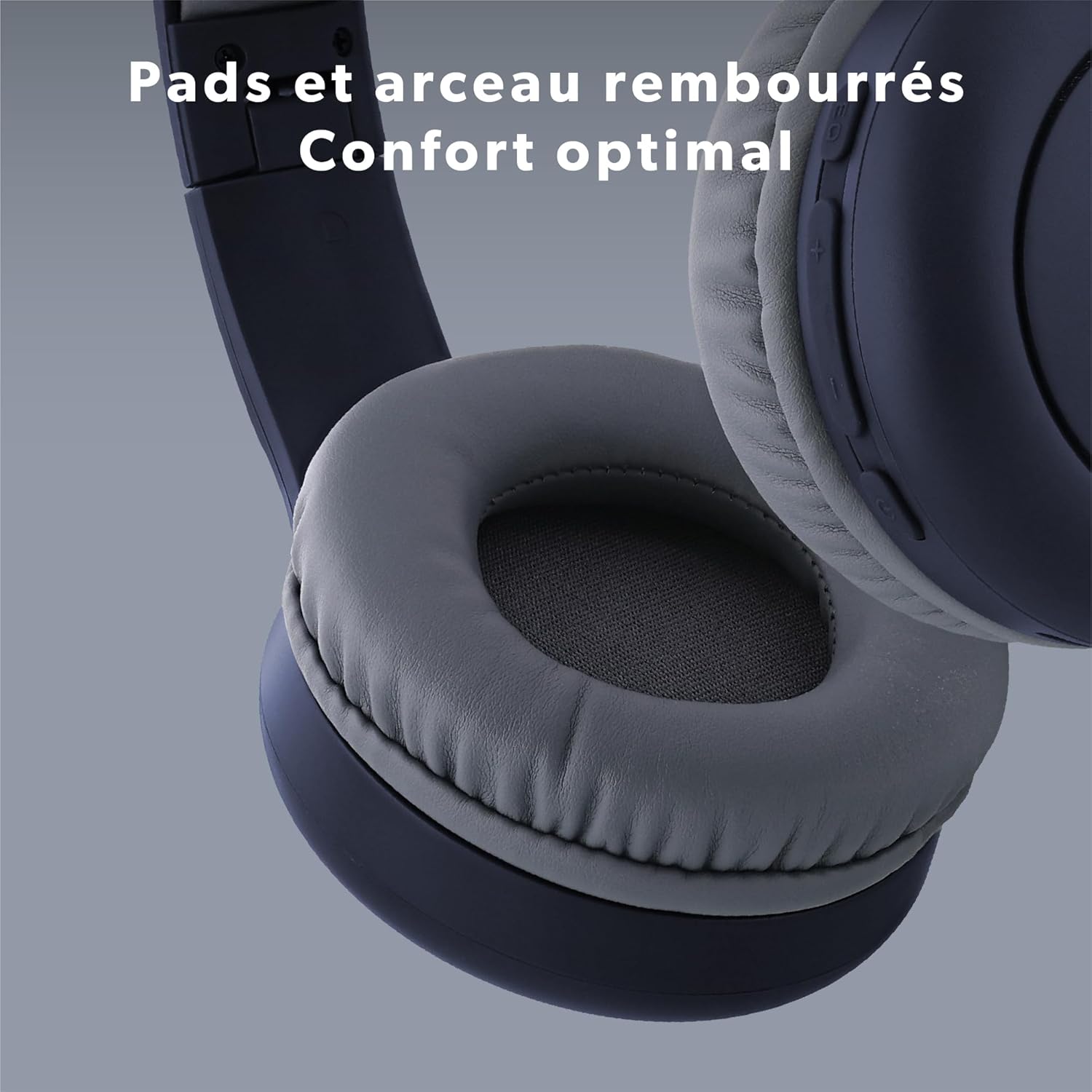
Bild: Nahaufnahme view of the headphone's ear pads and headband, highlighting the comfortable padding.
Aufstellen
1. Aufladen der Kopfhörer
Laden Sie die Kopfhörer vor dem ersten Gebrauch vollständig auf.
- Schließen Sie das mitgelieferte USB-C-Kabel an den Ladeanschluss der Kopfhörer an.
- Verbinden Sie das andere Ende des USB-C-Kabels mit einer USB-Stromquelle (z. B. einem USB-Anschluss am Computer oder einem USB-Netzteil).
- The LED indicator will show the charging status. It typically turns off or changes color when fully charged.
2. Bluetooth-Kopplung
So verbinden Sie Ihre Kopfhörer kabellos:
- Stellen Sie sicher, dass die Kopfhörer aufgeladen und ausgeschaltet sind.
- Press and hold the Power button (On/Off) for approximately 3-5 seconds until the LED indicator flashes blue and red, indicating pairing mode.
- Aktivieren Sie auf Ihrem Gerät (Smartphone, Tablet, Computer) Bluetooth und suchen Sie nach verfügbaren Geräten.
- Select "T'nB TONALITY" from the list of found devices.
- Nach erfolgreicher Kopplung blinkt die LED-Anzeige normalerweise langsam blau oder leuchtet dauerhaft blau.
3. Kabelgebundene Verbindung
To use the headphones with the 3.5mm jack cable:
- Plug one end of the included 3.5mm audio cable into the audio input port on the headphones.
- Stecken Sie das andere Ende in die 3.5-mm-Audioausgangsbuchse Ihres Geräts.
- The headphones will operate in passive mode, consuming no battery power.

Image: The included 3.5mm jack cable, used for wired audio connection.
Bedienungsanleitung
1. Ein-/Ausschalten
- Einschalten: Halten Sie den Ein-/Ausschalter etwa 3 Sekunden lang gedrückt, bis die LED-Anzeige aufleuchtet.
- Ausschalten: Halten Sie den Netzschalter etwa 3 Sekunden lang gedrückt, bis die LED-Anzeige erlischt.
2. Musikwiedergabe
- Abspielen/Pause: Drücken Sie einmal die Power-Taste.
- Nächster Titel: Die Taste "+" gedrückt halten.
- Vorheriges Lied: Drücken und halten Sie die Taste "-".
3. Lautstärkeregelung
- Lautstärke erhöhen: Drücken Sie einmal die Taste "+".
- Lautstärke runter: Drücken Sie einmal die Taste "-".
4. Anrufverwaltung
- Anruf annehmen/beenden: Press the Power button once during an incoming call or during an active call.
- Anruf ablehnen: Press and hold the Power button for approximately 2 seconds during an incoming call.
5. Equalizer-Modi
The headphones feature three equalizer modes to optimize your listening experience:
- BASS-BOOST: Verstärkt die tiefen Frequenzen für einen satteren Bassklang.
- POP MODE: Optimized for pop music, providing balanced sound.
- VOICE FOCUS: Emphasizes vocal clarity, ideal for podcasts or audiobooks.
To switch between modes, press the EQ Mode button (usually located near the volume controls). Each press will cycle through the available modes.

Bild: Detailliert view of the integrated controls on the headphone, showing buttons for EQ Modes, Volume, and On/Off.

Image: A person listening to music with the headphones, demonstrating the application of EQ modes for different audio experiences.
Wartung
Um die Langlebigkeit und optimale Leistung Ihrer Kopfhörer zu gewährleisten:
- Reinigen Sie die Kopfhörer regelmäßig mit einem weichen, trockenen Tuch.
- Vermeiden Sie die Verwendung von Scheuermitteln oder Lösungsmitteln.
- Setzen Sie die Kopfhörer keinen extremen Temperaturen, hoher Luftfeuchtigkeit oder direkter Sonneneinstrahlung aus.
- Bewahren Sie die Kopfhörer bei Nichtgebrauch an einem kühlen, trockenen Ort auf. Dank des faltbaren Designs lassen sie sich platzsparend verstauen.
- Vermeiden Sie es, die Kopfhörer fallen zu lassen oder starken Stößen auszusetzen.
Fehlerbehebung
Sollten Sie Probleme mit Ihren Kopfhörern haben, beachten Sie bitte die folgenden gängigen Lösungsansätze:
| Problem | Lösung |
|---|---|
| Die Kopfhörer lassen sich nicht einschalten. | Stellen Sie sicher, dass die Kopfhörer vollständig aufgeladen sind. Verbinden Sie sie mit dem USB-C-Kabel mit einer Stromquelle. |
| Kopplung via Bluetooth nicht möglich. | Make sure the headphones are in pairing mode (LED flashing blue and red). Turn off and on your device's Bluetooth. Ensure the headphones are not already connected to another device. Move closer to your device. |
| Kein Ton bei Bluetooth-Verbindung. | Check the volume level on both the headphones and your connected device. Ensure the headphones are selected as the audio output device on your phone/computer. |
| No sound when connected via 3.5mm jack. | Ensure the 3.5mm cable is fully inserted into both the headphones and the audio source. Test with a different audio cable if available. Check the volume on your audio source. |
| Mikrofon funktioniert nicht. | Ensure the headphones are properly connected via Bluetooth. Check microphone settings on your device to ensure the headphone microphone is selected. |
Technische Daten
| Besonderheit | Detail |
|---|---|
| Modellname | CBTONESUPBL |
| Marke | T'nB |
| Konnektivitätstechnologie | Kabellos (Bluetooth), Kabelgebunden (3.5-mm-Klinkenstecker) |
| Drahtlose Kommunikationstechnologie | Bluetooth |
| Formfaktor | Supra-aural |
| Platzierung des Ohrs | On-Ear |
| Impedanz | 32 Ohm |
| Kontrollmethode | Taktile Knöpfe |
| Material | Plastik |
| Wasserbeständigkeit | Waterproof (Note: This typically means splash-proof, not submersible) |
| Kompatible Geräte | Game Console, Smart Speaker, Laptop, Car Audio System, Tablet, Phone, Mobile Phone, Television, Music Production Equipment |
| Besondere Merkmale | Wired Headphone Functionality |

Image: A person enjoying music with the headphones, symbolizing the 24-hour battery life for extended use.
Garantieinformationen
T'nB products are covered by a manufacturer's warranty against defects in materials and workmanship. The specific warranty period may vary by region and product. Please retain your proof of purchase for any warranty claims. For detailed warranty terms and conditions, refer to the documentation provided with your purchase or contact T'nB customer support.
Kundenservice
For further assistance, technical support, or inquiries regarding your T'nB Tonality headphones, please visit the official T'nB webBesuchen Sie die Website oder wenden Sie sich an den Kundendienst. Kontaktinformationen finden Sie in der Regel auf der Produktverpackung oder der offiziellen Markenwebsite. webWebsite.


