1. Wichtige Sicherheitshinweise
Please read all safety instructions carefully before using your Xiaomi TV S Mini LED 75" 2025. Keep this manual for future reference.
- Energiequelle: Connect the TV only to an AC power source as indicated on the label.
- Belüftung: Sorgen Sie für ausreichende Belüftung um den Fernseher herum. Blockieren Sie keine Lüftungsöffnungen.
- Wasser und Feuchtigkeit: Setzen Sie den Fernseher weder Regen noch Feuchtigkeit aus. Stellen Sie keine mit Flüssigkeiten gefüllten Gegenstände auf den Fernseher.
- Reinigung: Vor der Reinigung den Fernseher vom Stromnetz trennen. Ein weiches, trockenes Tuch verwenden. Flüssige Reinigungsmittel vermeiden.
- Wartung: Versuchen Sie nicht, dieses Produkt selbst zu warten. Überlassen Sie alle Wartungsarbeiten qualifiziertem Servicepersonal.
- Platzierung: Place the TV on a stable, level surface or mount it securely to a wall using a compatible VESA mount.
2. Packungsinhalt
Überprüfen Sie, ob alle Artikel im Paket vorhanden sind:
- Xiaomi TV S Mini LED 75" 2025
- Fernbedienung
- Stromkabel
- TV Stand Components (if included)
- Benutzerhandbuch (dieses Dokument)
3. Installationsanleitung
3.1 Auspacken des Fernsehers
Carefully remove the TV from its packaging. It is recommended to have two people for this process due to the size and weight of the 75-inch model.
3.2 Installing the TV Stand (Optional)
If you are not wall-mounting the TV, attach the included stand components according to the separate stand installation guide. Ensure all screws are tightened securely.
3.3 Wandmontage (optional)
The Xiaomi TV S Mini LED 75" 2025 supports VESA wall mounts with a pattern of 400 x 300 mm. Use appropriate wall-mounting hardware and consult a professional for installation to prevent injury or damage.
3.4 Anschließen von Peripheriegeräten
Connect your devices to the TV's input ports. Refer to the back panel image for port locations.
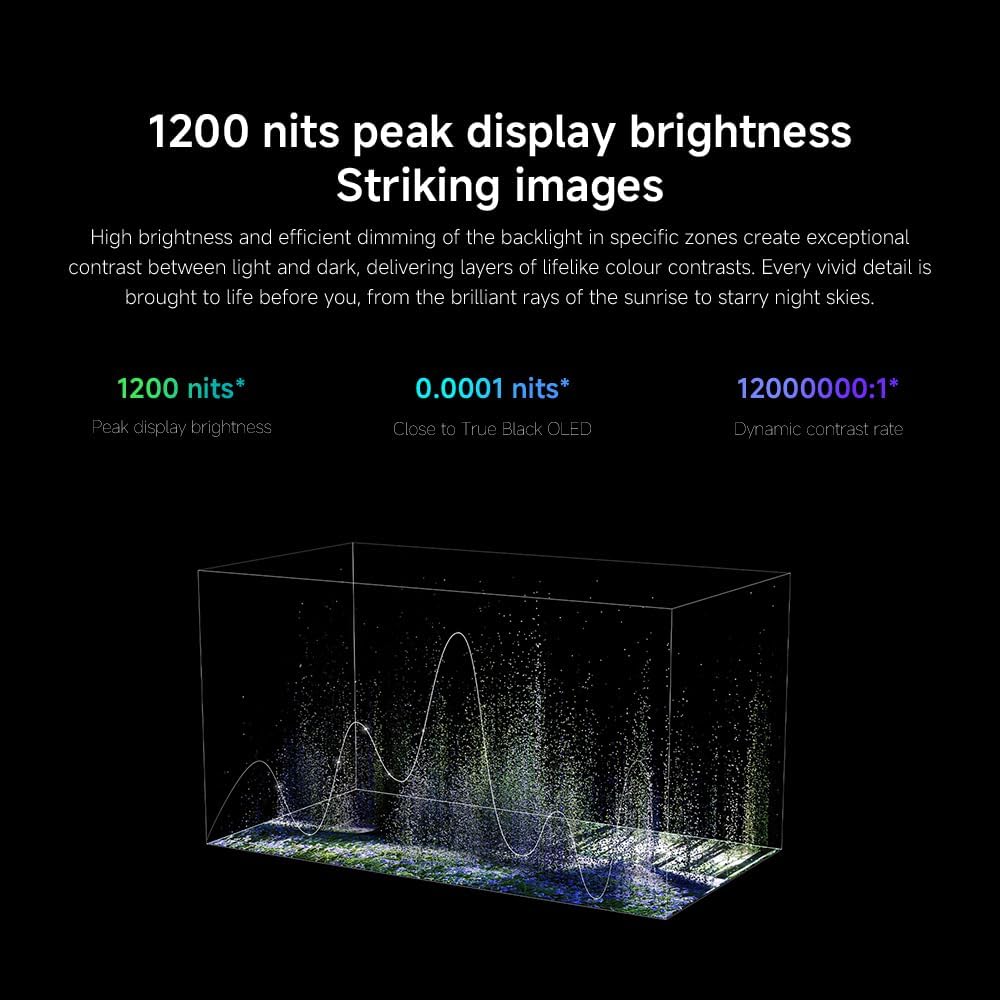
Bild: Rückseite view of the TV displaying available connection ports.
- Leistung: Schließen Sie das Netzkabel an den Fernseher und anschließend an eine Steckdose an.
- HDMI: Connect Blu-ray players, game consoles, or other HDMI devices.
- USB: Schließen Sie USB-Speichergeräte zur Medienwiedergabe an.
- Ethernet: Für eine kabelgebundene Internetverbindung.
- Antenne/Kabel: Schließen Sie Ihre Antenne oder Ihren Kabelfernseheingang an.
3.5 Erste Inbetriebnahme und Ersteinrichtung
After connecting all cables, plug in the TV and press the power button on the remote control. Follow the on-screen instructions to complete the initial setup, including network connection, Google account login, and channel scanning.

Bild: Vorderseite view of the Xiaomi TV S Mini LED 75" 2025.
4. Bedienungsanleitung
4.1 Fernsteuerung überview
The included remote control provides access to all TV functions. Familiarize yourself with the button layout for easy navigation.
4.2 Grundfunktionen
- Leistung: Drücken Sie diese Taste, um das Fernsehgerät ein- oder auszuschalten.
- Volumen: Use the +/- buttons to adjust the sound level.
- Kanal: Verwenden Sie die CH +/- Tasten, um die Kanäle zu wechseln.
- Eingang: Select the desired input source (HDMI, AV, etc.).
- Heim: Access the Google TV home screen.
4.3 Smart-TV-Funktionen (Google TV)
Your Xiaomi TV runs on Google TV, offering a personalized entertainment experience.

Image: Google TV interface with app icons and content suggestions.
- Apps: Laden Sie Anwendungen aus dem Google Play Store herunter und installieren Sie sie.
- Sprachassistent: Nutzen Sie den integrierten Google Assistant für Sprachbefehle.
- Inhaltsempfehlungen: Google TV provides personalized recommendations based on your viewGewohnheiten.

Image: Using the Hey Google voice assistant to search for content.
4.4 Anzeigeeinstellungen
Passen Sie die Bildeinstellungen an, um Ihr Ergebnis zu optimieren. viewErfahrung.
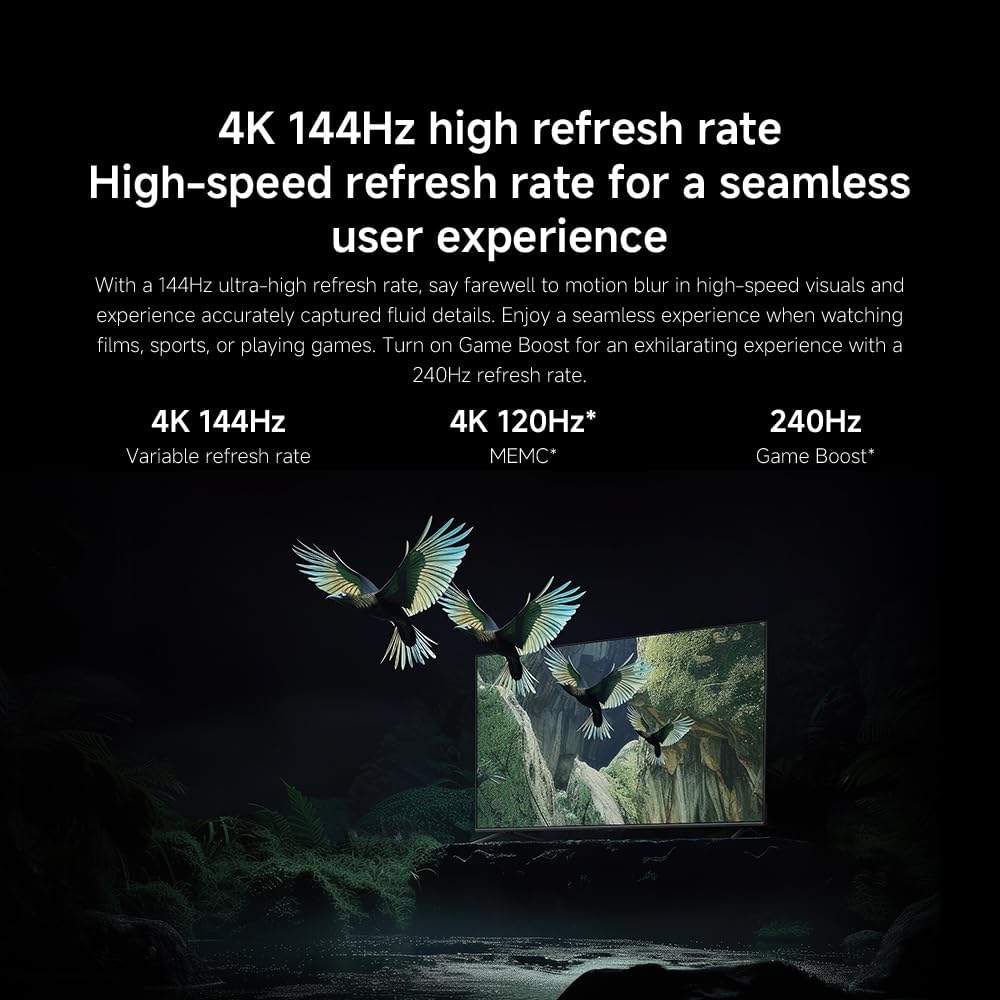
Bild: Überview of the TV's advanced display technologies.
- Bildmodi: Select from various preset modes (e.g., Standard, Vivid, Movie, Game) or customize your own.
- Helligkeit Kontrast: Fine-tune these settings for optimal visual clarity. The TV features 1200 nits peak brightness for stunning visuals.
- Farbe: Adjust color saturation and tint. The QD-MiniLED display offers accurate color reproduction.
- Aktualisierungsrate: The TV supports a 144Hz refresh rate for ultra-smooth motion.
- KI-Engine: The powerful AI engine enhances image quality automatically.

Image: Visual representation of the 144Hz refresh rate for seamless motion.
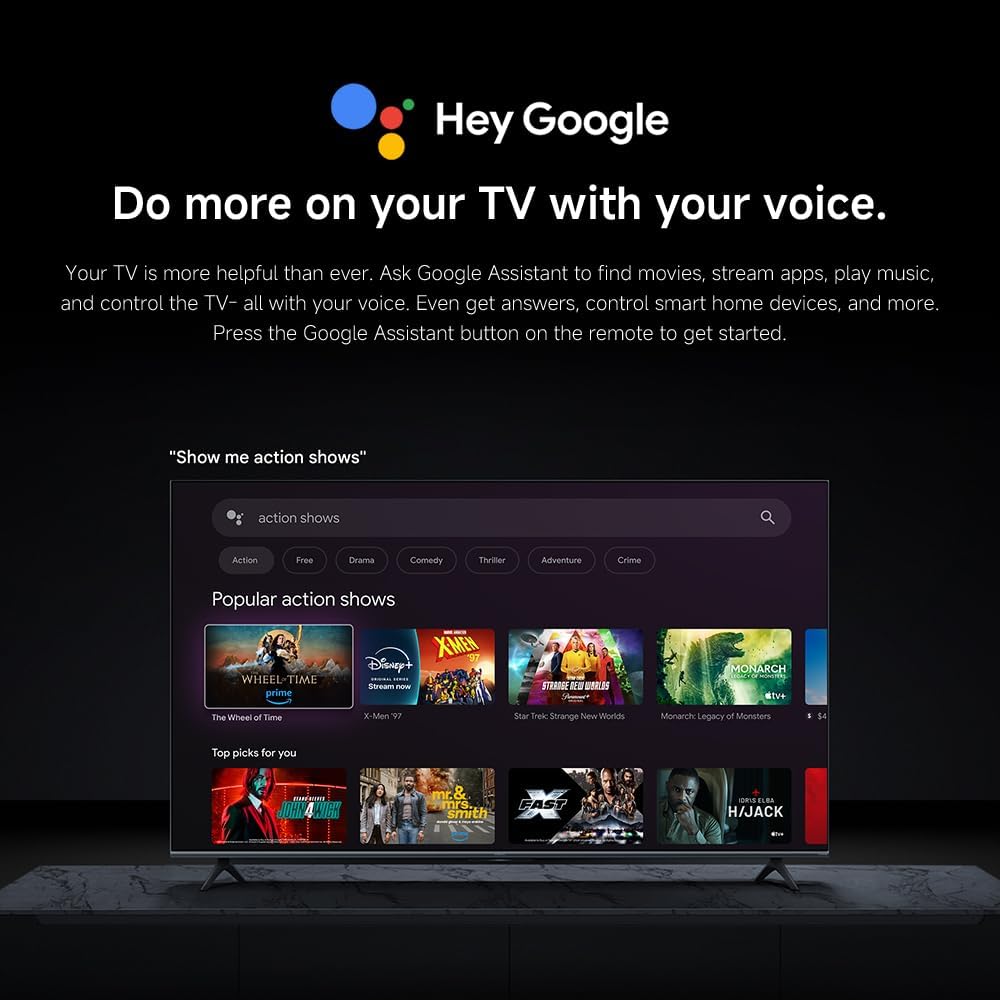
Image: The Quad cortex A73 processor, responsible for AI image enhancement and performance.
4.5 Audioeinstellungen
Configure audio output and sound enhancements.

Image: Depiction of the TV's quality audio-visual experience.
- Klangmodus: Choose from preset sound modes (e.g., Standard, Movie, Music) or customize.
- Dolby Atmos: Enable Dolby Atmos for an immersive audio experience.
4.6 Konnektivität
The TV offers various connectivity options.
- Bluetooth: Verbinden Sie Bluetooth-fähige Geräte wie Kopfhörer oder Lautsprecher.
- W-lan: Stellen Sie eine Verbindung zu Ihrem drahtlosen Heimnetzwerk her, um auf das Internet zuzugreifen.
- Apple AirPlay: Streamen Sie Inhalte direkt von Ihren Apple-Geräten.
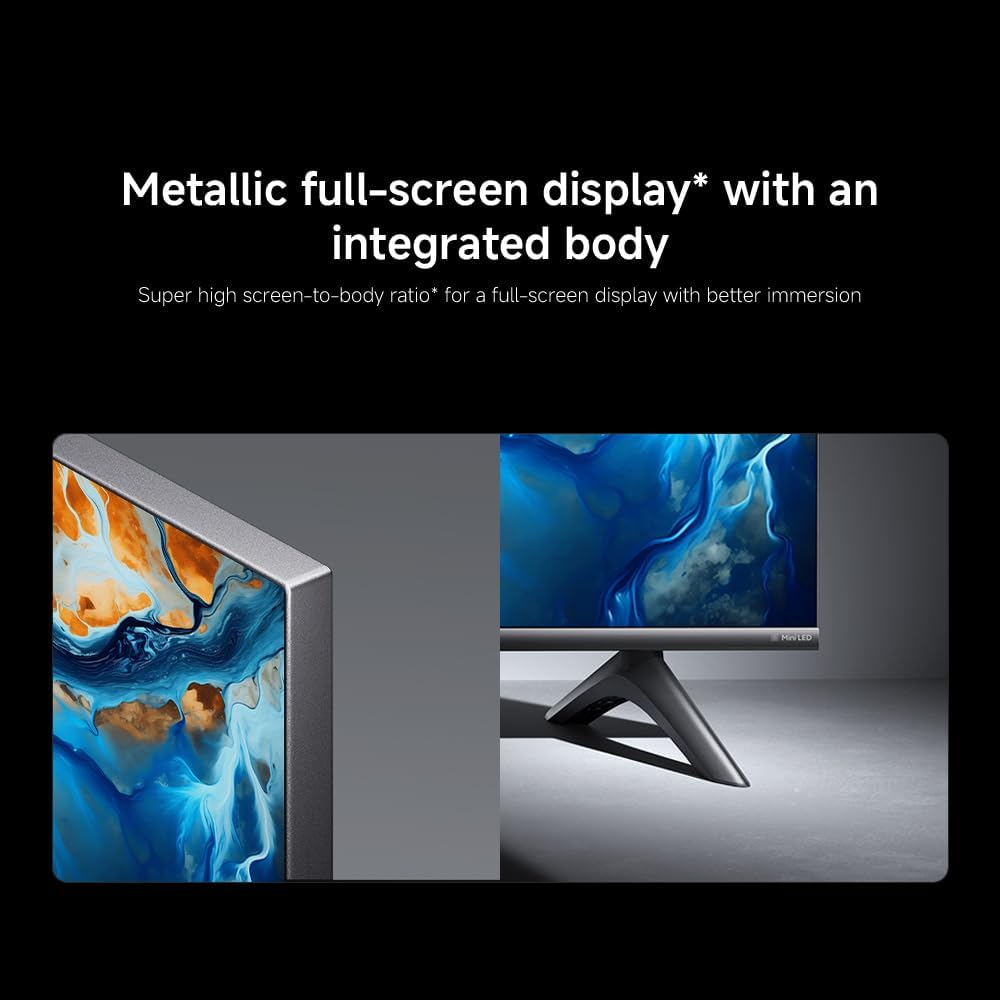
Image: Apple AirPlay functionality for streaming from Apple devices.
5. Wartung
5.1 Reinigung des Bildschirms
Um den Bildschirm zu reinigen, ziehen Sie zuerst den Netzstecker des Fernsehers. Wischen Sie den Bildschirm vorsichtig mit einem weichen, fusselfreien Tuch ab. Bei hartnäckigen Flecken leicht andrücken.ampen the cloth with water or a specialized screen cleaner, then wipe dry immediately. Do not spray liquid directly onto the screen.
5.2 Softwareaktualisierungen
The TV may receive software updates periodically to improve performance and add new features. Ensure your TV is connected to the internet to receive these updates. You can check for updates manually in the TV's settings menu.
6. Fehlerbehebung
Sollten Sie Probleme mit Ihrem Fernseher haben, beachten Sie bitte die folgenden gängigen Lösungsansätze:
| Problem | Mögliche Lösung |
|---|---|
| Kein Strom | Prüfen Sie, ob das Netzkabel fest mit dem Fernseher und der Steckdose verbunden ist. Stellen Sie sicher, dass die Steckdose funktioniert. |
| Kein Bild, aber Ton ist vorhanden | Vergewissern Sie sich, dass die richtige Eingangsquelle ausgewählt ist. Überprüfen Sie die Kabelverbindungen zu externen Geräten. |
| Kein Ton, aber ein Bild ist vorhanden. | Check volume level and mute status. Ensure audio cables are connected correctly. |
| Fernbedienung funktioniert nicht | Tauschen Sie die Batterien aus. Stellen Sie sicher, dass sich keine Hindernisse zwischen Fernbedienung und Fernseher befinden. |
| Schlechte Bildqualität | Adjust picture settings (brightness, contrast, sharpness). Check antenna or cable connection. Ensure content source is high quality. |
| Smart TV features unresponsive | Check internet connection. Restart the TV by unplugging it for a few minutes and plugging it back in. |
If the issue persists after trying these steps, contact customer support.
7. Spezifikationen
Key technical specifications for the Xiaomi TV S Mini LED 75" 2025:
| Besonderheit | Spezifikation |
|---|---|
| Marke | XIAOMI |
| Modellnummer | 59292 |
| Bildschirmgröße | 75 Zoll |
| Display-Technologie | 4K UHD, LED, QD-MiniLED |
| Auflösung | 4K (3840 x 2160) |
| Bildwiederholrate | 144 Hz |
| Spitzenhelligkeit | 1200 Nits |
| Betriebssystem | Google TV |
| Prozessor | Quad Cortex A73 |
| RAM | 3 GB |
| Lagerung | 32 GB |
| Audiotechnik | Dolby Atmos |
| Konnektivität | Bluetooth, Wi-Fi, Apple AirPlay |
| Produktabmessungen (mit Ständer) | 42.5 cm (T) x 166.8 cm (B) x 102.8 cm (H) |
| Produktgewicht (mit Ständer) | 31 kg |
| VESA-Wandhalterung | 400 x 300 mm |
| Im Lieferumfang enthaltene Komponenten | TV, remote control, power cable |
8. Garantie und Support
Your Xiaomi TV S Mini LED 75" 2025 is covered by a manufacturer's warranty. Please refer to the warranty card included in your package for specific terms and conditions. For technical support, service inquiries, or to purchase accessories, please visit the official Xiaomi webBesuchen Sie die Website oder wenden Sie sich an deren autorisierte Servicezentren.
Online-Ressourcen: For additional information, FAQs, and software downloads, visit the official Xiaomi support page.