Einführung
The Svikou 11" Touchscreen 2-in-1 Convertible Laptop is designed for versatility and performance, suitable for both business and student use. Its compact and flexible design allows for seamless transitions between laptop, tent, stand, and tablet modes, adapting to various tasks and environments.
Hauptmerkmale:
- Portable 360° Touchscreen Design: Experience unmatched flexibility with the 11-inch mini touchscreen that supports full 360° flip capability, allowing seamless transitions between laptop, tent, stand, and tablet modes.
- Intel Celeron N100 Power: Powered by the latest Intel 12th Gen Celeron N100 processor, this laptop delivers enhanced speed and performance with 4 cores and 4 threads, reaching up to 3.4 GHz.
- Stunning 1080P Display: Immerse yourself in vibrant visuals with the 16:10, 1920x1200 full HD IPS display, boasting 100% sRGB color accuracy for brilliant and true-to-life images.
- Fast and Efficient Storage: With 16GB of high-speed DDR4 RAM and up to 512GB or 1TB SSD storage, enjoy lightning-fast performance for all your tasks.
- Innovative Backlit Keyboard & Versatile Touchpad: Features a sleek ultra-thin scissor-switch keyboard with responsive, illuminated keys and a unique elliptical touchpad for volume and screen brightness control.
- Enhanced Connectivity & HD Camera: Stay connected with dual-band WiFi (2.4G/5G) and Bluetooth 4.2. Includes a 2MP HD camera, USB 3.0 ports, Type-C port, mini HDMI, DC power, and audio jack.
- Pre-installed Win 11 Pro & MS Office 2019: Get started right out of the box with Windows 11 Pro and Microsoft Office 2019 pre-installed.

The Svikou 11" 2-in-1 Convertible Laptop.
Lieferumfang
Your Svikou 2-in-1 laptop package includes the following items:
- 11 inch N100 2 IN 1 YOGA LAPTOP

Unboxing the Svikou 2-in-1 Laptop and its accessories.

All components included with your Svikou laptop.
Installationshandbuch
Follow these steps to set up your new Svikou 2-in-1 laptop:
- Erstes Einschalten: Connect the laptop to the power adapter using the DC power port. Press the power button located on the side of the device to turn it on.
- Windows 11 Pro-Installation: Your laptop comes with Windows 11 Pro and MS Office 2019 pre-installed. Follow the on-screen prompts to complete the initial Windows setup, including language, region, and network settings.
- Peripheriegeräte anschließen: Utilize the available USB 3.0 ports, Type-C port, and audio jack to connect external devices such as the included wireless mouse, headphones, or other accessories.
- Verwendung des Stifts: The touchscreen supports stylus input. Use the provided stylus for precise navigation, drawing, or note-taking directly on the screen.

Überview der Anschlussanschlüsse des Laptops.
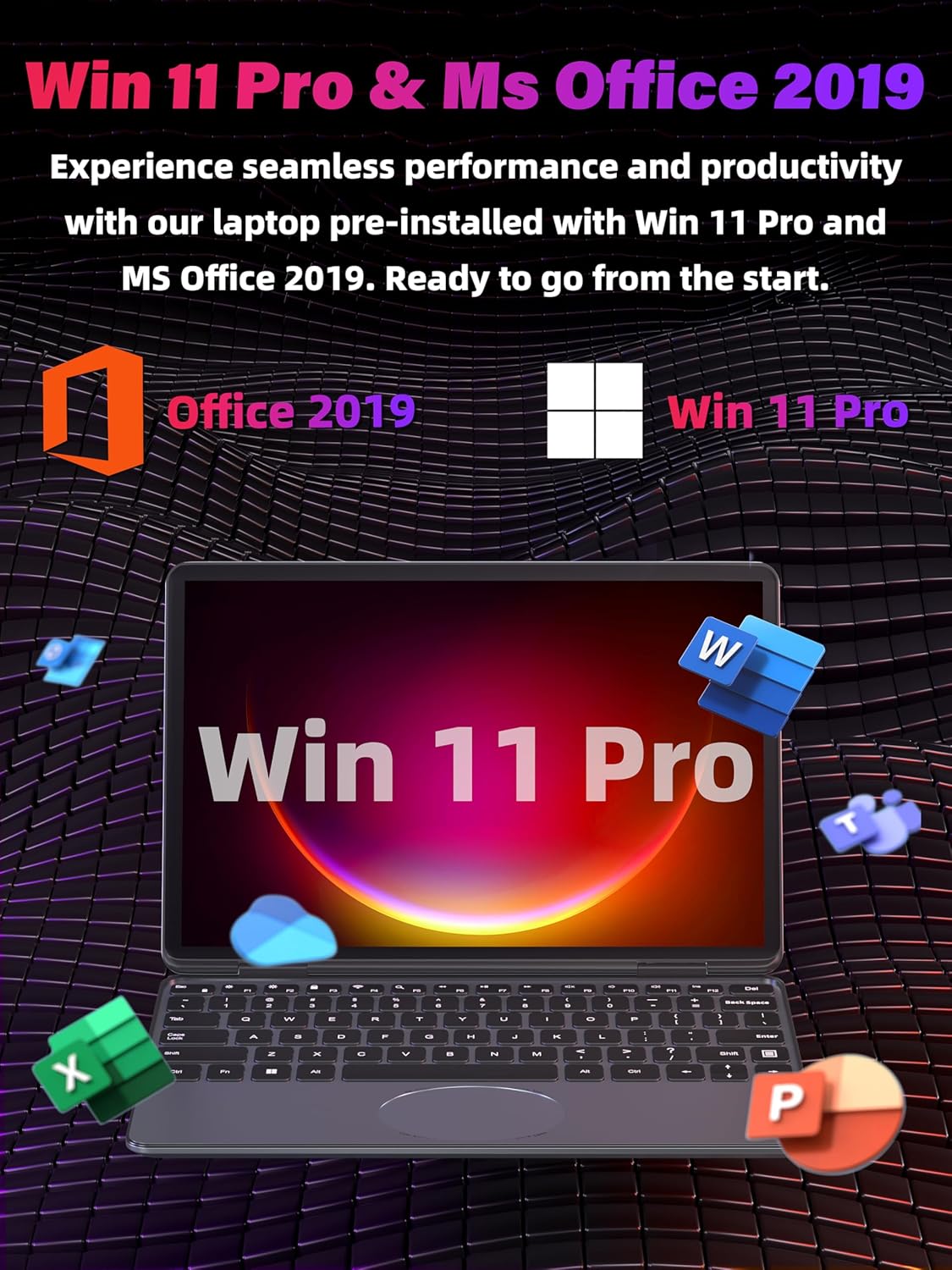
Windows 11 Pro and MS Office 2019 are pre-installed for immediate use.
Bedienung Ihres Laptops
The Svikou 2-in-1 laptop offers multiple ways to interact with your device:
360° Convertible Design
The unique hinge allows the laptop to transform into various modes:
- Laptop-Modus: Traditional setup for typing and productivity.
- Zeltmodus: Ideal zum Ansehen von Videos oder Präsentationen in beengten Räumen.
- Standmodus: Perfect for touch-based applications and media consumption.
- Tablet-Modus: Fully folded for a portable tablet experience, great for browsing or drawing with the stylus.

The laptop's versatile 360° hinge allows for multiple usage modes.
Tastatur und Touchpad
The laptop features a backlit keyboard for comfortable typing in any lighting condition. The oval touchpad is multifunctional, allowing you to control volume and screen brightness with intuitive gestures.

The backlit keyboard and oval touchpad offer enhanced control.
Display und Visuals
The 11-inch Full HD IPS display provides a vibrant and clear visual experience with 1920x1200 resolution and 100% sRGB color accuracy. The touchscreen is highly responsive for smooth interaction.

The responsive 11-inch touchscreen supports stylus input.
Leistung und Multitasking
Equipped with an Intel Celeron N100 CPU and 16GB DDR4 RAM, the laptop ensures smooth multitasking and efficient performance for various applications, from document editing to light gaming.

Efficient multitasking with powerful processing and ample RAM.
Offizielles Produktvideo
Offizielles Produktvideo präsentiertasing the Svikou 11-inch N100 gray laptop's features and versatility.
Technische Spezifikationen
| Besonderheit | Spezifikation |
|---|---|
| Marke | Svikou |
| Modellname | HL110YP |
| Bildschirmgröße | 11 Zoll |
| Prozessor | Intel Celeron N100 (1.7 GHz, 4 Cores) |
| RAM | 16 GB DDR4 |
| Festplatte | SSD mit 512 GB |
| Betriebssystem | Windows 11 Pro |
| Grafikkarte | Integriert |
| Konnektivität | Dual-band WiFi (2.4G/5G), Bluetooth 4.2 |
| Häfen | 2x USB 3.0, 1x Type-C, 1x mini HDMI, DC Power, Audio Jack |
| Kamera | 2MP HD Camera (30fps) |
| Artikelgewicht | 3.17 Pfund |
| Technische Daten | 10.11 x 0.78 x 6.95 Zoll |
| Stromquelle | Batteriebetrieben |
Wartung und Pflege
To ensure the longevity and optimal performance of your Svikou laptop, please follow these maintenance guidelines:
- Reinigung: Verwenden Sie ein weiches, fusselfreies Tuch, um den Bildschirm und das Gehäuse zu reinigen. Bei hartnäckigen Flecken dampBefeuchten Sie das Tuch leicht mit Wasser oder einem für Bildschirme geeigneten Reiniger. Vermeiden Sie aggressive Chemikalien.
- Batteriepflege: To maximize battery life, avoid fully discharging the battery frequently. It's recommended to keep the battery charge between 20% and 80% when possible. Store the laptop in a cool, dry place if not used for extended periods.
- Software-Updates: Regularly check for and install Windows updates and driver updates to ensure system stability, security, and performance.
- Lagerung: Keep the SSD free from excessive unnecessary files to maintain fast performance. Consider external storage for large media files.
- Belüftung: Um eine Überhitzung zu vermeiden, stellen Sie sicher, dass die Lüftungsschlitze des Laptops nicht blockiert sind. Verwenden Sie den Laptop auf einer ebenen, harten Oberfläche.
Fehlerbehebung bei allgemeinen Problemen
Hier finden Sie Lösungen für einige häufig auftretende Probleme:
- Laptop lässt sich nicht einschalten: Ensure the power adapter is securely connected and the outlet is working. If the battery is completely drained, it might take a few minutes of charging before the laptop powers on.
- Keine Wi-Fi-Verbindung: Prüfen Sie, ob WLAN in den Windows-Einstellungen aktiviert ist. Starten Sie Ihren Router und Ihren Laptop neu. Stellen Sie sicher, dass die Treiber aktuell sind.
- Langsame Leistung: Close unnecessary applications running in the background. Check for sufficient free space on the SSD. Run a virus scan.
- Touchscreen reagiert nicht: Restart the laptop. Ensure the screen is clean and free from debris. Check for any pending driver updates for the touchscreen.
- Tastaturbeleuchtung funktioniert nicht: Check the function keys (Fn + F5 or similar, refer to keyboard symbols) to toggle the backlight. Ensure drivers are updated.
Sollten Sie auf Probleme stoßen, die hier nicht behandelt werden, konsultieren Sie bitte den Abschnitt Garantie und Support, um Hilfe zu erhalten.
Garantie und Support
Your Svikou 2-in-1 laptop comes with a Ein Jahr Garantieservice provided by the seller, Fashion-digital. For any inquiries or support needs, please contact customer service.
Support-Informationen:
- Kundendienst: Support ist rund um die Uhr verfügbar.
- Rückgabe und Umtausch: Free returns and exchanges are offered.

Dedicated 24/7 Customer Service for your convenience.

Worry-free purchase with comprehensive support and warranty.