Einführung
Thank you for choosing the T'nB EBXLEMON Bluetooth 5.3 Wireless Earbuds. This manual provides detailed instructions for setting up, operating, and maintaining your earbuds to ensure optimal performance and longevity. Please read this manual carefully before use and retain it for future reference.
Lieferumfang
- 1 pair of T'nB EBXLEMON Wireless Earbuds
- 1 Charging Case (Lemon design)
- 1 USB-C-Ladekabel
- Bedienungsanleitung
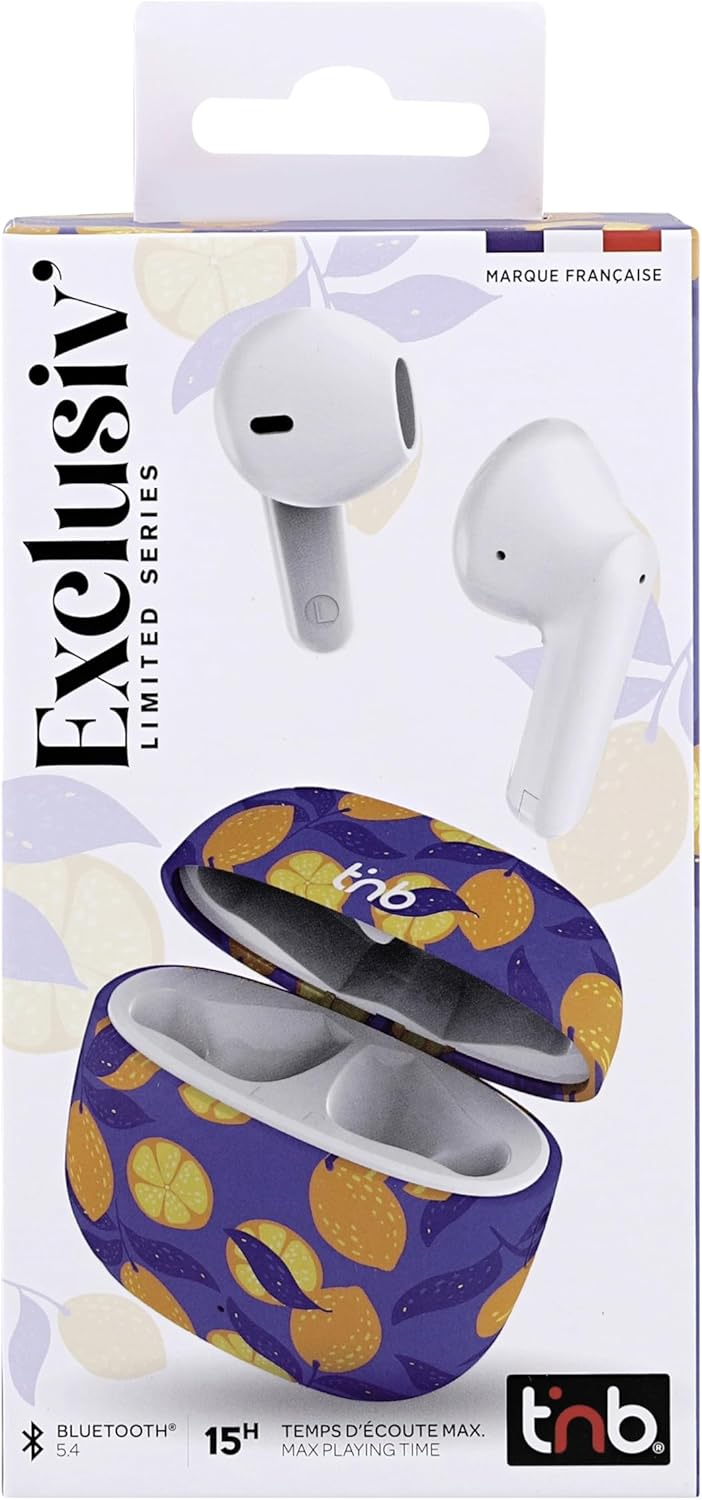
Image: T'nB EBXLEMON Wireless Earbuds packaging front view.
Produkt überview
The T'nB EBXLEMON earbuds feature a semi in-ear design for maximum comfort during prolonged listening. Each earbud weighs only 3.7g, ensuring a secure fit for daily use, including sports activities. The compact charging case provides additional battery life and features a distinctive lemon design.

Image: T'nB EBXLEMON Wireless Earbuds and charging case with lemon design.

Bild: Überview of T'nB EBXLEMON Wireless Earbuds features.
Aufstellen
1. Aufladen der Ohrhörer und des Ladecase
Before first use, fully charge the earbuds and the charging case. Place the earbuds into the charging case. Connect the USB-C charging cable to the case and a power source. The earbuds offer up to 5 hours of listening time on a single charge, and the charging case provides an additional 10 hours, for a total of up to 15 hours of autonomy.

Image: Earbud and case battery life indication.
2. Koppeln mit Ihrem Gerät
- Stellen Sie sicher, dass die Ohrhörer aufgeladen sind.
- Öffnen Sie das Ladeetui. Die Ohrhörer wechseln automatisch in den Kopplungsmodus.
- Aktivieren Sie Bluetooth auf Ihrem Smartphone, Tablet oder Computer.
- Suchen nach available Bluetooth devices and select "EBXLEMON" from the list.
- Sobald die Verbindung hergestellt ist, hören Sie einen Bestätigungston.
The earbuds utilize Bluetooth 5.3 technology for a stable and fast connection and are compatible with a wide range of iOS, Android, PC, and Mac devices.

Image: Automatic pairing with a smartphone.
Bedienung der Ohrhörer
Touch-Bedienelemente
The earbuds feature intuitive touch controls for managing your audio and calls without needing to access your smartphone.
- Abspielen/Pause: Tippen Sie einmal auf einen der Ohrhörer.
- Lautstärkeregelung: Specific gestures for volume adjustment (refer to quick start guide for detailed gestures, as these can vary).
- Nächster Titel: Doppeltippen Sie auf den rechten Ohrhörer.
- Vorheriges Lied: Doppeltippen Sie auf den linken Ohrhörer.
- Anruf annehmen/beenden: Tippen Sie einmal auf einen der Ohrhörer.
- Anruf ablehnen: Halten Sie einen der Ohrhörer 2 Sekunden lang gedrückt.
- Sprachassistenten aktivieren: Dreimaliges Tippen auf einen der Ohrhörer.
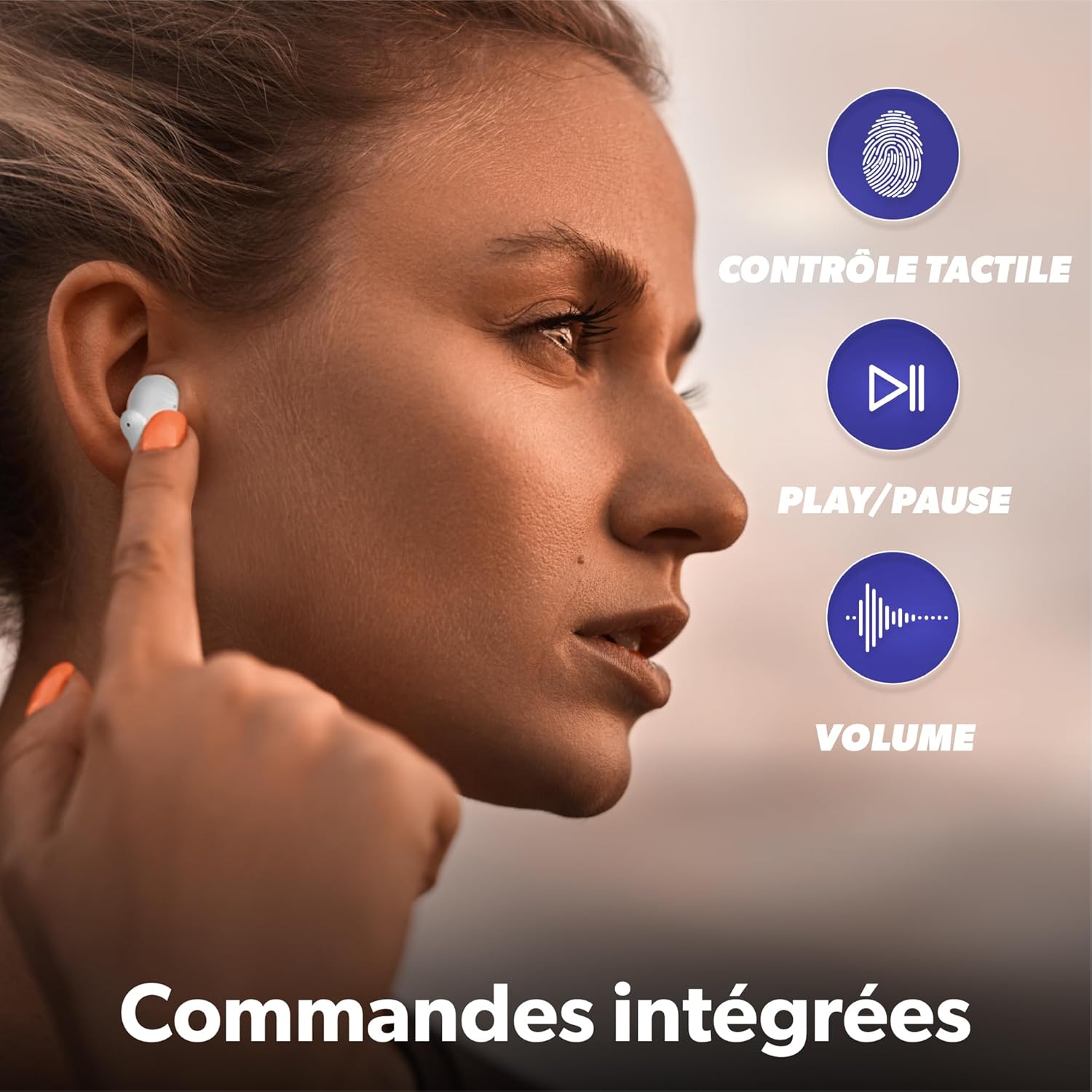
Image: Demonstrating integrated touch controls.
Anrufe tätigen und empfangen
The integrated microphone allows for clear hands-free calls. Use the touch controls as described above to manage your calls.

Image: Clear calls with integrated microphone.
Wartung
To ensure the longevity and optimal performance of your T'nB EBXLEMON earbuds, follow these maintenance guidelines:
- Reinigung: Reinigen Sie die Ohrhörer und das Ladecase regelmäßig mit einem weichen, trockenen und fusselfreien Tuch. Verwenden Sie keine scharfen Chemikalien oder Scheuermittel.
- Lagerung: Bewahren Sie die Ohrhörer bei Nichtgebrauch im Ladecase auf, um sie vor Staub und Beschädigungen zu schützen.
- Wasserbeständigkeit: Die Ohrhörer sind wasserdicht. Vermeiden Sie jedoch längeren Wasserkontakt oder das Eintauchen in Wasser. Trocknen Sie sie gründlich ab, bevor Sie sie wieder in das Ladecase legen.
- Laden: Use only the provided USB-C cable for charging. Avoid extreme temperatures during charging and storage.
Fehlerbehebung
Sollten Sie Probleme mit Ihren Ohrhörern haben, beachten Sie bitte die folgenden gängigen Lösungsansätze:
| Problem | Lösung |
|---|---|
| Earbuds do not pair | Stellen Sie sicher, dass Ihre Ohrhörer geladen sind. Schalten Sie Bluetooth auf Ihrem Gerät aus und wieder ein. Entfernen Sie das Gerät aus den Bluetooth-Einstellungen und koppeln Sie es erneut. |
| Kein Ton aus den Ohrstöpseln | Check device volume and earbud volume. Ensure earbuds are properly paired. Try resetting the earbuds (refer to manufacturer's web(falls erforderlich, finden Sie auf der Website spezifische Anweisungen zum Zurücksetzen). |
| Ladeetui lädt nicht | Stellen Sie sicher, dass das USB-C-Kabel fest mit dem Gehäuse und der Stromquelle verbunden ist. Versuchen Sie es mit einem anderen USB-C-Kabel oder Netzteil. |
| Die Ohrhörer fallen leicht heraus | Ensure earbuds are inserted correctly into your ears. The semi in-ear design is intended for comfort and a secure fit. |
Technische Daten
| Besonderheit | Detail |
|---|---|
| Modellname | EBXLEMON |
| Konnektivitätstechnologie | Kabellos (Bluetooth 5.3) |
| Platzierung des Ohrs | In-ear (Semi Intra-auricular) |
| Kontrollmethode | Berühren |
| Akku-Typ | Lithium-Ionen (wiederaufladbar) |
| Earbud Autonomy | Bis zu 5 Stunden (mit einer einzigen Ladung) |
| Total Autonomy (with case) | Bis zu 15 Stunden |
| Ladezeit | Approximately 5 hours (for full system charge, specific earbud charge time is faster) |
| Wasserbeständigkeit | Wasserdicht |
| Impedanz | 32 Ohm |
| Empfindlichkeit | 102 dB |
| Gewicht | 148 Grams (total item weight) |
| Kompatible Geräte | Phones, Tablets, Computers, Laptops |
| Im Lieferumfang enthaltene Komponenten | 1 charging case, 1 USB-C charging cable |
Sicherheitshinweise
Bitte beachten Sie folgende Sicherheitsvorkehrungen:
- Um Gehörschäden vorzubeugen, vermeiden Sie es, über längere Zeiträume bei hoher Lautstärke zu hören.
- Verwenden Sie die Ohrhörer nicht in Situationen, in denen die Unfähigkeit, Umgebungsgeräusche zu hören, gefährlich sein könnte (z. B. beim Autofahren, Radfahren oder Gehen im Straßenverkehr).
- Die Ohrhörer und das Ladecase sollten vor extremen Temperaturen, direkter Sonneneinstrahlung und Feuchtigkeit geschützt werden.
- Versuchen Sie nicht, das Produkt zu zerlegen oder zu verändern. Dies kann zum Erlöschen der Garantie und zu Schäden führen.
- Außerhalb der Reichweite von Kindern und Haustieren aufbewahren.
Garantie und Support
The T'nB EBXLEMON Wireless Earbuds come with a 2 Jahr Herstellergarantie. As a French company, T'nB is committed to providing quality products that comply with European standards. For any product defects, questions, or support needs, please contact our customer service based in France. Your satisfaction is our priority.
Please refer to the official T'nB webAuf der Website oder in Ihren Kaufunterlagen finden Sie spezifische Kontaktdaten und Informationen zum Vorgehen bei Garantieansprüchen.


