Einführung
This manual provides instructions for the setup, operation, and maintenance of your Incase Wireless Mobile Mouse 1850. This compact and comfortable mouse is designed for both left and right-handed users and offers reliable wireless connectivity for various computing environments.
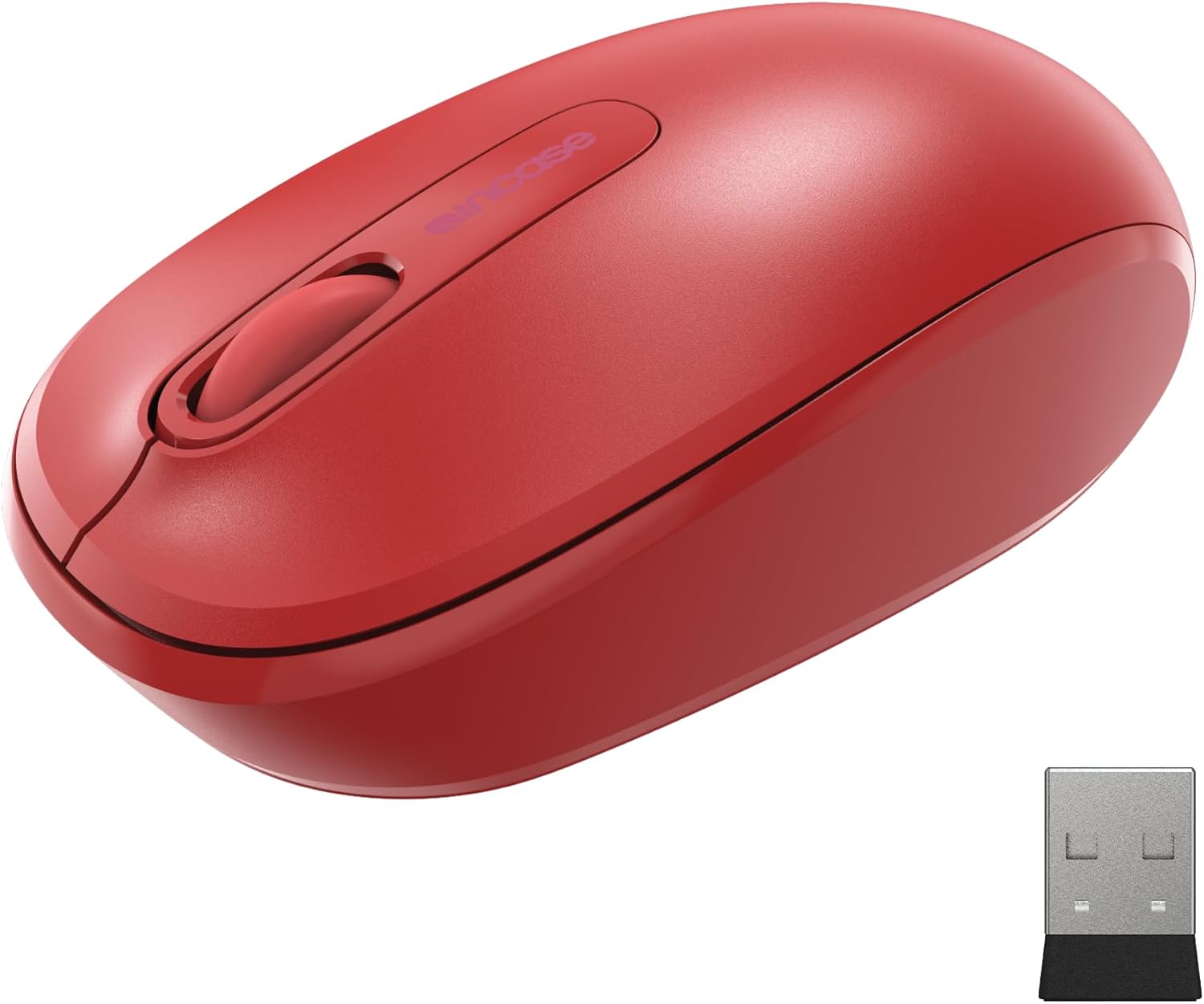
Image: The Incase Wireless Mobile Mouse 1850 in Flame Red, shown alongside its compact USB nano transceiver.
Packungsinhalt
Stellen Sie sicher, dass alle Artikel im Paket vorhanden sind:
- Incase Wireless Mobile Mouse 1850
- USB Nano Transceiver
- 1 AA-Batterien
Aufstellen
1. Installieren der Batterie
- Suchen Sie das Batteriefach auf der Unterseite der Maus.
- Schieben Sie den Batteriefachdeckel auf.
- Legen Sie die mitgelieferte AA-Batterie ein und achten Sie dabei auf die richtige Polarität (+/-).
- Schließen Sie den Batteriefachdeckel fest.

Image: The underside of the mouse, illustrating the battery compartment and the slot for storing the USB nano transceiver.
2. Connecting the USB Nano Transceiver
- Remove the USB nano transceiver from its storage slot on the underside of the mouse (if stored).
- Plug the USB nano transceiver into an available USB port on your computer (Mac or Windows 8/10/11).
- Ihr Computer sollte die benötigten Treiber automatisch erkennen und installieren. Dies kann einige Augenblicke dauern.
The nano transceiver is designed for "plug-and-go" convenience and can be left plugged into your computer or stored in the mouse when not in use.
Betrieb
Ein-/Ausschalten
Locate the On/Off power switch on the underside of the mouse. Slide the switch to the "On" position to activate the mouse. Slide it to "Off" when not in use to conserve battery life.
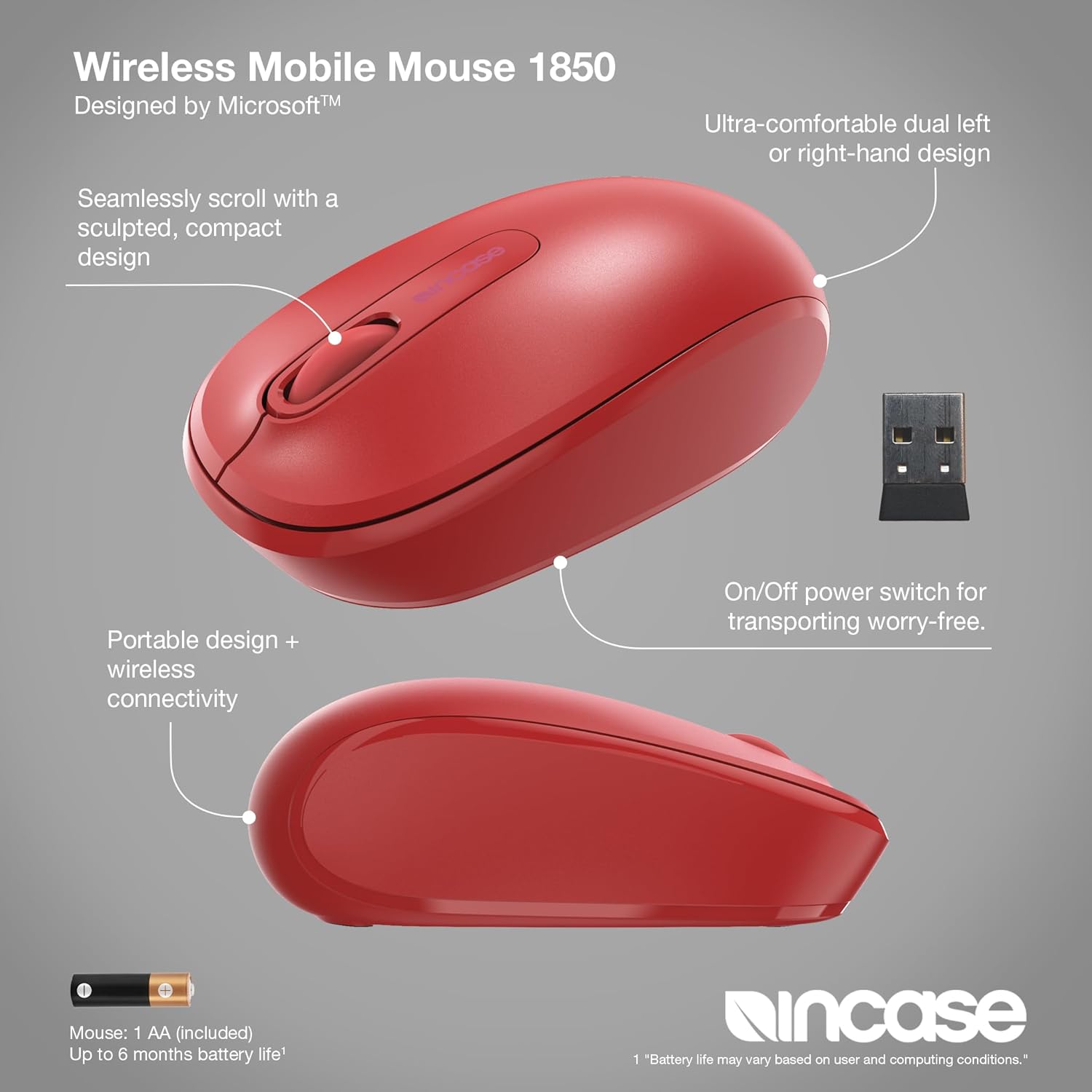
Bild: Eine detaillierte view of the mouse, pointing out its ambidextrous design, scroll wheel, and the location of the On/Off power switch.
Grundfunktionen
- Links Klick: Press the left button to select items or activate functions.
- Rechtsklick: Press the right button to access context menus.
- Scrollrad: Drehen Sie das Scrollrad nach oben oder unten, um durch die Dokumente zu navigieren, und web pages. The scroll wheel can also be pressed for middle-click functionality, depending on your operating system settings.
Beidhändig Design
The Incase Wireless Mobile Mouse 1850 features a symmetrical design, making it comfortable for both left-handed and right-handed users. No special configuration is required for ambidextrous use, though you may adjust primary button settings in your operating system's mouse preferences.
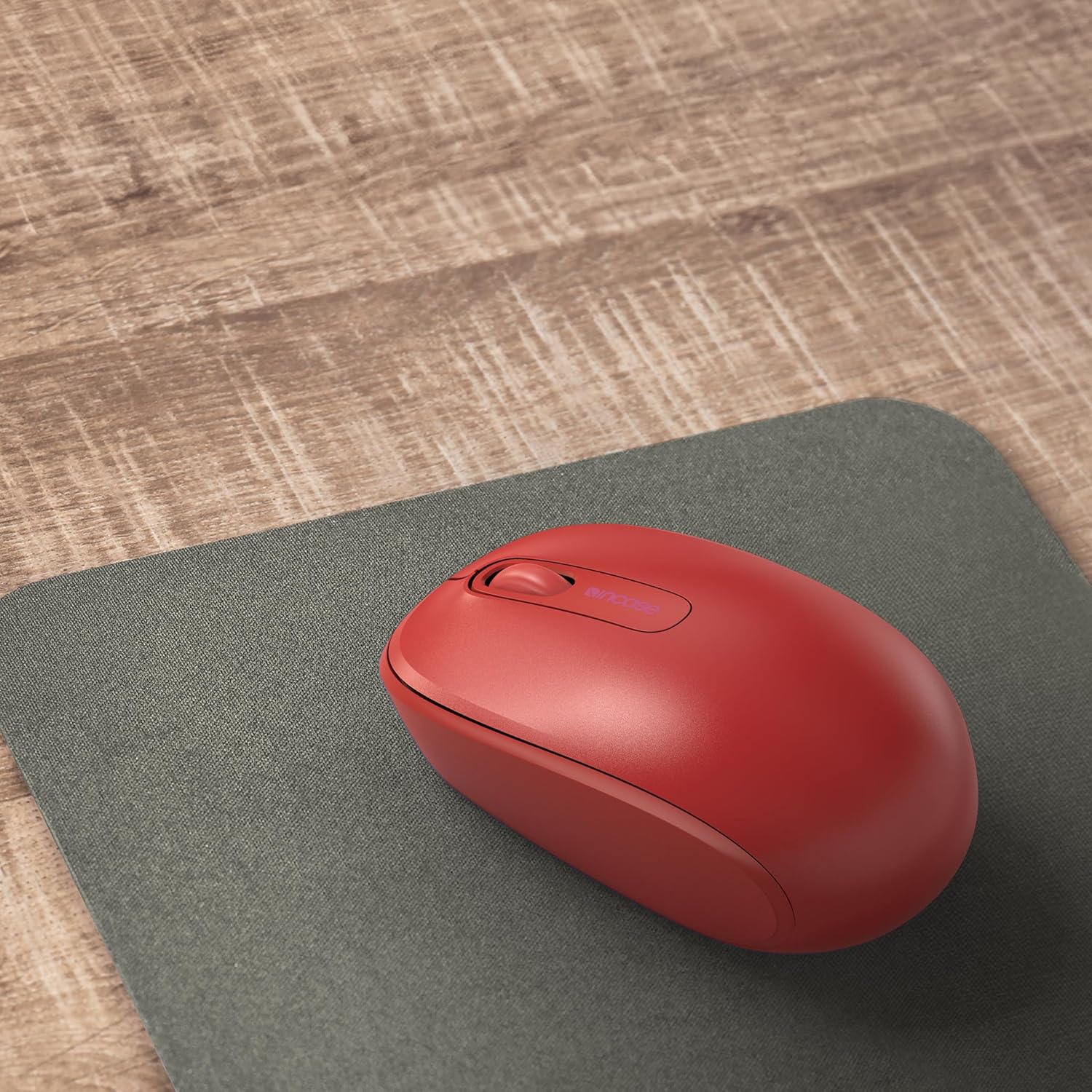
Image: The mouse positioned on a mousepad, demonstrating its ergonomic shape suitable for general use.
Wartung
Reinigung
- Verwenden Sie ein weiches, fusselfreies Tuch, um die Oberfläche der Maus abzuwischen.
- Bei hartnäckigen Verschmutzungen leicht dampBefeuchten Sie das Tuch mit Wasser oder einer milden Reinigungslösung. Vermeiden Sie übermäßige Feuchtigkeit.
- Verwenden Sie keine scharfen Chemikalien, Scheuermittel oder Lösungsmittel.
Batteriewechsel
The mouse is designed for up to six months of battery life. When the mouse performance degrades or stops responding, replace the AA battery by following the "Installing the Battery" steps in the Setup section.
Fehlerbehebung
| Problem | Lösung |
|---|---|
| Maus reagiert nicht |
|
| Unregelmäßige Cursorbewegung |
|
| Probleme mit der drahtlosen Verbindung |
|
Technische Daten
- Modellnummer: U7Z-00001
- Konnektivität: 2.4 GHz Wireless (USB Nano Transceiver)
- Bewegungserkennung: Optisch
- Akku-Typ: 1x AA (im Lieferumfang enthalten)
- Akkulaufzeit: Bis zu 6 Monate (bei typischer Nutzung)
- Abmessungen (L x B x H): Ungefähr 4.0 x 2.3 x 1.5 Zoll
- Gewicht: 3.2 Unzen (mit Batterie)
- Kompatibilität: Windows 8, Windows 10, Windows 11, Mac OS
- Besondere Merkmale: Ambidextrous design, Portable, Lightweight, Nano Transceiver storage

Image: A visual representation of the mouse with its approximate length (4.0 in), width (2.3 in), and height (1.5 in) indicated.
Garantie und Support
Garantieinformationen
The Incase Wireless Mobile Mouse 1850 is backed by a 1 Jahr eingeschränkte Garantie from the date of purchase. This warranty covers defects in materials and workmanship under normal use. It does not cover damage caused by accident, abuse, misuse, or unauthorized modification.
Bitte bewahren Sie Ihren Kaufbeleg für Garantieansprüche auf.
Kundenservice
For technical assistance, warranty claims, or further information, please visit the official Incase support website or contact their customer service department. Refer to the product packaging or the Incase webDie aktuellsten Kontaktdaten finden Sie auf der Website.
Besuchen Sie auch die Incase Store on Amazon für zusätzliche Produktinformationen.


