Einführung
This manual provides essential information for the setup, operation, and maintenance of your Incase Modern Mobile Mouse. Designed for portability and precision, this wireless Bluetooth mouse is compatible with Windows 8, 10, 11, and Mac OS 10.7+ devices.
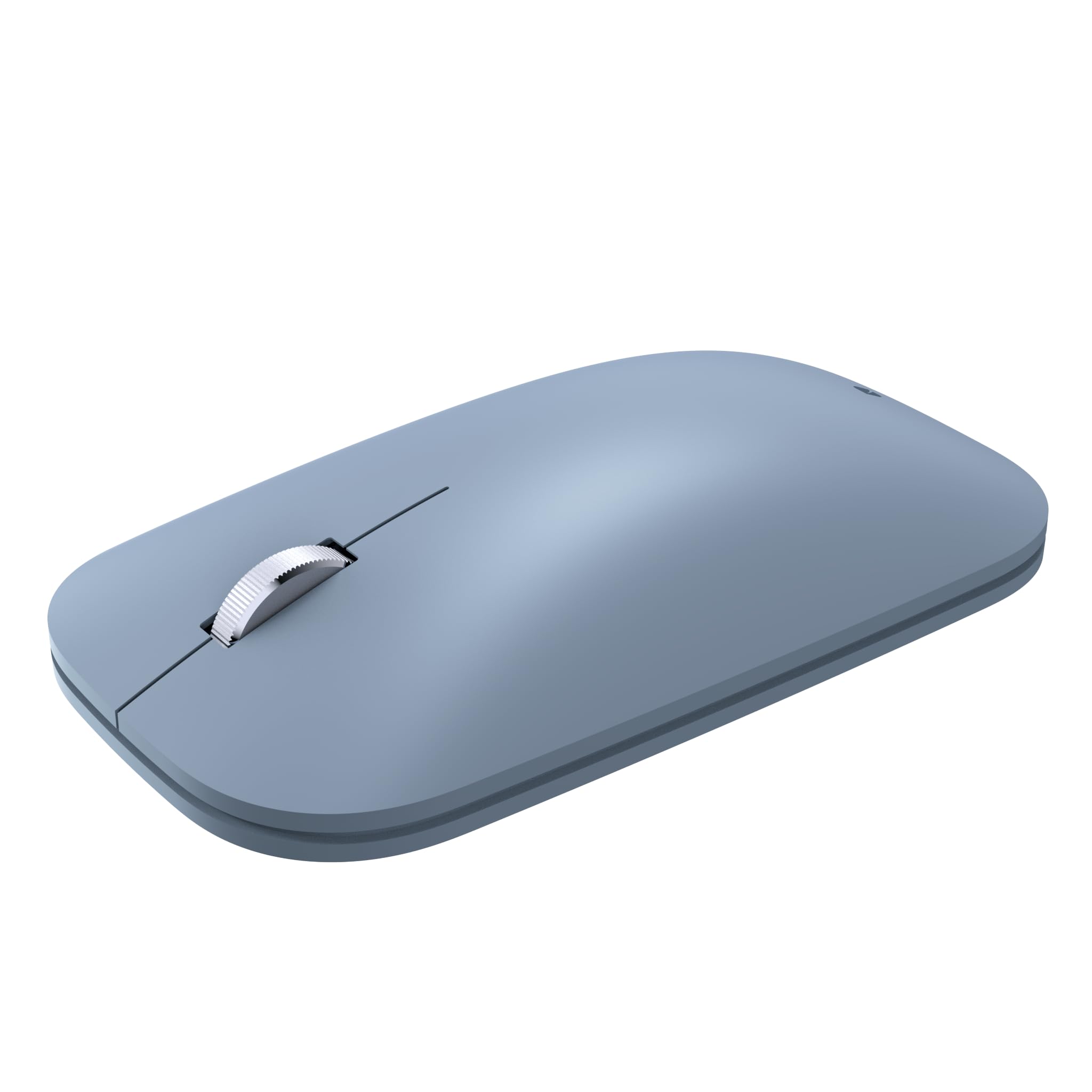
Image: The Incase Modern Mobile Mouse, showcasing sein schlankes, flaches Profilfile design in Ice Blue.
Hauptmerkmale
- Thin and Lightweight Design: Offers precise navigation without the bulk, ideal for on-the-go use.
- Smooth and Comfortable Scrolling: Provides a streamlined scrolling experience for enhanced productivity.
- Kabellose Freiheit: Utilizes wireless connectivity for a minimalist workspace and easy transport.
- Nahtlose Bluetooth-Verbindung: Connects wirelessly to Windows 11 Home/Pro, Windows 10 PC, and Mac OS 10.7+ devices via Bluetooth.
- BlueTrack-Technologie: Combines optical power with laser precision for tracking on nearly any surface.

Image: Diagram highlighting key features of the Incase Modern Mobile Mouse, including its low-profile design, metal scroll wheel, Bluetooth pairing, and BlueTrack Technology.
Aufstellen
1. Batterien einlegen
- Suchen Sie das Batteriefach auf der Unterseite der Maus.
- Schieben Sie die Batterieabdeckung auf.
- Legen Sie zwei AAA-Batterien ein und achten Sie dabei auf die richtige Polarität (+/-).
- Schließen Sie die Batterieabdeckung fest.

Image: The underside of the Incase Modern Mobile Mouse, displaying the battery compartment and power switch.
2. Power On and Pair via Bluetooth
- Schalten Sie die Maus mit dem Ein-/Ausschalter an der Unterseite ein.
- Navigieren Sie auf Ihrem Computer oder Gerät zu den Bluetooth-Einstellungen.
- Bluetooth aktivieren und nach neuen Geräten suchen.
- Select "Incase Modern Mobile Mouse" from the list of available devices to pair.
- Befolgen Sie die Anweisungen auf dem Bildschirm, um den Kopplungsvorgang abzuschließen.
Bedienungsanleitung
Grundfunktionen
- Links Klick: Press the left side of the mouse button to select items or activate functions.
- Rechtsklick: Press the right side of the mouse button to open context menus or access additional options.
- Scrollrad: Drehen Sie das Metall-Scrollrad nach oben oder unten, um durch die Dokumente zu navigieren, und web Seiten.
- BlueTrack-Technologie: The mouse utilizes BlueTrack Technology for precise tracking on a wide variety of surfaces, excluding clear glass or mirrored surfaces.
Wartung
Batteriewechsel
When the mouse performance degrades or it stops responding, it may be time to replace the batteries. Follow the steps in the 'Install Batteries' section under Setup to replace the two AAA batteries. Average battery life is approximately 6 months, but may vary based on usage.
Reinigung
To clean your mouse, gently wipe the exterior with a soft, damp cloth. Avoid using harsh chemicals or abrasive materials. Ensure the mouse is powered off before cleaning.
Fehlerbehebung
- Maus reagiert nicht: Ensure the mouse is powered on and has fresh batteries. Re-establish the Bluetooth connection by unpairing and re-pairing the device in your computer's Bluetooth settings.
- Unterbrechungsverbindung: Move the mouse closer to your device. Ensure there are no other devices causing interference. Check for updated Bluetooth drivers on your computer.
- Ungenaue Nachverfolgung: Ensure the surface you are using is suitable for BlueTrack Technology (avoid clear glass or mirrored surfaces). Clean the optical sensor on the underside of the mouse.
Technische Daten
| Marke | Falls |
| Modellname | Incase Modern Mobile Mouse |
| Teilenummer | KTF-00104 |
| Betriebssystemkompatibilität | Windows 8, 10, 11, Mac OS 10.7+ |
| Hardware-Plattform | Mac, PC |
| Konnektivitätstechnologie | Bluetooth |
| Bewegungserkennungstechnologie | Laser (BlueTrack Technology) |
| Anzahl der Tasten | 3 |
| Stromquelle | Batteriebetrieben (2 AAA-Batterien im Lieferumfang enthalten) |
| Durchschnittliche Batterielebensdauer | 6 months (may vary) |
| Materialtyp | Plastik |
| Handausrichtung | Beidhändig |
| Technische Daten | 13.46 x 8.89 x 0.25 cm; 90.72 g |

Image: Dimensions of the Incase Modern Mobile Mouse, showing its length (4.2 in), width (2.4 in), and height (1.0 in).
Garantie und Support
The Incase Modern Mobile Mouse comes with a 1-year limited warranty.
For customer service and support, please contact Incase:
- E-Mail: support@incase.com
- Toll-Free Phone (US): 1 (888) 893-1638 (Monday - Friday / 6am - 5pm PST)
- Toll-Free Phone (UK): +44 2081962428
- Toll-Free Phone (HK): +852 30509024


