Einführung
This training manual provides a comprehensive guide to Corel Photo-Paint 2024, designed for both beginners and users seeking to enhance their digital photo editing skills. It covers fundamental techniques, advanced applications, and artistic effects through practical, integrated exercises. This manual is also suitable for Photo-Paint 2024 as part of CorelDRAW Essentials 2024 or Home and Student 2024.
The book emphasizes a 'learning by doing' approach, presenting concepts step-by-step and deepening understanding with exercises for direct application. It is fully colored and includes numerous pictures and illustrations to aid comprehension.
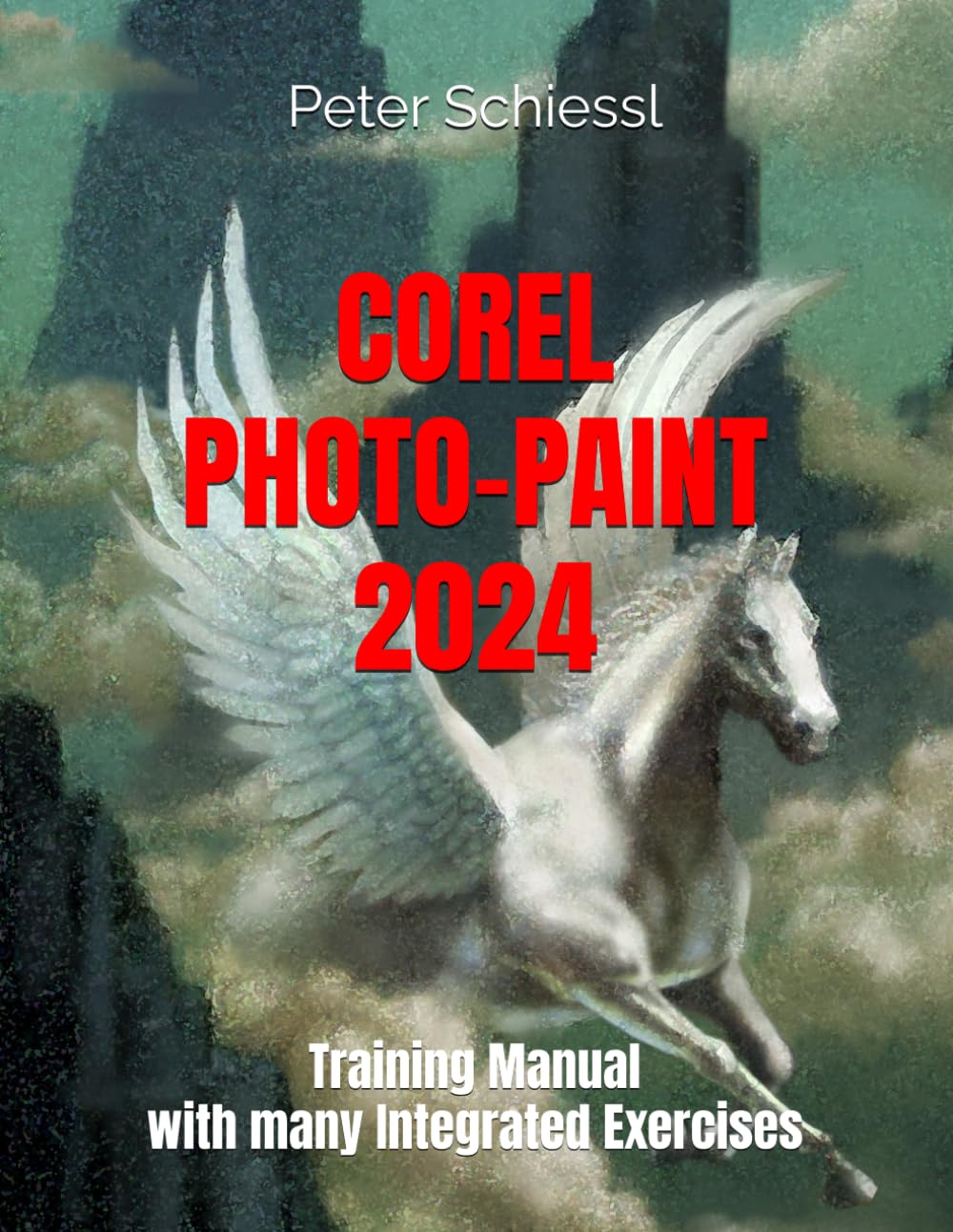
Image 1: Front cover of the Corel Photo-Paint 2024 Training Manual, featuring the title and a winged horse graphic.
Inhalt vorbeiview
This manual is structured to guide users through various aspects of digital image editing:
- Basics of Image Editing: Understanding the difference between pixel photos and graphic files.
- Base Techniques: Adjusting contrast and brightness, cropping borders, using the eraser, and applying basic effect tools.
- Fortgeschrittene Anwendungen: Utilizing brushes for painting, the image sprayer, specialized tools like the pipette and paint bucket, and creating fill patterns.
- Professional Image Editing: Working with masks and objects, understanding different mask types, deleting elements from photos, applying effects to specific masked areas, creating custom objects with masks, and copying/inserting objects between images.
- Artistic Effects: Applying special effects such as vignette, wet paint, fish eye, solarize, glass, shear, blur, and bubbles. Includes using effects with text, cloning, copying, transparency effects, and the overlay function.
- Additional Topics: Information regarding printing, scanning, transferring images to other programs, and data backup strategies.
Aufstellen
To begin using this training manual effectively, ensure you have Corel Photo-Paint 2024 installed on your computer. This manual is also compatible with Photo-Paint 2024 as part of CorelDRAW Essentials 2024 or Home and Student 2024. No specific setup is required for the manual itself, but having the software ready will allow you to follow along with the integrated exercises and practice the techniques described.
Bedienungsanleitung
This manual is designed for 'learning by doing'. Each section introduces concepts and then provides step-by-step exercises. To maximize your learning experience:
- Read each instructional segment thoroughly before attempting the exercise.
- Follow the instructions carefully, practicing each technique directly within Corel Photo-Paint 2024.
- Experiment with the tools and settings beyond the exercises to deepen your understanding.
- Review previous sections if you encounter difficulties or need a refresher on earlier concepts.
The book is structured to guide users from basic image editing principles to advanced professional techniques and artistic photo manipulation, building skills progressively.
Wartung
While this training manual does not require maintenance, it is recommended to keep your Corel Photo-Paint 2024 software updated to the latest version. Software updates often include performance improvements, bug fixes, and new features that may enhance your experience and ensure compatibility with the instructions provided in this manual. Additionally, regularly back up your project files, um Datenverlust zu verhindern.
Fehlerbehebung
If you encounter difficulties while following an exercise or using Corel Photo-Paint 2024, consider the following:
- Review Schritte: Carefully re-read the preceding steps in the manual to ensure all settings and actions match the instructions.
- Software State: Ensure Corel Photo-Paint 2024 is running correctly and that no other applications are interfering.
- Softwaredokumentation: For software-specific issues not directly related to the exercises in this manual, refer to the official Corel Photo-Paint 2024 software documentation or Corel's online support resources.
- Üben: Some techniques require practice. Don't hesitate to repeat exercises until you achieve the desired result.
Technische Daten
| ASIN | B0DRJ3ZF3P |
| Herausgeber | Unabhängig veröffentlicht |
| Veröffentlichungsdatum | 25. Dezember 2024 |
| Sprache | Englisch |
| Drucklänge | 139 Seiten |
| ISBN-13 | 979-8304788021 |
| Artikelgewicht | 15 Unzen |
| Maße | 8.5 x 0.32 x 11 Zoll |
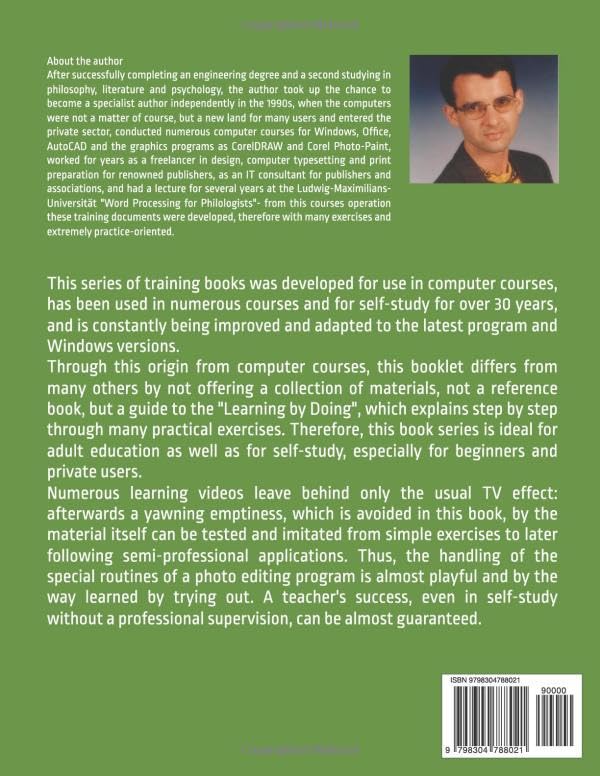
Image 2: Back cover of the training manual, detailing the author's background and the book's pedagogical approach.
Support-Informationen
This training manual serves as an instructional guide for Corel Photo-Paint 2024. For technical support related to the Corel Photo-Paint 2024 software itself, including installation, licensing, or software malfunctions, please refer to Corel's official support channels. This manual does not offer software support or warranty for the Corel Photo-Paint 2024 application.
For inquiries regarding the content of this manual, please contact the publisher or author through appropriate channels if available.


