1. Einleitung
The NEDIS SmartLife Outdoor Pan-Tilt Spotlight Camera (WIFICO22CWT) is designed to enhance your home security with advanced features and seamless integration. This manual provides essential information for the proper installation, operation, and maintenance of your camera.
Key features include a 3MP (1296p) sensor for clear images, remote pan and tilt control, automatic tracking, color and infrared night vision, two-way audio, motion and sound detection with instant notifications, and an IP65 weatherproof rating for outdoor reliability.
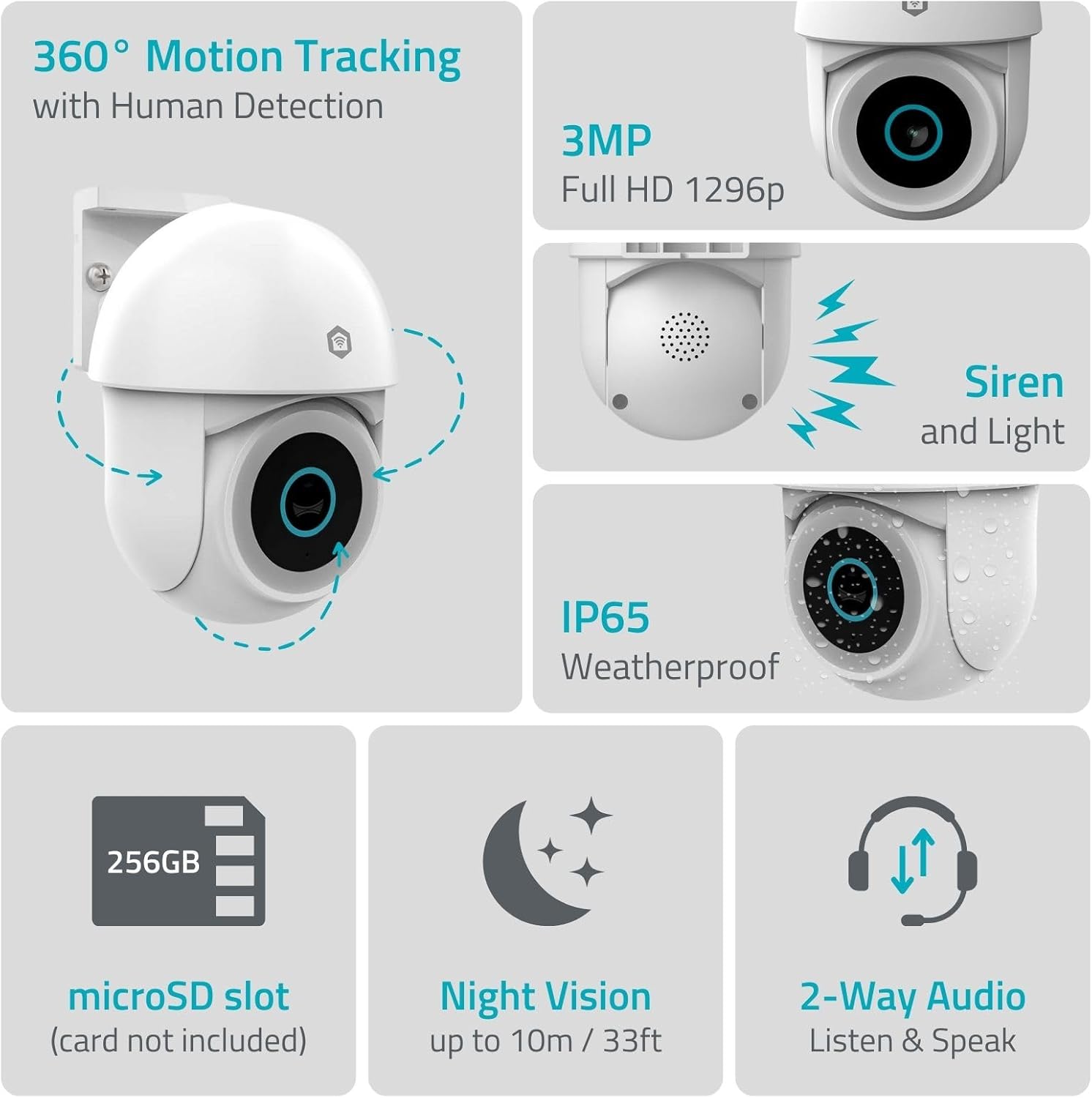
Bild 1.1: Überview of NEDIS SmartLife Outdoor Camera features, including 360-degree motion tracking, 3MP resolution, siren and light, IP65 weatherproofing, microSD slot, night vision, and two-way audio.
2. Packungsinhalt
Bitte prüfen Sie das Paket auf folgende Artikel:
- NEDIS SmartLife Outdoor Pan-Tilt Spotlight Camera (WIFICO22CWT)
- Netzteil (5 V DC)
- Montagehalterung und Schrauben
- Kurzanleitung (dieses Handbuch)
3. Einrichtung
3.1. App-Installation
- Laden Sie die Nedis SmartLife App aus dem App Store (iOS) oder Google Play Store (Android).
- Registrieren Sie sich für ein neues Konto oder melden Sie sich an, falls Sie bereits eines besitzen.
3.2. Einschalten und erste Verbindung
- Schließen Sie die Kamera an das Netzteil an und stecken Sie es in eine Steckdose.
- Warten Sie, bis die Kontrollleuchte der Kamera blinkt. Dies signalisiert, dass die Kamera bereit zum Koppeln ist.
- Open the Nedis SmartLife app, tap '+' to add a new device, and follow the on-screen instructions to connect the camera to your 2.4 GHz Wi-Fi network.
3.3. Installation der microSD-Karte (optional)
For local storage of recordings, install a microSD card (up to 256GB, not included).
- Locate the microSD card slot on the camera (refer to the camera diagram in the quick start guide).
- Schieben Sie die microSD-Karte vorsichtig in den Steckplatz, bis sie hörbar einrastet.
- Format the microSD card via the camera settings in the Nedis SmartLife app.
3.4. Montage der Kamera
The camera comes with a wall/ceiling mount. Choose a suitable location with a clear view und innerhalb der WLAN-Reichweite.

Image 3.1: Camera dimensions for mounting reference.
- Markieren Sie die Bohrpositionen, indem Sie die Montagehalterung als Schablone verwenden.
- Bohren Sie gegebenenfalls Löcher und setzen Sie Dübel ein.
- Befestigen Sie die Montagehalterung mit Schrauben an der Wand oder Decke.
- Attach the camera to the mounting bracket and adjust its initial angle.
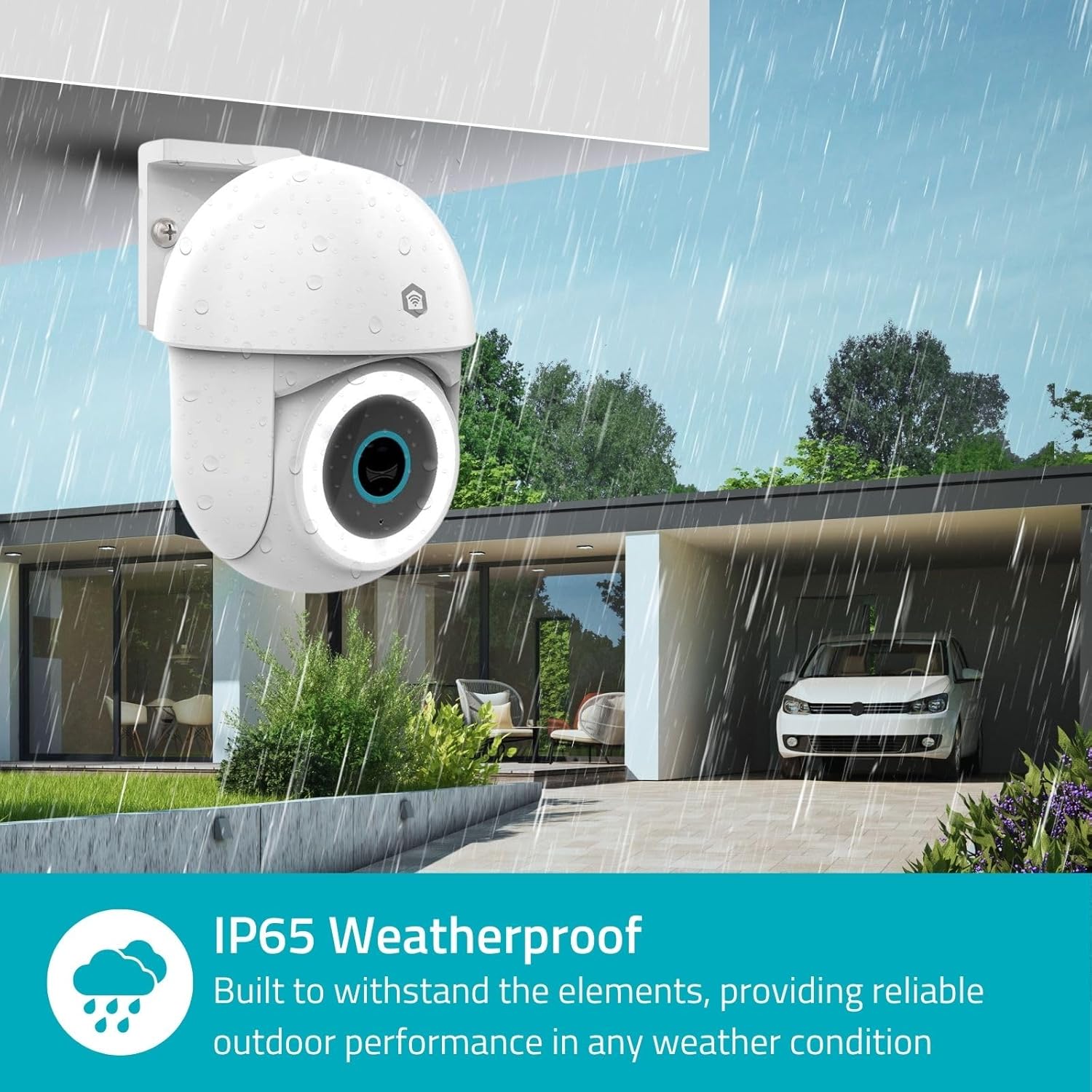
Image 3.2: The IP65 weatherproof design ensures reliable outdoor performance in various weather conditions.
4. Bedienungsanleitung
4.1. Leben View und Schwenk-/Neigesteuerung
Access the live feed from your camera through the Nedis SmartLife app. Use the on-screen controls to remotely pan (horizontal) and tilt (vertical) the camera to monitor a wide area.
4.2. Bewegungserkennung und -verfolgung
The camera features advanced motion detection, including human detection, to minimize false alarms. You can customize detection zones within the app.
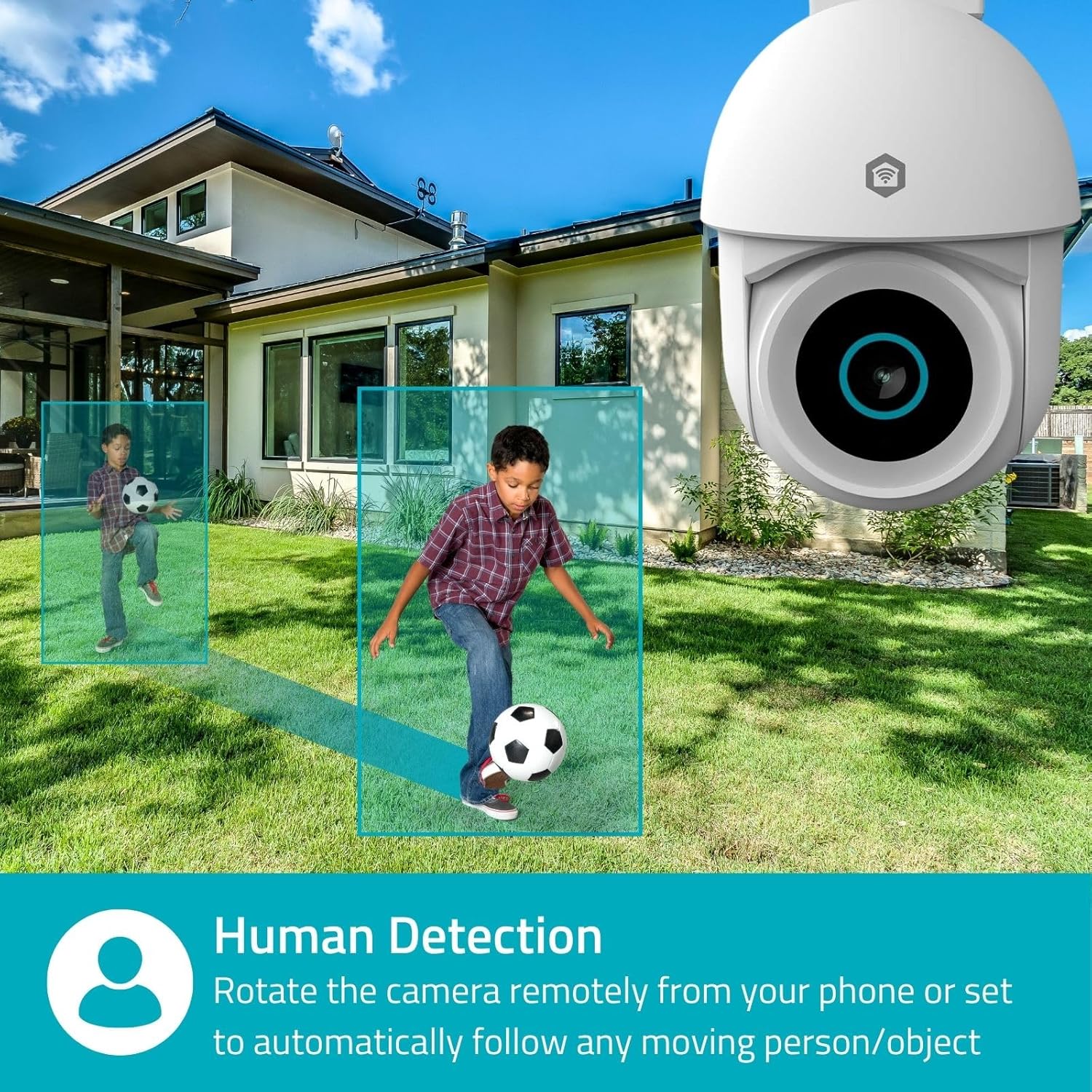
Image 4.1: Human Detection allows the camera to automatically follow moving persons or objects.
Aktivieren Selbstverfolgung in the app settings to have the camera automatically follow detected movement.
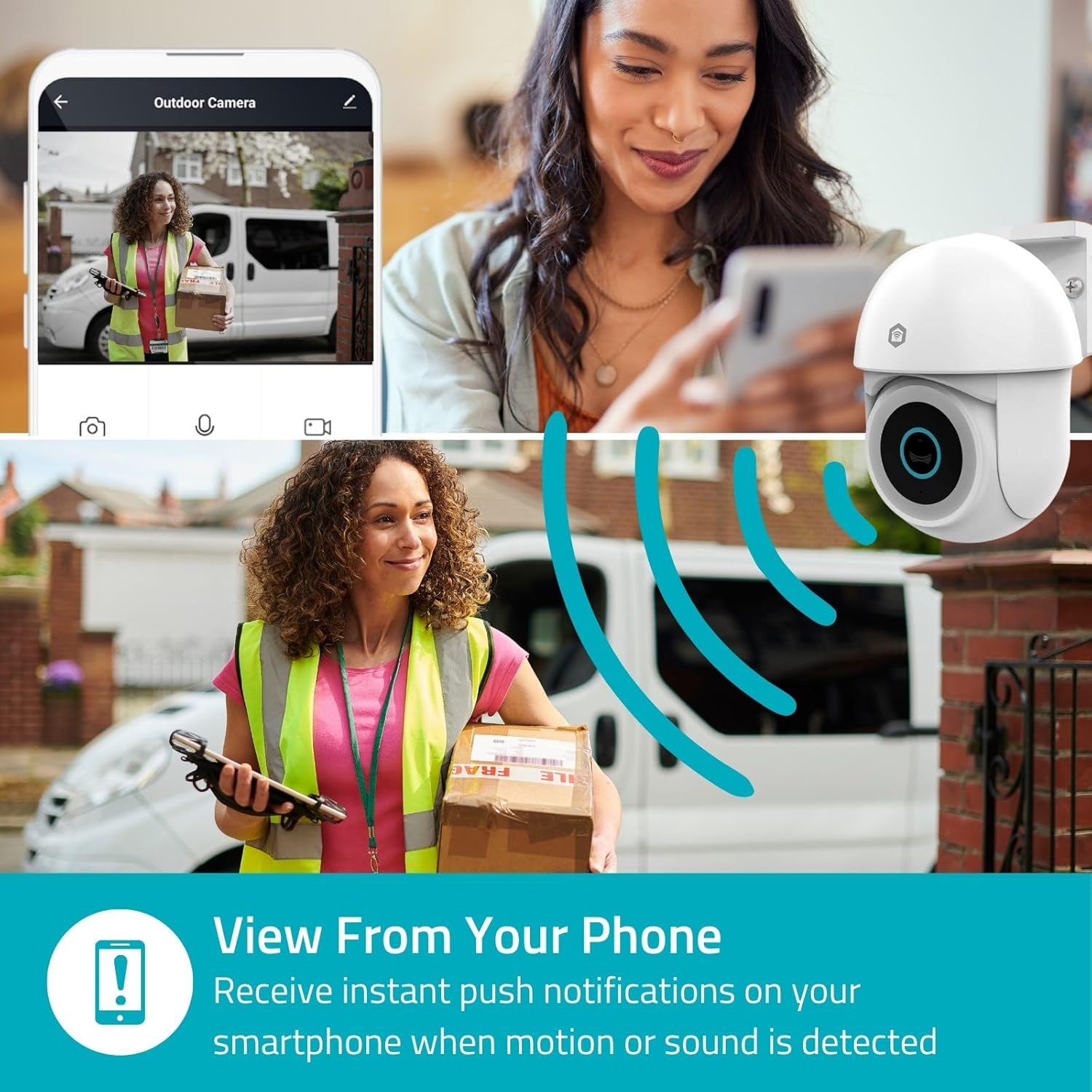
Image 4.2: Receive instant push notifications on your smartphone when motion or sound is detected.
4.3. Zwei-Wege-Audio
Utilize the built-in microphone and speaker for two-way communication. You can listen to the environment and speak through the camera via the app.
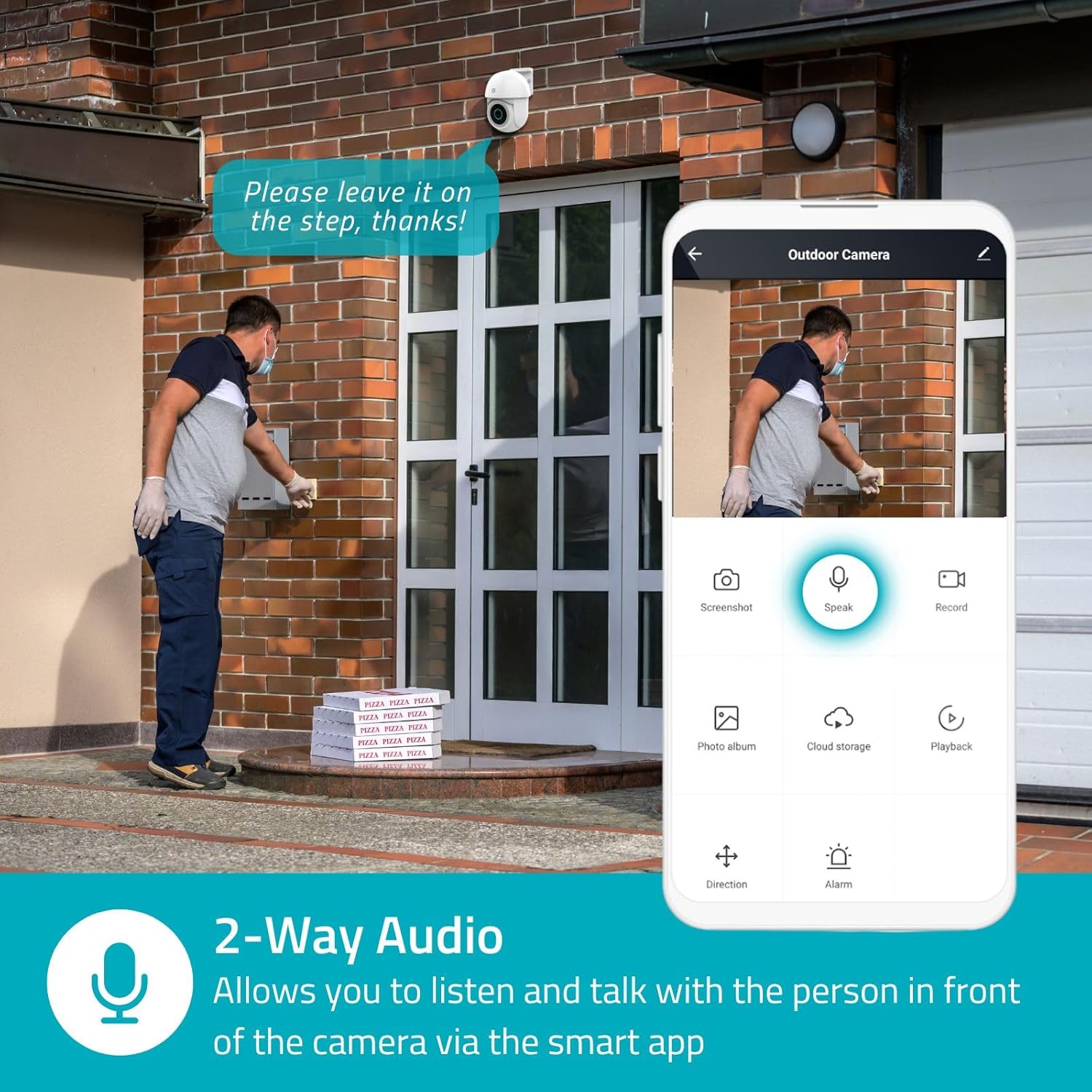
Image 4.3: Two-Way Audio allows you to listen and talk with individuals in front of the camera.
4.4. Nachtsicht
Die Kamera unterstützt zwei Nachtsichtmodi:
- Farbnachtsicht: Achieved using dimmable white LEDs, providing full-color images in low light.
- Infrarot Nachtsicht: Standard black and white night vision using infrared LEDs, effective up to 10 meters (33 feet).

Image 4.4: Comparison of Day Mode and Night Mode, illustrating the camera's 3MP resolution and 10m night vision capability.
4.5. Spotlight and Siren
When motion is detected, you can configure the camera to activate its white LEDs (spotlight) and/or a siren. This can deter intruders or provide illumination.

Image 4.5: The camera's light and siren can be activated upon motion detection to deter unwanted visitors.
4.6. Aufnahme und Wiedergabe
Recordings can be stored on a microSD card (up to 256GB) or via optional cloud storage. Access and playback recorded footage through the Nedis SmartLife app.
4.7. Datenschutzmodus
Activate Privacy Mode in the app to temporarily disable recording and live view when you are home, ensuring your privacy.
4.8. Smart Home Integration
The camera is compatible with Google Home and Amazon Alexa, allowing for voice control and integration into your smart home ecosystem.
5. Wartung
- Reinigung: Wischen Sie die Kameralinse und das Kameragehäuse vorsichtig mit einem weichen, fusselfreien Tuch ab.amp Tuch. Verwenden Sie keine scharfen Chemikalien oder Scheuermittel.
- Firmware-Updates: Regularly check the Nedis SmartLife app for available firmware updates to ensure optimal performance and security.
- Stromversorgung: Vergewissern Sie sich, dass Netzteil und Kabel unbeschädigt sind.
6. Fehlerbehebung
6.1. Kamera verbindet sich nicht mit dem WLAN
- Stellen Sie sicher, dass Ihr WLAN-Netzwerk mit 2.4 GHz arbeitet. Die Kamera unterstützt kein 5-GHz-WLAN.
- Prüfen Sie, ob das WLAN-Passwort korrekt eingegeben wurde.
- Platzieren Sie die Kamera während der Einrichtung näher an Ihrem WLAN-Router.
- Starten Sie Ihren Router und die Kamera neu.
6.2. Schlechte Videoqualität
- Überprüfen Sie Ihre WLAN-Signalstärke. Ein schwaches Signal kann die Videoqualität beeinträchtigen.
- Stellen Sie sicher, dass die Kameralinse sauber und frei von Verunreinigungen ist.
- Adjust the video resolution settings in the app if your network bandwidth is limited.
6.3. Bewegungserkennung funktioniert nicht
- Überprüfen Sie, ob die Bewegungserkennung in den App-Einstellungen aktiviert ist.
- Check the sensitivity settings and detection zones.
- Stellen Sie sicher, dass keine physischen Hindernisse die Sicht der Kamera blockieren. view.
6.4. No Audio or Two-Way Audio Issues
- Überprüfen Sie die Mikrofon- und Lautsprecherlautstärkeeinstellungen in der App.
- Stellen Sie sicher, dass das Mikrofon Ihres Smartphones nicht stummgeschaltet ist, wenn Sie über die App sprechen.
- Überprüfen Sie die Netzwerkverbindung für die Echtzeit-Audioübertragung.
7. Spezifikationen
| Besonderheit | Spezifikation |
|---|---|
| Modellnummer | WIFICO22CWT |
| Auflösung | 3 MP (1296p) |
| Konnektivität | Wi-Fi (2.4 GHz) |
| Pan/Tilt Function | Ja |
| Wetterfeste Bewertung | IP65 |
| Nachtsicht | Color (white LEDs) & IR (up to 10m) |
| Zwei-Wege-Audio | Ja |
| Speicheroptionen | MicroSD (up to 256GB, not included), Cloud Storage (optional) |
| Leistungsaufnahme | 5 V Gleichstrom |
| Abmessungen (L x B x H) | 10 x 8.3 x 11 cm |
| Gewicht | 292 Gramm |
| Besondere Merkmale | Human Detection, Auto-Tracking, Spotlight, Siren, Privacy Mode, Onvif support |
| Kompatibilität | Google Home, Amazon Alexa |
8. Garantie und Support
This product comes with a standard manufacturer's warranty. For detailed warranty information, please refer to the warranty card included in your package or visit the official NEDIS webWebsite.
For technical support, troubleshooting assistance, or further inquiries, please contact NEDIS customer service through their official webWebsite oder die auf der Produktverpackung angegebenen Kontaktinformationen.
Online-Ressourcen:
- Besuchen Sie die NEDIS webWebsite für Produktaktualisierungen und Support.
- Check the Nedis SmartLife app for FAQs and in-app support options.


