1. Einleitung
Thank you for choosing the NACODEX AK820 Gasket Mechanical Keyboard. This manual provides essential information for setting up, operating, and maintaining your keyboard. Please read it thoroughly to ensure optimal performance and longevity of your device.
The AK820 features a 75% layout with 82 keys, a gasket structure for enhanced typing feel, hot-swappable switches, PBT keycaps, and a volume control knob. It is designed for both typing and gaming with a focus on comfort and customization.
2. Packungsinhalt
Stellen Sie sicher, dass alle Artikel im Paket vorhanden sind:
- NACODEX AK820 Gasket Mechanical Keyboard
- USB-C-auf-USB-A-Kabel
- Keycap Puller / Switch Puller (2-in-1 tool)
- Bedienungsanleitung
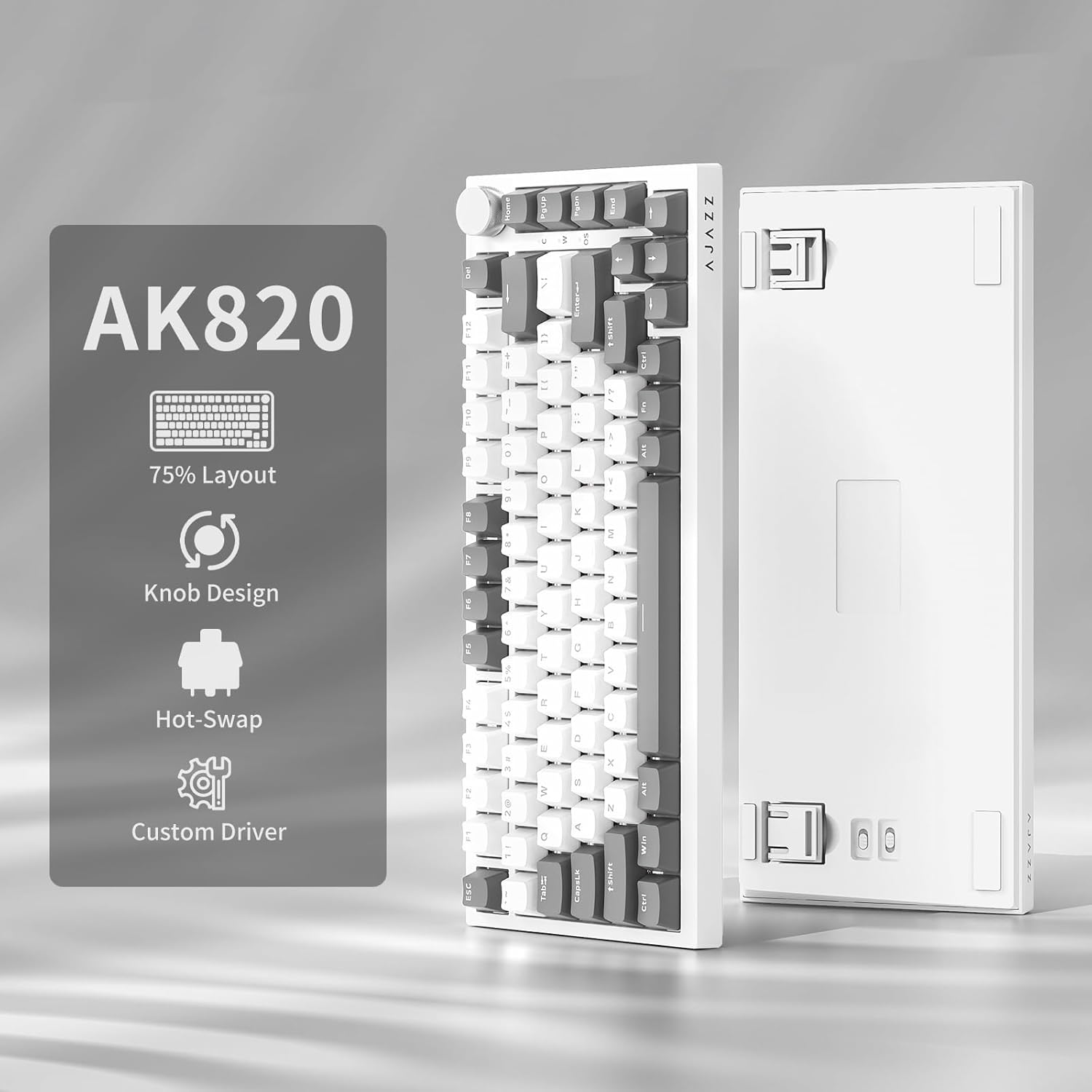
Image: NACODEX AK820 keyboard, USB-C cable, and keycap/switch puller.
3. Einrichtung und Konnektivität
3.1 Kabelverbindung
- Connect the USB-C end of the provided cable to the keyboard's USB-C port (located on the back edge).
- Verbinden Sie das USB-A-Ende des Kabels mit einem freien USB-Anschluss an Ihrem Computer.
- The keyboard is now ready for use in wired mode.

Image: NACODEX AK820 keyboard with USB-C cable connected to a laptop.
4. Bedienungsanleitung
4.1 Lautstärkeregler
The multifunctional knob located on the top-right corner of the keyboard allows for quick audio adjustments.
- Im Uhrzeigersinn drehen: Lautstärke erhöhen.
- Turn Counter-Clockwise: Lautstärke verringern.
- Niederdrücken: Audio stummschalten/Stummschaltung aufheben.

Bild: Eine detaillierte view of the volume knob, indicating its turn and press functions for volume control and mute.
4.2 Lichteffekte
The AK820 features customizable RGB backlighting. Use the following key combinations to adjust lighting:
- FN + \ (Backslash): Cycle through 20 different lighting effects.
- FN + ↑ (Pfeil nach oben): Helligkeit der Hintergrundbeleuchtung erhöhen (5 Stufen).
- FN + ↓ (Pfeil nach unten): Helligkeit der Hintergrundbeleuchtung verringern (5 Stufen).
- FN + ← (Linkspfeil): Adjust lighting direction.
- FN + → (Rechtspfeil): Adjust lighting direction.
- FN + - (Minus): Verringere die Lichtgeschwindigkeit.
- FN + = (Equals): Erhöhung der Lichtgeschwindigkeit.
- FN + Startseite: Switch between Windows/MAC system modes.
- FN+ESC: Reset to factory default lighting settings (hold for 3-5 seconds).
Video: Demonstrates various RGB lighting effects and customization options on the NACODEX AK820 keyboard.
4.3 Hot-Swap-fähige Schalter
The AK820 supports 3/5-pin hot-swappable mechanical switches, allowing you to customize your typing experience without soldering.
- Ziehen Sie die Tastenkappe mit dem mitgelieferten Tastenkappenabzieher heraus.
- Verwenden Sie den Schalterzieher, umamp the buckles on the upper and lower sides of the switch body, then pull the switch up and out.
- Align the pins and holes of the new switch.
- Tap the new switch vertically until it clicks into place.

Bild: Eine Nahaufnahme view of the keyboard's switches and keycaps, highlighting the hot-swappable design.
Video: Demonstrates the difference in sound and feel between AJAZZ Gift Switches and AJAZZ Dreamy Switches, showcasing the hot-swappable feature.
4.4 Keycap Features
The AK820 comes with durable PBT keycaps, known for their oil resistance and longevity. They feature a two-color design for clear fonts and enhanced light transmission.
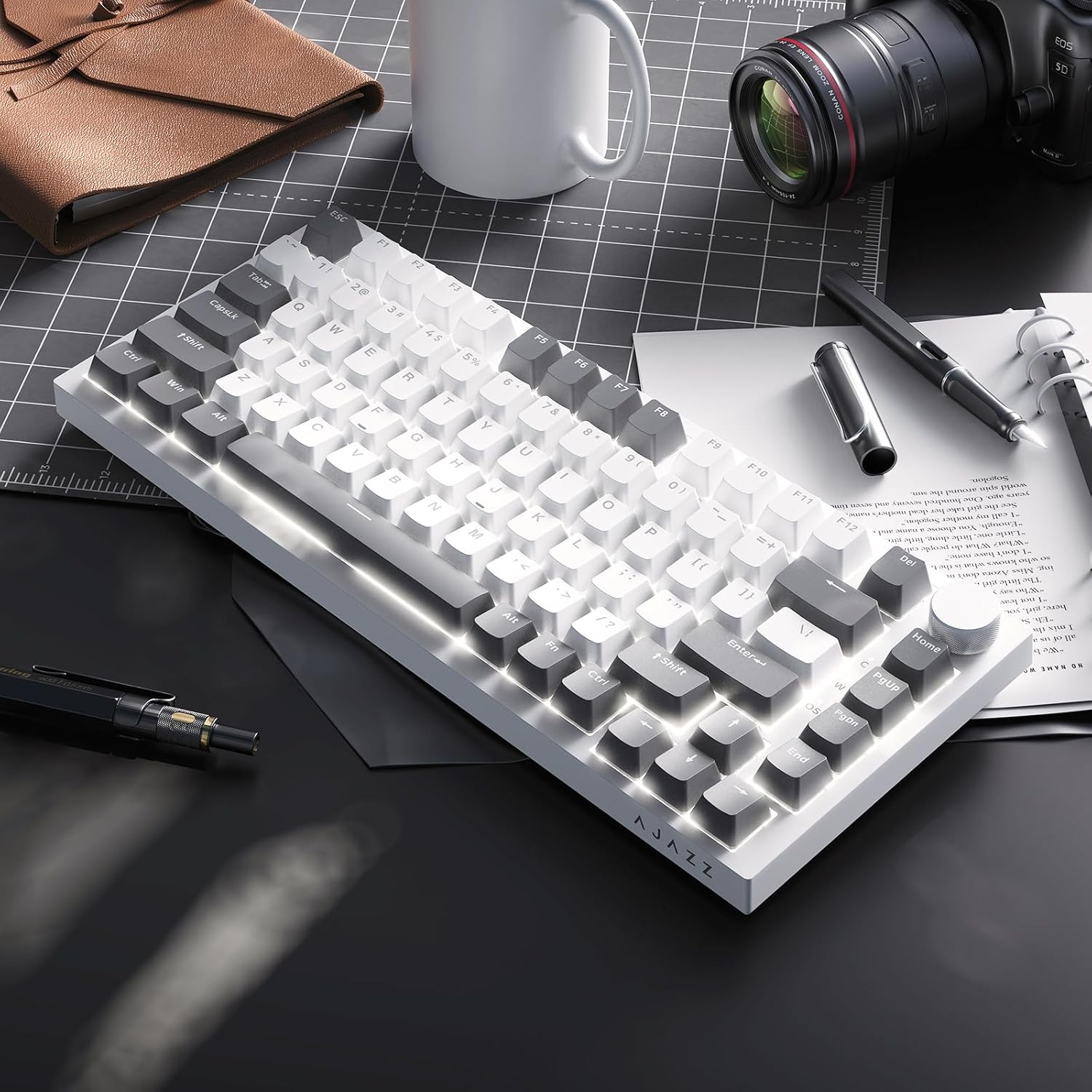
Image: A close-up of the PBT keycaps, highlighting their texture and two-color design.
5. Spezifikationen
| Technische Daten | 12.87 x 5.35 x 1.57 Zoll |
| Artikelgewicht | 1.79 Pfund |
| Hersteller | AJAZZ |
| Modellnummer | AK820 Gray White |
| Konnektivitätstechnologie | USB-C (kabelgebunden) |
| Tastaturbeschreibung | Mechanisch |
| Besonderheit | Ergonomic, Gasket Structure, Hot-Swappable |
| Tastatur Hintergrundbeleuchtung | RGB |
6. Garantie und Support
Informationen zur Garantie und zum technischen Support finden Sie auf der offiziellen AJAZZ-Website. webBesuchen Sie die Website oder kontaktieren Sie den Kundenservice. Bewahren Sie Ihren Kaufbeleg für Garantieansprüche auf.


