1. Einleitung
This manual provides detailed instructions for the installation, programming, operation, and maintenance of your Chamberlain myQ Universal Wireless Garage Door Keypad, model CHU48. This keypad offers convenient, secure access to your garage without the need for a remote control or key.
The CHU48 keypad is designed for broad compatibility with most garage door openers manufactured after 1993 that feature safety sensors. It is built to withstand various environmental conditions, including rain, snow, and extreme temperatures.
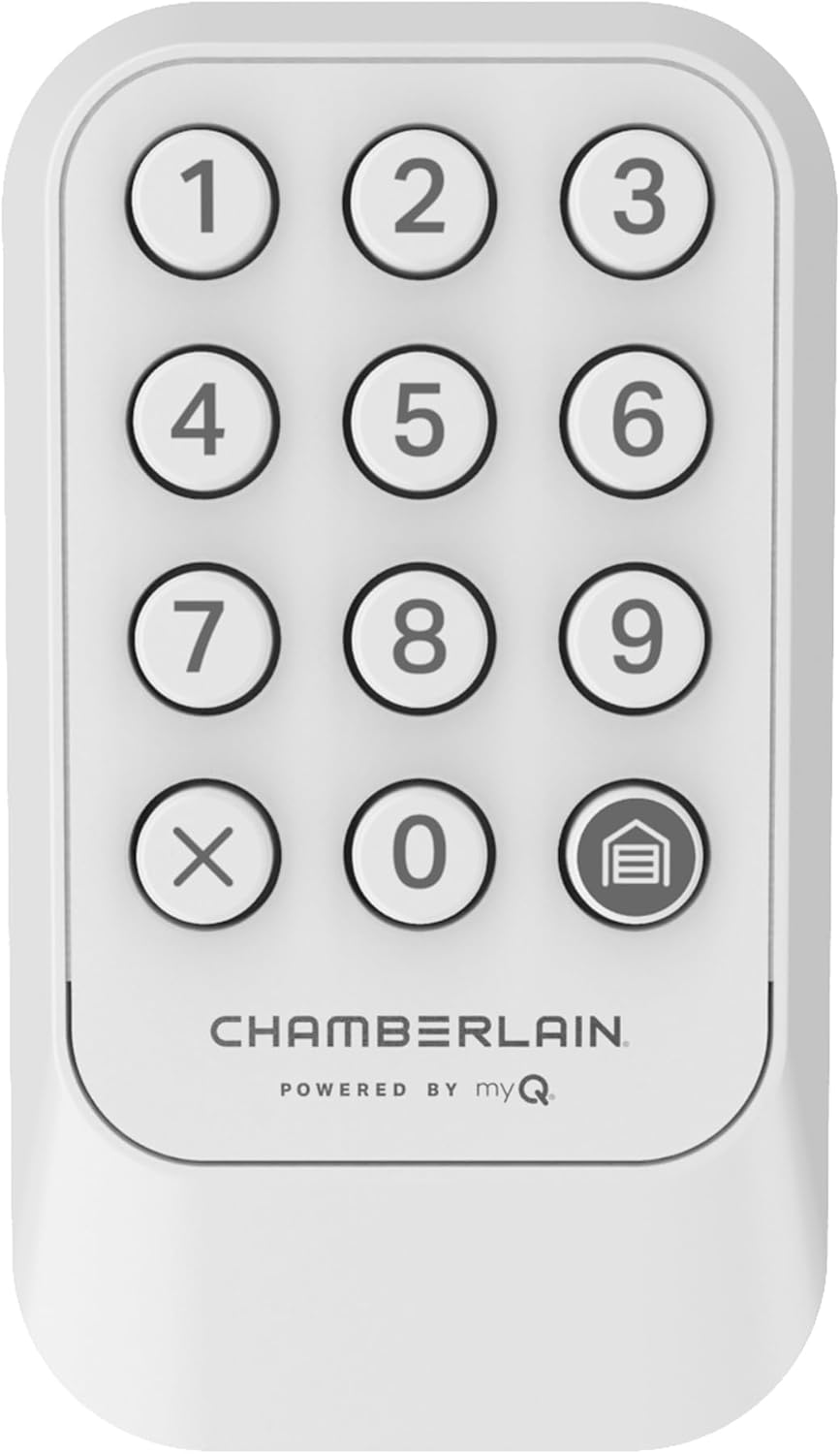
Bild 1.1: Vorderseite view of the Chamberlain myQ Universal Wireless Garage Door Keypad.
2. Produktmerkmale
- Universelle Kompatibilität: Works with most garage door openers manufactured after 1993 that include safety sensors.
- Wetterbeständiges Design: Constructed to endure various weather conditions, including rain, snow, and extreme temperatures.
- Simplified Wireless Programming: Features an improved wireless programming process for quick and seamless setup.
- Verbesserte Sicherheit: Utilizes ultra-secure encryption to protect access codes, preventing unauthorized entry.
- Personalized Access Options: For Chamberlain, LiftMaster, and Craftsman garage door openers manufactured after 1997, the keypad supports temporary PINs for guests and a one-touch close feature for efficient exits.
- Tastatur mit Hintergrundbeleuchtung: Illuminated buttons ensure visibility and ease of use during nighttime hours.

Image 2.1: The keypad's weather-resistant construction, designed to withstand outdoor elements.

Image 2.2: The keypad features a backlight for clear visibility and operation in low-light conditions.
3. Einrichtung und Installation
3.1. Kompatibilität
The CHU48 keypad is compatible with a wide range of garage door openers. Refer to the image below to identify compatibility based on your opener's learn button color and brand.

Image 3.1: Compatibility chart for the CHU48 keypad, detailing supported garage door opener brands and learn button colors.
3.2. Einlegen der Batterie
The keypad requires one 9V battery (included). To install, remove the battery cover on the back of the unit and insert the battery, observing correct polarity. Replace the cover securely.
3.3. Montage der Tastatur
Select a suitable location outside your garage, typically near the garage door frame, at a height accessible to all users. Ensure the mounting surface is flat and secure. Use the provided installation hardware to securely attach the keypad to the desired location.
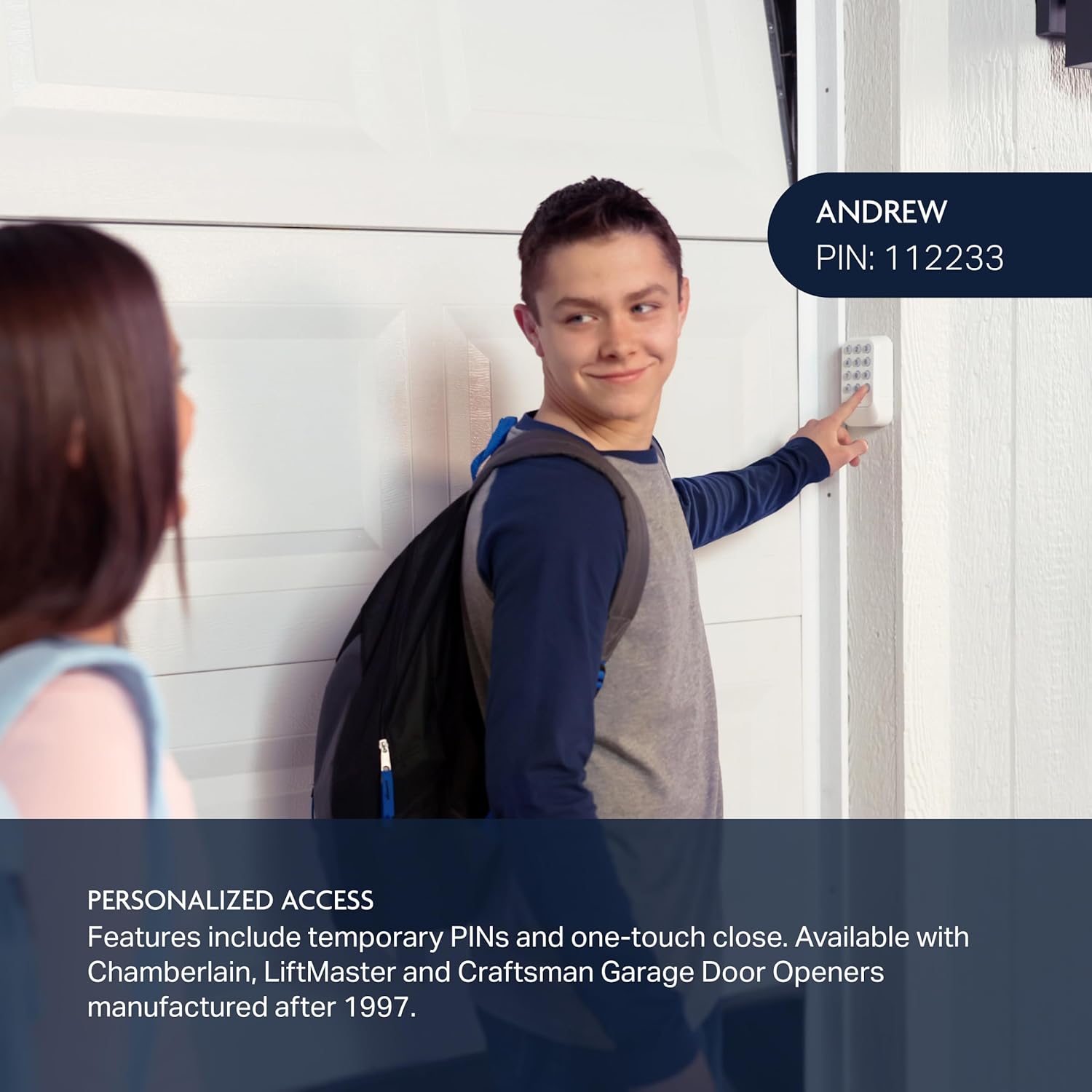
Image 3.2: Proper placement and installation of the wireless keypad on an exterior wall.
3.4. Programmieren der Tastatur
The programming process involves syncing the keypad with your garage door opener. Specific steps may vary slightly depending on your opener's brand and model. Generally, the process involves:
- Suchen Sie die Schaltfläche „Lernen“: Find the 'Learn' button on your garage door opener motor head. The color of this button is important for compatibility.
- Enter a Personal PIN: On the keypad, enter your desired 4-digit personal identification number (PIN).
- Lernmodus aktivieren: Press and release the 'Learn' button on your garage door opener.
- Sync Keypad: Within 30 seconds, press the 'Enter' button on the keypad (often the '0' or a dedicated button) until the garage door opener lights flash or two clicks are heard, indicating successful programming.
- Testbetrieb: Test the keypad by entering your PIN and pressing 'Enter' to ensure the garage door operates correctly.
For detailed, model-specific programming instructions, refer to your garage door opener's manual or the Chamberlain support webWebsite.
4. Bedienungsanleitung
4.1. Öffnen und Schließen des Garagentors
So bedienen Sie Ihr Garagentor mit dem Tastenfeld:
- Enter your 4-digit personal PIN.
- Press the 'Enter' button (often the '0' button or a dedicated garage door icon button).
The garage door will activate. If the door does not respond, ensure you are within range and the keypad is properly programmed.
4.2. Using the One-Touch Close Feature
For Chamberlain, LiftMaster, and Craftsman garage door openers manufactured after 1997, the keypad includes a one-touch close feature. To close the garage door quickly without entering a PIN, simply press the dedicated 'Close' button (often represented by a garage door icon).
4.3. Programming Temporary PINs (Select Openers)
If your garage door opener is a Chamberlain, LiftMaster, or Craftsman model manufactured after 1997, you can program temporary PINs for guests or service personnel. This allows limited access without sharing your primary PIN. Consult your garage door opener's manual or the Chamberlain support website for specific instructions on setting up temporary PINs.
5. Wartung
5.1. Batteriewechsel
When the keypad's backlight dims or the unit becomes unresponsive, it is likely time to replace the 9V battery. To replace, remove the battery cover on the back of the unit, remove the old battery, insert a new 9V alkaline battery, and replace the cover.
5.2. Reinigung
Clean the keypad's surface with a soft, damp Mit einem Tuch abwischen. Vermeiden Sie die Verwendung von Scheuermitteln oder Lösungsmitteln, da diese die Oberfläche oder elektronische Bauteile beschädigen können.
6. Fehlerbehebung
If you encounter issues with your Chamberlain myQ Universal Wireless Garage Door Keypad, consider the following:
- Tastatur reagiert nicht: Check the battery. Replace the 9V battery if the backlight is dim or non-functional.
- Garage Door Not Opening/Closing: Ensure the keypad is within operational range of the garage door opener. Verify that the keypad is correctly programmed to your opener. Re-attempt the programming steps if necessary.
- Incorrect PIN Entry: Ensure you are entering the correct 4-digit PIN. If you have forgotten your PIN, you will need to reprogram the keypad.
- Interferenz: Radio frequency interference from other devices can sometimes affect operation. Try operating the keypad from a slightly different position.
- Learn Button Issues: If programming fails, ensure the 'Learn' button on your garage door opener is functioning correctly and that you are pressing it for the appropriate duration as per your opener's manual.
If problems persist after attempting these troubleshooting steps, contact Chamberlain customer support for further assistance.
7. Spezifikationen
| Attribut | Detail |
|---|---|
| Hersteller | Chamberlain-Gruppe |
| Teilenummer | CHU48 |
| Artikelgewicht | 7 Unzen |
| Technische Daten | 1.24 x 2.89 x 4.97 Zoll |
| Artikelmodellnummer | CHU48 |
| Batterien | 1 x 9-V-Batterie (im Lieferumfang enthalten) |
| Batteriezellentyp | Alkalisch |
| Farbe | Weiß |
| Im Lieferumfang enthaltene Komponenten | Keypad, Battery, Installation Hardware, Product Set Up Insert |
8. Garantie und Support
For information regarding product warranty, please refer to the documentation included with your purchase or visit the official Chamberlain website. For technical support, programming assistance, or to report any issues, please contact Chamberlain customer service through their official channels.


