1. Einleitung
Thank you for choosing the YARDCARE V100 Robotic Lawn Mower. This manual provides essential information for the safe and efficient operation, setup, and maintenance of your new robotic lawn mower. Please read this manual thoroughly before first use and keep it for future reference.
The YARDCARE V100 is designed to simplify your lawn care routine with its advanced features, including HD visual navigation, smart obstacle avoidance, and adjustable cutting height. It is ideal for small lawns up to 1,600 sq ft.
2. Produktüberschreitungview
The YARDCARE V100 Robotic Lawn Mower integrates cutting-edge technology to provide an effortless mowing experience. Key features include:
- Visual Navigation Technology: Equipped with a high-definition camera that precisely detects and distinguishes lawn grass, enabling efficient mowing navigation.
- Intelligente Hindernisvermeidung: Intelligently detects obstacles and navigates around them. High-precision collision sensors ensure the mower adjusts its path promptly upon slight contact.
- Einstellbare Schnitthöhe: A convenient manual adjustment knob allows setting the cutting height from 0.8 to 2.4 inches.
- Leiser Betrieb: Designed to run quietly, minimizing disturbance to your family and neighbors.
- Suitable for Small Lawns: Efficiently covers areas up to 1,600 square feet, leaving finely cut grass clippings to naturally fertilize your lawn.

Figure 2.1: YARDCARE V100 Robotic Lawn Mower with its included 18V 4Ah battery and charger.
2.1. Produktkomponenten
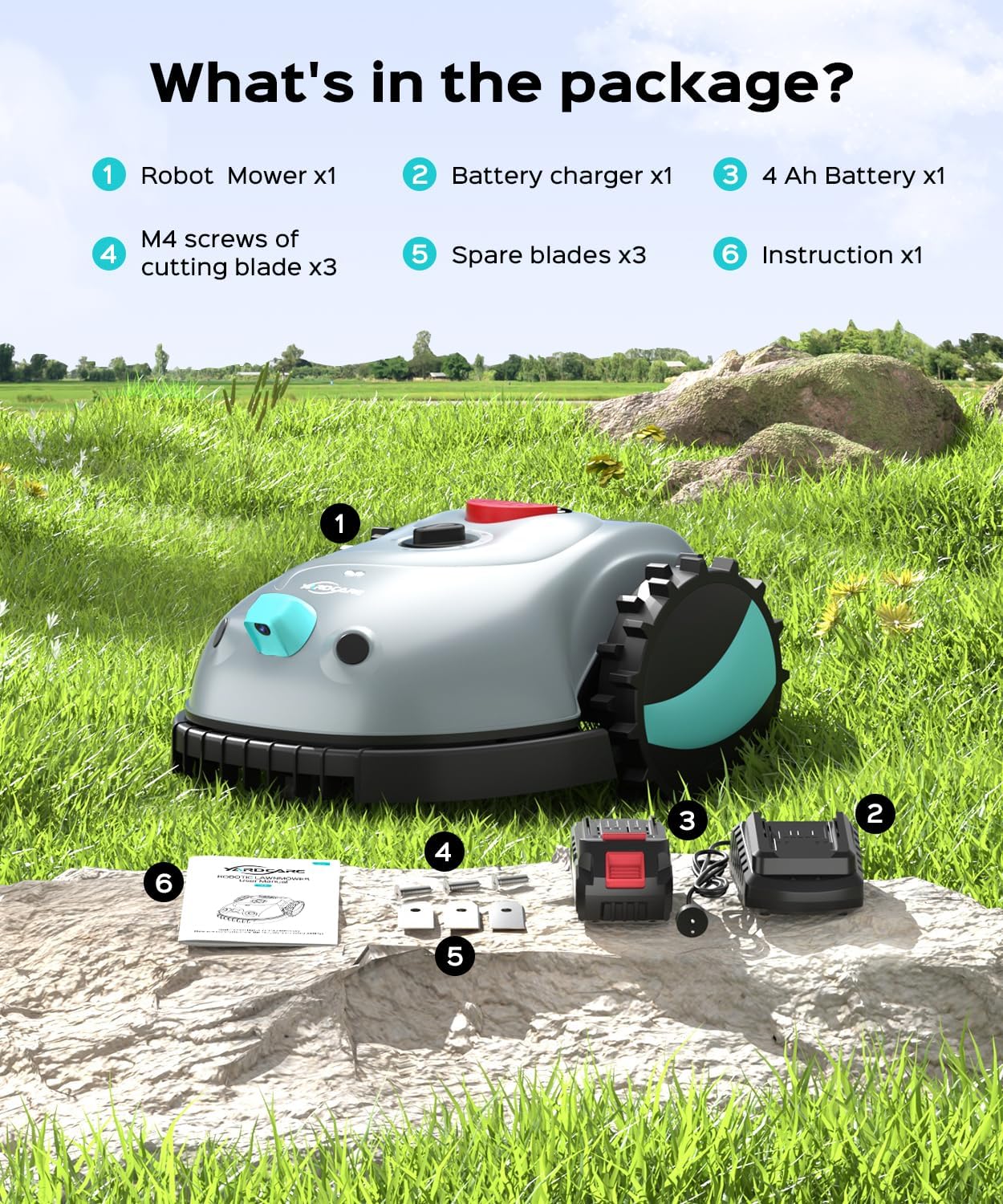
Abbildung 2.2: Ausführlich view of the YARDCARE V100 Robotic Lawn Mower's top and bottom components, including the Control Panel, Scale Knob Cover, Visual Sensor + AI, Rain Sensor, STOP Button, Caster, Blade, Blade Disc, Driving Wheel, and Protection Disc.
3. Was ist im Paket enthalten?
Bitte überprüfen Sie nach dem Öffnen der Verpackung, ob alle Komponenten vorhanden und unbeschädigt sind:
- Robot Mower x1
- Batterieladegerät x1
- 4 Ah Battery x1
- M4 screws of cutting blade x3
- Spare blades x3
- Bedienungsanleitung x1

Figure 3.1: All items included in the YARDCARE V100 Robotic Lawn Mower package, clearly labeled for easy identification.
4. Einrichtung
4.1. Laden des Akkus
Before first use, fully charge the 18V 4Ah battery. Connect the battery charger to a power outlet and insert the battery. The indicator light on the charger will show the charging status.
Video 4.1: This video demonstrates the unboxing and initial setup of the YARDCARE V100 Robotic Lawn Mower, including how to handle the battery and charger.
4.2. Preparing Your Lawn
The V100 is designed for lawns with clear boundaries. For areas without natural boundaries (e.g., fences, gravel paths), it is recommended to establish clear physical borders. If the grass height exceeds 2.5 inches (6.35 cm), manually trim it before operating the mower to ensure optimal performance and prevent the mower from identifying tall grass as an obstacle.

Figure 4.2: Illustration of suitable lawn boundaries for the YARDCARE V100, highlighting that clear borders are essential for effective operation. It also shows examples of unclear lawn borders and excessively tall grass, which are not suitable.

Figure 4.3: The YARDCARE V100 is best suited for small lawns with clear, defined borders such as pathways or garden edges.
5. Bedienung
5.1. Starten des Mähers
Ensure the battery is fully charged and properly inserted. Press the START button on the control panel to begin mowing. The mower will start its operation automatically.
5.2. Navigation and Mowing Pattern
The V100 uses HD visual navigation to identify and distinguish lawn grass from non-grass areas like sidewalks and flower beds. It operates by cutting the grass along a random path. If any areas are missed, you can manually place the mower in those spots for operation.

Figure 5.1: The mower's visual precision recognition intelligently identifies and automatically avoids obstacles like flowers and plants.

Figure 5.2: The mower's AI vision allows for easy navigation and identification of non-lawn areas, such as pool edges, to prevent accidental entry.
5.3. Hindernisvermeidung
The V100 is equipped with both vision-based and mechanical collision sensors. It intelligently detects and navigates around common garden obstacles such as decor, pet toys, and small items. If it makes slight contact with an object, it will promptly adjust its path to continue mowing without interruption.

Figure 5.3: The mower's dual obstacle avoidance system uses both vision to detect objects like hedgehogs and mechanical collision sensors for immediate path adjustment upon contact with larger obstacles like rocks.

Figure 5.4: Visual obstacle avoidance allows the YARDCARE V100 to effectively bypass over 150 types of obstacles, ensuring continuous mowing.
5.4. Einstellen der Schnitthöhe
The cutting height can be adjusted using the manual knob on the top of the mower. The range is from 0.8 inches (20mm) to 2.4 inches (60mm). Rotate the knob to your desired height setting.
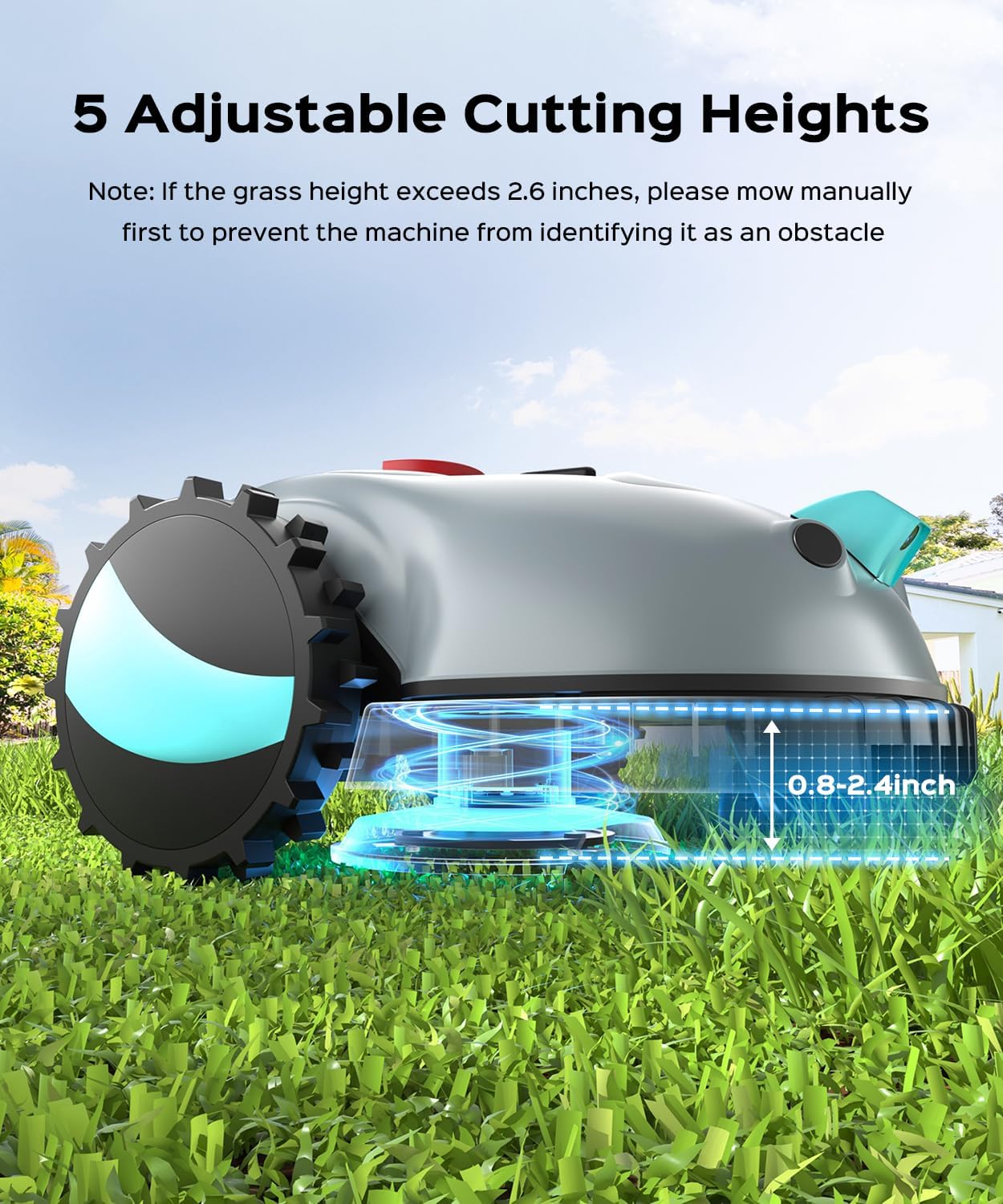
Figure 5.5: The YARDCARE V100 offers 5 adjustable cutting heights, ranging from 0.8 to 2.4 inches, allowing customization for your lawn's needs.
5.5. Spot Spiral Mowing
Activate the spot spiral mowing function to focus on areas with denser grass, ensuring a cleaner and more uniform lawn. The mower will steadily and gradually increase its mowing radius from the starting point.
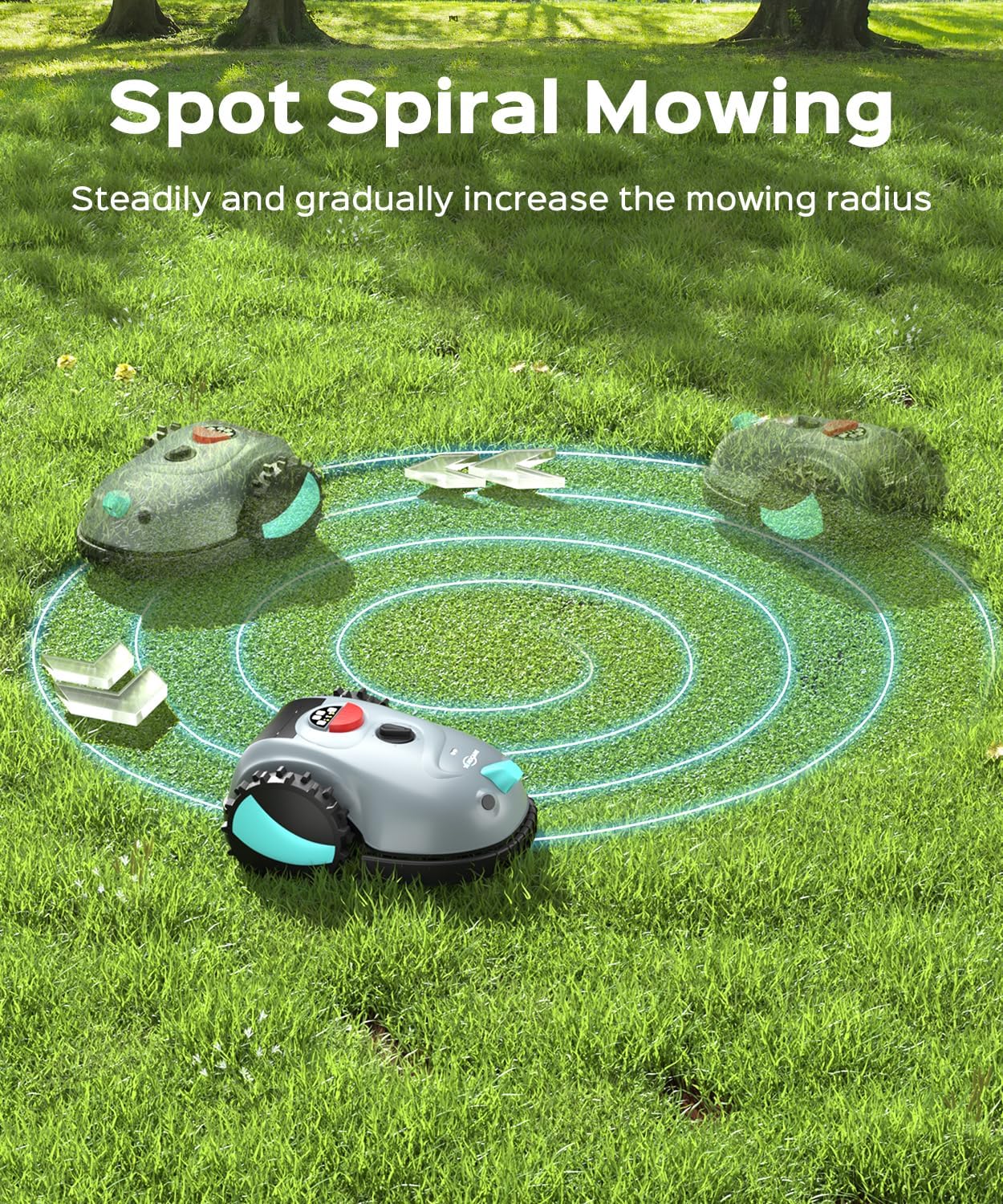
Figure 5.6: The mower's spot spiral mowing feature allows it to concentrate on specific areas, expanding its path in a spiral to ensure thorough coverage of denser patches.
5.6. Creating No-Mow Zones (Optional Accessory)
For areas you wish to exclude from mowing, such as flower beds or delicate garden features, you can lay magnetic wires (not included, purchased separately) across your yard. These wires create a temporary virtual fence, keeping certain areas off-limits for mowing.

Figure 5.7: Magnetic wires can be used to define "no-mow zones," preventing the robotic mower from entering specific areas. Note: Magnetic wires are sold separately.
6. Wartung
6.1. Reinigung
Regularly clean the mower to ensure optimal performance. The YARDCARE V100 is IPX4 waterproof, allowing for easy cleaning with water. Ensure the mower is turned off and the battery is removed before cleaning.

Figure 6.1: The YARDCARE V100 is IPX4 waterproof, allowing for safe and easy cleaning with a hose.
6.2. Klingenwechsel
For best cutting results, inspect and replace the blades periodically. Spare blades and M4 screws are included in the package. Refer to the detailed instructions in the included instruction manual for blade replacement procedures.
7. Fehlerbehebung
This section addresses common issues you might encounter with your YARDCARE V100 Robotic Lawn Mower.
| Problem | Mögliche Ursache | Lösung |
|---|---|---|
| Rasenmäher startet nicht | Batterie nicht geladen oder falsch eingesetzt. | Stellen Sie sicher, dass der Akku vollständig geladen und fest eingesetzt ist. |
| Der Rasenmäher bleibt häufig stecken | Tall grass (over 2.5 inches) or unclear boundaries. | Manually trim tall grass. Ensure clear boundaries are established. |
| Mower misses spots | Random mowing pattern on complex lawns. | Manually place the mower in missed areas. Consider using magnetic wires for complex layouts. |
| Der Rasenmäher stoppt unerwartet. | Lift & Tilt sensor activated, Rain sensor activated, or Bump sensor triggered repeatedly. | Check for obstacles. Ensure the mower is on a relatively flat surface. If raining, the mower will stop as designed. |
8. Spezifikationen
| Besonderheit | Detail |
|---|---|
| Marke | GARTENPFLEGE |
| Modellnummer | V100-CA-0418 |
| Stromquelle | Battery Powered (18V 4Ah included) |
| Farbe | Grau |
| Artikelgewicht | 14.22 Pfund (6.45 kg) |
| Schnittbreite | 6.3 Zoll (16 cm) |
| Einstellbare Schnitthöhe | 0.8 - 2.4 Inches (20 - 60 mm) |
| Betriebsmodus | Automatisch |
| Empfohlene Rasenfläche | Up to 1,600 sq ft (148.6 sq meters) |
| Wasserdichtigkeit | IPX4 |
| Technische Daten | 23.07"T x 17.95"B x 12.43"H (58.6 x 45.6 x 31.6 cm) |
9. Garantie und Support
For warranty information and customer support, please refer to the official YARDCARE webBesuchen Sie die Website oder kontaktieren Sie direkt den Kundenservice. Bewahren Sie Ihren Kaufbeleg als Kaufnachweis für eventuelle Garantieansprüche auf.
Besuchen Sie die YARDCARE Store Für weitere Produkte und Informationen.


