1. Einleitung
This manual provides essential information for setting up, operating, maintaining, and troubleshooting your HP 15.6 inch FHD Touchscreen Laptop. Please read these instructions carefully to ensure proper use and longevity of your device.
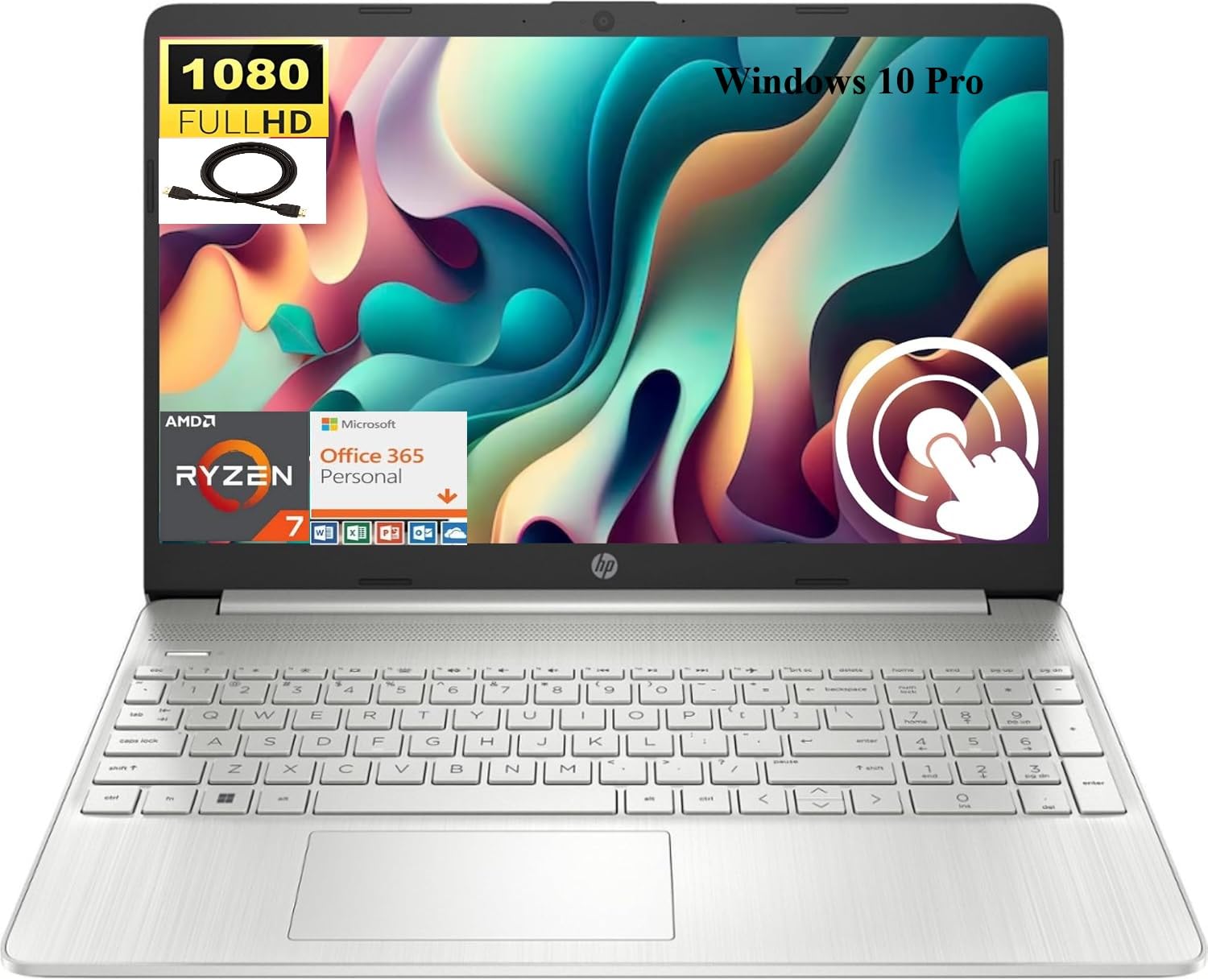
Image 1.1: HP 15.6 inch FHD Touchscreen Laptop, silver finish, open with screen displaying a scenic image.
2. Einrichtung
2.1 Auspacken und erste Inspektion
Carefully remove your laptop and all accessories from the packaging. Verify that all components are present and undamaged. Retain the packaging for future transport or service needs.
2.2 Stromversorgung anschließen
- Connect the AC adapter to the power connector on your laptop.
- Stecken Sie das Netzkabel in eine Steckdose.
- Lassen Sie den Akku vor der ersten Benutzung mindestens 30 Minuten lang aufladen oder bis die Akkuanzeige einen ausreichenden Ladezustand anzeigt.
2.3 Erster Start und Windows 10 Pro-Einrichtung
Press the power button to turn on your laptop. Follow the on-screen instructions to complete the Windows 10 Pro setup process. This includes selecting your region, language, creating a user account, and connecting to a Wi-Fi network.

Image 2.1: HP laptop shown with an HDMI cable, illustrating connectivity options.
3. Bedienungsanleitung
3.1-Zoll-Touchscreen und Display
Your laptop features a 15.6 inch Full HD (1920 x 1080) IPS touchscreen display. Use touch gestures for navigation, zooming, and interaction with applications. The micro-edge design maximizes your viewing-Bereich.
3.2 Tastatur und Touchpad
The full-size, natural silver keyboard includes a numeric keypad for efficient data entry. The integrated touchpad supports multi-touch gestures for precise cursor control.

Image 3.1: HP laptop displaying the Windows Start Menu, showcasing the operating system interface.
3.3 Anschlüsse und Konnektivität
Ihr Laptop ist mit verschiedenen Anschlüssen zum Verbinden externer Geräte ausgestattet:
- 2 x SuperSpeed USB Type-A 5Gbps: Für Standard-USB-Geräte.
- 1 x SuperSpeed USB Type-C 5Gbps: For modern USB-C devices.
- 1 x HDMI 1.4b: Anschluss an externe Displays oder Projektoren.
- 1 x AC smart pin: Zum Anschluss des Netzteils.
- 1 x Multi-format SD media card reader: For reading SD cards.
- 1 x Headphone/microphone combo: Für Audio-Ein-/Ausgabe.
Wireless connectivity includes Realtek RTL8821CE 802.11a/b/g/n/ac (1x1) Wi-Fi and Bluetooth 4.2 combo.

Image 3.2: Detailed diagram highlighting the location and type of ports on the HP laptop, including headphone/microphone combo, SD media card reader, SuperSpeed USB Type-C, SuperSpeed USB Type-A, and HDMI 1.4b.
3.4 WebKamera und Audio
The HP True Vision 720p HD camera with integrated dual array digital microphones allows for clear video conferencing. Enjoy HD Audio with stereo speakers for an enhanced listening experience.

Image 3.3: Visual representation of the HP True Vision HD Camera for video chat and HD Audio with stereo speakers for sound output.
4. Wartung
4.1 Reinigung Ihres Laptops
Mit einem weichen, fusselfreien Tuch leichtampened with water or a screen cleaner specifically designed for electronics to clean the display and exterior surfaces. Avoid harsh chemicals or abrasive materials.
4.2 Batteriepflege
To prolong battery life, avoid extreme temperatures and fully discharging the battery frequently. For optimal performance, keep the laptop connected to power when possible, but also allow occasional discharge cycles.
4.3 Softwareaktualisierungen
Regularly check for and install Windows updates and HP driver updates to ensure system stability, security, and optimal performance.
5. Fehlerbehebung
If you encounter issues with your HP laptop, consider the following basic troubleshooting steps:
- Kein Strom: Stellen Sie sicher, dass das Netzteil fest mit dem Laptop und einer funktionierenden Steckdose verbunden ist. Überprüfen Sie die Betriebsanzeige.
- Anzeigeprobleme: If the screen is blank, try connecting an external monitor via HDMI to check if the issue is with the laptop's display. Restart the laptop.
- Verbindungsprobleme: For Wi-Fi or Bluetooth issues, ensure wireless is enabled. Try restarting your router or the laptop's wireless adapter.
- Langsame Leistung: Schließen Sie unnötige Anwendungen, überprüfen Sie Hintergrundprozesse und stellen Sie sicher, dass ausreichend freier Speicherplatz vorhanden ist.
Bei komplexeren Problemen wenden Sie sich bitte an den HP Support. webBesuchen Sie die Website oder wenden Sie sich an den HP Kundendienst, um Unterstützung zu erhalten.
6. Spezifikationen
Below are the detailed technical specifications for your HP 15.6 inch FHD Touchscreen Laptop (Model HP 15):
| Marke | HP |
| Modellname | HP 15 |
| Bildschirmgröße | 15.6 Zoll |
| Bildschirmauflösung | 1920x1080 Pixel (FHD) |
| Anzeigetyp | LED, Touch, IPS, Micro-edge, BrightView |
| Prozessor | AMD Ryzen 7 4700U (8 Cores, up to 4.1 GHz) |
| Grafik | Integrierte AMD Radeon-Grafik |
| RAM-Speicher | 8 GB DDR4 SDRAM |
| Festplattengröße | 512 GB SSD (PCIe NVMe M.2) |
| Betriebssystem | Windows 10 Pro |
| Konnektivität | Wi-Fi (802.11a/b/g/n/ac), Bluetooth 4.2 |
| Häfen | 2x USB-A 5Gbps, 1x USB-C 5Gbps, 1x HDMI 1.4b, 1x AC Smart Pin, 1x SD Card Reader, 1x Headphone/Mic Combo |
| Kamera | HP True Vision 720p HD Camera |
| Audio | HD Audio, Dual Speakers |
| Batterie | Lithium-Ionen-Akku mit 3 Zellen und 41 Wh |
| Abmessungen (L x B x H) | 14.11 x 9.53 x 0.78 Zoll |
| Artikelgewicht | 3.75 Pfund |

Image 6.1: Diagram illustrating the dimensions of the HP laptop: 14.11" W, 9.53" D, and 0.78" H.
7. Garantie und Support
Your HP laptop comes with a standard manufacturer's warranty. For detailed warranty information, please refer to the documentation included with your product or visit the official HP support website. For technical assistance, driver downloads, and service inquiries, please visit support.hp.com.