Einführung
This manual provides detailed instructions for the installation, operation, and maintenance of your COCOCAM Baby Monitor Side Mount. Please read this manual thoroughly before use to ensure proper setup and optimal performance.
Kompatibilität
This side mount is exclusively designed for the COCOCAM Baby 10Q baby monitor. It is not compatible with other baby monitor models.

Image: The COCOCAM Baby 10Q camera and monitor unit, illustrating the specific compatibility of the mount.
Hauptmerkmale
- Kamerakompatibilität: Specifically designed for the COCOCAM Baby 10Q camera.
- Optimal Monitoring: Enables full utilization of the Baby 10Q's AI position detection technology for comprehensive monitoring, including prone position and face coverage detection.
- Einstellbarer Winkel: The mount is fully adjustable, allowing you to customize the tilt angle, 360-degree rotation, and height (22 cm, 33 cm, 44 cm). The clamp width is also adjustable (minimum 8 mm, maximum 50 mm).
- Easy & Drill-Free Installation: No drilling is required for installation. The mount is easy to set up and can be repositioned effortlessly. The clamping surface features high-quality rubber material to protect furniture from damage.
- Stable & Non-Wobbling: Equipped with a non-slip fixing device, the mount securely attaches to cribs or playpen mesh without loosening or wobbling.
Packungsinhalt
- 1 x COCOCAM Baby Monitor Side Mount

Image: The COCOCAM Baby Monitor Side Mount, as included in the package.
Aufstellen
- Unpack the COCOCAM Baby Monitor Side Mount from its packaging.
- Identify a suitable location on your baby's crib or playpen. Ensure the surface is clean and within the clamp's adjustable width (8mm to 50mm).
- Lösen Sie die Klammeramp screw by turning the knob counter-clockwise until the clamp opens wide enough to fit over the desired surface.
- Position the mount on the edge of the crib or playpen. The rubber padding on the clamp should be in contact with the furniture to prevent scratches.
- Ziehen Sie die Klammer fest.amp screw by turning the knob clockwise until the mount is securely fastened and does not wobble. Do not overtighten.
- Attach your COCOCAM Baby 10Q camera to the mounting plate at the top of the side mount. Ensure it is firmly secured.
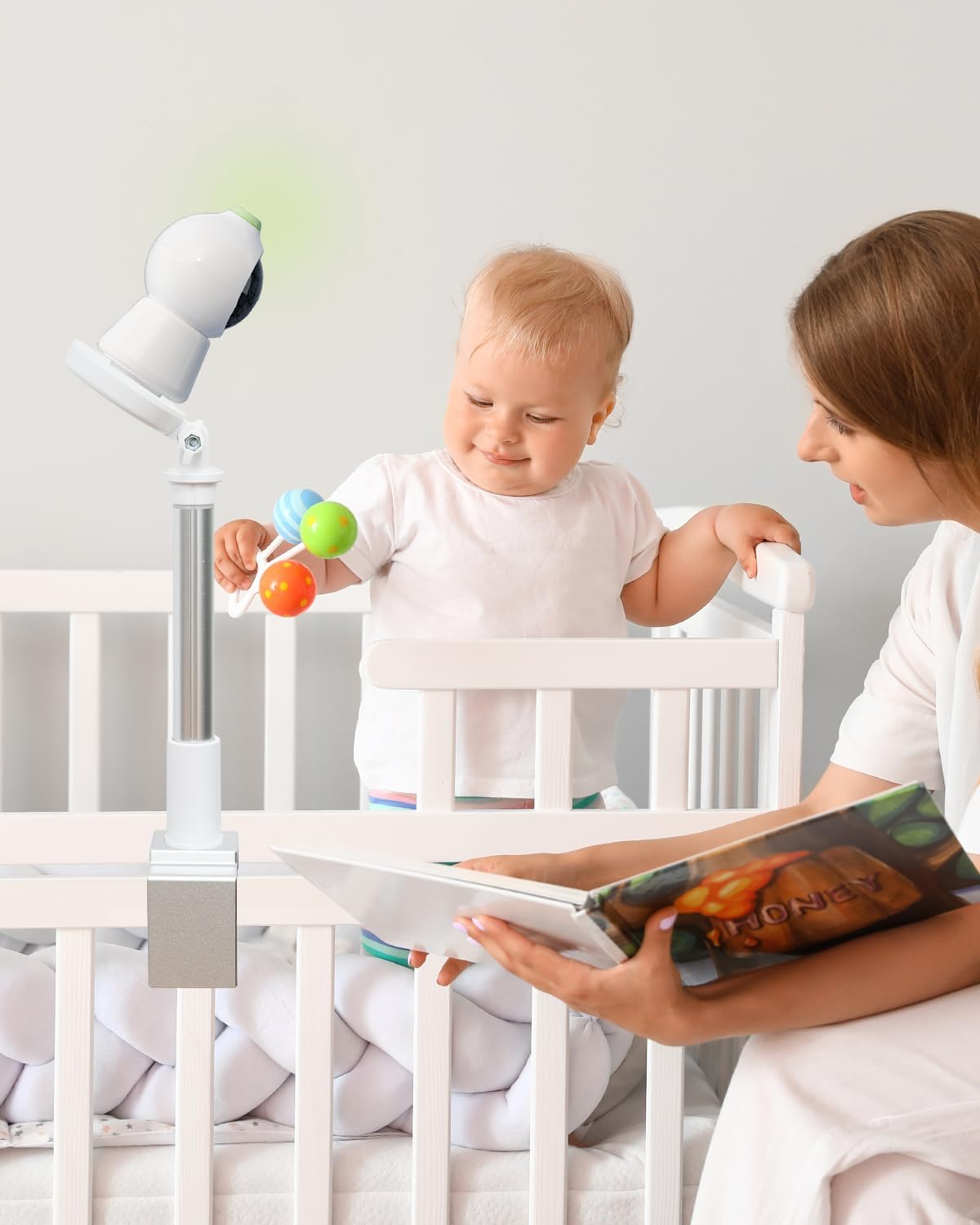
Image: The COCOCAM Baby Monitor Side Mount installed on a crib, providing a clear view des Babys.
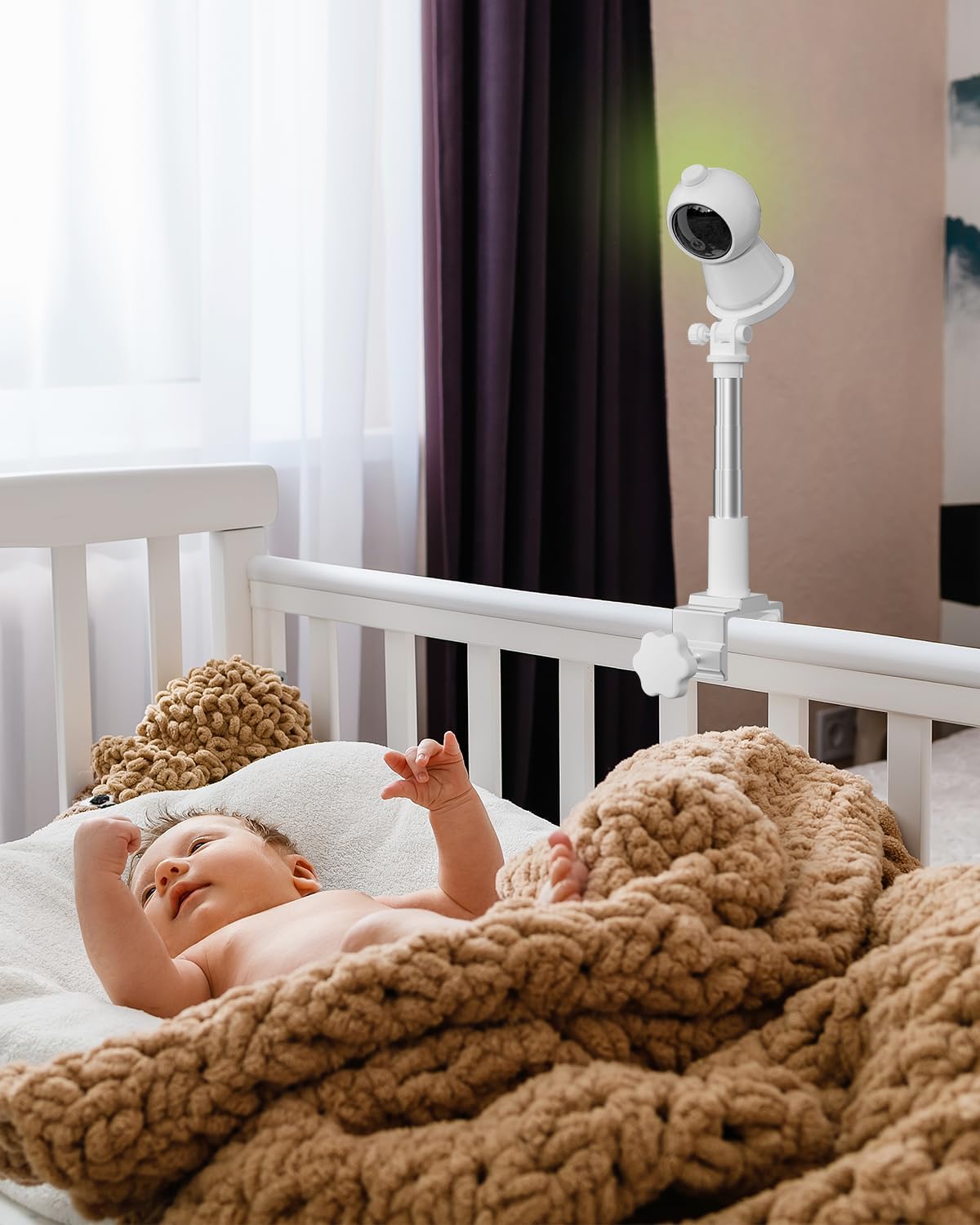
Image: The mount with the COCOCAM Baby 10Q camera attached, positioned to monitor a baby in a crib.

Bild: Eine Nahaufnahme view der clamp mechanism, highlighting the protective foam padding and the adjustable width for furniture protection.
Operating (Adjustments)
The COCOCAM Baby Monitor Side Mount offers flexible adjustments to achieve the optimal viewing angle for your baby monitor.
- Höhenverstellung: The telescopic pole allows for height adjustment. Gently pull or push the pole to extend or retract it to your desired height (22 cm, 33 cm, or 44 cm).
- Winkeleinstellung: The camera mounting plate can be tilted and rotated 360 degrees. Loosen the adjustment knob near the camera plate, set the desired angle for optimal viewing, and then tighten the knob to secure the position.

Image: Illustration of the mount's adjustable features, including tilt and 360-degree rotation, for flexible camera positioning.
Wartung
To maintain your COCOCAM Baby Monitor Side Mount, wipe it regularly with a soft, dry cloth. Avoid using abrasive cleaners or solvents, as these may damage the material. Ensure all screws and knobs remain tight for secure operation.
Fehlerbehebung
- Mount is wobbling: Stellen Sie sicher, dass die clamp screw is tightened sufficiently. Check that the surface it's clamped to is stable and within the recommended thickness range (8mm-50mm).
- Camera not stable on mount: Verify that the COCOCAM Baby 10Q camera is correctly attached and secured to the mounting plate. Ensure the adjustment knob for the camera plate is tightened.
- Cannot adjust height/angle: Loosen the respective adjustment knobs before attempting to change the height or angle. Tighten them firmly once the desired position is achieved.
Technische Daten
| Besonderheit | Wert |
|---|---|
| Technische Daten | 1 x 1 x 1 cm |
| Artikelgewicht | 310 Gramm |
| Modellnummer | Baby 10QB |
| Besondere Merkmale | Einstellbar |
| Material | Kunststoff, Metall |
| Lieferumfang | Seitliche Montage |
| Marke | COCOCAM |
Garantie und Support
For warranty information and customer support, please refer to the COCOCAM official webBesuchen Sie unsere Website oder wenden Sie sich an Ihren Händler. Bewahren Sie Ihren Kaufbeleg für Garantieansprüche auf.


