1. Einleitung
This manual provides essential information for the proper setup, operation, and maintenance of your Blackview Tab9WiFi Android 15 Tablet. Please read this guide thoroughly to ensure optimal performance and longevity of your device.
2. Packungsinhalt
Überprüfen Sie, ob alle unten aufgeführten Artikel in Ihrem Produktpaket enthalten sind:
- Schwarzview Tab9WiFi Tablet
- Schutzhülle
- Ladegerät
- Typ C Ladekabel
- Bedienungsanleitung
- SIM-Auswurfstift

Bild: Schwarzview Tab9WiFi Tablet with included accessories.

Image: Detailed diagram illustrating the contents of the Blackview Tab9WiFi package.
3. Ersteinrichtung
3.1 Einschalten und Erstkonfiguration
- Halten Sie die seitlich am Tablet befindliche Ein-/Aus-Taste gedrückt, bis die schwarze LED leuchtet.view Das Logo erscheint.
- Folgen Sie den Anweisungen auf dem Bildschirm, um Ihre Sprache und Region auszuwählen und eine Verbindung zu einem WLAN-Netzwerk herzustellen.
- Melden Sie sich mit Ihrem Google-Konto an, um auf den Google Play Store zuzugreifen und Ihre Daten zu synchronisieren.
3.2 Expanding Memory
The tablet supports memory expansion up to 2TB via a TF card (not included). To expand memory:
- Gehe zu Einstellungen.
- Navigieren Sie zu Über Tablet.
- Tippen Sie auf Running Memory RAM.
- Drag the Expansion Bar to the Right.
- Restart the tablet for changes to take effect.
4. Bedienungsanleitung
4.1 Android 15 with Gemini AI
Dein Schwarzview Tab9WiFi runs on Android 15 and integrates Google Gemini AI for enhanced functionality. Gemini AI acts as a voice-controlled assistant for daily tasks, language translation, and more.
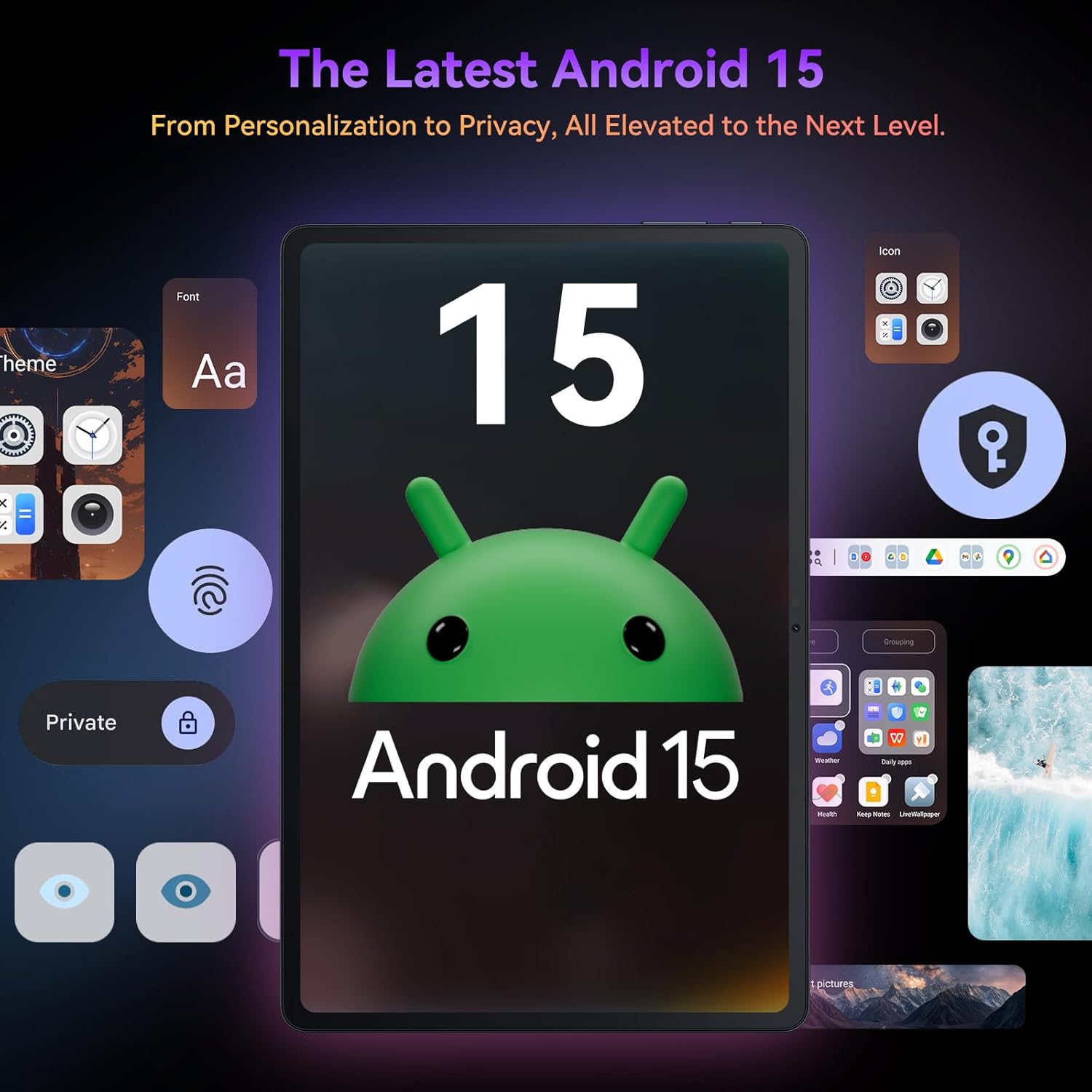
Bild: Das Schwarzeview Tab9WiFi displaying the Android 15 operating system interface.
4.2 DokeOS_P 4.0 Funktionen
The tablet features DokeOS_P 4.0, offering improved convenience, fluency, privacy, and personalization. Key features include:
- Achtung auf dem Bildschirm: Hält den Bildschirm eingeschaltet, solange Sie ihn ansehen.
- Echtzeit-Untertitel: Never miss a word with live captioning.
- Pre-installed Professional WPS Office Suite: For document creation and editing.
- Drag-and-drop Function: Easier way to copy and paste content.
- Datenschutzfunktionen: Cleared Clipboard History, Set Privacy Boundaries.
- Personalisierung: Full Set of Personal Theme, Larger Folders.

Image: Visual representation of DokeOS_P 4.0 features on the Blackview Tab9WiFi.
4.3 Display Modes and PC Mode
The 11-inch 2K Incell display offers various eye-comfort modes:
- Dunkler Modus: Reduces eye strain in low light.
- Lesemodus: Optimiert die Anzeige für bessere Lesbarkeit.
- Nachtlichtmodus: Filters blue light for better sleep.
Nutzen PC-Modus for a laptop-like experience, enhancing productivity with multi-window functionality.

Bild: Das Schwarzeview Tab9WiFi demonstrating various display modes and its PC Mode functionality.
4.4 Kamerafunktionen
The tablet is equipped with AI-powered 8MP front and 16MP rear cameras. The Magic AI Photo Editor includes features like AI Magic Erase, AI One-Tap Sky Replacement, AI Portrait Unblur, and AI Color Focus to enhance your photos.
Verwenden Smart Google Lens to explore the world with ease, including instant text translation, object identification, and price finding.

Bild: Das Schwarzeview Tab9WiFi highlighting its AI-powered camera features and capabilities.
4.5 Konnektivität
The tablet supports dual-band 5G WiFi for fast and stable internet connectivity.
5. Spezifikationen
| Besonderheit | Detail |
|---|---|
| Marke | Schwarzview |
| Modellname | Tab9WiFi |
| Betriebssystem | Android 15 |
| Prozessor | Unisoc T606 Octa-Core CPU |
| RAM | 24 GB (8 GB + 16 GB virtueller RAM) |
| Interner Speicher | 256 GB ROM |
| Erweiterbarer Speicher | Bis zu 2 TB TF-Karte |
| Bildschirmgröße | 11 Zoll |
| Anzeigetyp | 2K Incell Display |
| Maximale Bildschirmauflösung | 2048x1536 Pixel |
| Rückfahrkamera | 16MP KI-Kamera |
| Frontkamera | 8MP KI-Kamera |
| Batteriekapazität | 8200 mAh |
| Kabellose Konnektivität | 5G WiFi (802.11ac) |
| Abmessungen (LxBxH) | 8 x 3 x 0.5 Zoll |
| Artikelgewicht | 2.59 Pfund |
6. Wartung
6.1 Batteriepflege
The 8200mAh battery is optimized with AI smart battery-saving technology. To maximize battery life:
- Vermeiden Sie extreme Temperaturen.
- Verwenden Sie das mitgelieferte Ladegerät und Kabel.
- Enable minimalist power saving mode for extended standby.

Bild: Das Schwarzeview Tab9WiFi highlighting its large 8200mAh battery and AI power-saving features.
6.2 Allgemeine Pflege
- Keep the tablet clean and free from dust.
- Vermeiden Sie es, das Gerät fallen zu lassen oder es Flüssigkeiten auszusetzen.
- Use the protective case to prevent scratches and damage.
7. Fehlerbehebung
Sollten Sie Probleme mit Ihrem Black habenview Tab9WiFi, try the following common solutions:
- Gerät lässt sich nicht einschalten: Ensure the battery is charged. Connect the charger and wait at least 30 minutes before attempting to power on again.
- Langsame Leistung: Close unused applications, clear cache, or restart the device. Consider expanding memory with a TF card.
- Probleme mit der WLAN-Verbindung: Ensure Wi-Fi is enabled and you are within range of a known network. Restart your router and the tablet.
- Bildschirm reagiert nicht: Starten Sie das Tablet neu. Sollte das Problem weiterhin bestehen, setzen Sie es auf die Werkseinstellungen zurück (sichern Sie vorher Ihre Daten).
8. Garantie und Support
Dein Schwarzview Tab9WiFi comes with a 720-day worry-free warranty. For any questions, technical support, or warranty claims, please contact customer service through your Amazon order page. Blackview products undergo strict examination and high-quality testing to ensure user satisfaction.

Abbildung: Informationen zu SchwarzviewZweijährige Garantieunterstützung.
9. Offizielles Produktvideo
Video: Ein offizielles Produktvideo präsentiertasing der Schwarzeview Android 15 Tablet Tab 9 WiFi with Gemini Ai 2.0. This video provides an overview der Funktionen und des Designs des Tablets.


