1. Einleitung
This manual provides essential information for the safe and efficient use of your LG 34U530A-W UltraWide WFHD IPS Computer Monitor. Please read this manual thoroughly before operating the product and retain it for future reference.
The LG 34U530A-W monitor features a 34-inch 21:9 UltraWide Full HD (2560 x 1080) IPS display, offering a wide viewing experience. Key features include a 100Hz refresh rate, VESA DisplayHDR 400, up to sRGB 99% color coverage, and versatile connectivity options including HDMI, DisplayPort, and USB Type-C. It also integrates Waves MaxxAudio speakers and includes features like Reader Mode and the LG Switch App for enhanced productivity and comfort.
2. Sicherheitshinweise
Observe the following safety precautions to prevent hazards or damage to the product.
- Stellen Sie den Monitor nicht in die Nähe von Wärmequellen oder in direktes Sonnenlicht.
- Sorgen Sie für ausreichende Belüftung rund um den Monitor.
- Verwenden Sie ausschließlich das mit dem Monitor gelieferte Netzkabel und Netzteil.
- Do not attempt to disassemble or modify the monitor.
- Keep liquids away from the monitor to prevent electric shock or fire.
- Unplug the monitor from the wall outlet during lightning storms or when unused for long periods.
3. Lieferumfang
Verify that all components are included in your product package:
- Monitoreinheit
- Stromkabel
- HDMI-Kabel
- Standfuß
- Stehhals
- Benutzerhandbuch (dieses Dokument)
4. Einrichtung
4.1 Montage des Ständers
- Legen Sie den Monitor mit dem Bildschirm nach unten auf eine weiche, saubere Oberfläche, um Kratzer zu vermeiden.
- Befestigen Sie den Standfuß an der Rückseite des Monitors, bis er einrastet.
- Befestigen Sie den Standfuß mit der mitgelieferten Schraube am Standhals.
- Heben Sie den Monitor vorsichtig an und stellen Sie ihn auf eine stabile, ebene Fläche.
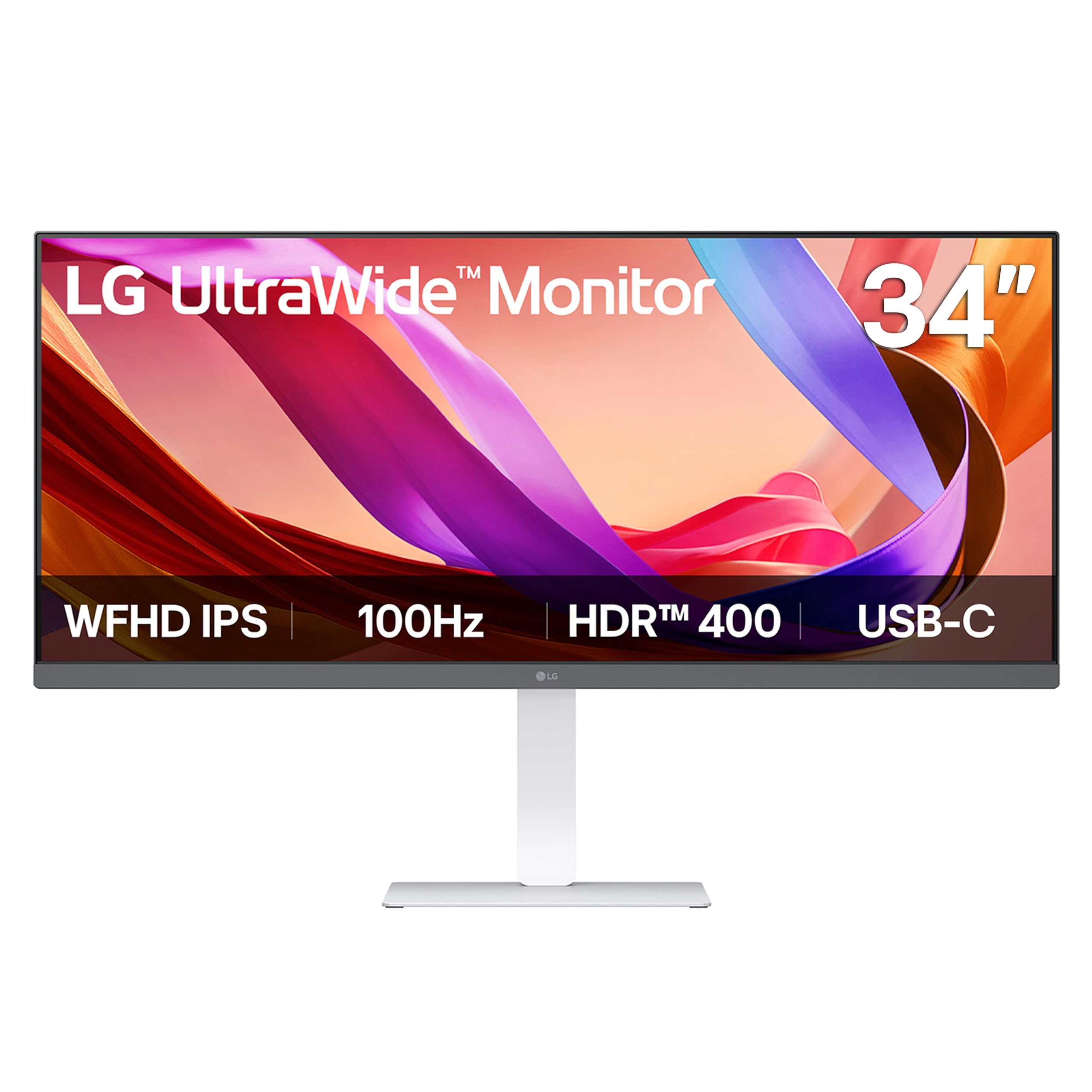
Bild: Vorderseite view of the LG 34U530A-W monitor with its stand assembled.
4.2 Anschließen des Monitors
Schließen Sie den Monitor mit einer der folgenden Methoden an Ihren Computer an:
- HDMI-Verbindung: Use the supplied HDMI cable to connect the HDMI port on the monitor to the HDMI port on your computer.
- DisplayPort-Verbindung: Use a DisplayPort cable (not supplied) to connect the DisplayPort on the monitor to the DisplayPort on your computer.
- USB-Typ-C-Anschluss: Use a USB Type-C cable (not supplied) to connect the USB Type-C port on the monitor to the USB Type-C port on your computer. This connection supports both display output and data transfer.
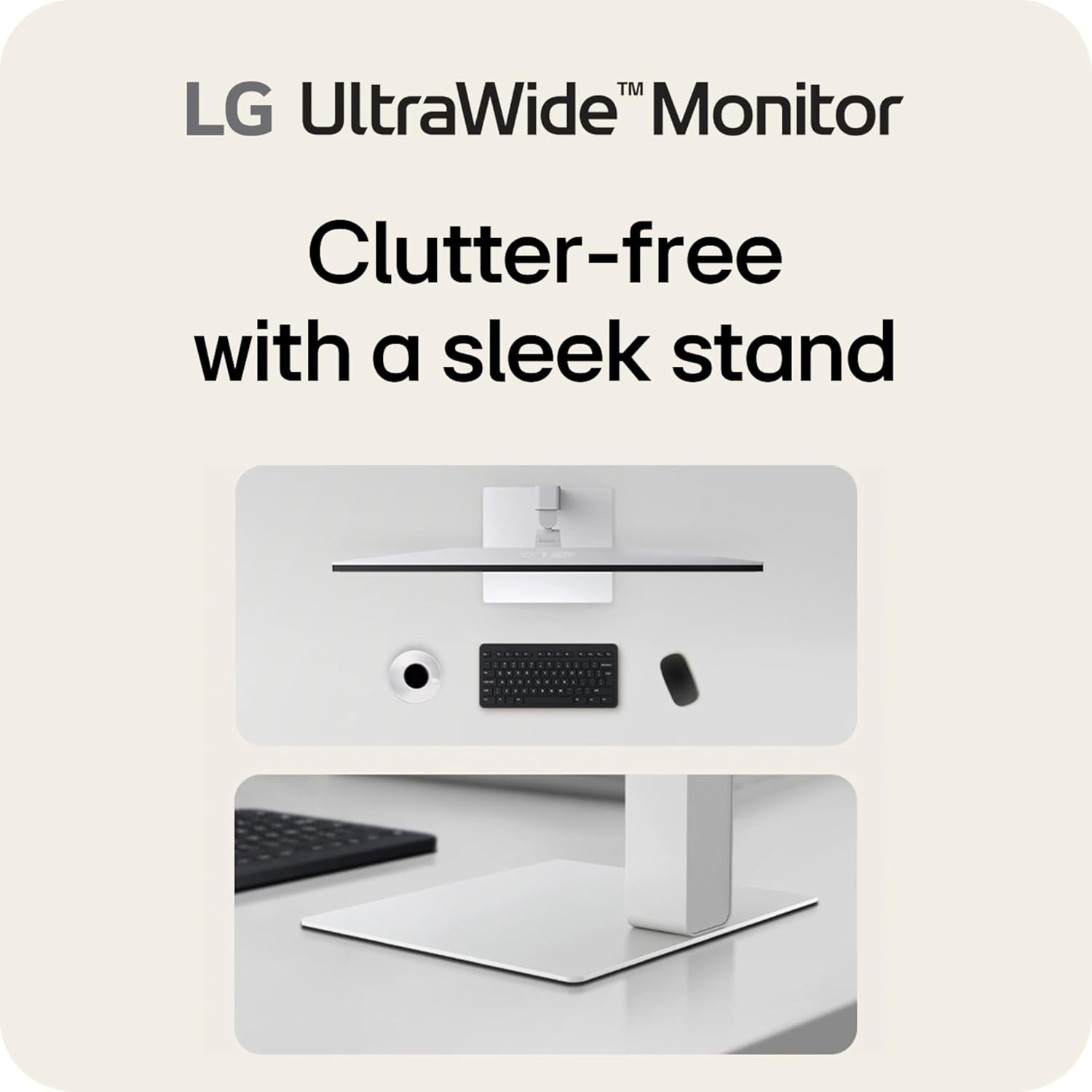
Bild: Rückseite view of the LG 34U530A-W monitor showing the various input ports including HDMI, DisplayPort, and USB Type-C.
4.3 Einschalten
- Schließen Sie das Netzkabel an den Monitor und anschließend an eine Wandsteckdose an.
- Press the power button located on the bottom center of the monitor to turn it on.
5. Bedienung des Monitors
5.1 Bedienelemente des Bildschirmdisplays (OSD)
The OSD menu allows you to adjust various settings of the monitor. Access the OSD menu by pressing the joystick button located on the bottom center of the monitor.
- Bewegen Sie den Joystick nach oben/unten/links/rechts, um durch die Menüoptionen zu navigieren.
- Drücken Sie den Joystick, um eine Option auszuwählen oder eine Einstellung zu bestätigen.
5.2 Anpassen der Anzeigeeinstellungen
Im OSD-Menü können Sie Einstellungen wie die folgenden ändern:
- Helligkeit: Passen Sie die Gesamthelligkeit des Bildschirms an.
- Kontrast: Control the difference between the brightest and darkest areas of the screen.
- Farbe: Fine-tune color temperature, gamma, and individual RGB values. The monitor supports up to sRGB 99% color coverage for accurate color reproduction.
Video: Demonstrates the LG UltraWide Monitor's sRGB 99% color feature, highlighting vivid and accurate color display.
5.3 Using Productivity Features
- LG Switch App: This software allows you to effortlessly split the screen into up to 6 sections, customize display layouts, and manage multiple windows for efficient multitasking. Software installation is required; visit LG.com zum Herunterladen.
- Lesemodus: Adjusts the display to warmer tones and optimized brightness, reducing blue light emission for comfortable reading during extended sessions.
Video: Illustrates the 21:9 UltraWide screen of the LG monitor, showcasing its expanded workspace for multitasking.
5.4 Audioeinstellungen
The monitor includes built-in stereo speakers with Waves MaxxAudio. You can adjust the volume and other audio settings through the OSD menu.
6. Wartung
6.1 Reinigung des Monitors
- Ziehen Sie vor der Reinigung immer den Stecker aus der Steckdose.
- Mit einem weichen, fusselfreien Tuch leichtampAnschließend mit Wasser oder einem milden, nicht scheuernden Reiniger, der speziell für Bildschirme entwickelt wurde, abspülen.
- Sprühen Sie den Reiniger nicht direkt auf den Bildschirm.
- Wischen Sie den Bildschirm vorsichtig ab, um Kratzer zu vermeiden.
7. Fehlerbehebung
Sollten Sie Probleme mit Ihrem Monitor haben, beachten Sie bitte die folgenden häufig auftretenden Probleme und Lösungen:
| Problem | Mögliche Ursache | Lösung |
|---|---|---|
| Kein Strom | Stromkabel nicht angeschlossen oder Steckdose defekt. | Stellen Sie sicher, dass das Netzkabel fest angeschlossen ist. Testen Sie die Steckdose mit einem anderen Gerät. |
| Kein Bild auf dem Bildschirm | Videokabel nicht angeschlossen oder falscher Eingang ausgewählt. | Überprüfen Sie die Videokabelverbindungen. Wählen Sie die richtige Eingangsquelle über das OSD-Menü aus. |
| Das Bild ist unscharf oder verzerrt. | Falsche Auflösung oder Bildwiederholfrequenz. | Set the display resolution to 2560 x 1080. Ensure the refresh rate is set to 100Hz. |
| Kein Ton von den Lautsprechern | Volume too low or muted, or audio cable not connected (if using external audio source). | Adjust volume via OSD or computer settings. Check audio cable connections. |
8. Spezifikationen
| Besonderheit | Spezifikation |
|---|---|
| Modellnummer | 34U530A-W.AUS |
| Bildschirmgröße | 34 Zoll |
| Panel-Typ | IPS |
| Auflösung | 2560 x 1080 (WFHD) |
| Seitenverhältnis | 21:9 |
| Bildwiederholrate | 100 Hz |
| HDR-Unterstützung | VESA DisplayHDR 400 |
| Farbumfang | sRGB 99 % (typisch) |
| Konnektivität | HDMI, DisplayPort, USB Typ C |
| Eingebaute Lautsprecher | Yes (with Waves MaxxAudio) |
| Standeinstellungen | Höhe, Neigung, Schwenken |
| Abmessungen (LxBxH) | 32.1 x 9.1 x 21 Zoll |
| Gewicht | 19.4 Pfund |
9. Garantie und Support
Informationen zur Garantie finden Sie auf der Ihrem Produkt beiliegenden Garantiekarte oder auf der offiziellen LG-Website. webWebsite. Für technischen Support, Produktregistrierung oder Serviceanfragen besuchen Sie bitte LG-Kundendienst oder wenden Sie sich direkt an den LG-Kundendienst.