1. Produktüberschreitungview
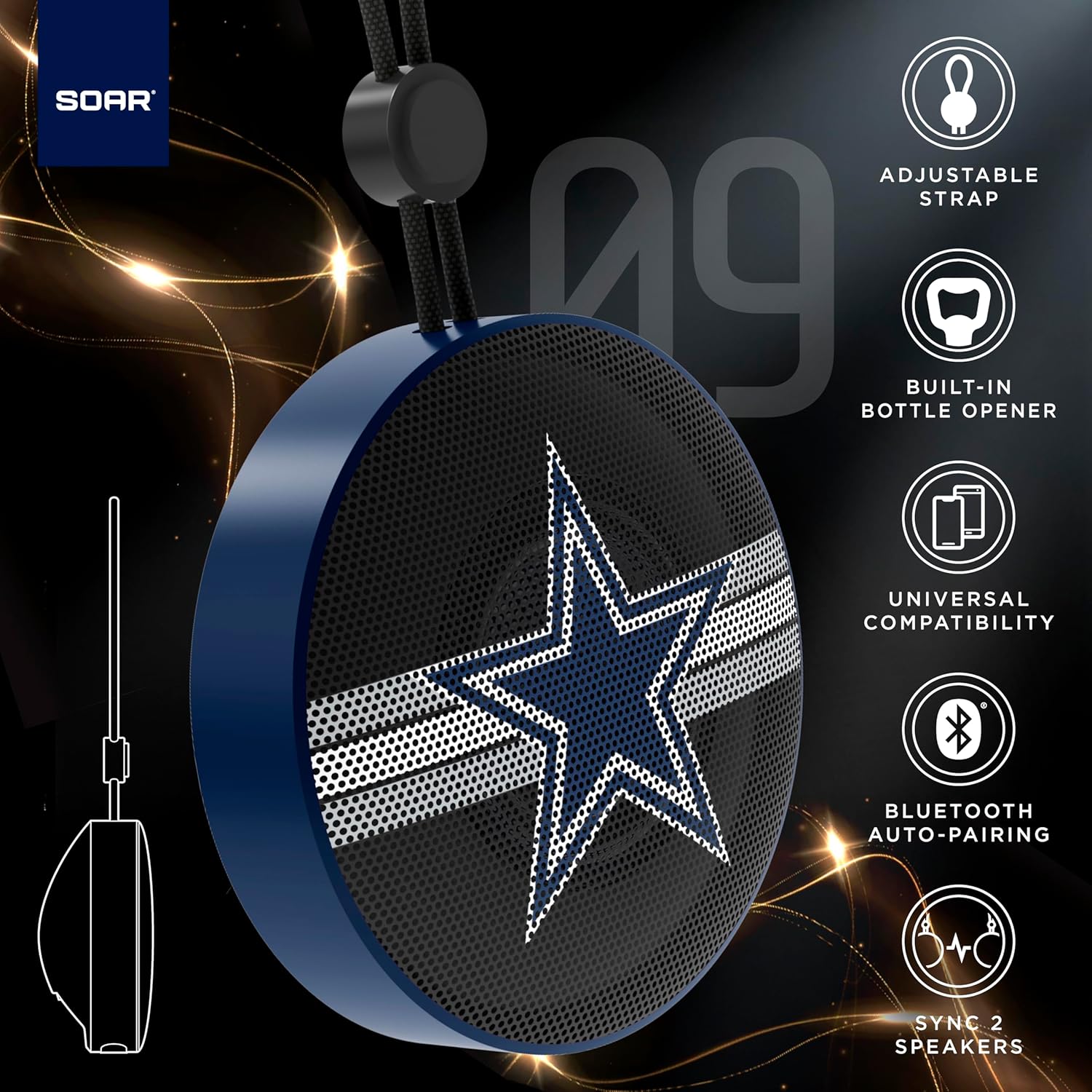
The SOAR NFL Bluetooth Bottle Opener Speaker is a compact and portable audio device designed for convenience and entertainment. It features 5W sound output, Bluetooth connectivity for wireless audio streaming, and a built-in bottle opener. The speaker includes an adjustable lanyard for easy carrying and offers up to 10 hours of playback on a single charge. It also supports dual pairing for an immersive stereo experience and has a built-in microphone for hands-free calls.

Front view of the SOAR NFL Bluetooth Bottle Opener Speaker featuring the Arizona Cardinals logo.

The product packaging highlighting features like adjustable strap, 10-hour battery life, and built-in bottle opener.
2. Packungsinhalt
- SOAR NFL Bluetooth Bottle Opener Speaker
- USB-C-Ladekabel
- Bedienungsanleitung
3. Einrichtung
3.1 Aufladen des Lautsprechers
Before first use, fully charge the speaker. Use the provided USB-C cable to connect the speaker's charging port to a compatible USB power source (e.g., wall adapter, computer USB port).
- Während des Ladevorgangs leuchtet eine Ladeanzeigeleuchte auf.
- The light will change or turn off once charging is complete.
Detail of the USB-C charging port and control buttons on the speaker.
3.2 Ein-/Ausschalten
To power on the speaker, press and hold the power button until you hear an audible prompt or see the LED lights activate. To power off, press and hold the power button again.
3.3 Bluetooth-Kopplung
- Stellen Sie sicher, dass der Lautsprecher eingeschaltet und im Kopplungsmodus ist (angezeigt durch eine blinkende LED-Leuchte).
- Aktivieren Sie Bluetooth auf Ihrem Mobilgerät (Smartphone, Tablet usw.).
- Suchen nach available Bluetooth devices. The speaker will appear as "SOAR POP" or a similar name.
- Select the speaker from the list to connect. A confirmation tone or voice prompt will indicate successful pairing.
4. Bedienung
4.1 Audio wiedergeben
Once paired, you can stream audio from your device to the speaker. Use your device's controls to manage playback (play, pause, skip tracks) and adjust volume. The speaker itself may have basic playback controls (e.g., play/pause, next/previous track) as shown near the charging port.
4.2 Dual Pairing (True Wireless Stereo)
For an enhanced audio experience, two SOAR POP speakers can be paired together to create a stereo sound system. Refer to the specific instructions provided with your speakers for dual pairing mode activation.
4.3 Eingebauter Flaschenöffner
The speaker features a discreetly integrated bottle opener. Position the bottle cap under the metal opener and apply upward pressure to remove the cap.

The speaker demonstrating its built-in bottle opener function.
4.4 Adjustable Lanyard
The speaker includes a 10-inch adjustable lanyard for convenient portability. Attach it to a backpack, belt loop, or other gear for easy transport.

Image showing the speaker's dimensions and the adjustable lanyard for portability.
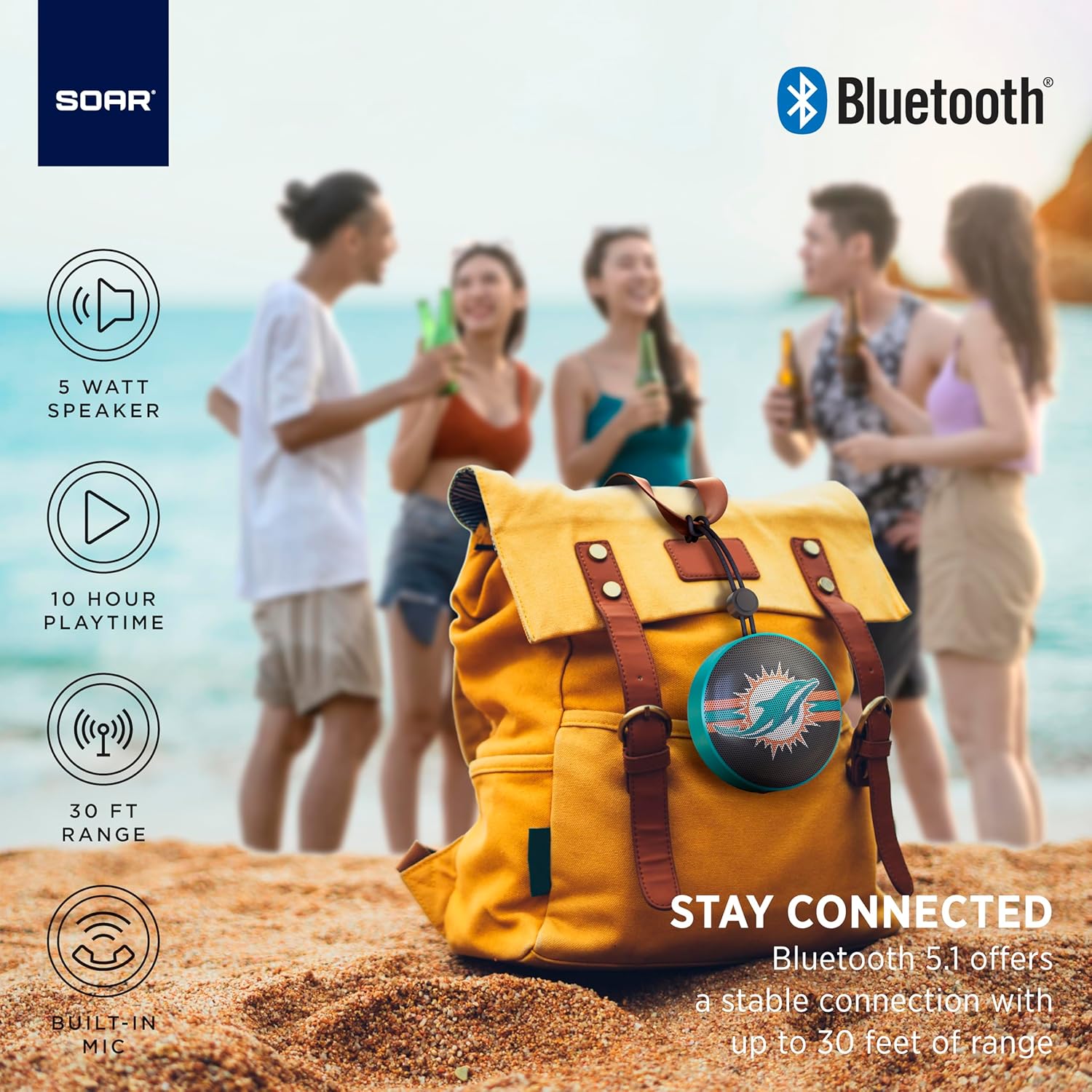
The portable speaker attached to a backpack, illustrating its on-the-go use.
4.5 Freisprechfunktion
With the built-in microphone, you can answer calls directly through the speaker when connected to your smartphone. Press the play/pause button to answer or end a call.
5. Wartung und Pflege
- Reinigung: Reinigen Sie den Lautsprecher mit einem weichen, trockenen Tuch. Verwenden Sie keine scharfen Chemikalien oder Scheuermittel.
- Wasserbeständigkeit: The speaker is designed with IPX4 water resistance, meaning it is protected against splashing water from any direction. It is not intended for submersion in water. Ensure the charging port cover is securely closed to maintain water resistance.
- Lagerung: Bewahren Sie den Lautsprecher an einem kühlen, trockenen Ort fern von direkter Sonneneinstrahlung und extremen Temperaturen auf.
6. Fehlerbehebung
- Kein Strom: Stellen Sie sicher, dass der Lautsprecher vollständig aufgeladen ist. Verbinden Sie ihn mit dem USB-C-Kabel mit einer Stromquelle.
- Kopplung via Bluetooth nicht möglich:
- Stellen Sie sicher, dass sich der Lautsprecher im Kopplungsmodus befindet (blinkende LED).
- Ensure Bluetooth is enabled on your device and it is within range (up to 30 feet).
- Entferne das Gerät aus den Bluetooth-Einstellungen deines Telefons und versuche es erneut mit einer Kopplung.
- Starten Sie sowohl den Lautsprecher als auch Ihr Gerät neu.
- Kein Ton:
- Überprüfen Sie die Lautstärke sowohl am Lautsprecher als auch an Ihrem angeschlossenen Gerät.
- Stellen Sie sicher, dass der Lautsprecher erfolgreich mit Ihrem Gerät gekoppelt und verbunden ist.
- Versuchen Sie, die Audiowiedergabe über eine andere Anwendung oder Quelle zu starten.
- Schlechte Tonqualität:
- Um Störungen zu reduzieren, bringen Sie den Lautsprecher näher an Ihr Gerät heran.
- Stellen Sie sicher, dass sich keine Hindernisse zwischen dem Lautsprecher und Ihrem Gerät befinden.
- Check if the speaker is fully charged. Low battery can affect sound quality.
7. Spezifikationen
| Marke | STEIGEN |
| Modellnummer | NFL-BTX9-CARD |
| Material | Polymer |
| Technische Daten | 3.6 Zoll L x 1.8 Zoll B |
| Artikelgewicht | 9.4 Unzen |
| Lautsprecherleistung | 5W |
| Akkulaufzeit | Bis zu 10 Stunden |
| Bluetooth-Version | 5.1 |
| Wasserbeständigkeit | IPX4 (Protected against splashing of water) |
| UPC | 192129183983 |
8. Garantie und Support
For warranty information and customer support, please refer to the documentation included with your product or visit the official SOAR webWebsite. Bewahren Sie Ihren Kaufbeleg für Garantieansprüche auf.