This manual provides essential information for the safe and efficient operation of your AOC ACS4311 Portable Bluetooth Speaker. Please read it thoroughly before use and retain it for future reference.
Packungsinhalt
AOC ACS4311 Portable Bluetooth Speaker x 1
USB-Ladekabel x 1
Benutzerhandbuch x 1
Image showing the AOC ACS4311 speaker, user manual, and USB-C charging cable included in the box.
Produkt überview
Machen Sie sich mit den Komponenten des Lautsprechers vertraut.
AOC ACS4311 Portable Bluetooth Speaker, front view.
Bedienelemente und Anzeigen
Ein-/Ausschalter/Multifunktionstaste: Located on the front, typically a gold-colored button. Used for power on/off, play/pause, and TWS pairing.
Pilot lamp/Indicator Light: An orange light next to the power button, indicating power status, charging, and Bluetooth connection status.
Mikrofon: Located on the top surface for hands-free calls.
Handle Strap Attachment: Located on the top surface for attaching the included strap.
USB-C-Ladeanschluss: Befindet sich an der Seite zum Aufladen des Geräts.
Spitze view of the AOC ACS4311 speaker, highlighting the microphone and handle strap attachment point.
Seite view of the AOC ACS4311 speaker, showing the USB-C charging port.
Aufstellen
1. Laden Sie den Lautsprecher auf
Vor dem ersten Gebrauch muss der Lautsprecher vollständig aufgeladen werden.
Connect the provided USB charging cable to the USB-C port on the speaker.
Verbinden Sie das andere Ende des Kabels mit einem kompatiblen USB-Netzteil (nicht im Lieferumfang enthalten) oder einem USB-Anschluss Ihres Computers.
Die Kontrollleuchte zeigt den Ladestatus an (z. B. leuchtet sie durchgehend rot während des Ladevorgangs und erlischt, wenn der Akku vollständig geladen ist).
2. Ein-/Ausschalten
Einschalten: Press and hold the Power Button for approximately 2-3 seconds until you hear an audible prompt and the indicator light illuminates.
Ausschalten: Press and hold the Power Button for approximately 2-3 seconds until you hear an audible prompt and the indicator light turns off.
3. Bluetooth-Kopplung
Stellen Sie sicher, dass der Lautsprecher eingeschaltet und im Kopplungsmodus ist (die Kontrollleuchte blinkt in der Regel schnell).
Aktivieren Sie auf Ihrem Mobilgerät Bluetooth und suchen Sie nach verfügbaren Geräten.
Select "AOC ACS4311" from the list of devices.
Once connected, the indicator light will change to a steady state (e.g., solid blue or off, depending on the model) and you will hear a confirmation tone.
4. True Wireless Stereo (TWS)-Kopplung
To achieve a wider, more immersive sound experience, you can pair two AOC ACS4311 speakers together.
Stellen Sie sicher, dass beide Lautsprecher eingeschaltet und nicht mit anderen Bluetooth-Geräten verbunden sind.
On jede speaker, quickly press the Power Button three times.
The speakers will attempt to pair with each other. Once successfully paired, the main speaker's orange light will flash rapidly, while the secondary speaker's light will remain off.
Now, connect your mobile device to the main speaker via Bluetooth as described in step 3.
Diagram illustrating the True Wireless Stereo (TWS) pairing process between two AOC ACS4311 speakers.
Bedienungsanleitung
Grundlegende Audiosteuerung
Abspielen/Pause: Drücken Sie kurz die Power-Taste.
Lautstärkeregelung: Adjust volume directly from your connected Bluetooth device.
Freisprechen
The built-in microphone allows for hands-free communication when connected to a smartphone.
Anruf annehmen: Drücken Sie kurz die Power-Taste.
Anruf beenden: Drücken Sie während eines Anrufs kurz den Ein-/Ausschalter.
Anruf ablehnen: Halten Sie die Power-Taste 2 Sekunden lang gedrückt.
Image depicting the AOC ACS4311 speaker next to a smartphone, indicating its built-in microphone for clear calls.
Wartung
Reinigung
Reinigen Sie den Lautsprecher mit einem weichen, trockenen Tuch. Verwenden Sie keine Scheuermittel oder Lösungsmittel.
Waterproof and Dustproof Guidelines (IP67)
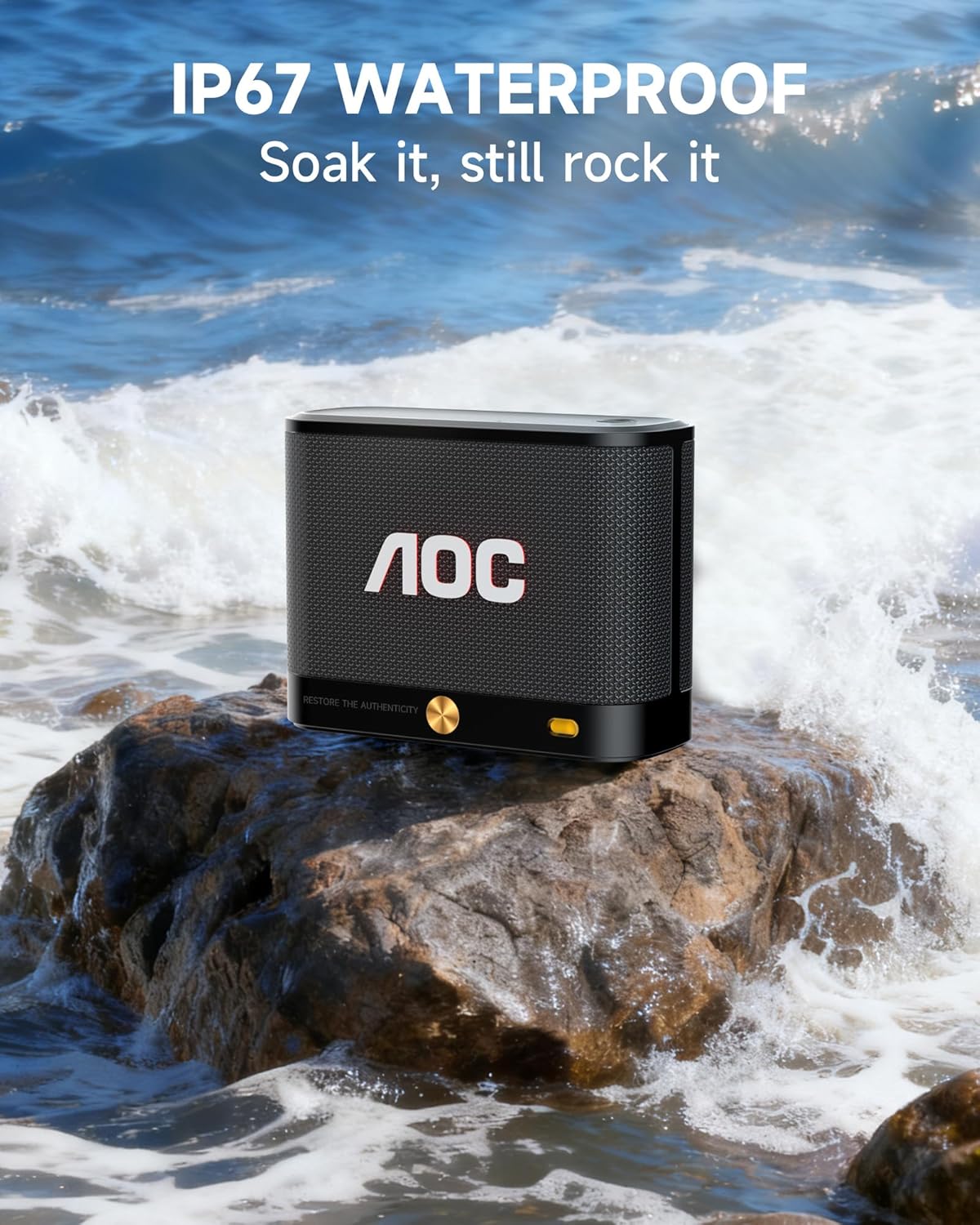
The AOC ACS4311 speaker is rated IP67, meaning it is protected against dust ingress and can withstand immersion in water up to 1 meter for up to 30 minutes.
Stellen Sie sicher, dass die Abdeckung des Ladeanschlusses fest verschlossen ist, bevor Sie den Lautsprecher Wasser oder Staub aussetzen.
Der Lautsprecher darf nicht in Salzwasser oder andere Flüssigkeiten eingetaucht werden.
Nach Kontakt mit Wasser sollte der Lautsprecher vor dem Aufladen trocken gewischt werden.
The AOC ACS4311 speaker on a rock with waves splashing, demonstrating its IP67 waterproof capability.
Fehlerbehebung
Problem
Lösung
Der Lautsprecher lässt sich nicht einschalten.
Stellen Sie sicher, dass der Akku geladen ist. Verbinden Sie den Lautsprecher mit einer Stromquelle über das USB-C-Kabel.
Kopplung via Bluetooth nicht möglich.
Ensure the speaker is in pairing mode (indicator light flashing). Turn off and on Bluetooth on your device. Move the speaker closer to your device.
Kein Ton oder geringe Lautstärke.
Stellen Sie die Lautstärke sowohl am Lautsprecher als auch an Ihrem angeschlossenen Gerät ein. Vergewissern Sie sich, dass der Lautsprecher nicht stummgeschaltet ist.
TWS-Kopplung fehlgeschlagen.
Ensure both speakers are not connected to any other Bluetooth device. Repeat the TWS pairing steps carefully.
Technische Daten
Modellname: ACS4311
Konnektivität: Bluetooth 5.4
Wasserdichtigkeit: IP67
Spielzeit: Up to 30 hours (at 80% volume, actual battery life may vary)
Ausgangsleistung: 5 Watt
Frequenzgang: 2 KHz
Abmessungen: 4"T x 2"B x 3"H
Gewicht: 15.5 Unzen
Kontrollmethode: App, Berühren
Enthaltene Komponenten: Stromkabel
Image displaying the dimensions of the AOC ACS4311 speaker (4.5in x 3.35in x 1.77in) and its weight (0.81lb).
Garantie und Support
This product comes with a limited warranty provided by AOC. For detailed warranty information, product support, or service inquiries, please refer to the official AOC webWebsite oder wenden Sie sich an den Kundendienst.