1. Einleitung
Welcome to your new NIMO 15.6" IPS FHD Student Laptop, Model N154. This manual provides essential information to help you get started, operate, and maintain your device. Designed for both home and business use, this laptop combines performance with user-friendly features to enhance your productivity and entertainment experience.
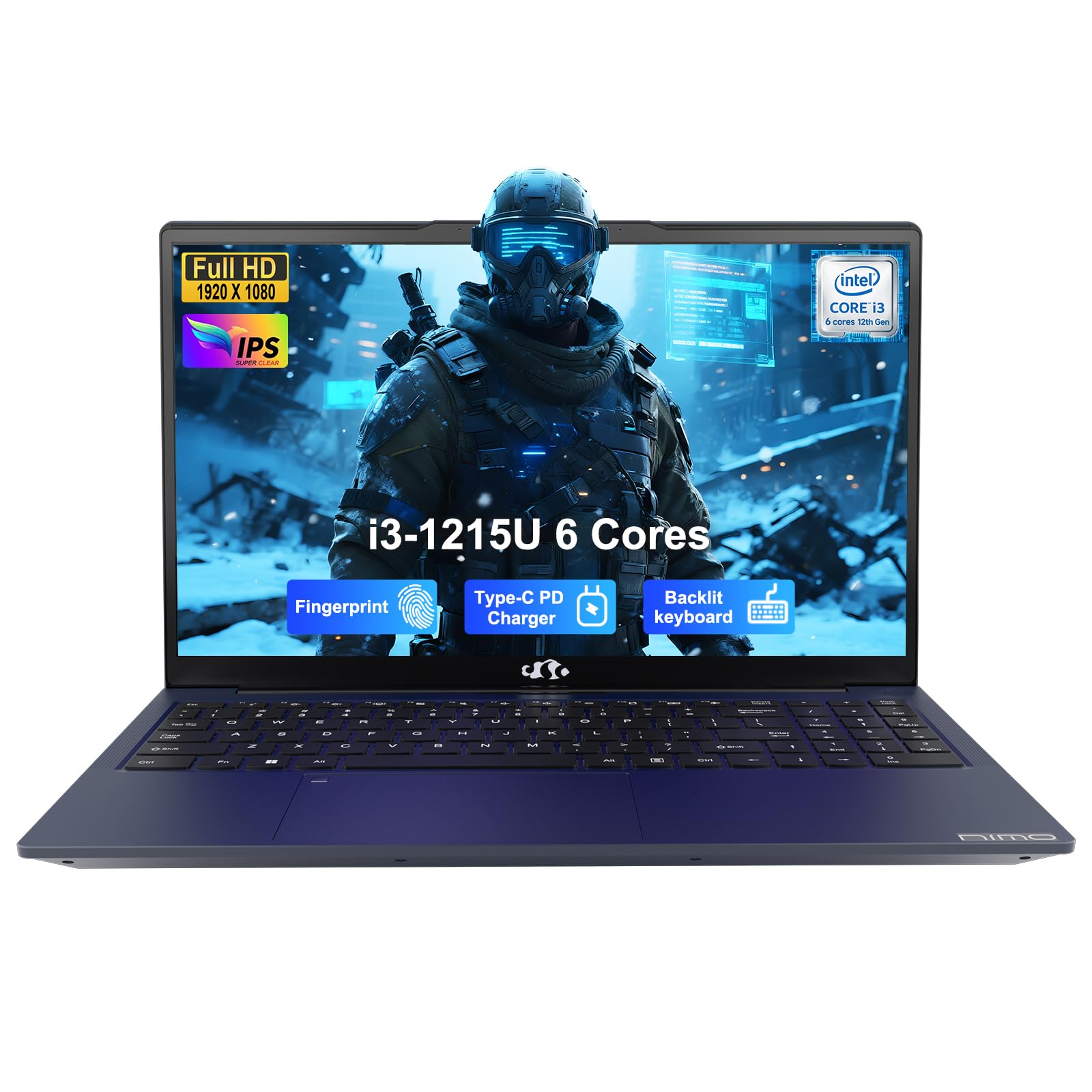
Image: The NIMO 15.6-inch IPS FHD Student Laptop, showcasing sein elegantes Design.
2. Lieferumfang
Bitte überprüfen Sie den Packungsinhalt, um sicherzustellen, dass alle Artikel vorhanden sind:
- 1 x NIMO N154 Laptop
- 1 x Typ-C 65W PD Schnellladegerät
- 1 x Benutzerhandbuch (dieses Dokument)
- Windows 11 Home (vorinstalliert)
3. Ersteinrichtung
3.1. Laden des Laptops
Before first use, fully charge your NIMO laptop using the included 65W USB-C PD Fast Charger. Connect the charger to the Type-C port on your laptop and a power outlet. The charging indicator light will illuminate.

Image: The 65W USB-C PD Fast Charger, capable of charging the laptop, tablet, and smartphone.
3.2. Einschalten und Erstkonfiguration
Press the power button to turn on your laptop. Follow the on-screen instructions to complete the Windows 11 Home setup, including language selection, network connection, and user account creation.
4. Bedienung Ihres Laptops
4.1. Anzeige
Your laptop features a 15.6-inch Full HD (1920x1080) IPS anti-glare display. This screen provides clear visuals and reduces eye strain during extended use. The 180° open angle allows for flexible viewing-Positionen.
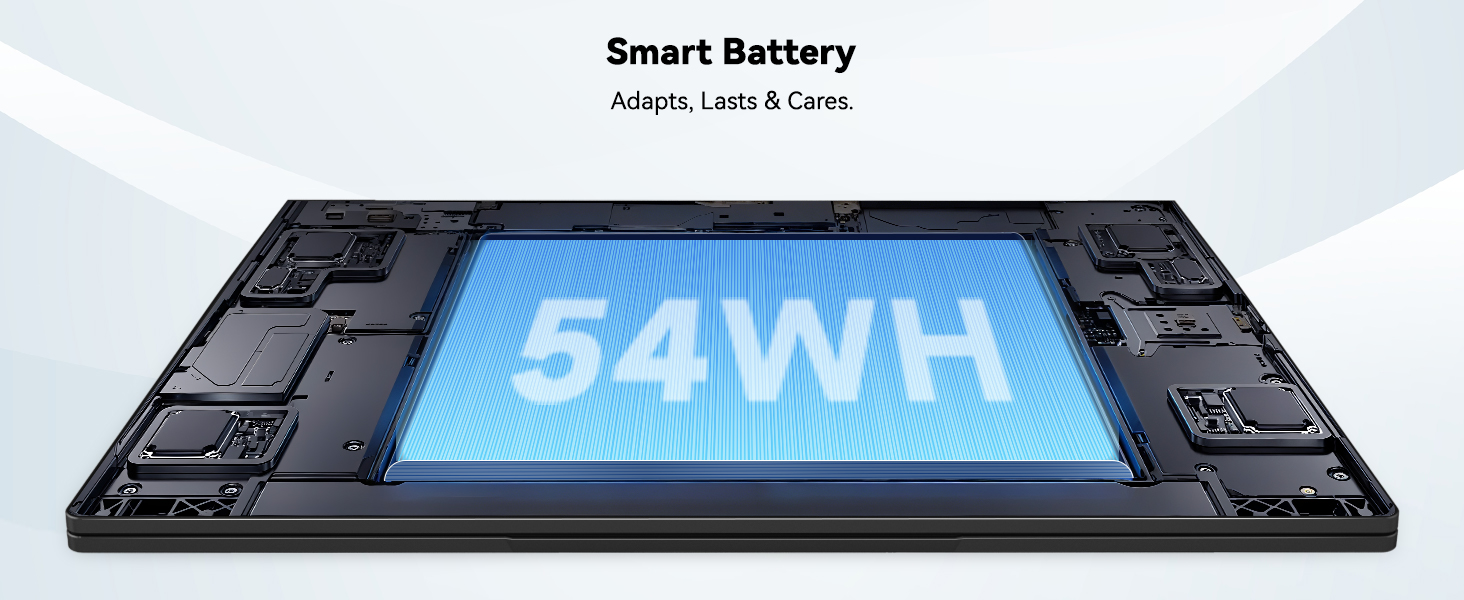
Image: The laptop's 15.6-inch Full HD IPS display with vibrant colors.
4.2. Tastatur und Touchpad
The ergonomic backlit keyboard allows for comfortable typing in various lighting conditions, with adjustable brightness. The touchpad includes an integrated fingerprint sensor for secure, one-touch login.

Image: Features of the laptop's input, including backlit keyboard, webKameraschutz, Fingerabdrucksensor und numerischer Tastenblock.
4.3. Fingerprint Login
Utilize the fingerprint sensor on the touchpad for quick and secure access to your laptop. Configure your fingerprint in the Windows settings for enhanced security.

Image: Close-up of the integrated fingerprint scanner on the touchpad for secure login.
4.4. Anschlüsse und Konnektivität
The NIMO N154 laptop offers a variety of ports for versatile connectivity:
- USB 2.0-Anschluss: 1
- USB 3.0 Ports: 3
- HDMI-Anschluss: Für externe Displayanschlüsse.
- Typ C-Anschluss: Supports 65W Power Delivery for charging and data transfer.
- Micro-SD-Kartensteckplatz: Zur Erweiterung des Lagers oder zum Transfer files.
- Kombinierte Kopfhörerbuchse: Für Audio-Ein-/Ausgabe.
- Steckplatz für Kensington-Schloss: Zur physischen Sicherheit.
The laptop also features Wi-Fi 6 for fast and reliable wireless internet access.

Image: Diagram illustrating the various ports available on the NIMO laptop, including USB, HDMI, Type-C, Micro SD, headphone jack, and Kensington lock.
4.5. Audio and WebNocken
Integrated speakers provide clear audio for video calls, online classes, and media consumption. The 2.0MP webcam is suitable for video conferencing, complemented by a privacy switch for enhanced security.

Image: Details on the 1080p FHD camera and privacy camera convenience features.
4.6. Prozessor und Leistung
Powered by the 6-Core Intel i3-1215U processor, your laptop is designed for efficient multitasking, handling numerous browser tabs, spreadsheets, and video calls without significant slowdowns.
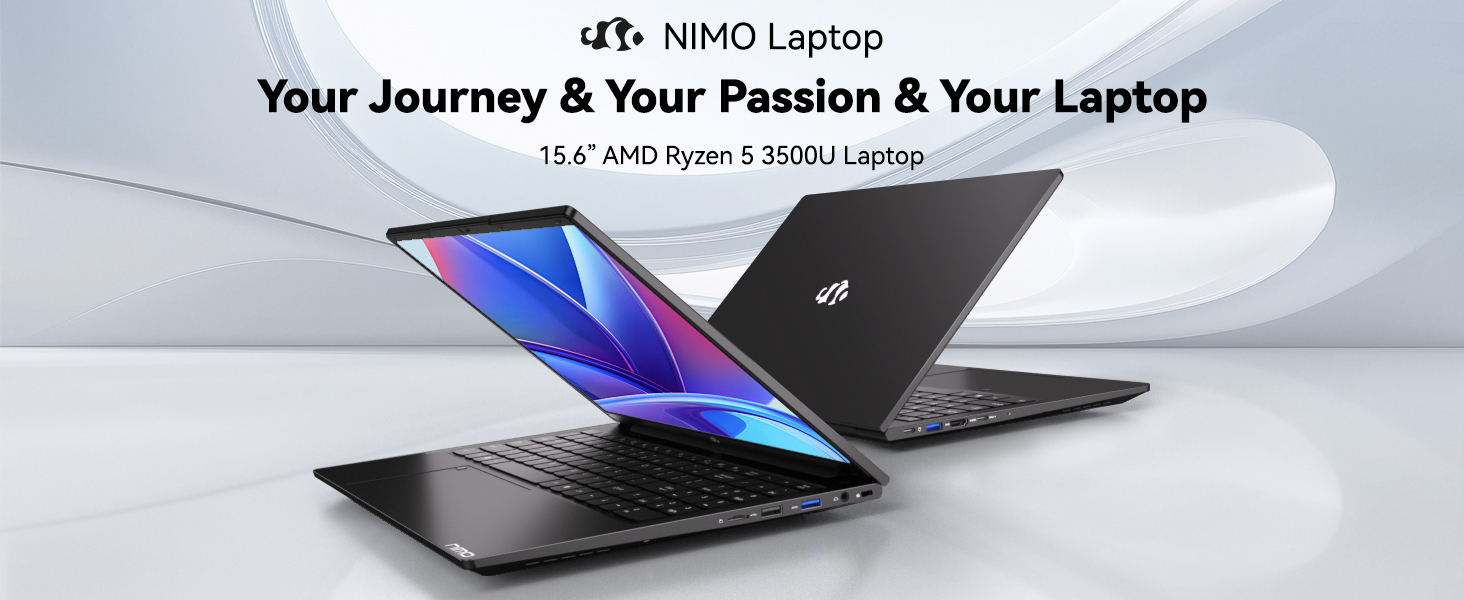
Image: Visual representation of the 12th Gen Intel Core i3-1215U Processor, highlighting its 6 cores, 8 threads, 15W power consumption, and 3.7 GHz Turbo Boost.
5. Wartung
5.1. Reinigung
Regularly clean your laptop to ensure optimal performance and longevity. Use a soft, lint-free cloth for the screen and exterior. For stubborn marks, dampBefeuchten Sie das Tuch mit etwas Wasser oder einem für Bildschirme geeigneten Reiniger. Vermeiden Sie aggressive Chemikalien.
5.2. Software-Updates
Keep your operating system and drivers updated to benefit from the latest security patches and performance improvements. Windows Update can be accessed through the Settings menu.
5.3. Batteriepflege
To maximize battery life, avoid extreme temperatures and fully discharging the battery frequently. For long-term storage, charge the battery to around 50-70%.

Image: An illustration of the laptop's internal battery, labeled 54WH, emphasizing smart battery management.
6. Fehlerbehebung
6.1. Laptop lässt sich nicht einschalten
- Stellen Sie sicher, dass das Ladegerät sowohl mit dem Laptop als auch mit einer funktionierenden Steckdose fest verbunden ist.
- Überprüfen Sie, ob das Netzteil ordnungsgemäß funktioniert.
- Versuchen Sie, den Netzschalter 10-15 Sekunden lang gedrückt zu halten, um einen Hard-Reset durchzuführen.
6.2. Probleme mit der WLAN-Verbindung
- Überprüfen Sie, ob WLAN in den Windows-Einstellungen aktiviert ist.
- Starten Sie Ihren Router und Ihr Modem neu.
- Ensure your Wi-Fi drivers are up to date.
6.3. Langsame Leistung
- Schließen Sie unnötige Anwendungen, die im Hintergrund laufen.
- Prüfen Sie, ob Windows-Updates ausstehen, und installieren Sie diese gegebenenfalls.
- Ensure your storage (SSD) has sufficient free space.
Weitere Informationen finden Sie im Abschnitt Garantie und Support.
7. Spezifikationen
| Besonderheit | Spezifikation |
|---|---|
| Modellname | NIMO N154 |
| Bildschirmgröße | 15.6 Zoll |
| Bildschirmauflösung | 1920 x 1080 Pixel (Full-HD) |
| Prozessor | Intel Core i3-1215U (6 Kerne, bis zu 4.4 GHz) |
| RAM | 8 GB DDR4 (3200 MHz) |
| Festplatte | SSD mit 512 GB |
| Grafik-Coprozessor | Integrierte Grafik |
| Betriebssystem | Windows 11 Home |
| Kabelloser Typ | WLAN 6 (802.11a/b/g/n/ac) |
| USB 2.0-Anschlüsse | 1 |
| USB 3.0-Anschlüsse | 3 |
| Durchschnittliche Akkulaufzeit | 9 Stunden |
| Artikelgewicht | 3.75 Pfund |
| Technische Daten | 14.07 x 8.98 x 0.76 Zoll |
| Besondere Merkmale | Fingerabdruckleser, HD-Audio, Speicherkartensteckplatz, Ziffernblock |
8. Garantie und Support
NIMO is committed to providing quality products and excellent customer service.
8.1. Garantieinformationen
Your NIMO N154 laptop comes with a comprehensive 2 Jahr Garantie, covering manufacturing defects and hardware malfunctions under normal use. This warranty ensures your investment is protected.

Image: Text indicating '2-Year Support' for Nimo products.
8.2. Rückgaberecht
Wir bieten eine 90-tägiges Rückgaberecht from the date of purchase. If you are not satisfied with your product, you may return it within this period according to the terms and conditions.

Image: Text indicating '90-Day Return' for Nimo products.
8.3. Kontaktieren Sie den Support
Our dedicated US-based support team is available to assist you with any questions or issues. You can reach us via email at service@nimopc.com. We aim to provide professional and high-quality customer service.

Image: A customer service representative wearing a headset, representing professional customer assistance.


