1. Einleitung
The H96 MAX S905L3 Android 14.0 TV Box is a high-definition streaming device designed to enhance your home entertainment experience. It operates on the Android 14 system, offering a user-friendly interface and robust functionality. Powered by an Amlogic S905L3 Quad Core ARM Cortex A53 processor, 2GB DDR3 RAM, and 16GB ROM, this device ensures smooth navigation and efficient application performance.
Key features include Dual-WiFi 6 for superior wireless connectivity, a 100M Ethernet port for stable wired networking, and advanced video engine support for 4K UHD, HDR 10+, AV1, and H.265 decoding. Bluetooth 5.0 and a voice remote control provide convenient operation and peripheral connectivity. Integrated Chromecast and support for popular applications make this Android TV box a comprehensive solution for your viewing and sharing needs.
2. Packungsinhalt
Bitte überprüfen Sie, ob alle Artikel im Paket vorhanden sind:
- 1 x H96 MAX S905L3 Android 14.0 TV Box
- 1 x Netzteil
- 1 x Fernbedienung
- 1 x HDMI-Kabel
- 1 x Benutzerhandbuch

Image: The H96 MAX S905L3 Android 14.0 TV Box, remote control, power adapter, HDMI cable, and user manual as included in the package.
3. Produktüberschreitungview
The H96 MAX S905L3 TV Box offers a compact design with essential ports for connectivity and a user-friendly remote control.
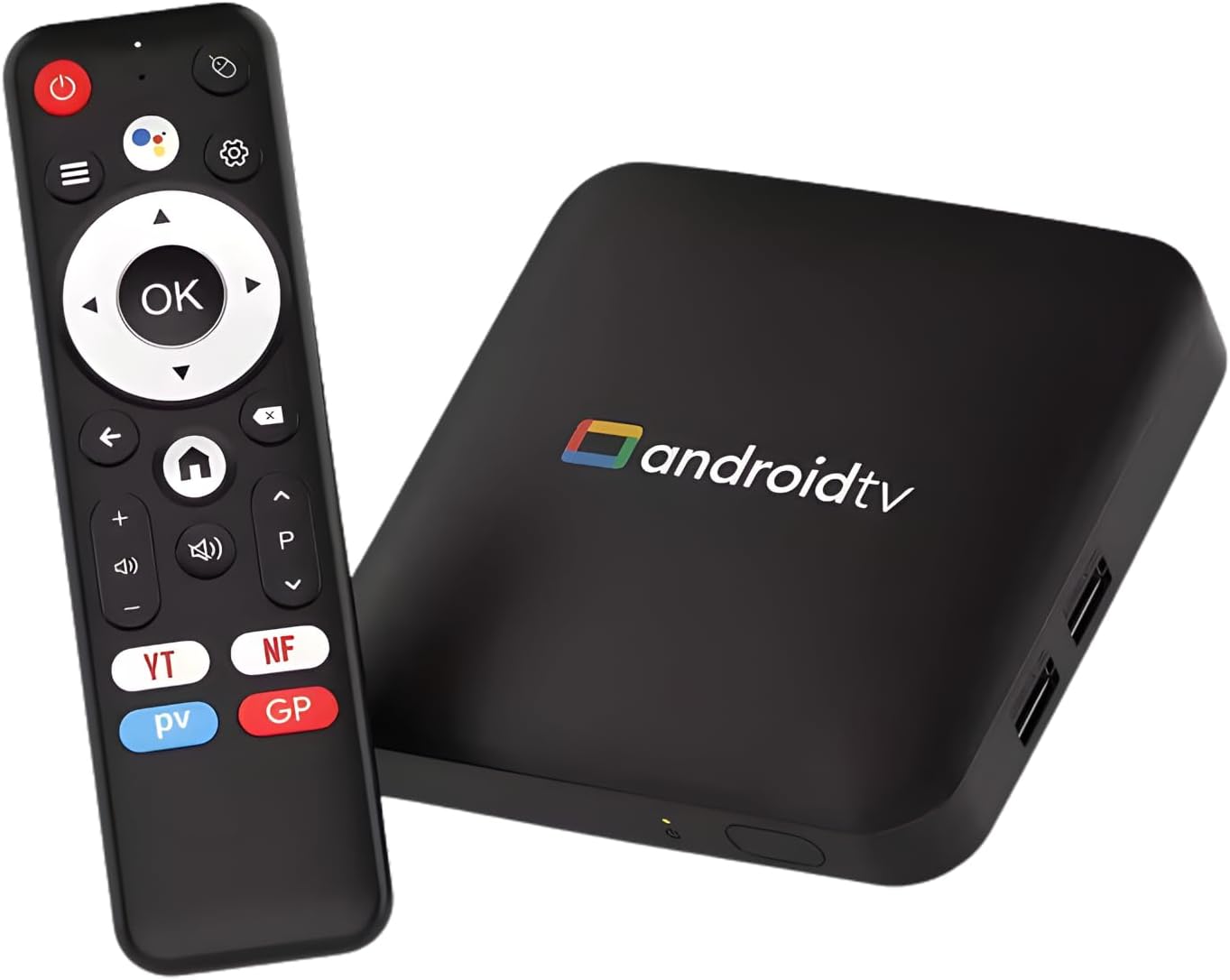
Image: The H96 MAX S905L3 Android 14.0 TV Box and its accompanying remote control, showcasing the device's compact form factor.
3.1 Hauptmerkmale
- Betriebssystem Android 14: Provides a stable and efficient platform for media consumption.
- Amlogic S905L3 Processor: Quad Core A53 CPU with 2GB DDR3 RAM for smooth performance.
- 4K UHD-Auflösung: Supports HDR 10+, H.265, and AV1 video decoding for exceptional picture quality.
- Dualband-WLAN 6: Ensures fast and stable wireless streaming (2.4G/5G).
- Bluetooth 5.0: For connecting external devices like headphones and game controllers.
- Sprachfernbedienung: Enables hands-free searching and navigation.
- Chromecast integriert: Facilitates easy screen sharing from smartphones or tablets.

Image: Visual representation of the Android 14.0 operating system's superior performance, voice search capability, and content universe, with the TV box in the foreground.

Bild: Ein Fernsehbildschirm zeigtasing vibrant 4K Ultra HD content, emphasizing high-definition clarity, with the H96 MAX TV box and remote control positioned below.
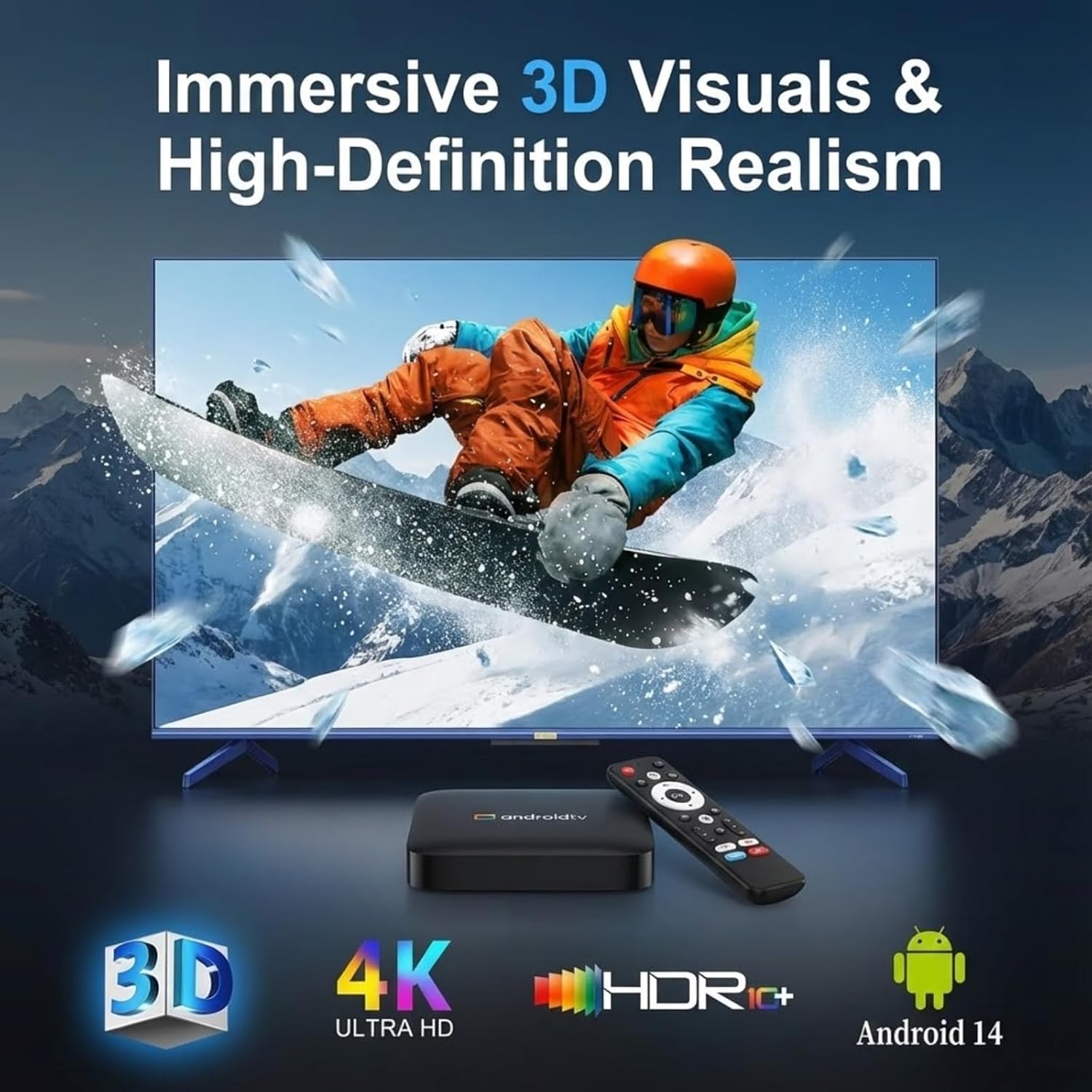
Image: A television screen displaying immersive 3D visuals, highlighting 4K Ultra HD and HDR10+ support, with the H96 MAX TV box and remote control in the foreground.

Image: A hand holding the remote control, demonstrating the smart voice control feature with a visual representation of sound waves on a television screen in the background.
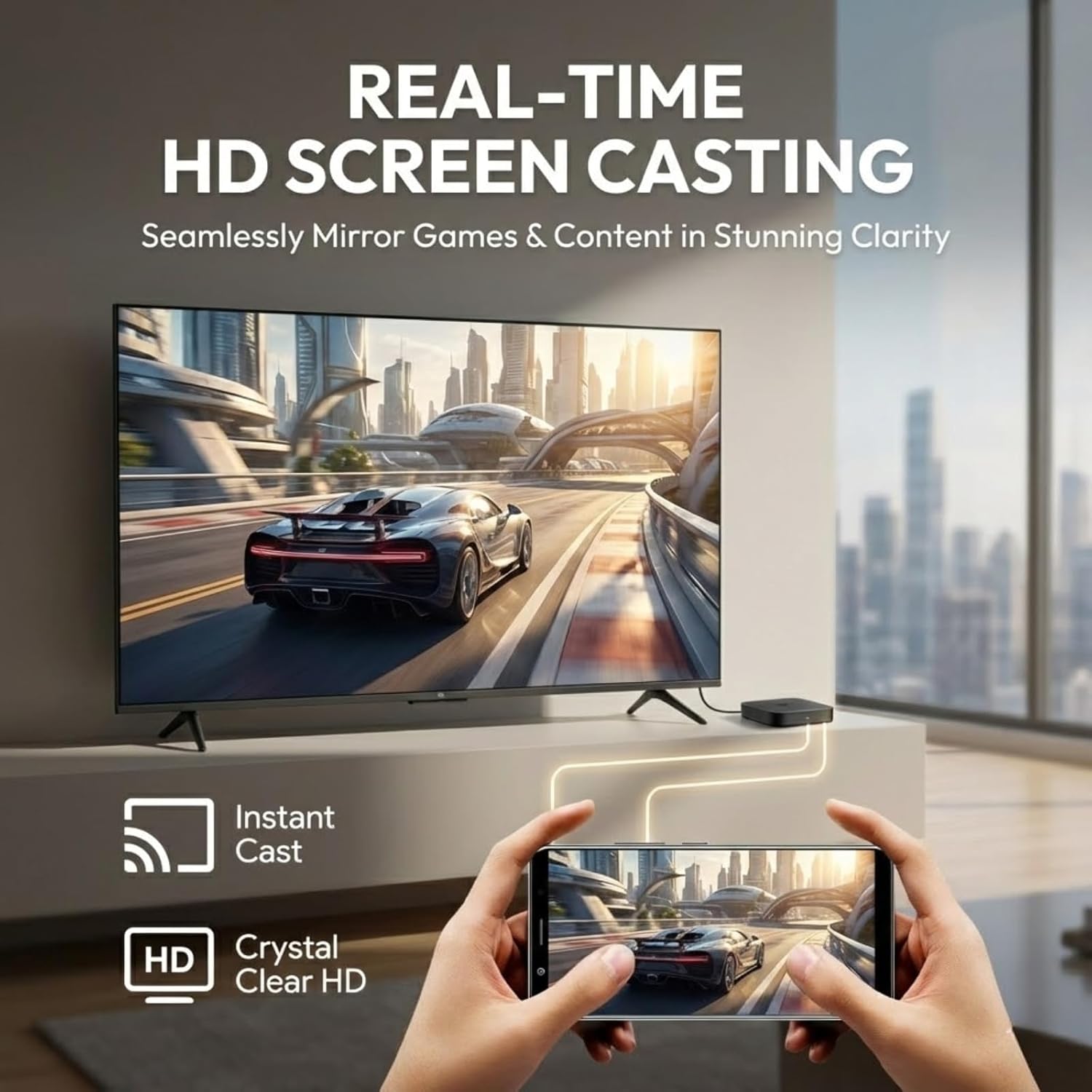
Image: A smartphone screen being cast in real-time to a television, illustrating the HD screen casting capability for mirroring games and content.
4. Installationsanleitung
Follow these steps for initial setup of your H96 MAX S905L3 TV Box.
4.1 Anschließen des Geräts
- HDMI-Kabel anschließen: Insert one end of the HDMI cable into the HDMI port on the TV Box and the other end into an available HDMI input on your television.
- Netzteil anschließen: Stecken Sie den Netzadapter in den DC-Anschluss der TV-Box und stecken Sie den Adapter anschließend in eine Wandsteckdose.
- (Optional) Connect Ethernet Cable: If you prefer a wired network connection, connect an Ethernet cable from your router to the Ethernet port on the TV Box.
- (Optional) Connect USB Devices: You may connect USB storage devices or other peripherals to the USB 2.0 ports.

Image: A diagram illustrating the various ports on the H96 MAX S905L3 TV Box, including USB, Ethernet, HD (HDMI), AV, DC, and the ON/OFF button, along with its dimensions.
4.2 Einschalten und Erstkonfiguration
- Einschalten: Press the power button on the TV Box or the remote control. The device will boot up.
- TV-Eingang auswählen: On your television, select the correct HDMI input source corresponding to where you connected the TV Box.
- Sprachauswahl: Folgen Sie den Anweisungen auf dem Bildschirm, um Ihre bevorzugte Sprache auszuwählen.
- Netzwerkverbindung: Choose your Wi-Fi network from the list and enter the password, or confirm the wired Ethernet connection.
- Einrichten eines Google-Kontos: Melden Sie sich mit Ihrem Google-Konto an, um auf den Google Play Store und andere Google-Dienste zuzugreifen.
- Komplette Einrichtung: Follow any remaining on-screen instructions to finalize the initial setup.

Image: A television screen displaying the Android TV home screen interface, featuring categories like Home, Movies, Shows, Apps, and Settings, with various application icons.
5. Bedienungsanleitung
This section details how to navigate and use your H96 MAX S905L3 TV Box.
5.1 Fernsteuerungsnavigation
- Richtungspad (D-Pad): Use the up, down, left, and right arrows to navigate through menus and select items.
- OK-Taste: Confirms selections or opens applications.
- Zurück-Schaltfläche: Kehrt zum vorherigen Bildschirm oder Menü zurück.
- Home "Button: Kehrt zum Hauptbildschirm von Android TV zurück.
- Lautstärketasten: Passt den Audioausgabepegel an.
- Netzschalter: Schaltet das Gerät ein oder aus.
- Sprachsteuerungstaste: Aktiviert den Sprachassistenten für Befehle und Suchanfragen.
5.2 Sprachsteuerung
Press the dedicated voice control button on your remote and speak clearly into the remote's microphone. You can use voice commands to:
- Suchen nach Filme, Fernsehsendungen oder Videos.
- Offene Bewerbungen.
- Control media playback (e.g., "Play," "Pause," "Fast forward").
- Ask questions or get information.
5.3 Anwendungsverwaltung
- Apps installieren: Access the Google Play Store from the home screen to browse and install new applications.
- Apps deinstallieren: Gehe zu Einstellungen > Apps, select the desired app, and choose "Uninstall."
- Apps aktualisieren: Apps can be updated automatically or manually through the Google Play Store.
5.4 Gießen und Spiegeln
The built-in Chromecast and MiraCast support allow you to cast content from compatible devices:
- Ensure your smartphone/tablet and the TV Box are connected to the same Wi-Fi network.
- Open a compatible application (e.g., YouTube, Netflix) on your mobile device.
- Tippe auf das Cast-Symbol (üblicherweise ein Rechteck mit einem WLAN-Symbol) innerhalb der App.
- Select your H96 MAX TV Box from the list of available devices to begin casting.
6. Spezifikationen
Detailed technical specifications for the H96 MAX S905L3 TV Box:
| Besonderheit | Spezifikation |
|---|---|
| Modell | H96 MAX S905L3 |
| Betriebssystem | Google Android 14.0 ATV |
| CPU | Amlogic S905L3 Quad Core ARM Cortex A53 |
| RAM | 2 GB DDR3 |
| ROM | 16 GB |
| Auflösung | 4K UHD, HDR 10+, H.265, AV1, 3D |
| W-lan | Dual-WiFi 6 (2.4G/5G) |
| Ethernet | 100 Mio. |
| Bluetooth | BT 5.0 |
| E/A-Anschlüsse | 2*USB 2.0, 1*HD Out, 1*Micro SD Slot, 1*AV, 1*DC, 1*Ethernet |
| Besondere Merkmale | Voice Control, MiraCast, Chromecast Built-in, Browser, DLNA |
| Maße | 4.33 x 4.24 x 1.02 Zoll (110 x 108 x 26 mm) |
| Artikelgewicht | 4.3 Unzen |
7. Fehlerbehebung
This section addresses common issues you might encounter with your TV Box.
7.1 Kein Strom
- Stellen Sie sicher, dass das Netzteil fest mit der TV-Box und einer funktionierenden Steckdose verbunden ist.
- Überprüfen Sie die Funktionsfähigkeit der Steckdose, indem Sie ein anderes Gerät anschließen.
- Press the power button on the remote control or the device itself.
7.2 No Picture on TV
- Check that the HDMI cable is firmly connected to both the TV Box and the TV.
- Stellen Sie sicher, dass Ihr Fernseher auf die richtige HDMI-Eingangsquelle eingestellt ist.
- Versuchen Sie es mit einem anderen HDMI-Kabel oder einem anderen HDMI-Anschluss an Ihrem Fernseher.
- Starten Sie die TV-Box und Ihren Fernseher neu.
7.3 Probleme mit der WLAN-Verbindung
- Confirm that your Wi-Fi router is powered on and functioning correctly.
- Gehe zu Einstellungen > Netzwerk & Internet > WLAN on the TV Box and ensure Wi-Fi is enabled.
- Geben Sie Ihr WLAN-Passwort erneut ein, um sicherzustellen, dass es korrekt ist.
- Um die Signalstärke zu verbessern, platzieren Sie die TV-Box näher an Ihrem WLAN-Router.
- Starten Sie Ihren WLAN-Router und die TV-Box neu.
7.4 Fernbedienung reagiert nicht
- Überprüfen und ersetzen Sie die Batterien in der Fernbedienung.
- Stellen Sie sicher, dass sich keine Hindernisse zwischen der Fernbedienung und der TV-Box befinden.
- For Bluetooth remotes, ensure it is properly paired with the TV Box. If not, try re-pairing it via Settings > Remotes & Accessories.
8. Wartung
Proper care and maintenance will ensure the longevity of your H96 MAX S905L3 TV Box.
- Reinigung: Reinigen Sie die Außenseite des Geräts mit einem weichen, trockenen Tuch. Verwenden Sie keine flüssigen Reinigungsmittel oder Scheuermittel.
- Belüftung: Stellen Sie sicher, dass die TV-Box an einem gut belüfteten Ort aufgestellt wird, um eine Überhitzung zu vermeiden. Decken Sie die Lüftungsöffnungen nicht ab.
- Umfeld: Vermeiden Sie es, das Gerät extremen Temperaturen, Feuchtigkeit, Staub oder direkter Sonneneinstrahlung auszusetzen.
- Ausschalten: If the device will not be used for an extended period, it is recommended to power it off and unplug the power adapter.
9. Garantie und Support
Informationen zur Garantie und zum technischen Support finden Sie in der mitgelieferten Dokumentation oder wenden Sie sich an Ihren Händler. Bewahren Sie Ihren Kaufbeleg für Garantieansprüche auf.
For further assistance, you may also visit the official H96 MAX support website (if available) or consult online resources for Android TV devices.


