1. Einleitung
This manual provides detailed instructions for the installation, operation, and maintenance of your NIVIAN Smart WiFi Door Alarm Magnetic Sensor. Please read this manual thoroughly before using the device to ensure proper functionality and safety. This device is designed to enhance the security of your home or premises by detecting door or window openings and providing real-time alerts.
2. Produktüberschreitungview
The NIVIAN Smart WiFi Door Alarm is a wireless magnetic sensor system that connects to your home's 2.4GHz WiFi network. It features a powerful 100dB siren and integrates with a mobile application for remote control and notifications.
Hauptmerkmale:
- Kabellose Verbindung: Connects via 2.4GHz WiFi for stable communication.
- Magnetsensor: Detects the opening and closing of doors or windows.
- Mobile App-Steuerung: Arm, disarm, set schedules, and receive real-time notifications via a dedicated mobile application.
- Manual Disarm Button: Provides an alternative method to disarm the alarm without the app.
- Integrierte Sirene: Activates a 100dB siren upon intrusion detection when armed.
- Smart Home Kompatibilität: Works with Amazon Alexa, Google Assistant, and Tuya Smart Home platforms.
Komponenten:
The package includes the NIVIAN Smart WiFi Door Alarm Magnetic Sensor unit(s) and necessary mounting accessories.

Image: The NIVIAN Smart WiFi Door Alarm sensors shown alongside a smartphone displaying the control application interface.

Image: A visual representation of the alarm's core features, including WiFi connectivity, wireless battery operation, app control, a powerful siren, and compatibility with smart home platforms like Amazon Alexa, Google Assistant, and Tuya Smart Home.
3. Einrichtung und Installation
The NIVIAN Smart WiFi Door Alarm is designed for quick and easy installation without the need for complex wiring or specialized tools.
3.1 App-Installation
- Download the compatible mobile application (e.g., Tuya Smart or Smart Life) from your device's app store (iOS or Android).
- Registrieren Sie sich oder melden Sie sich in Ihrem Konto an.
3.2 Gerätekopplung
- Stellen Sie sicher, dass Ihr Smartphone mit einem 2.4-GHz-WLAN-Netzwerk verbunden ist.
- Power on the NIVIAN Smart WiFi Door Alarm sensor. The indicator light should begin to flash, indicating it is in pairing mode.
- Open the mobile application and select 'Add Device' or the '+' icon.
- Follow the on-screen instructions to add the door alarm. This typically involves selecting the device type (e.g., 'Contact Sensor' or 'Door/Window Sensor') and confirming the flashing indicator light.
- Geben Sie Ihr WLAN-Netzwerkpasswort ein, wenn Sie dazu aufgefordert werden.
- Wait for the device to connect. Once connected, the indicator light will stop flashing and remain solid or turn off, and the device will appear in your app.
3.3 Physische Installation
- Identify a suitable location on your door or window frame. The main sensor unit and the magnetic strip must be aligned and placed within 2cm of each other when the door/window is closed.
- Reinigen Sie die Oberfläche gründlich, um eine ordnungsgemäße Haftung sicherzustellen.
- Remove the protective backing from the double-sided tape on both the main sensor unit and the magnetic strip.
- Attach the main sensor unit to the door/window frame and the magnetic strip to the moving part of the door/window, ensuring they are aligned and close enough when closed.
- Press firmly for several seconds to secure the adhesive.
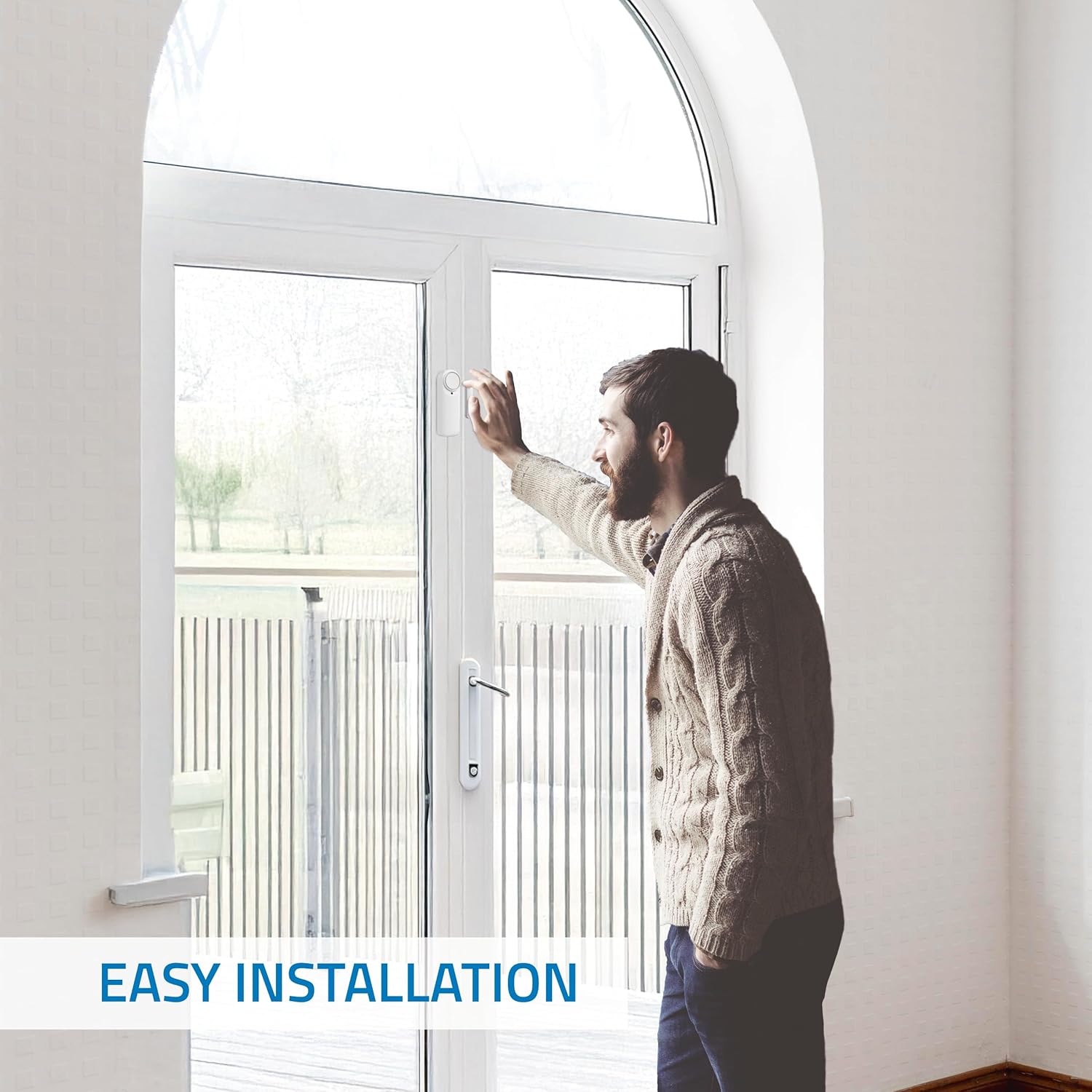
Image: A person demonstrating the simple installation process of the NIVIAN Smart WiFi Door Alarm sensor on a door frame using adhesive backing.
4. Bedienung des Geräts
Once installed and paired, you can control and monitor your NIVIAN Smart WiFi Door Alarm through the mobile app or the manual button.
4.1 Scharf- und Unscharfschaltung
- Über die mobile App: Open the app, select your door alarm device, and use the on-screen controls to activate (arm) or deactivate (disarm) the alarm. You can also set schedules for automatic arming/disarming.
- Via Manual Button: The sensor unit includes a manual button. Pressing this button can arm or disarm the alarm, depending on its current state and configuration within the app. Refer to the app settings for specific button functions.

Image: Hands operating the mobile application to control the NIVIAN Smart WiFi Door Alarm, showing options to activate/deactivate and receive notifications.
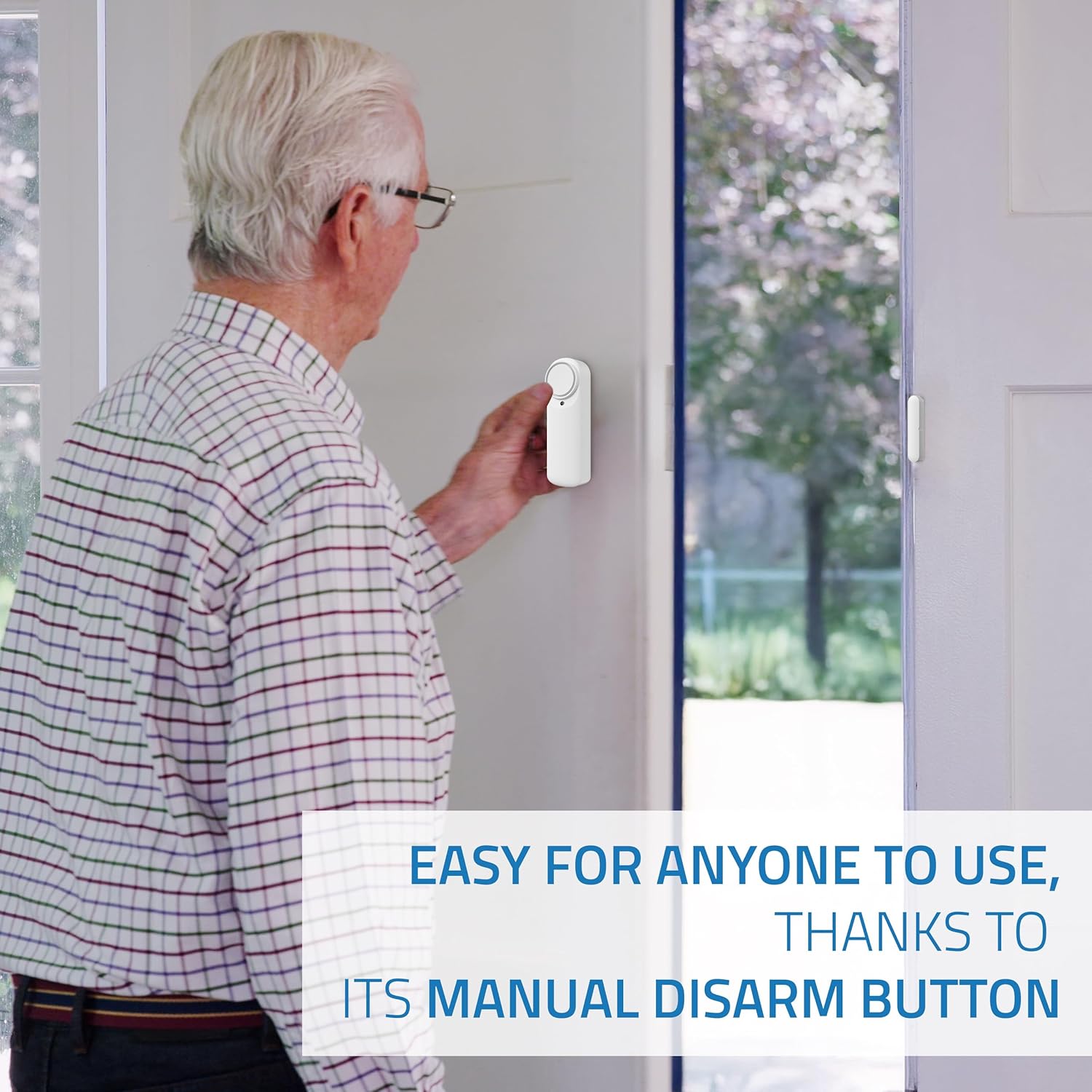
Image: An individual pressing the manual disarm button located on the NIVIAN Smart WiFi Door Alarm sensor, highlighting its ease of use.
4.2 Notifications and Siren
- Echtzeitwarnungen: When the alarm is armed and a door/window is opened, you will receive instant notifications on your smartphone.
- Sirenenaktivierung: Upon detection of an intrusion while armed, the integrated 100dB siren will automatically activate to alert occupants and deter intruders.
- Warnungen bei niedrigem Batteriestand: The app will notify you when the device's battery level is low, prompting you to check its status.
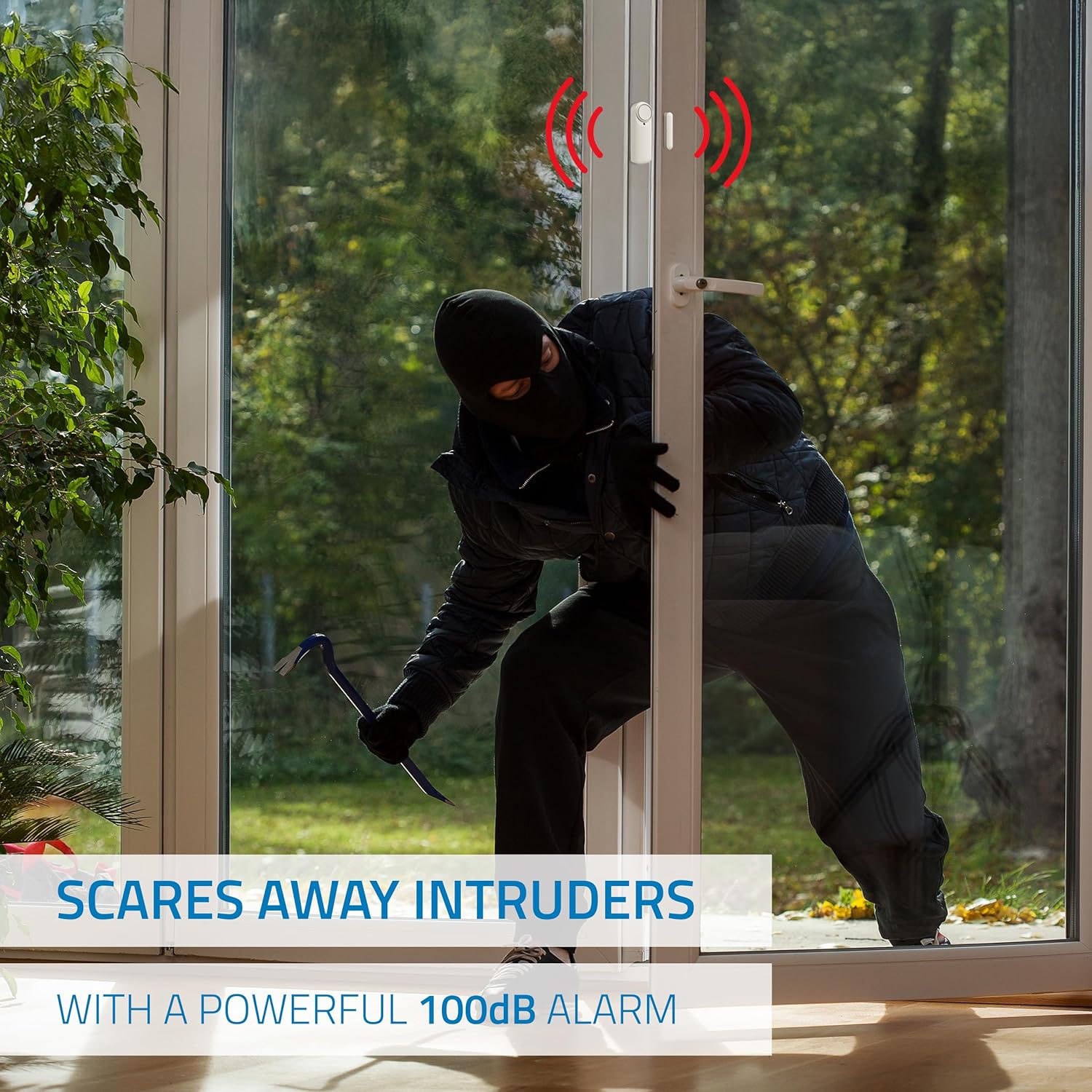
Image: A visual depiction of an intruder attempting to enter a property, with the NIVIAN Smart WiFi Door Alarm emitting a powerful 100dB siren to deter them.
4.3 Gemeinsamer Zugriff
The mobile application allows you to share access to the device with family members or employees, enabling multiple users to control and monitor the alarm.
5. Wartung
To ensure optimal performance and longevity of your NIVIAN Smart WiFi Door Alarm, follow these maintenance guidelines:
- Batterieprüfung: Regularly check the battery status via the mobile application. While the product description indicates 'Battery Powered', it also states 'Batteries Included? No' and 'Batteries Required? No'. This suggests an internal, possibly rechargeable, battery. If the app indicates a low battery, follow the app's instructions for charging or replacement if applicable.
- Reinigung: Use a soft, dry cloth to gently wipe the sensor unit. Avoid using abrasive cleaners, solvents, or excessive moisture, as these can damage the device.
- Klebstoffprüfung: Periodically inspect the adhesive mounting to ensure the sensor remains securely attached to the door/window frame. Reapply or replace adhesive if necessary.
- Firmware-Updates: Keep the device's firmware updated through the mobile application to benefit from the latest features and security enhancements.
6. Fehlerbehebung
If you encounter issues with your NIVIAN Smart WiFi Door Alarm, refer to the following common troubleshooting steps:
- Gerät verbindet sich nicht mit WLAN:
- Stellen Sie sicher, dass Ihr WLAN-Netzwerk mit 2.4 GHz arbeitet. Das Gerät unterstützt keine 5-GHz-Netzwerke.
- Verify that the WiFi password entered during pairing is correct.
- Bringen Sie den Sensor näher an Ihren WLAN-Router, um die Signalstärke zu verbessern.
- Starten Sie Ihren WLAN-Router neu und versuchen Sie den Kopplungsvorgang erneut.
- Keine Benachrichtigungen:
- Check your phone's notification settings to ensure the app has permission to send notifications.
- Verify that the alarm is armed in the app.
- Stellen Sie sicher, dass Ihr Telefon über eine aktive Internetverbindung verfügt.
- Sirene wird nicht aktiviert:
- Confirm that the alarm is armed when the door/window is opened.
- Check the device's battery level in the app.
- Ensure the magnetic sensor and main unit are properly aligned and separated when the door/window opens.
- Manual Button Not Responding:
- Überprüfen Sie den Akkustand des Geräts.
- Ensure the button function is correctly configured in the mobile app settings.
If problems persist, please contact NIVIAN customer support for further assistance.
7. Spezifikationen
Detailed technical specifications for the NIVIAN Smart WiFi Door Alarm Magnetic Sensor:

Image: A diagram showing the compact dimensions of the NIVIAN Smart WiFi Door Alarm sensor, indicating its small footprint for discreet installation.
| Besonderheit | Spezifikation |
|---|---|
| Modellnummer | NVS-DOORALARM-W |
| Marke | NIVIAN |
| Konnektivität | 2.4GHz WiFi |
| Sensor Technology | Magnetsensor |
| Geräuschpegel | 100 Dezibel |
| Kontrollmethode | App, Touch (Manual Button) |
| Stromquelle | Batteriebetrieben |
| Kompatible Geräte | Smartphone (iOS/Android) |
| Produktabmessungen (Haupteinheit) | Ca. 2 x 5 x 2 cm (Länge x Breite x Höhe) |
| Gewicht | Ca. 200 g |
| Material | Weißes ABS |
| Im Lieferumfang enthaltene Komponenten | Alarm system unit(s) |
8. Garantie und Support
NIVIAN provides technical support and warranty information through its official channels. For detailed warranty terms and conditions, please refer to the documentation included with your product or visit the NIVIANHOME WEB.
Support-Ressourcen:
- NIVIANHOME WEB: For information, technical support, and warranty details.
- Soziale Medien: Follow NIVIAN on social media for tutorials, tips, and updates.
Image: NIVIAN brand information, highlighting NIVIANHOME WEB for support and social media presence on InstagRAM und YouTube.
For additional assistance, you can visit the official NIVIAN social media channels:
- InstagRAM: https://www.instagram.com/nivianhome_es/
- YouTube: https://www.youtube.com/@nivian7121


