Einführung
Thank you for choosing the Klinsmann KRV306 Robotic Vacuum and Mop. This 2-in-1 intelligent cleaning robot is designed to provide efficient and convenient floor cleaning for your home. Please read this manual carefully before use to ensure proper operation, maintenance, and to maximize the lifespan of your device.
Sicherheitshinweise
To reduce the risk of injury or damage, read and follow all safety precautions when setting up, using, and maintaining your robot. Keep this manual in a safe place for future reference.
- Dieses Gerät kann von Kindern ab 8 Jahren und von Personen mit eingeschränkten physischen, sensorischen oder geistigen Fähigkeiten oder Mangel an Erfahrung und Wissen verwendet werden, wenn sie beaufsichtigt werden oder in die sichere Verwendung des Geräts eingewiesen wurden und die damit verbundenen Gefahren verstehen.
- Kinder sollten beaufsichtigt werden, um sicherzustellen, dass sie nicht mit dem Gerät spielen.
- Reinigung und Benutzerwartung dürfen nicht durch Kinder ohne Aufsicht durchgeführt werden.
- Verwenden Sie ausschließlich das vom Hersteller mitgelieferte Original-Netzteil.
- Der Roboter darf nicht in Bereichen mit offenem Feuer oder zerbrechlichen Gegenständen betrieben werden.
- Vor der Inbetriebnahme muss sichergestellt werden, dass alle Kabel und kleinen Gegenstände vom Boden entfernt sind, um ein Verheddern zu vermeiden.
- Do not immerse the robot or its charging base in water.
- Verwenden Sie den Roboter nicht zum Aufsammeln von großen Trümmerteilen, Flüssigkeiten oder brennenden Gegenständen.
Packungsinhalt
Überprüfen Sie, ob alle Komponenten im Paket vorhanden sind:
- Klinsmann KRV306 Robotic Vacuum and Mop
- Ladeadapter
- Seitenbürsten (2 Paar)
- Mülltonne
- Wischtuch
- Bedienungsanleitung
Aufstellen
- Den Roboter auspacken: Nehmen Sie den Roboter und sämtliches Zubehör vorsichtig aus der Verpackung.
- Seitenbürsten installieren: Befestigen Sie die Seitenbürsten an den dafür vorgesehenen Schlitzen an der Unterseite des Roboters, bis sie einrasten.
- Laden Sie den Roboter auf:
- Connect the charging adapter to a power outlet and to the charging port on the robot.
- Ensure the robot is fully charged before its first use. A full charge takes approximately 3-4 hours. The indicator light will change to signal a full charge.
- Bereiten Sie den Reinigungsbereich vor: Remove any obstacles, loose cables, or small items from the floor to prevent the robot from getting stuck or damaging items.
Bedienungsanleitung
Ein-/Ausschalten
- So schalten Sie das Gerät ein: Halten Sie den Ein-/Ausschalter am Roboter gedrückt, bis die Kontrollleuchte aufleuchtet.
- So schalten Sie das Gerät aus: Halten Sie den Netzschalter gedrückt, bis die Kontrollleuchte erlischt.
Reinigungsmodi
The KRV306 offers three cleaning modes:
- Automatic (Zigzag) Mode: Press the power button once to start cleaning in an automatic zigzag pattern. This mode is suitable for general cleaning of open areas.
- Punktreinigungsmodus: Place the robot in a specific dirty area and press the spot cleaning button (if available, or cycle through modes). The robot will clean in a spiral pattern to concentrate on that area.
- Kantenreinigungsmodus: Activate this mode to have the robot clean along walls and furniture edges.
Wischfunktion
So verwenden Sie die Wischfunktion:
- Fill the water tank (if separate) or attach the damp mopping cloth to the designated area on the robot.
- Starten Sie einen Reinigungszyklus. Der Roboter saugt und wischt gleichzeitig.
- Remove the mopping cloth and empty the water tank after each use.
Navigation und Sensoren
The KRV306 is equipped with intelligent navigation features:
- Anti-drop Infrared Sensors: These sensors detect stairs and elevated surfaces, preventing the robot from falling.
- Mechanical Bumper: The bumper allows the robot to gently detect and navigate around obstacles like furniture without causing damage.
- Schwellenüberwindung: The robot can easily slide over thresholds up to 10mm high, ensuring continuous cleaning across different rooms.
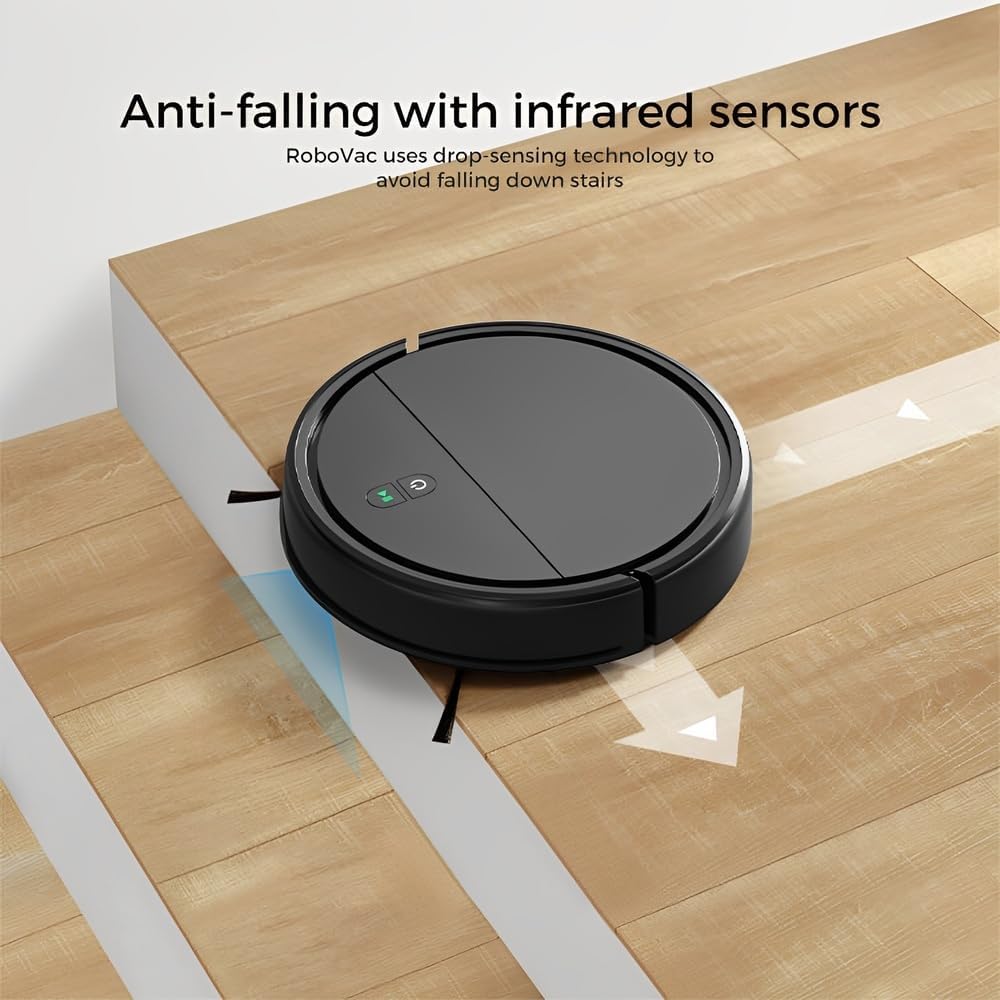
Image: Anti-falling infrared sensors prevent the robot from falling down stairs.

Image: The mechanical bumper allows the robot to navigate around furniture without damage.
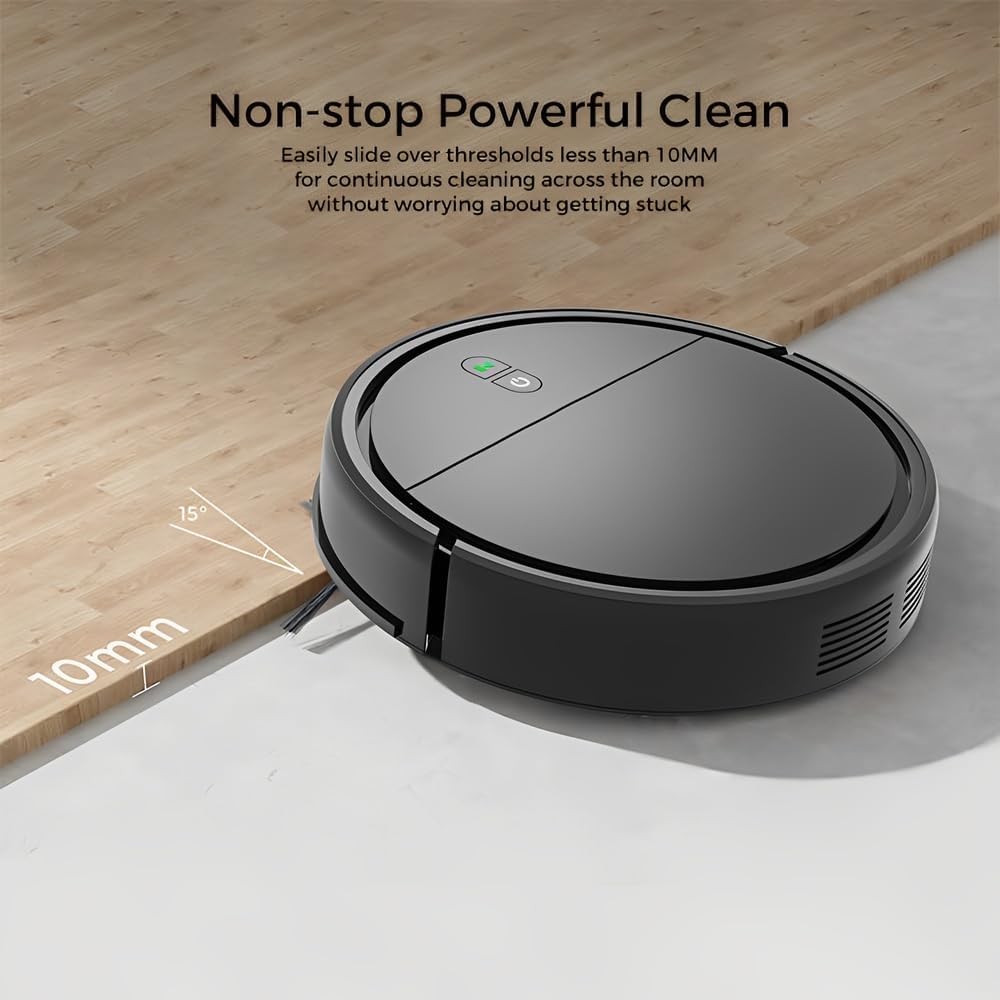
Image: The robot can easily overcome thresholds up to 10mm for continuous cleaning.
Wartung
Regular maintenance ensures optimal performance and extends the life of your robot.
Entleeren des Mülleimers

Image: The large dustbin collects various types of debris, reducing the frequency of emptying.
- Drücken Sie den Entriegelungsknopf für den Abfalleimer und ziehen Sie den Abfalleimer heraus.
- Öffnen Sie den Deckel des Abfalleimers und leeren Sie den Inhalt in einen Mülleimer.
- Clean the filter inside the dustbin with the provided cleaning tool or a soft brush. Replace the filter if necessary.
- Rinse the dustbin with water if needed, ensuring it is completely dry before reinserting.
Seitenbürsten reinigen
- Überprüfen Sie die Seitenbürsten regelmäßig auf verhedderte Haare oder Ablagerungen.
- Carefully remove any tangled material. If brushes are worn, replace them with new ones.
Sensoren reinigen
- Wipe the anti-drop sensors and charging contacts on the bottom of the robot with a clean, dry cloth.
- Ensure the bumper area is free of debris.
Cleaning Mopping Cloth
- Remove the mopping cloth after each use.
- Wash the cloth by hand or machine. Allow it to air dry completely before reattaching.
Fehlerbehebung
| Problem | Mögliche Ursache | Lösung |
|---|---|---|
| Roboter lässt sich nicht einschalten. | Schwache Batterie; Einschalttaste nicht richtig gedrückt. | Laden Sie den Roboter auf; Halten Sie den Ein-/Ausschalter einige Sekunden lang gedrückt. |
| Der Roboter bleibt häufig stecken. | Obstacles (cables, rugs, small items); Dirty sensors. | Clear the cleaning area; Clean the anti-drop and bumper sensors. |
| Mangelhafte Reinigungsleistung. | Voller Staubbehälter; Verstopfter Filter; Abgenutzte Seitenbürsten. | Mülleimer leeren; Filter reinigen/austauschen; Seitenbürsten reinigen/austauschen. |
| Ein Roboter stürzt die Treppe hinunter. | Dirty anti-drop sensors; Sensors obstructed. | Clean the anti-drop sensors thoroughly. |
| Die Wischfunktion ist wirkungslos. | Mopping cloth is dry or dirty. | Dampen the mopping cloth; Clean or replace the mopping cloth. |
Technische Daten
| Modell | KRV306 |
| Marke | Leben |
| Funktionen | Vacuuming, Mopping |
| Akku-Typ | 1500mAh Lithium-Ionen |
| Laufzeit | Bis zu 80 Minuten |
| Ladezeit | 3-4 Stunden |
| Saugleistung | 400PA |
| Geräuschpegel | Max. 68 dB |
| Fassungsvermögen des Staubbehälters | Optimized (ample capacity) |
| Abmessungen (Durchmesser x Höhe) | 29 cm x 7.2 cm |
| Gewicht | 2.1 kg |
| Threshold Climbing Ability | Bis zu 10 mm |
| Besondere Merkmale | Anti-drop Infrared Sensor, Mechanical Bumper, Low Noise, Compact, Rechargeable |
Garantieinformationen
The Klinsmann KRV306 Robotic Vacuum and Mop comes with a 90 Tage Garantie from the date of purchase, covering manufacturing defects. This warranty does not cover damage caused by misuse, accidents, unauthorized modifications, or normal wear and tear. Please retain your proof of purchase for warranty claims.
Kundenservice
If you encounter any issues or have questions regarding your Klinsmann KRV306, please refer to the troubleshooting section of this manual. For further assistance, contact the retailer or manufacturer's customer service department with your product model and purchase details.


