1. Einleitung
This manual provides essential information for setting up, operating, and maintaining your Aiwa AW50RKQ 50-inch QLED 4K Ultra HD Roku TV. Please read these instructions carefully before using the product to ensure safe and optimal performance.
The Aiwa AW50RKQ is designed to deliver a powerful streaming experience and superior image quality with its QLED panel and 3840 x 2160 pixel (4K) resolution. It features Roku TV for quick access to applications and streaming channels, along with Dolby Digital sound and a slim design.
2. Packungsinhalt
Bitte überprüfen Sie, ob alle unten aufgeführten Artikel in Ihrem Paket enthalten sind:
- Aiwa AW50RKQ 50-inch QLED 4K Ultra HD Roku TV
- Fernbedienung
- Fernsehtisch
- Schrauben für die Ständermontage
- Stromkabel
- Netzteil
- Benutzerhandbuch (dieses Dokument)
- Garantiekarte
3. Einrichtung
3.1 Anbringen des TV-Ständers
Carefully place the TV screen-down on a soft, clean surface to prevent scratches. Align the TV stand with the mounting holes on the bottom of the TV. Secure the stand using the provided screws.
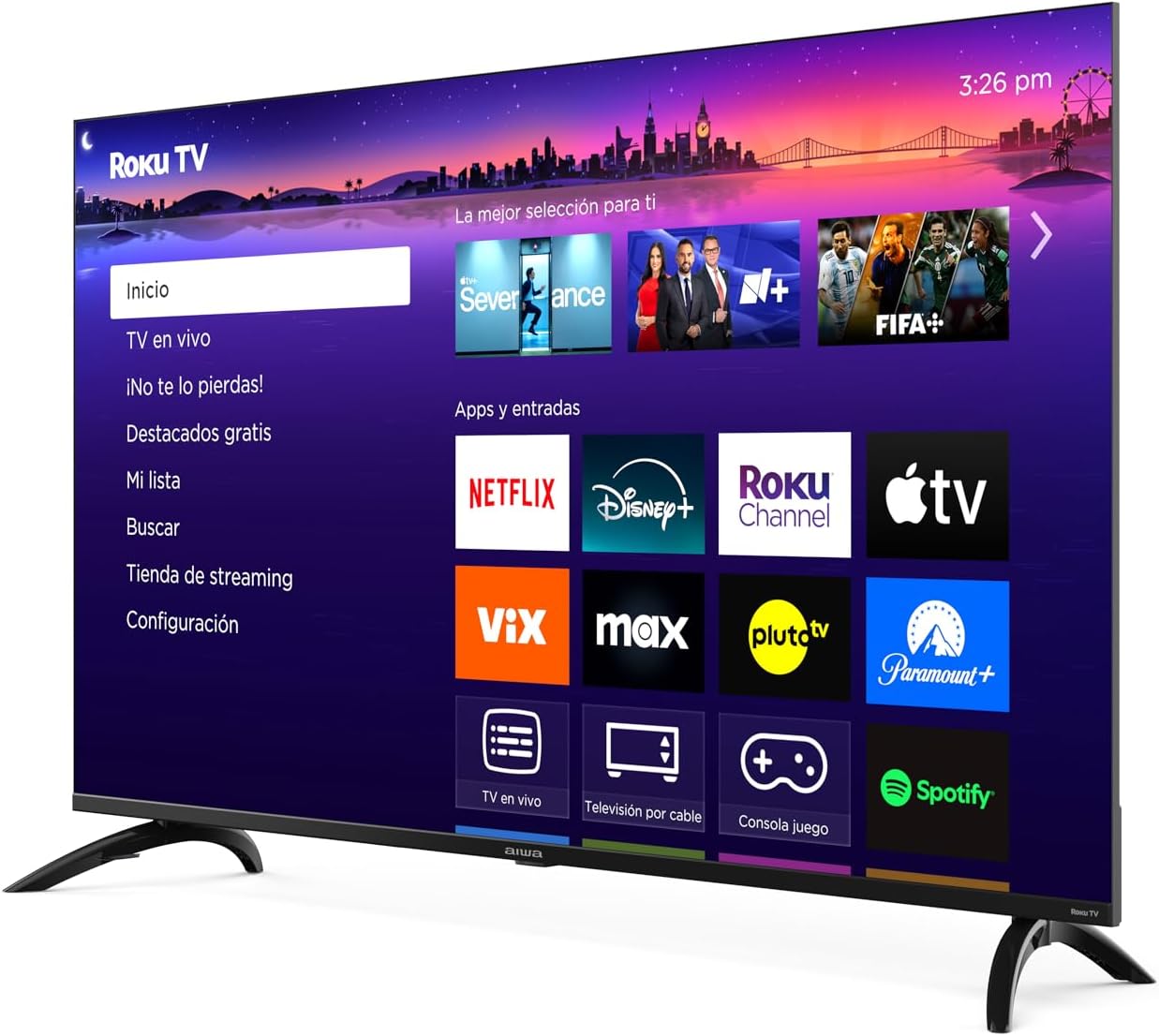
Bild: Vorderseite view of the Aiwa AW50RKQ 50-inch QLED 4K Ultra HD Roku TV with its stand attached, displaying the Roku TV interface.
3.2 Stromversorgung anschließen
Connect the power cable to the TV's power input and then plug it into a wall outlet. Ensure the power adapter is securely connected if provided separately.
3.3 Externe Geräte anschließen
Your Aiwa AW50RKQ TV offers various connectivity options:
- HDMI: Connect up to 4 HDMI devices (e.g., Blu-ray player, game console, cable box). One HDMI port supports eARC for enhanced audio return channel functionality.
- USB: Schließen Sie ein USB-Laufwerk zur Medienwiedergabe an.
- Composite A/V: For older devices, use the composite audio/video input.
- Optischer Digitalausgang: Schließen Sie eine Soundbar oder ein Heimkinosystem für digitale Audioausgabe an.
- Kopfhörerausgang: Schließen Sie Kopfhörer für privates Hören an.

Bild: Rückseite view of the Aiwa AW50RKQ TV, showing the various input and output ports including HDMI, USB, and audio connections.
3.4 Erstes Einschalten und Einrichtung des Roku-Fernsehers
Press the power button on the remote control or the TV. Follow the on-screen instructions to complete the initial setup, including connecting to your Wi-Fi network and activating your Roku account.
4. Bedienungsanleitung
4.1-Fernbedienung
The included remote control provides access to all TV functions. Familiarize yourself with the buttons for power, volume, channel selection, navigation, and dedicated app buttons.
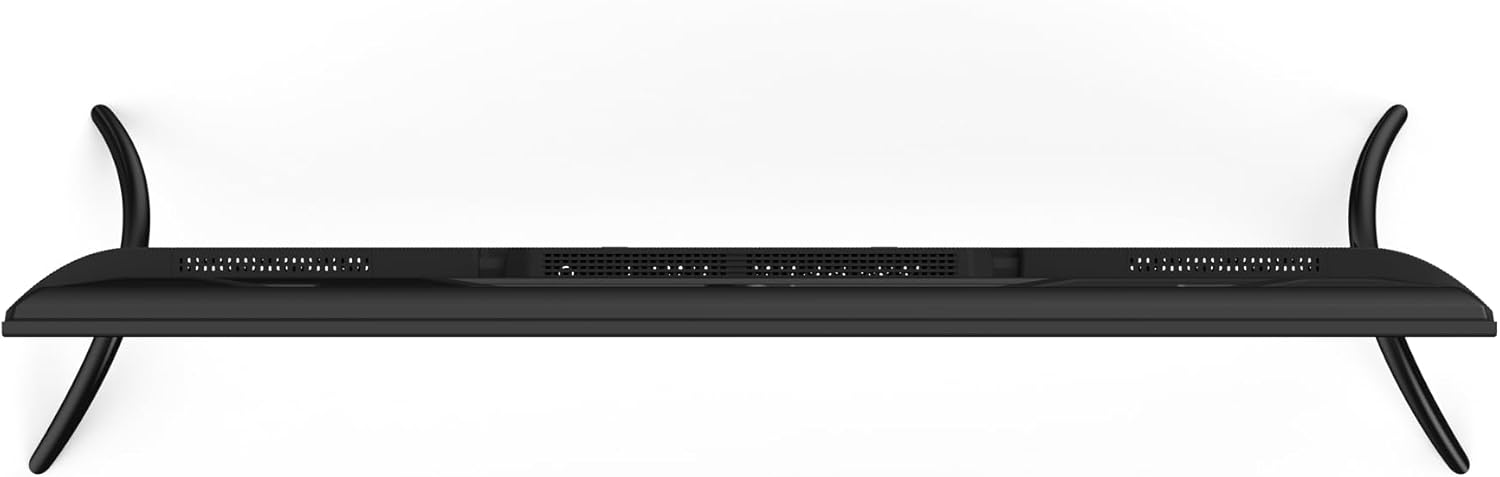
Image: Close-up of the Aiwa AW50RKQ TV remote control, showing its buttons and layout.
4.2 Roku TV-Schnittstelle
The Roku TV operating system provides a simple and fluid navigation experience. From the home screen, you can access:
- Streaming-Kanäle: Browse and add thousands of free or paid streaming apps.
- Live-TV: Access over-the-air broadcasts via the integrated ATSC tuner.
- Eingänge: Switch between connected HDMI and other input sources.
- Suchen: Find movies, shows, and actors across various streaming services.
- Einstellungen: Passen Sie die Bild-, Ton-, Netzwerk- und Systemeinstellungen an.
4.3 Sprachassistent
The TV supports a compatible voice assistant for convenient control. Refer to the Roku TV on-screen guide for specific instructions on enabling and using voice commands.
5. Funktionen und Spezifikationen
5.1 Anzeige
- Bildschirmgröße: 50 Zoll
- Panel-Typ: QLED
- Auflösung: 3840 x 2160 (4K UHD)
- Seitenverhältnis: 16:9
- Helligkeit: 330 nits (minimum)
- Kontrastverhältnis: 1200: 1 (typisch)
- Viewing-Winkel: 178 ° horizontal / 178 ° vertikal
- Aktualisierungsrate: 60 Hz
- HDR-Unterstützung: Ja
5.2 Audio
- Audio-Ausgangsleistung: 2 x 10 W
- Tontechnik: Dolby Digital
5.3 Konnektivität
- HDMI-Eingänge: 4 (1 mit eARC)
- USB Eingang: 1
- Composite A/V Input: Ja
- Optischer Digitalausgang: Ja
- Kopfhörerausgang: Ja
- Kabellose Verbindung: Wi-Fi 802.11 b/g/n/ac, Bluetooth
5.4 Internal Hardware
- Prozessor: CPU CA55 x4
- Grafikkarte: Mali 470 MP3
- RAM: 1.5 GB
- Interner Speicher: 16 GB eMMC
- Betriebssystem: Roku-Fernseher
5.5 Physikalische Eigenschaften
- Dimensions without Stand: 1118 x 652 x 70 mm
- Abmessungen mit Ständer: 1118 x 735 x 210 mm
- Gewicht: 12.1 kg
- Energieverbrauch: 90 Watt
- Standby-Verbrauch: Weniger als 0.5 W
6. Wartung
Um die Langlebigkeit und optimale Leistung Ihres Fernsehers zu gewährleisten, befolgen Sie bitte diese Wartungsrichtlinien:
- Reinigen des Bildschirms: Verwenden Sie ein weiches, fusselfreies Tuch, das speziell für Elektronikgeräte entwickelt wurde. Verwenden Sie keine Scheuermittel oder Lösungsmittel. Leicht trocknen.ampBefeuchten Sie das Tuch gegebenenfalls mit Wasser und wischen Sie vorsichtig ab.
- Reinigung des Schranks: Wipe the TV cabinet with a soft, dry cloth. Avoid using harsh chemicals.
- Belüftung: Stellen Sie sicher, dass die Lüftungsöffnungen an der Rückseite des Fernsehers nicht blockiert sind. Sorgen Sie für ausreichend Platz um den Fernseher herum, um eine gute Luftzirkulation zu gewährleisten.
- Netzkabel: Überprüfen Sie das Netzkabel regelmäßig auf Beschädigungen. Wenden Sie sich im Schadensfall an den Kundendienst, um ein Ersatzkabel zu erhalten.
- Lagerung: If storing the TV for an extended period, disconnect it from power and cover it to protect against dust.
7. Fehlerbehebung
Sollten Sie Probleme mit Ihrem Fernseher haben, beachten Sie bitte die folgenden gängigen Lösungsansätze:
| Problem | Mögliche Ursache | Lösung |
|---|---|---|
| Kein Strom | Stromkabel nicht angeschlossen oder keine Stromversorgung über die Steckdose. | Ensure power cable is securely connected and the outlet is functional. Try a different outlet. |
| Kein Bild, aber Ton ist vorhanden | Incorrect input source selected or external device issue. | Press the "Input" button on the remote to select the correct source. Check the external device's power and connections. |
| Kein Ton, aber ein Bild ist vorhanden. | Volume muted or too low, or audio settings incorrect. | Increase volume. Check if mute is active. Verify audio output settings in the TV menu. |
| Keine Verbindung zum WLAN möglich | Incorrect password, router issue, or TV too far from router. | Überprüfen Sie Ihr WLAN-Passwort. Starten Sie Ihren Router neu. Stellen Sie den Fernseher näher an den Router oder verwenden Sie einen WLAN-Repeater. |
| Fernbedienung funktioniert nicht | Leere Batterien oder Verstopfung. | Tauschen Sie die Batterien aus. Stellen Sie sicher, dass sich keine Hindernisse zwischen der Fernbedienung und dem Infrarotsensor des Fernsehers befinden. |
For further assistance, please refer to the official Aiwa support webWebsite oder wenden Sie sich an den Kundendienst.
8. Garantie und Support
Your Aiwa AW50RKQ TV comes with a standard manufacturer's warranty. Please refer to the included warranty card for details on coverage, terms, and conditions. Keep your proof of purchase for warranty claims.
For technical support, service, or additional product information, please visit the official Aiwa website or contact their customer support line. Contact information can typically be found on the warranty card or the manufacturer's webWebsite.


