1. Produktüberschreitungview
The SGIN Y101 is a 15.6-inch laptop designed for everyday computing tasks, featuring a Core i3 processor, 16GB RAM, and a 1024GB SSD. It operates on Windows 11 Home and includes a backlit keyboard, WiFi 6 connectivity, and a 180-degree hinge for flexible use.

Image: SGIN Y101 Laptop highlighting its Core i3 processor, Windows 11, 7000mAh battery, backlit keyboard, WiFi 6, 180-degree hinge, 16GB RAM, and 1024GB SSD.
2. Lieferumfang
- 1 x SGIN Y101 Laptop
- 1 x Netzteil/Ladegerät
- 1 x Benutzerhandbuch (dieses Dokument)
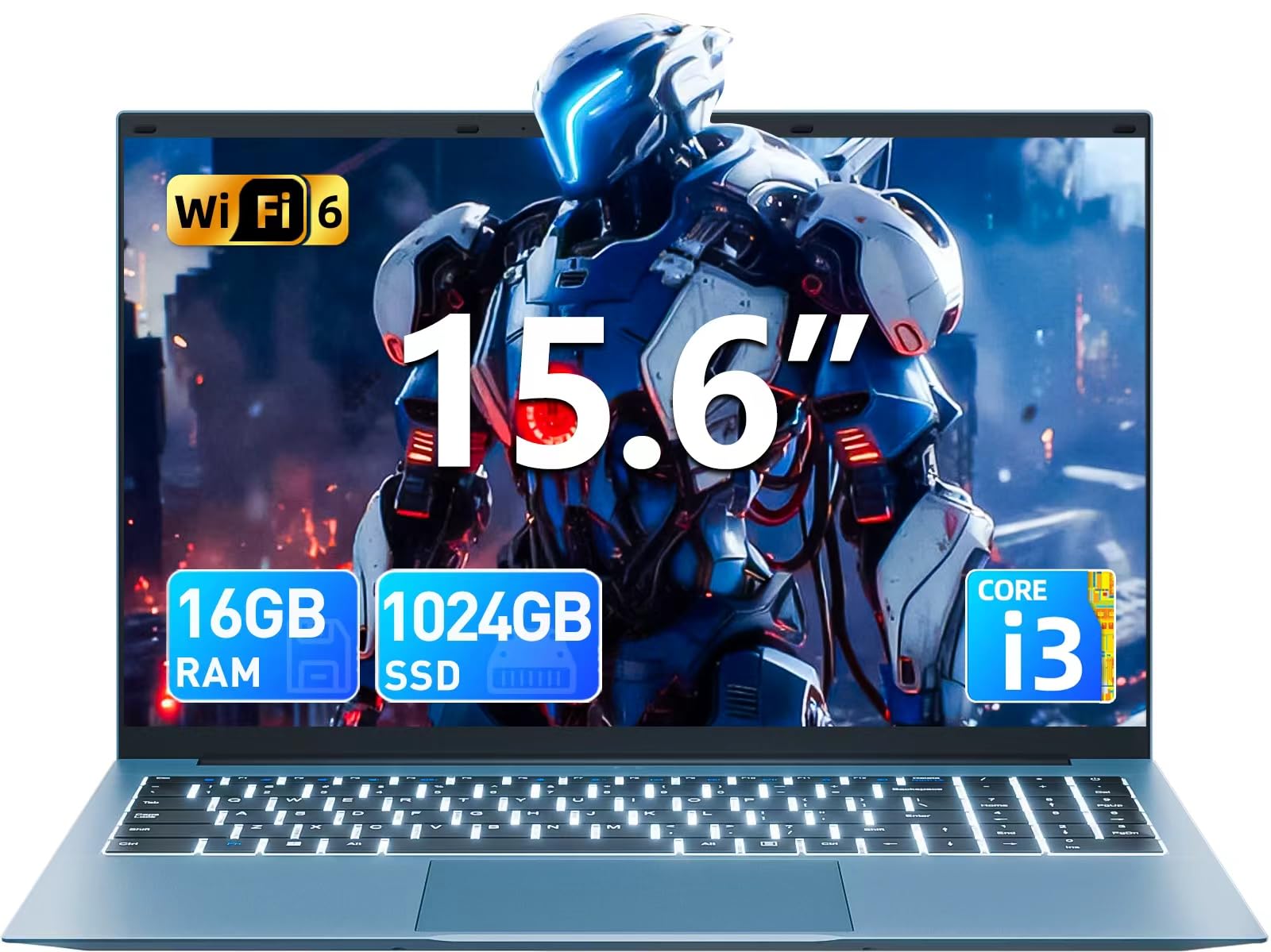
Image: The SGIN Y101 laptop, its power adapter, and the user manual as typically found in the product packaging.
3. Einrichtung
3.1 Erstes Aufladen und Einschalten
- Schließen Sie das Netzteil an: Stecken Sie das Netzteil in die DC-Buchse an der Seite des Laptops und anschließend in eine Steckdose.
- Laden Sie den Akku auf: Lassen Sie den Laptop vor der ersten Benutzung mindestens 30 Minuten lang aufladen oder bis die Akkuanzeige einen ausreichenden Ladestand anzeigt.
- Einschalten: Open the laptop lid and press the power button, usually located on the top right of the keyboard, to turn on the device.
3.2 Windows 11-Einrichtung
Follow the on-screen instructions to complete the initial Windows 11 Home setup. This typically includes:
- Auswahl Ihrer Region und Ihres Tastaturlayouts.
- Connecting to a Wi-Fi network (WiFi 6 supported).
- Anmelden oder Erstellen eines Microsoft-Kontos.
- Einrichten einer PIN oder eines Passworts.
3.3 Anschließen von Peripheriegeräten
The SGIN Y101 laptop offers various ports for connecting external devices:
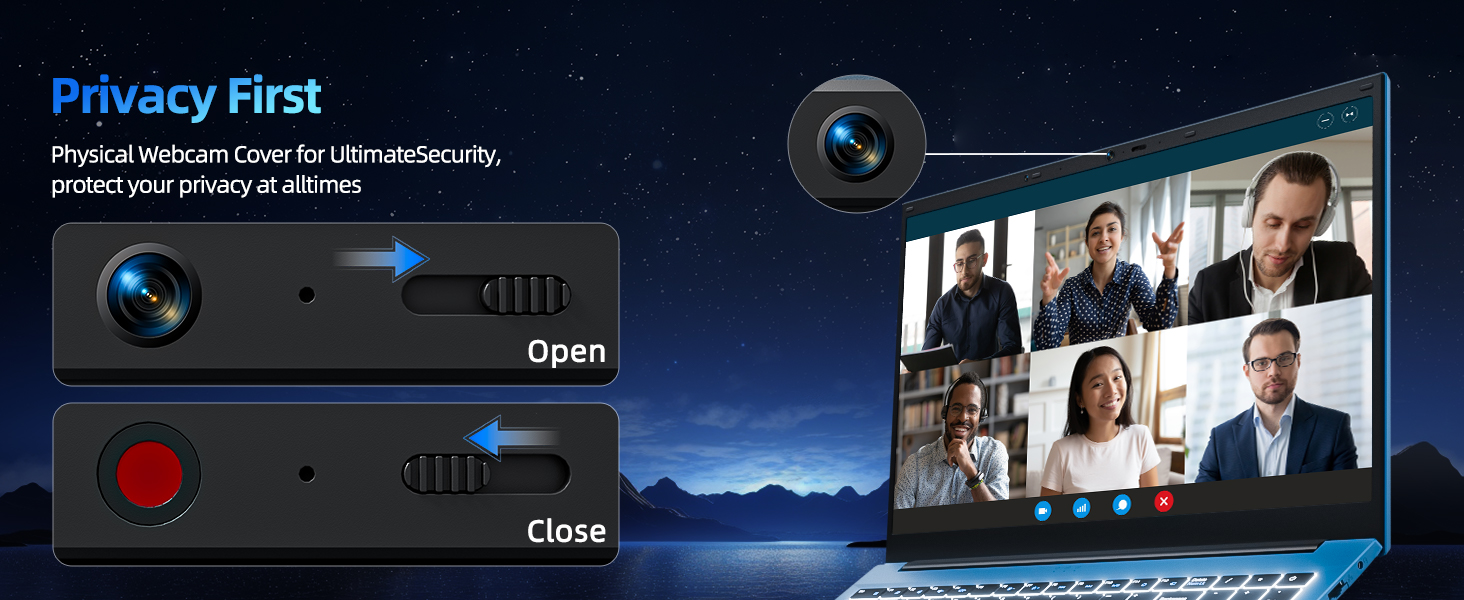
Bild: Detailliert view of the laptop's multiple interfaces, including DC jack, Type-C, HDMI, USB 3.2, Security lock, TF card slot, 3.5mm Headphone jack, and RJ45 Ethernet port.
- USB 3.0/3.2-Anschlüsse: Zum Anschließen von USB-Geräten wie Mäusen, Tastaturen oder externen Speichermedien.
- HDMI-Anschluss: Schließen Sie einen externen Monitor oder Fernseher für eine erweiterte Anzeige an.
- Typ C-Anschluss: For data transfer and potentially charging compatible devices.
- Micro-SD-Steckplatz: Insert a TF card for expanded storage up to 1TB.
- 3.5mm Kopfhörerbuchse: Schließen Sie Kopfhörer oder externe Lautsprecher an.
- RJ45-Ethernet-Port: Für eine kabelgebundene Internetverbindung.
- Steckplatz für Kensington-Schloss: Zur physischen Sicherheit.
4. Bedienung des Laptops
4.1 Tastatur und Touchpad
The laptop features a full-size keyboard with a numeric keypad and a large touchpad for navigation. The keyboard is backlit for use in low-light conditions.
- Tastatur mit Hintergrundbeleuchtung: Drücken Fn + F5 to toggle the keyboard backlight on or off.
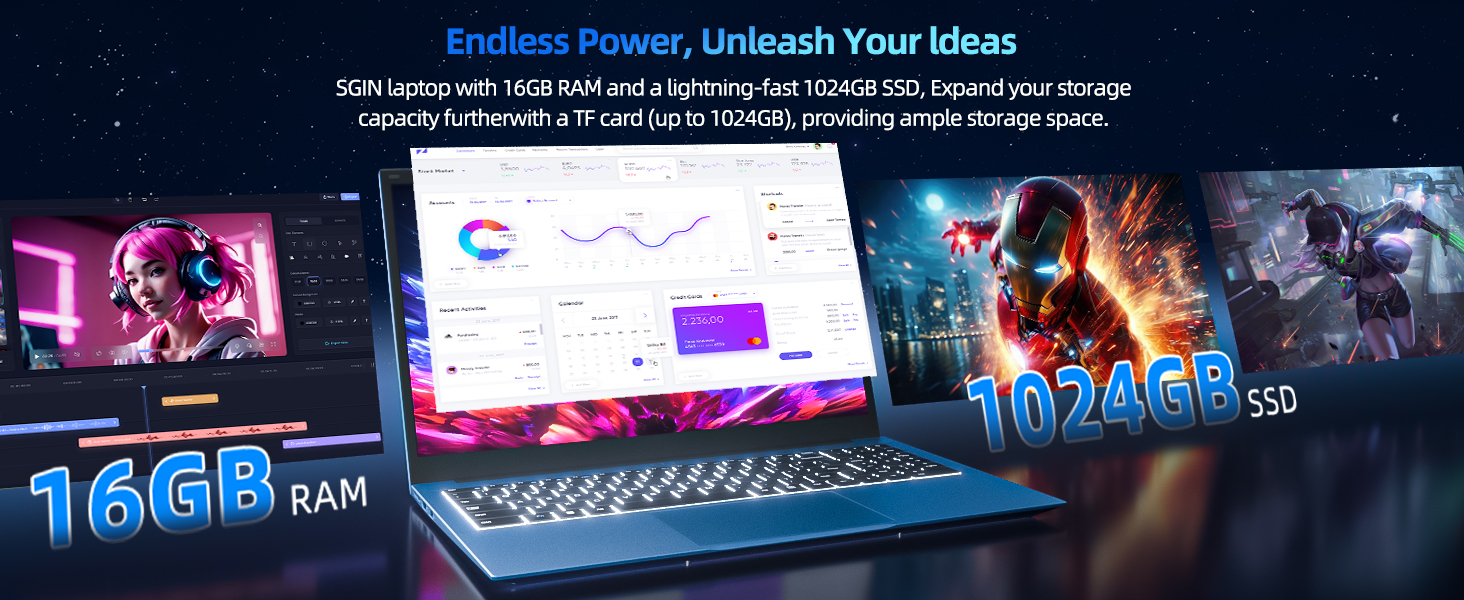
Image: Close-up of the SGIN Y101 laptop's backlit keyboard and numeric keypad, illustrating the Fn+F5 shortcut for backlight control.
4.2 Anzeigefunktionen
The 15.6-inch Full HD (1920x1080) IPS screen provides clear visuals and wide viewing angles. The laptop also features a 180-degree hinge, allowing the screen to lay flat for easy sharing and collaboration.
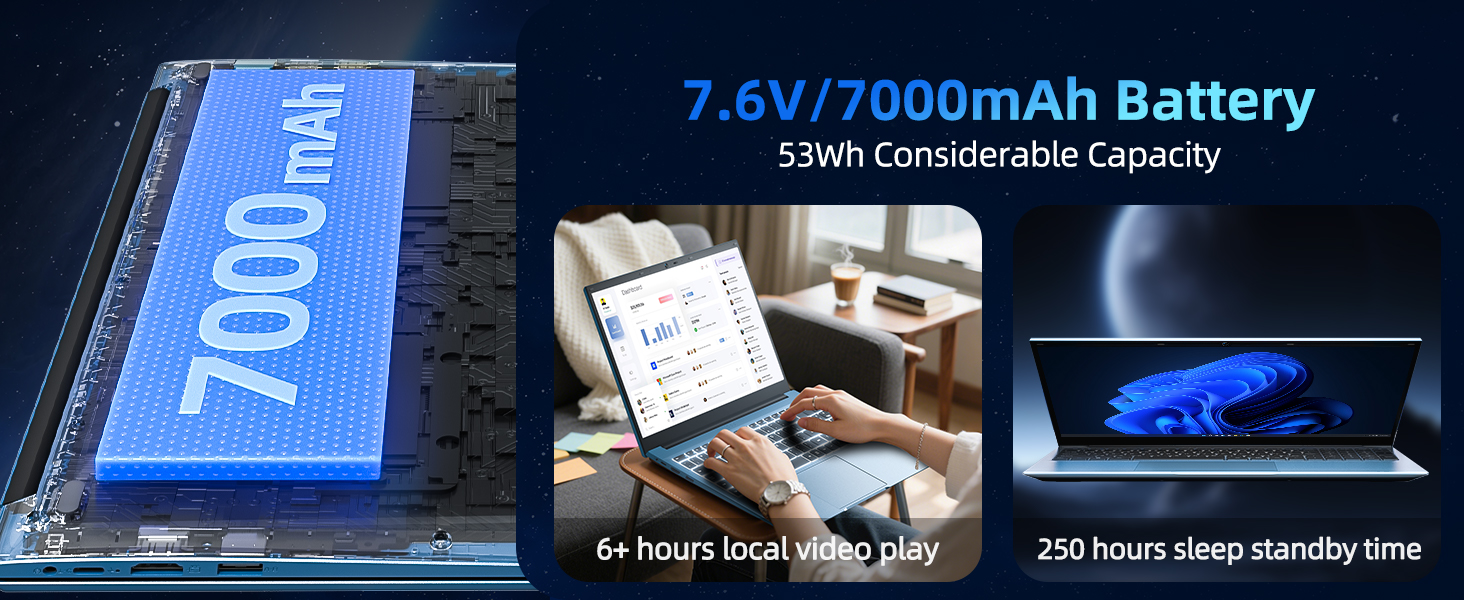
Image: The SGIN Y101 laptop displaying vibrant visuals on its 15.6-inch Full HD IPS screen.
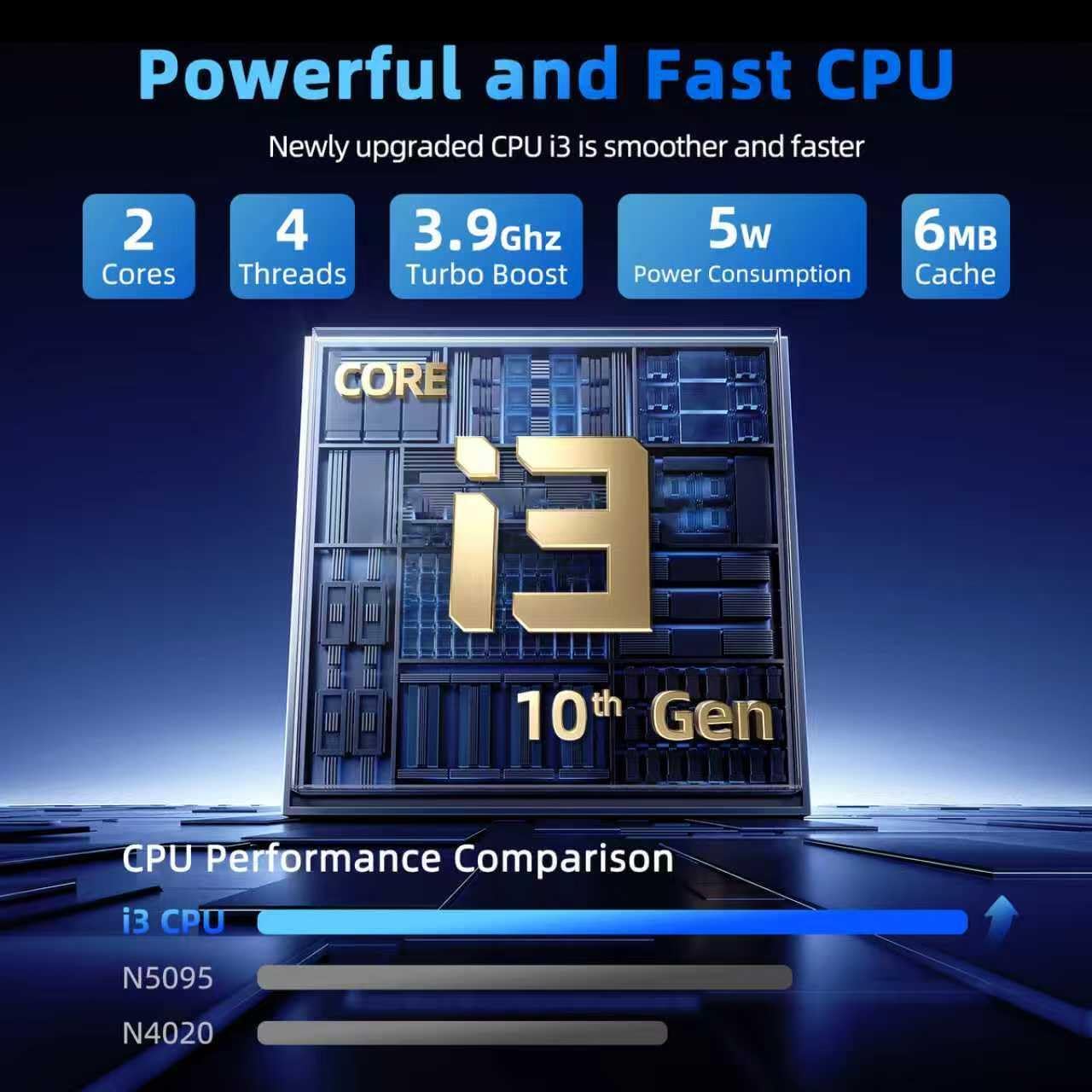
Image: The SGIN Y101 laptop open, illustrating its 180-degree hinge design for flexible viewing und teilen.
4.3-Datenschutz WebNockenabdeckung
For enhanced privacy, the laptop includes a built-in physical webcam switch. Slide the cover to open or close the webKamera nach Bedarf.
5. Wartung
5.1 Allgemeine Pflege
- Vermeiden Sie es, den Laptop extremen Temperaturen, direkter Sonneneinstrahlung oder hoher Luftfeuchtigkeit auszusetzen.
- Halten Sie Flüssigkeiten vom Gerät fern.
- Behandeln Sie den Laptop vorsichtig, um physische Beschädigungen zu vermeiden.
5.2 Reinigung
- Verwenden Sie ein weiches, fusselfreies Tuch, um den Bildschirm und die Außenseite zu reinigen.
- Bei hartnäckigen Flecken leicht dampDas Tuch mit Wasser oder einem für Bildschirme geeigneten Reiniger abwischen.
- Reinigungsmittel dürfen nicht direkt auf den Laptop gesprüht werden.
5.3 Batteriepflege
- Um die Lebensdauer des Akkus zu verlängern, vermeiden Sie häufiges vollständiges Entladen des Akkus.
- Bewahren Sie den Laptop an einem kühlen, trockenen Ort auf, wenn er längere Zeit nicht benutzt wird.
- The 7000mAh/53.2Wh battery provides up to 8 hours of typical use.
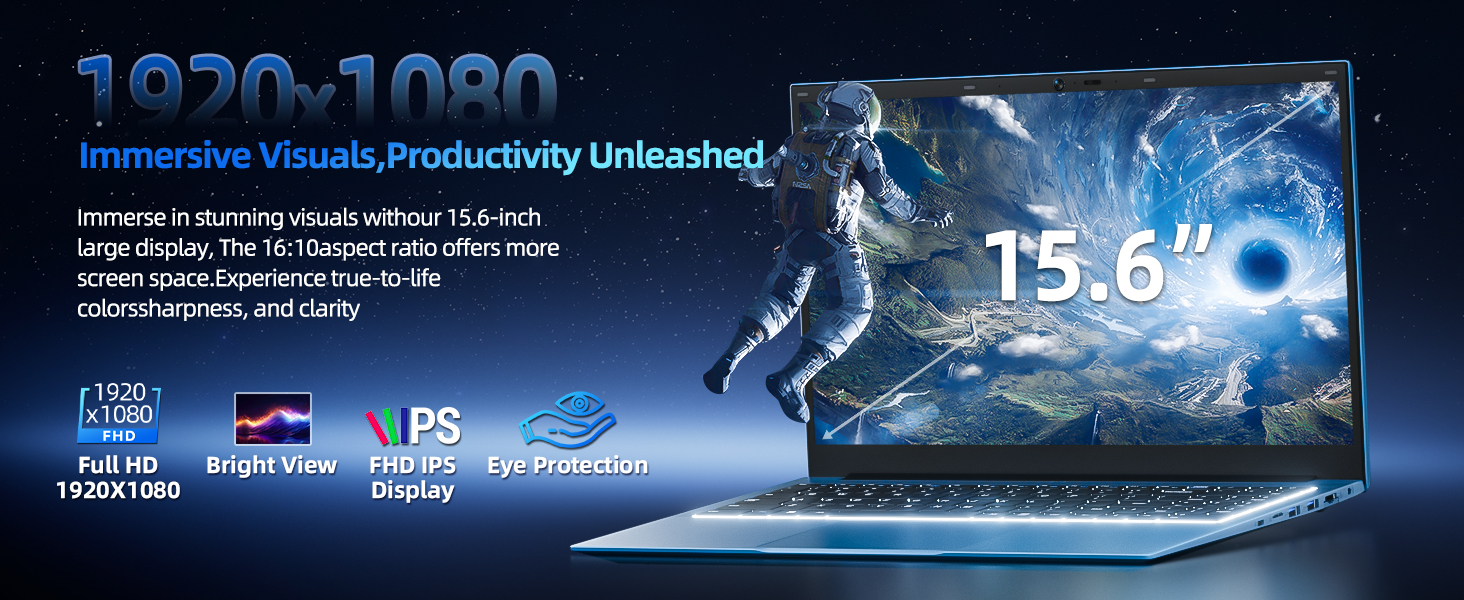
Image: Visual representation of the SGIN Y101 laptop's 7000mAh/53.2Wh large capacity battery, indicating its suitability for extended use.
6. Fehlerbehebung
This section addresses common issues you might encounter with your SGIN Y101 laptop.
6.1 Probleme mit Stromversorgung und Systemstart
- Laptop lässt sich nicht einschalten: Vergewissern Sie sich, dass das Netzteil fest angeschlossen ist und der Akku ausreichend geladen ist. Versuchen Sie es mit einer anderen Steckdose.
- Laptop turns on but screen is black: Connect to an external monitor via HDMI to check if the display is the issue. Restart the laptop.
6.2 Anzeige und Grafik
- Screen flickering or unusual display: Update graphics drivers. If connecting to an external display, ensure the cable is secure.
- Screen appears dim or too bright: Adjust brightness settings in Windows or using keyboard function keys.
6.3 Verbindungsprobleme
- WLAN-Verbindung wird nicht hergestellt: Check if Wi-Fi is enabled in Windows settings. Restart your router and the laptop. Ensure correct password entry.
- USB-Geräte werden nicht erkannt: Try a different USB port. Ensure the device drivers are installed.
6.4 Tastatur und Touchpad
- Tastatur reagiert nicht: Restart the laptop. Ensure no foreign objects are under the keys.
- Touchpad funktioniert nicht: Check Windows settings to ensure the touchpad is enabled. Restart the laptop.
- Hintergrundbeleuchtung funktioniert nicht: Drücken Fn + F5 to ensure it's toggled on.
If you encounter persistent issues not covered here, please refer to the support section for assistance.
7. Spezifikationen
| Besonderheit | Detail |
|---|---|
| Modellname | SGIN-Y101 |
| Prozessor | Intel Core i3-10100 (2-core, 4-thread, 6MB cache, up to 3.9GHz) |
| RAM | 16 GB DDR3 SDRAM |
| Lagerung | 1024GB SSD (expandable with TF card up to 1TB) |
| Anzeige | 15.6-Zoll Full HD (1920x1080) IPS-Display |
| Betriebssystem | Windows 11 Home |
| Batterie | 7000mAh / 53.2Wh (up to 8 hours battery life) |
| Kabellose Konnektivität | WLAN 6 (802.11ax) |
| Häfen | USB 3.0, HDMI, Micro SD slot, Type-C, Kensington lock, 3.5mm Headphone jack, RJ45 Ethernet |
| Abmessungen (LxBxH) | 15.6 x 9 x 0.6 Zoll |
| Gewicht | 4.97 Pfund |
| Farbe | Grau |
8. Garantie und Support
Your SGIN Y101 laptop comes with comprehensive support and warranty:
- 1 Jahre Schutz: Enjoy a 1-year protection plan covering manufacturing defects.
- 1 Jahre Reparaturservice: The product includes a 1-year repair service.
- 30-Tage-Rückgaberecht: Rückgabe innerhalb von 30 Tagen nach Kaufdatum möglich.
- Kundensupport rund um die Uhr: Access instant customer help for any queries or issues.
For support, please contact SGIN customer service through the official channels provided at the time of purchase or on the SGIN webWebsite.
9. Produktdemonstrationsvideo
Watch this official video for a visual guide on the SGIN 15.6 Inch Laptop Computer's features and connectivity options.
Video: Ein überview and demonstration of the SGIN 15.6-inch laptop, showcasing its design, features, and available ports.


