1. Einleitung
This manual provides essential information for setting up, operating, maintaining, and troubleshooting your Sharp Aquos QLED 55 Inch 4K Ultra HD Xumo Smart TV. Please read this manual thoroughly before using your television and retain it for future reference.
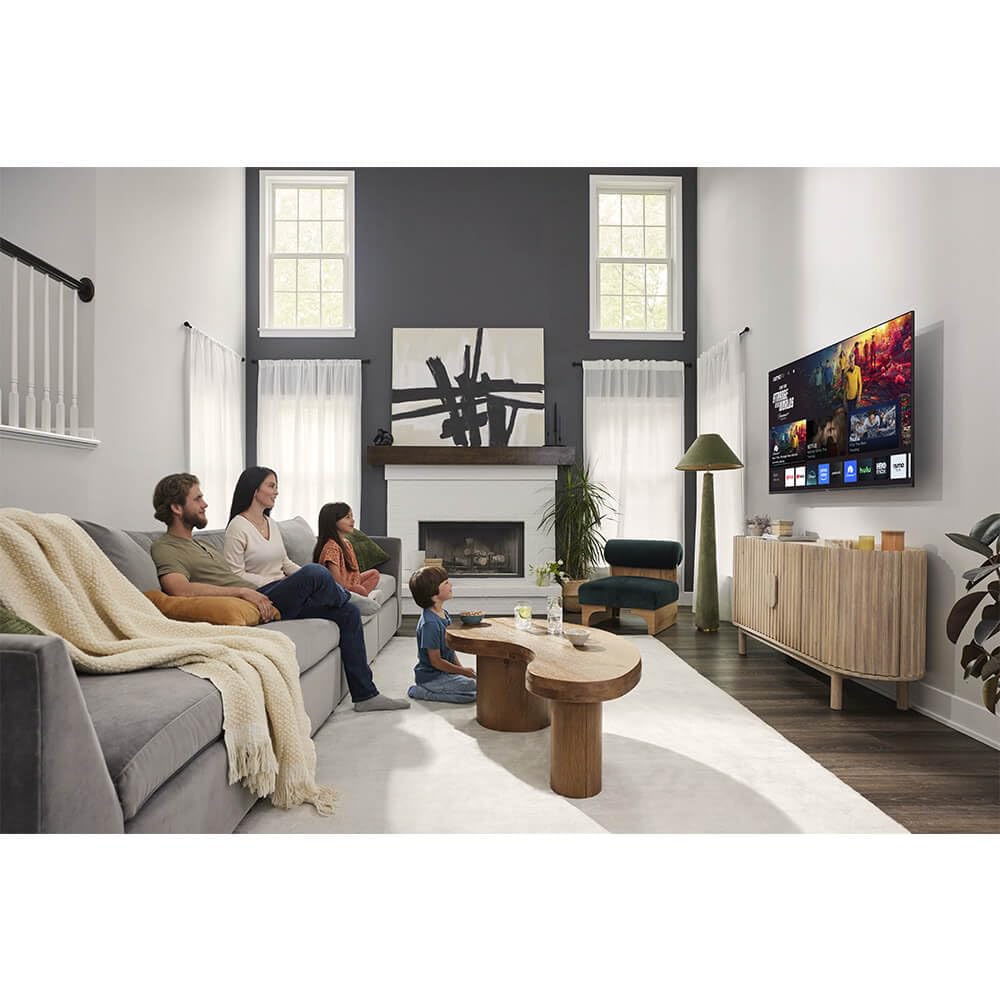
Bild: Vorderseite view of the Sharp Aquos QLED 55 Inch 4K Ultra HD Xumo Smart TV.
2. Sicherheitshinweise
Always follow basic safety precautions when using this television to reduce the risk of fire, electric shock, and injury. Keep the television away from moisture, direct sunlight, and heat sources. Ensure proper ventilation and do not block any ventilation openings. Use only the power cord and accessories specified by the manufacturer. Refer to the full safety guidelines in the included printed manual.
3. Lieferumfang
Your Sharp Aquos QLED 55 Inch 4K Ultra HD Xumo Smart TV package includes:
- Sharp Aquos QLED 55 Inch 4K Ultra HD Xumo Smart TV
- Sprachfernbedienung
- TV-Ständer (2-teilig)
- Schrauben für TV-Ständer
- Netzkabel
- Benutzerhandbuch (dieses Dokument)
- Kurzanleitung
4. Einrichtung
4.1 Anbringen des TV-Ständers
- Legen Sie den Fernseher vorsichtig mit dem Bildschirm nach unten auf eine weiche, ebene Unterlage, um Beschädigungen zu vermeiden.
- Richten Sie jedes Standfußteil an den entsprechenden Schraubenlöchern an der Unterseite des Fernsehers aus.
- Befestigen Sie jedes Ständerteil mit den mitgelieferten Schrauben. Achten Sie darauf, dass diese fest angezogen sind.
4.2 Wandmontage (optional)
If you choose to wall mount your TV, ensure you use a VESA-compatible wall mount kit (sold separately) that supports the 55-inch screen size and weight. Follow the instructions provided with your wall mount kit. Remove the TV stand before mounting.
4.3 Geräte anschließen
Connect your external devices (cable box, gaming console, soundbar, etc.) to the appropriate ports on the back of the TV. The Sharp Aquos QLED TV features multiple HDMI inputs for versatile connectivity.

Bild: Rückseite view of the Sharp Aquos QLED TV showing cable management through the stand.
4.4 Stromanschluss
Plug the power cord into the TV's power input, then into a wall outlet. The TV is now ready for initial setup.
5. Bedienungsanleitung
5.1 Ersteinrichtung und Netzwerkverbindung
Upon first power-on, the TV will guide you through the initial setup process. This includes selecting your language, connecting to your Wi-Fi network (dual-band Wi-Fi supported for reliable streaming), and agreeing to terms and conditions. Follow the on-screen prompts.
5.2 Fernbedienungsfunktionen
The included voice remote allows for intuitive navigation. Use the directional pad to move through menus, the OK button to select, and dedicated buttons for popular streaming services. The built-in voice search feature provides hands-free control for launching apps, adjusting volume, and switching inputs.
5.3 Xumo Smart TV Platform
The Xumo Smart TV system offers fast and intuitive access to your favorite streaming applications. The clean home screen allows for easy navigation and personalized content recommendations.
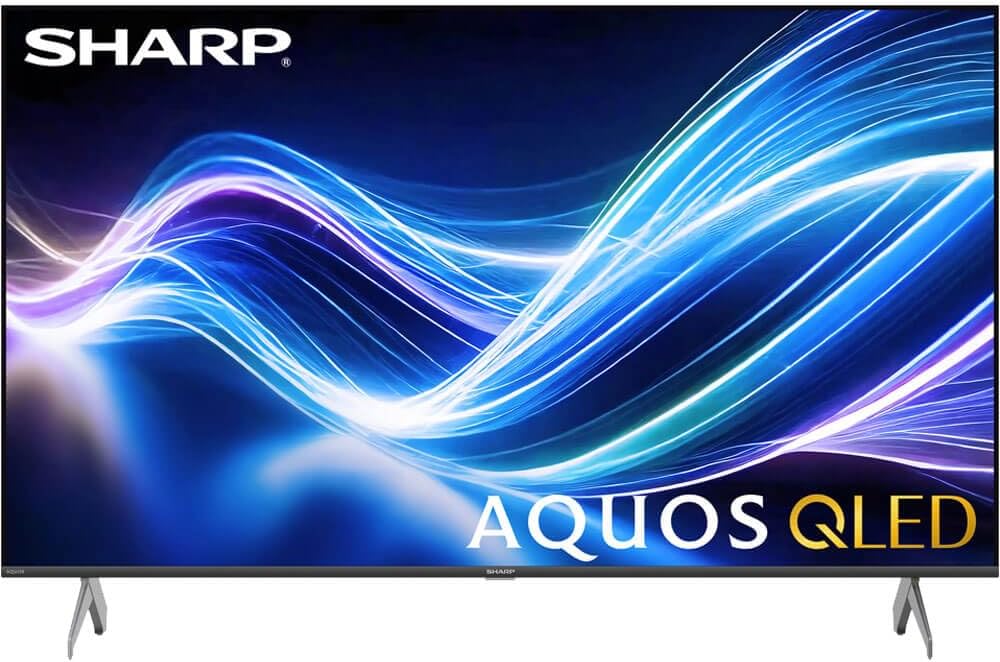
Image: The Xumo Smart TV home screen displaying various streaming apps and voice search functionality.
5.4 Bild- und Toneinstellungen
Your Sharp Aquos QLED TV supports advanced picture and sound technologies:
- 4K QLED-Display: Enjoy vibrant, lifelike images with Quantum Dot color and enhanced brightness.
- Dolby Vision & HDR10: These premium HDR formats optimize contrast, depth, and clarity for cinematic picture quality. Access picture settings via the TV menu to fine-tune brightness, contrast, color, and sharpness.
- Immersives Audio: The TV features optimized sound processing for clear dialogue and enhanced bass. Connect Bluetooth headphones or speakers for wireless listening. Adjust audio modes (Standard, Music, Movie, Speech, Custom) in the sound settings.
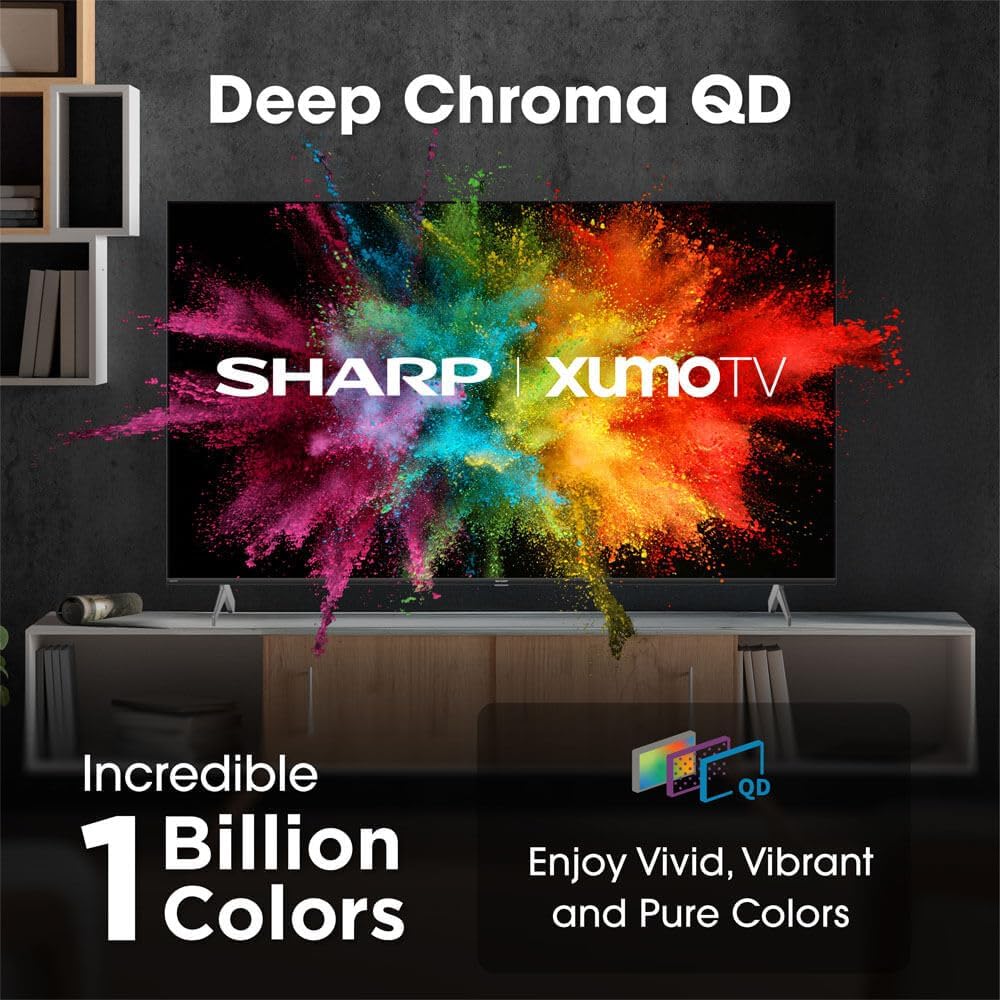
Image: Comparison of Dolby Vision enhanced picture quality against a standard display.

Image: Visual representation of Dolby Atmos creating immersive sound in a living room setting.
6. Wartung
6.1 Reinigung des Fernsehers
Um den Bildschirm zu reinigen, wischen Sie ihn vorsichtig mit einem weichen, fusselfreien Tuch ab. Bei hartnäckigen Flecken leicht andrücken.ampen the cloth with water or a screen-cleaning solution. Never spray liquid directly onto the screen. Clean the TV's exterior with a soft, dry cloth.
6.2 Softwareaktualisierungen
Ihr Fernseher erhält möglicherweise automatische Software-Updates, um die Leistung zu verbessern und neue Funktionen hinzuzufügen. Stellen Sie sicher, dass Ihr Fernseher mit dem Internet verbunden ist, um diese Updates zu erhalten. Sie können auch manuell im Einstellungsmenü Ihres Fernsehers nach Updates suchen.
7. Fehlerbehebung
| Problem | Mögliche Ursache | Lösung |
|---|---|---|
| Kein Strom | Power cord not connected, power outlet not working. | Überprüfen Sie den Netzanschluss, versuchen Sie es mit einer anderen Steckdose. |
| Kein Bild/Ton | Incorrect input selected, external device off/disconnected. | Verify input source, check device power and connections. |
| Fernbedienung funktioniert nicht | Batteries low/dead, obstruction between remote and TV. | Batterien austauschen, Hindernisse beseitigen, Fernbedienung gegebenenfalls neu koppeln. |
| Probleme mit der Wi-Fi-Verbindung | Router issues, incorrect password, weak signal. | Restart router, re-enter Wi-Fi password, move TV closer to router or use Ethernet. |
8. Spezifikationen
- Marke: Scharf
- Modellnummer: 4TC55HP7050U
- Bildschirmgröße: 55 Zoll
- Anzeigetechnologie: QLED Smart
- Auflösung: 4K Ultra HD
- Aktualisierungsrate: 60 Hz
- Besondere Merkmale: Flat, Dolby Vision, HDR10, Xumo Smart TV, Voice Remote, Bluetooth, Dual-band Wi-Fi
- Konnektivitätstechnologie: RCA, HDMI (multiple ports)
- Unterstützte Internetdienste: Netflix, Hulu, Amazon Prime Video (and more via Xumo platform)
- Artikelgewicht: 32 Pfund
- Farbe: Schwarz
9. Garantie und Support
Informationen zur Garantie und zum technischen Support finden Sie auf der Ihrem Produkt beiliegenden Garantiekarte oder auf der offiziellen Sharp-Website. webBewahren Sie Ihren Kaufbeleg als Kaufnachweis für Garantieansprüche auf.


