1. Einleitung
This manual provides essential information for using your new OPPO A6 Pro 5G smartphone. Please read it carefully to ensure proper operation and to maximize the device's features. Keep this manual for future reference.
2. Einrichtung
2.1. Auspacken und erste Inspektion
Nehmen Sie alle Komponenten vorsichtig aus der Verpackung. Überprüfen Sie, ob alle im Abschnitt „Lieferumfang“ aufgeführten Artikel vorhanden und unbeschädigt sind.
2.2. SIM-Karte einlegen
- Suchen Sie das SIM-Kartenfach an der Seite des Geräts.
- Führen Sie das SIM-Auswurfwerkzeug in die kleine Öffnung neben dem Fach ein und drücken Sie fest, bis das Fach herausspringt.
- Legen Sie Ihre Nano-SIM-Karte(n) und/oder microSD-Karte (falls vorhanden) mit den goldenen Kontakten nach unten in den Kartenschacht ein. Achten Sie darauf, dass sie richtig sitzen.
- Schieben Sie die Ablage vorsichtig zurück in den Schlitz, bis sie bündig mit dem Gehäuse des Telefons abschließt.
2.3. Einschalten und Erstkonfiguration
- Halten Sie die Ein-/Aus-Taste gedrückt, bis das OPPO-Logo erscheint.
- Folgen Sie den Anweisungen auf dem Bildschirm, um Ihre Sprache und Region auszuwählen, eine WLAN-Verbindung herzustellen und Ihr Google-Konto einzurichten.
- Schließen Sie den Einrichtungsassistenten ab, um Ihre Geräteeinstellungen zu personalisieren.
3. Bedienungsanleitung
3.1. Grundlegende Navigation
- Touchscreen-Gesten: Zum Auswählen tippen, zum Scrollen wischen, zum Zoomen zusammenziehen.
- Netzschalter: Press to lock/unlock the screen, press and hold for power options.
- Lautstärketasten: Medienlautstärke, Anruflautstärke und Benachrichtigungslautstärke anpassen.
3.2. Betriebssystem
The OPPO A6 Pro 5G runs on Android 15, providing a user-friendly interface and access to a wide range of applications through the Google Play Store.
3.3. Konnektivität
- W-lan: Stellen Sie eine Verbindung zu drahtlosen Netzwerken her, um auf das Internet zuzugreifen.
- Bluetooth: Pair with wireless headphones, speakers, and other compatible devices.
- USB: Use the USB-C port for charging, data transfer, and connecting to other accessories.
- 5G-Netzwerk: Utilize the device's 5G capabilities for faster mobile data speeds where available.
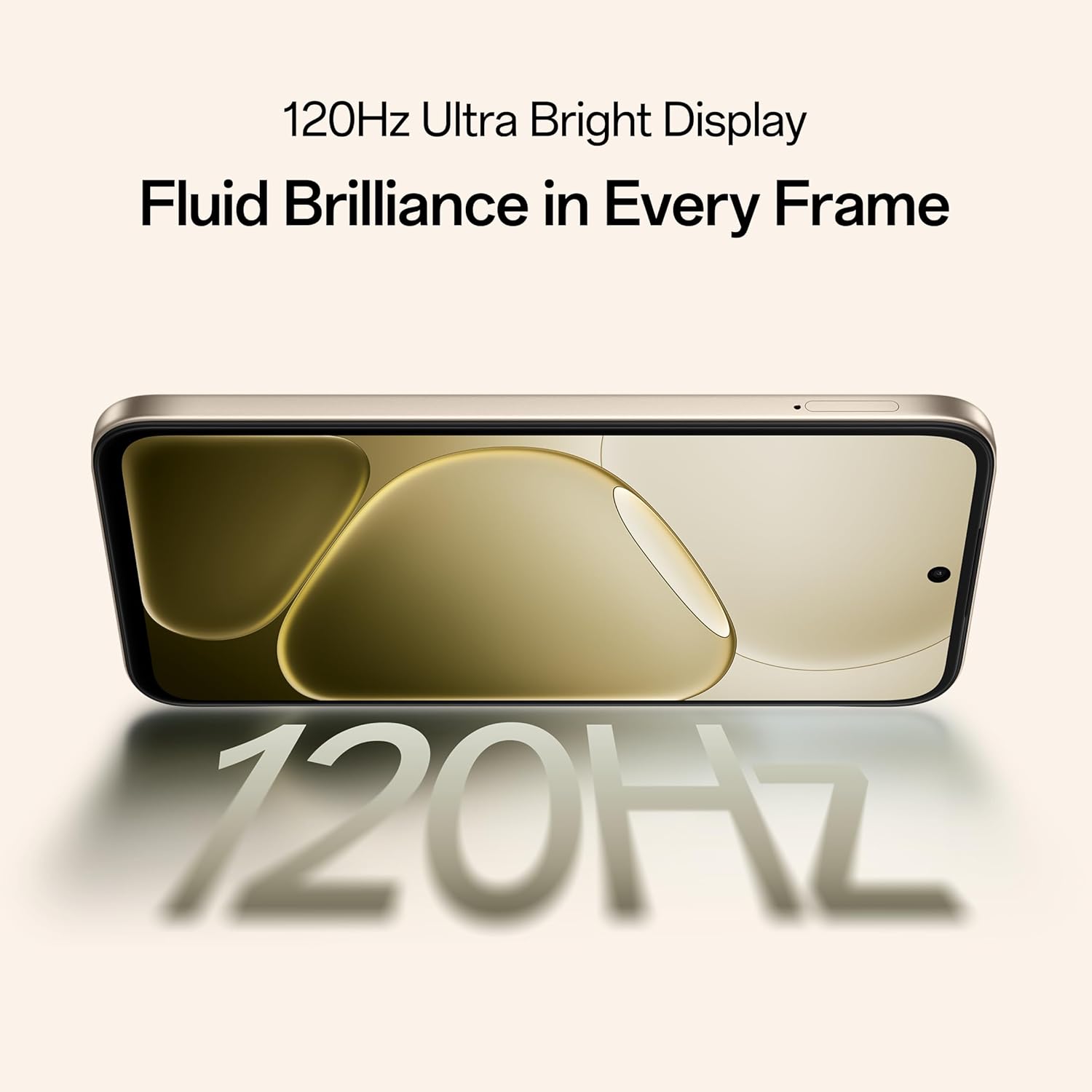
Image: The OPPO A6 Pro 5G demonstrating AI LinkBoost 3.0 for enhanced network connectivity.
4. Kamerafunktionen
The OPPO A6 Pro 5G is equipped with a 50MP KI-Kamera, designed to capture high-quality photos and videos. It includes several intelligent features to enhance your photography experience.
- KI-Radierer: Intelligently removes unwanted objects or people from your photos.
- AI Recompose: Helps to improve photo composition for more balanced and appealing shots.
- KI-Perfekter Schuss: Optimizes camera settings to capture the best possible image in various scenarios.

Image: The OPPO A6 Pro 5G displaying a landscape photo captured with its 50MP Ultra-Clear Camera.
5. Akku und Aufladen
The device features a large capacity battery and fast charging technology to keep you powered throughout the day.
- 7000mAh Akku: Ermöglicht eine verlängerte Nutzungsdauer.
- 80W SUPERVOOC Charging: Enables rapid charging, significantly reducing downtime.
- Umgekehrtes Laden per Kabel: Allows the phone to charge other compatible devices using a C-to-C data cable.

Abbildung: Ein interner view of the OPPO A6 Pro 5G highlighting its 7000mAh large battery.

Image: The OPPO A6 Pro 5G screen displaying 80% charge with 80W SUPERVOOC Flash Charge indicator.

Image: The OPPO A6 Pro 5G using reverse wired charging to power another smartphone.
6. Langlebigkeit und Schutz
The OPPO A6 Pro 5G is built with robust protection features to withstand various environmental conditions.
- Triple IP-Rated Durability (IP69, IP68, IP66): Provides protection against water jets, immersion, hot water, steam, and dust. This ensures reliability in diverse environments.

Image: The back of the OPPO A6 Pro 5G being splashed with water, illustrating its IP69 water and dust resistance.
7. Leistung und Darstellung
Experience smooth performance and vibrant visuals with the advanced hardware and display technology of the OPPO A6 Pro 5G.
- 120Hz Adaptive Display: A 17.14 cm (6.75-inch) HD+ IPS LCD Ultra Bright 1125nits display with a 120Hz high refresh rate for smooth visuals and excellent outdoor visibility.
- MediaTek Dimensity 6300 Chipsatz: The 6nm MediaTek Dimensity 6300 processor delivers faster performance, improved power efficiency, and reliable 5G connectivity.
- 5-Year Smooth Performance Assurance: Optimized system-level performance ensures long-lasting smoothness, tested to deliver up to 60 months of fluency.
- Fortschrittliches Kühlsystem: Features a large vapor chamber and expanded graphite layers to maintain low temperatures during gaming and multitasking, ensuring stable performance.
- AI GameBoost 2.0: Enhances gaming performance for a smoother and more responsive experience.

Image: The OPPO A6 Pro 5G display showcasing its 120Hz refresh rate for fluid visuals.

Image: A close-up of the MediaTek Dimensity 6300 5G chipset, emphasizing its role in the phone's performance.
Bild: Eine explodierte view of the OPPO A6 Pro 5G showing the SuperCool VC System components for heat dissipation.

Image: A user playing a game on the OPPO A6 Pro 5G, illustrating the AI GameBoost 2.0 feature.
8. Audiofunktionen
The OPPO A6 Pro 5G provides an immersive audio experience.
- Zwei Stereolautsprecher: Delivers rich and clear sound.
- Ultra Volume Mode: Boosts audio output for louder sound when needed.
9. Wartung
To ensure the longevity and optimal performance of your OPPO A6 Pro 5G, follow these maintenance guidelines:
- Reinigung: Reinigen Sie Bildschirm und Gehäuse mit einem weichen, fusselfreien Tuch. Vermeiden Sie scheuernde Materialien und aggressive Chemikalien.
- Software-Updates: Prüfen Sie regelmäßig, ob Systemaktualisierungen verfügbar sind, und installieren Sie diese, um von den neuesten Funktionen, Sicherheitspatches und Leistungsverbesserungen zu profitieren.
- Batteriepflege: Avoid extreme temperatures. For long-term storage, charge the battery to around 50% and store in a cool, dry place.
- Lagerung: Das Gerät sollte vor direkter Sonneneinstrahlung, übermäßiger Hitze und Feuchtigkeit geschützt werden.
10. Fehlerbehebung
Sollten Sie Probleme mit Ihrem Gerät haben, beachten Sie bitte die folgenden gängigen Schritte zur Fehlerbehebung:
- Gerät reagiert nicht: Um einen Neustart zu erzwingen, halten Sie den Netzschalter etwa 10-15 Sekunden lang gedrückt.
- Ladeprobleme: Ensure the charging cable and adapter are securely connected and undamaged. Try a different charger or outlet.
- Netzwerkverbindungsprobleme: Schalten Sie den Flugmodus ein und aus. Starten Sie das Gerät neu. Überprüfen Sie, ob Ihre SIM-Karte richtig eingelegt ist.
- App-Abstürze: Löschen Sie den Cache und die Daten der betroffenen App unter Einstellungen > Apps. Sollte das Problem weiterhin bestehen, deinstallieren Sie die App und installieren Sie sie anschließend neu.
- Langsame Leistung: Close unnecessary background apps. Clear cached data. Consider performing a factory reset if performance issues persist after other steps (back up your data first).
For more complex issues, contact OPPO customer support.
11. Spezifikationen
| Besonderheit | Spezifikation |
|---|---|
| Modellnummer | CPH2827 |
| Betriebssystem | Android 15 |
| Anzeige | 17.14 cm (6.75-inch) HD+ IPS LCD, 120Hz, 1125 nits |
| Prozessor | MediaTek Dimensity 6300 (6nm) |
| RAM | 8 GB |
| Interner Speicher | 128 GB |
| Rückfahrkamera | 50MP KI-Kamera |
| Batteriekapazität | 7000 mAh |
| Laden | 80W SUPERVOOC Flash Charge, Reverse Wired Charging |
| Haltbarkeitsbewertung | IP69, IP68, IP66 Water and Dust Resistance |
| Konnektivität | 5G, Bluetooth, USB, WLAN |
| Abmessungen (LxBxH) | 15.8 x 7.5 x 0.7 cm |
| Gewicht | 198 g |
| Hersteller | OPPO MOBILES INDIA PVT LTD. |
| Ursprungsland | Indien |
12. Lieferumfang
The standard retail package for the OPPO A6 Pro 5G includes the following items:
- OPPO A6 Pro 5G Smartphone
- Netzteil
- USB-Kabel
- Handyhülle
- SIM-Fach-Auswerfer
13. Garantie und Support
Your OPPO A6 Pro 5G comes with a manufacturer's warranty. For specific warranty terms and conditions, please refer to the warranty card included in your product packaging or visit the official OPPO webWebsite.
OPPO provides a 5-year smooth performance assurance, indicating a commitment to long-term device fluency.
13.1. Kontaktinformationen des Herstellers
Hersteller: OPPO MOBILES INDIA PVT LTD.
Adresse: 5. Etage, Turm B, Gebäude N-8, DLF Cyber City, DLF Phase 2, Gurugram, Haryana 122002
Kundenservice Tel: 18001032777
For technical support, service, or warranty claims, please contact OPPO customer service directly.