


iRobot-Codierungs-App

So laden Sie Projekte hoch
Befolgen Sie diese Schritte, um iRobot Coding-Projekte zu teilen.
Schritt 1: Besuchen Sie code.irobot.com oder die iRobot Coding App.
Schritt 2: Wählen Sie das Projekt aus, das Sie freigeben möchten, und klicken Sie auf , um das Projektmenü zu öffnen.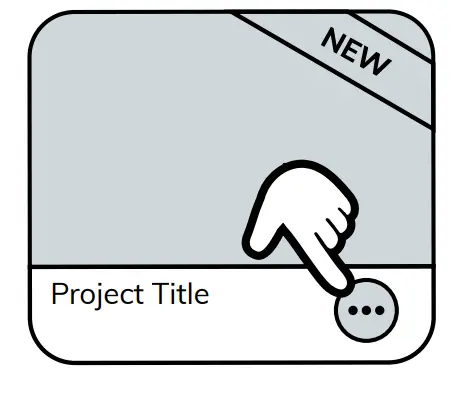
Schritt 3: Klicken Sie auf das Upload-Symbol. 
Schritt 4: Kopieren Sie den Projektcode, um ihn mit Ihren Freunden zu teilen! 
© 2021 iRobot Corporation. Alle Rechte vorbehalten. iRobot Education und Root sind Warenzeichen der iRobot Corporation
Dokumente / Ressourcen
 | Codierungs-App |
Verweise
- iRobot-Codierungcode.irobot.com
- Bedienungsanleitungmanual.tools
Published: August 28, 2022